CASIO WATCHES PC
CASIO COMPUTER CO., LTD.
Download CASIO WATCHES on PC With GameLoop Emulator
CASIO WATCHES sa PC
Ang CASIO WATCHES, na nagmumula sa developer na CASIO COMPUTER CO., LTD., ay tumatakbo sa Android systerm sa nakaraan.
Ngayon, maaari mong laruin ang CASIO WATCHES sa PC gamit ang GameLoop nang maayos.
I-download ito sa GameLoop library o mga resulta ng paghahanap. Hindi na tumitingin sa baterya o nakakadismaya na mga tawag sa maling oras.
I-enjoy lang ang CASIO WATCHES PC sa malaking screen nang libre!
CASIO WATCHES Panimula
[Important Notice]
When the CASIO WATCHES latest version is installed on Android 12 or higher devices, Automatic Time Synchronization between the app and watches may fail.
[Solution]
Please follow the steps below:
1. Select ""OS Settings"" -> ""Applications"" -> ""CASIO WATCHES"" -> ""App permissions"" and turn on the ""Nearby devices permission"".
2. Restart the app.
ーーーーーーーー
[The design of the home page has been updated]
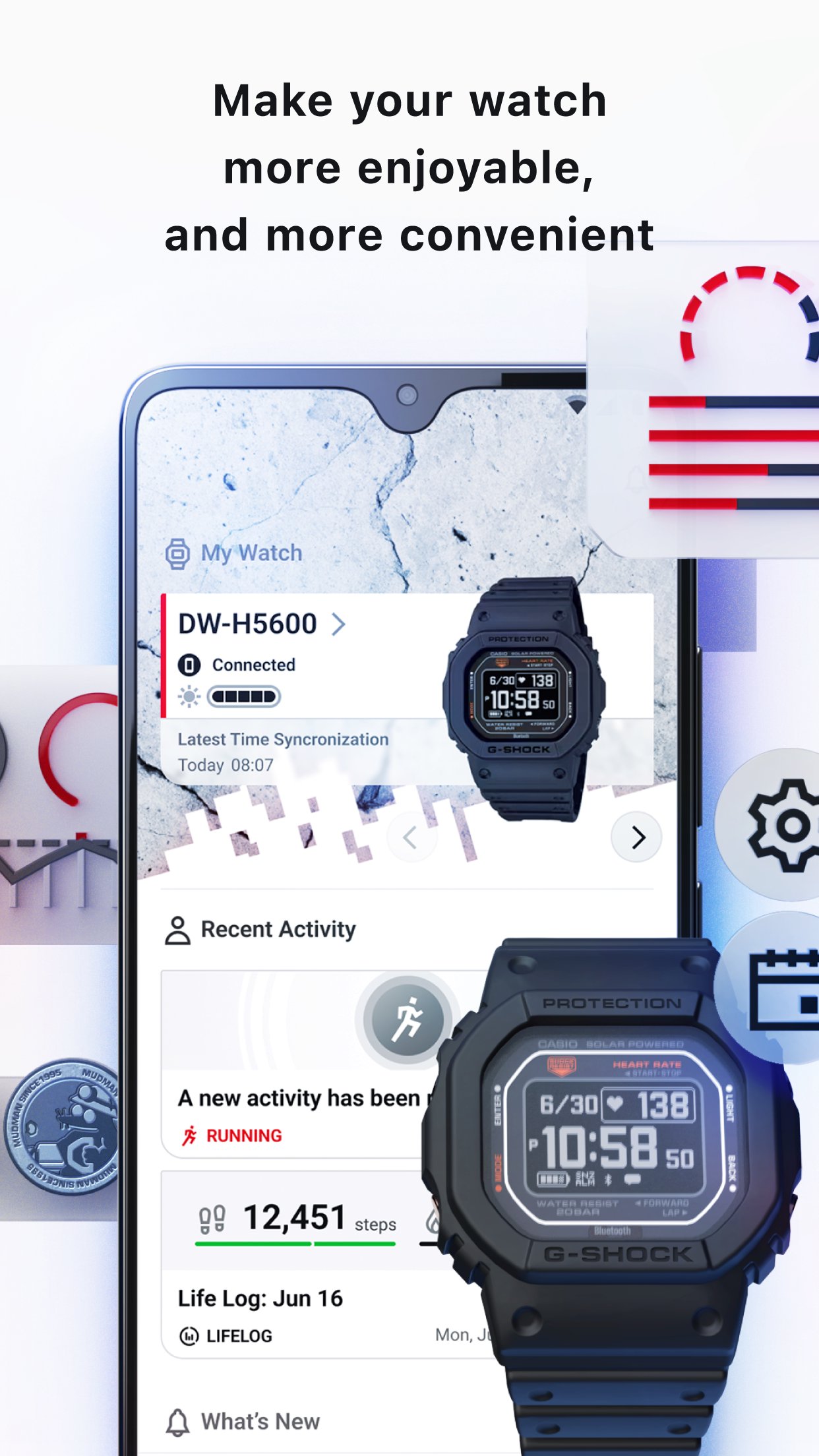
‐ Status and time of registered watches can now be monitored at a glance.
‐ Backgrounds matching each watch’s brand image are now available for selection.
‐ Recent activity is now displayed on the home page, with details more easily accessible.
‐ Current Life Log status will be displayed on the home page, making daily checks easier.
We pledge to continue to do our utmost to provide you with the best possible service. We encourage you all try out the new updated version of the app.
ーーーーーーーー
CASIO WATCHES is the official comprehensive app that unlocks new ways to enjoy CASIO watches.
Using Bluetooth® technology to link to your CASIO watch, the app allows you to access a range of convenient functions via your smartphone, including time adjustment and world time settings. Keep up with the latest G-SHOCK and other CASIO brand information, and view exclusive CASIO content.
■ Major functions
‐ Home: Check the status of registered watches and your recent activity at a single glance
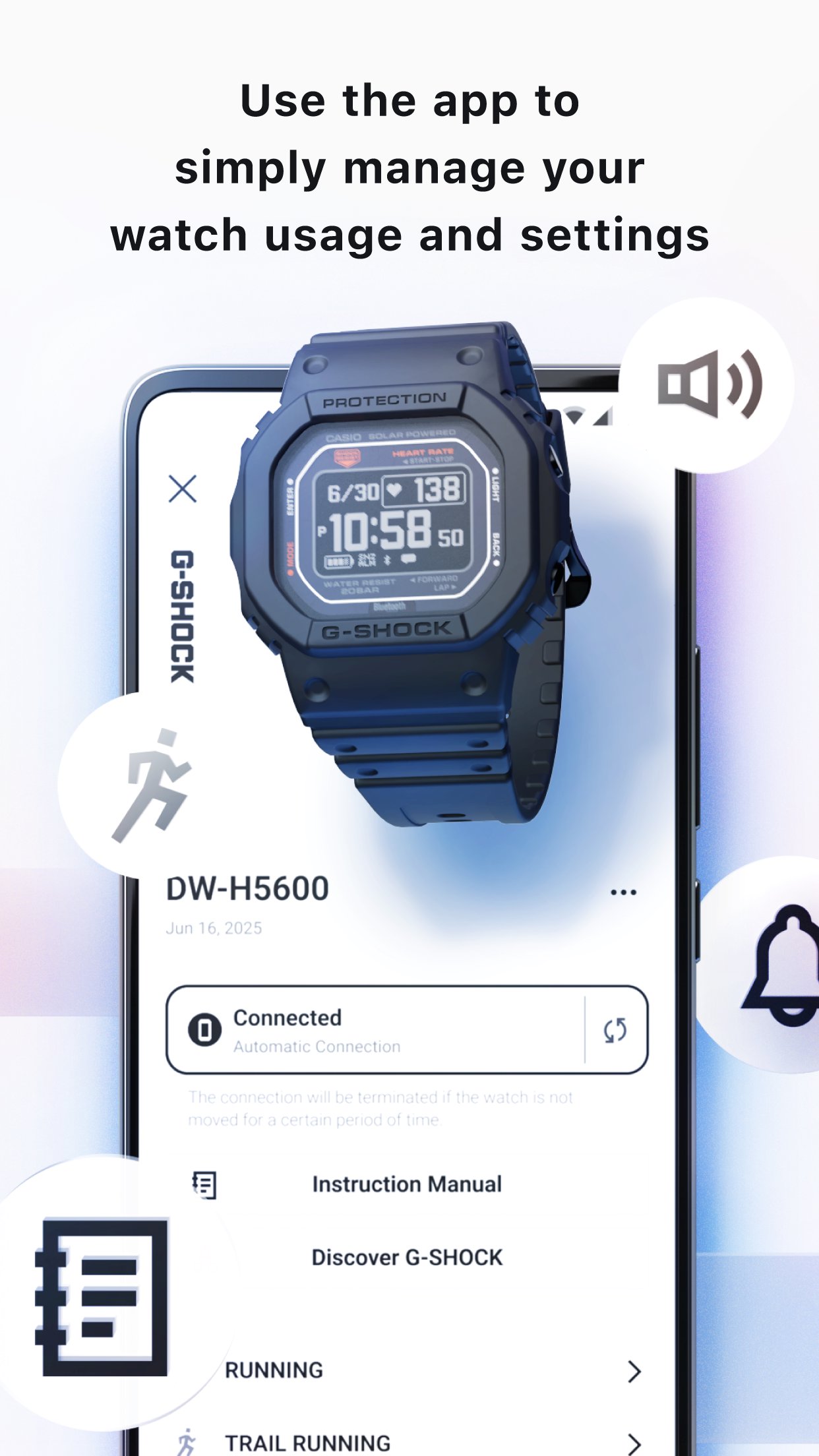
‐ My Watch: Register your watch to easily check its manual, or use Bluetooth connection to adjust its time settings, set alarms, and implement world time settings
‐ My Page: Monitor your daily activities by keeping track of data including calories burned, step counts, heart rate, and activity log
‐ Discover G-SHOCK: Exclusive content for G-SHOCK fans, including brand history and details of over 4,000 G-SHOCK models
‐ BADGE COLLECTIONS: Link the app with step tracker-equipped models, and receive CASIO original badges as rewards for hitting certain step count marks
‐ MY G-SHOCK: Customize and order your very own unique G-SHOCK!
‐ Latest Watch Information: Information pertaining to various CASIO brands, including G-SHOCK, BABY-G, EDIFICE,PRO TREK ,CASIO, and OCEANUS
■ Major Compatible Models
G-SHOCK: DW-H5600, GBD-H2000, GPR-H1000, GA-B2100, GBD-200, GMW-B5000
BABY-G: BSA-B100
EDIFICE: ECB-S10, ECB-2000, ECB-2200
PRO TREK: PRJ-B001
CASIO: ABL-100WE
OCEANUS: OCW-S7000, OCW-T6000, OCW-S400
etc. New products are always being added.
You can manage registered watches from “My Watch”. You can also view manuals.
*Bluetooth® compatibility and functionality differ by model. Please see each product’s page for more details.
Please see the following website for more details: https://www.casio.com/intl/watches/casio/app/
■ Compatible OS
Android 8.0 or later
■ Notes
‐ A CASIO ID is required to use the app.
‐ This app is not guaranteed to work on every device.
‐ Even devices with a compatible OS may fail to operate or display the app depending on the device’s software version and display specifications.
‐ Bluetooth® functionality can be used with devices compatible with Bluetooth 4.0.
Preview
Tags
LifestyleInformation
Developer
CASIO COMPUTER CO., LTD.
Latest Version
4.4.1
Last Updated
2026-04-06
Category
Lifestyle
Available on
Google Play
Show More
How to play CASIO WATCHES with GameLoop on PC
1. Download GameLoop from the official website, then run the exe file to install GameLoop
2. Open GameLoop and search for “CASIO WATCHES” , find CASIO WATCHES in the search results and click “Install”
3. Enjoy playing CASIO WATCHES on GameLoop
Minimum requirements
OS
Windows 8.1 64-bit or Windows 10 64-bit
GPU
GTX 1050
CPU
i3-8300
Memory
8GB RAM
Storage
1GB available space
Recommended requirements
OS
Windows 8.1 64-bit or Windows 10 64-bit
GPU
GTX 1050
CPU
i3-9320
Memory
16GB RAM
Storage
1GB available space