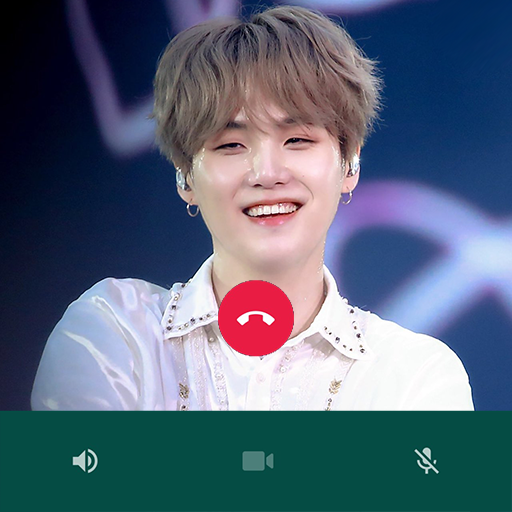
BTS Suga | Fake Video Call PC
BAKSO
Download BTS Suga | Fake Video Call on PC With GameLoop Emulator
BTS Suga | Fake Video Call sa PC
Ang BTS Suga | Fake Video Call, na nagmumula sa developer na BAKSO, ay tumatakbo sa Android systerm sa nakaraan.
Ngayon, maaari mong laruin ang BTS Suga | Fake Video Call sa PC gamit ang GameLoop nang maayos.
I-download ito sa GameLoop library o mga resulta ng paghahanap. Hindi na tumitingin sa baterya o nakakadismaya na mga tawag sa maling oras.
I-enjoy lang ang BTS Suga | Fake Video Call PC sa malaking screen nang libre!
BTS Suga | Fake Video Call Panimula
Min Yoon-gi, better known as Suga, is a South Korean rapper, songwriter, and record producer. BTS Suga is a member of the male vocal group BTS, which is managed by Big Hit Music. BTS Suga released his first solo album in the form of a mixtape entitled Agust D.
On June 13, 2013, BTS Suga debuted as a member of BTS on the Mnet M! Countdown with the song "No More Dream" from the debut single album 2 Cool 4 Skool. BTS Suga produced and wrote lyrics for various songs on all of BTS' albums. On December 9, 2013, during their promotions in Japan, BTS Suga was diagnosed with appendicitis and had to fly back to Korea for surgery. Due to the operation, BTS Suga was unable to participate in some BTS activities, such as SBS Gayo Daejeon and MBC Gayo Daejejeon year-end shows.
His first mixtape was released on August 16, 2016 under the name Agust D which is the opposite of his name Agus=Suga and t D=DT (Daegu Town) where he was born. The music videos for two songs from his mixtape, "Agust D" and "Give it to Me", were released on YouTube and racked up over 1 million views within 12 hours.
How to use :
- open the app
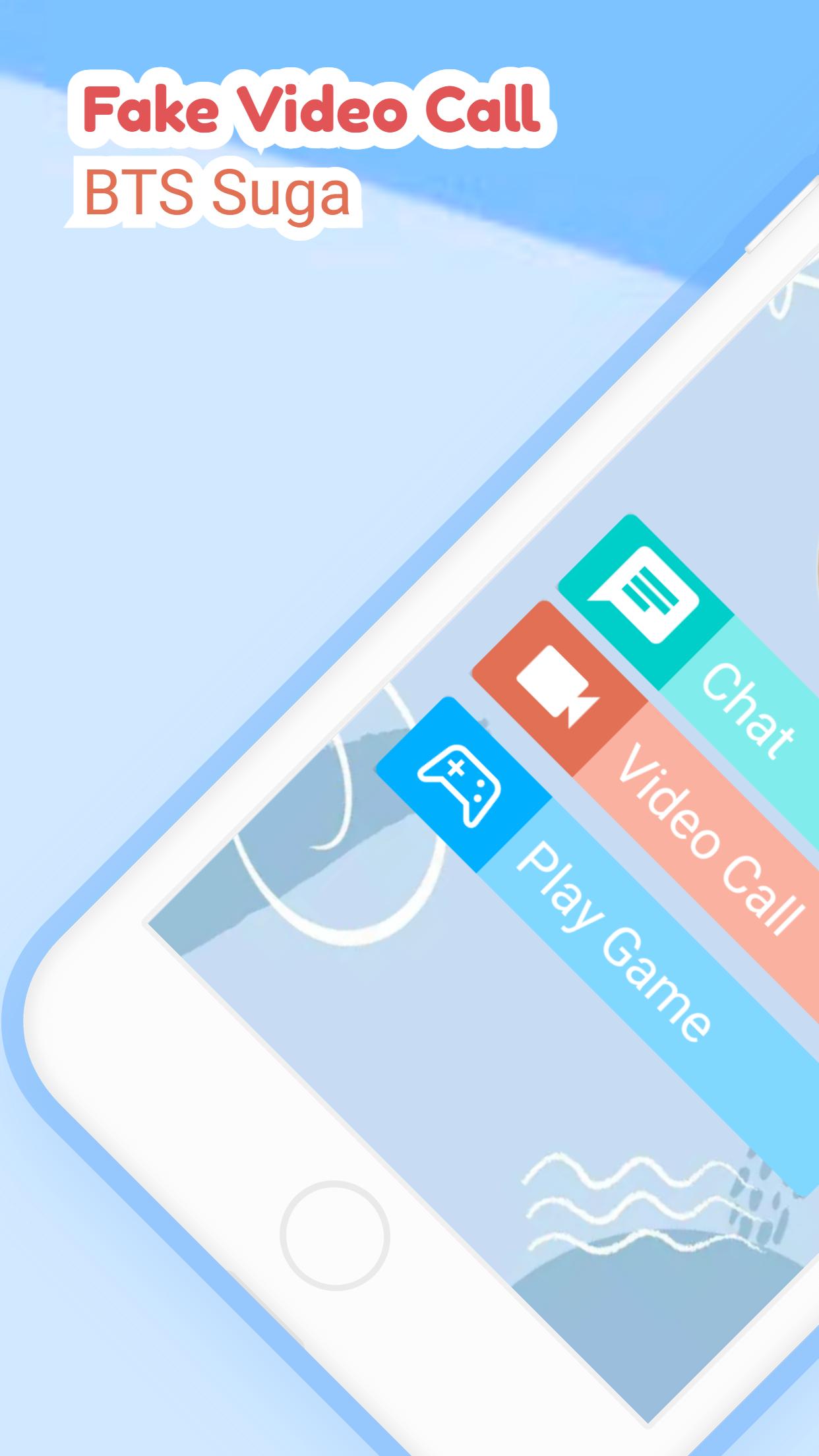
- select the available menu
- chat, video call or play puzzle
- simple and easy to use
Feature :
- Suga BTS Puzzle
- Contact BTS Suga
- Chat with BTS Suga
- Video call with BTS Suga
- Prank called by BTS Suga
- Lightweight and easy to use.
Preview

Tags
LifestyleInformation
Developer
BAKSO
Latest Version
3.1.0
Last Updated
2022-09-28
Category
Lifestyle
Available on
Google Play
Show More
How to play BTS Suga | Fake Video Call with GameLoop on PC
1. Download GameLoop from the official website, then run the exe file to install GameLoop
2. Open GameLoop and search for “BTS Suga | Fake Video Call” , find BTS Suga | Fake Video Call in the search results and click “Install”
3. Enjoy playing BTS Suga | Fake Video Call on GameLoop
Minimum requirements
OS
Windows 8.1 64-bit or Windows 10 64-bit
GPU
GTX 1050
CPU
i3-8300
Memory
8GB RAM
Storage
1GB available space
Recommended requirements
OS
Windows 8.1 64-bit or Windows 10 64-bit
GPU
GTX 1050
CPU
i3-9320
Memory
16GB RAM
Storage
1GB available space