Brain Upgrade: Binaural Beats PC
Sollapps
Download Brain Upgrade: Binaural Beats on PC With GameLoop Emulator
Brain Upgrade: Binaural Beats sa PC
Ang Brain Upgrade: Binaural Beats , na nagmumula sa developer na Sollapps, ay tumatakbo sa Android systerm sa nakaraan.
Ngayon, maaari mong laruin ang Brain Upgrade: Binaural Beats sa PC gamit ang GameLoop nang maayos.
I-download ito sa GameLoop library o mga resulta ng paghahanap. Hindi na tumitingin sa baterya o nakakadismaya na mga tawag sa maling oras.
I-enjoy lang ang Brain Upgrade: Binaural Beats PC sa malaking screen nang libre!
Brain Upgrade: Binaural Beats Panimula
This app generates binaural beats and noises combination, and plays in background mode
- speaker or headphone mode
- flip fuction of binaural beat direction
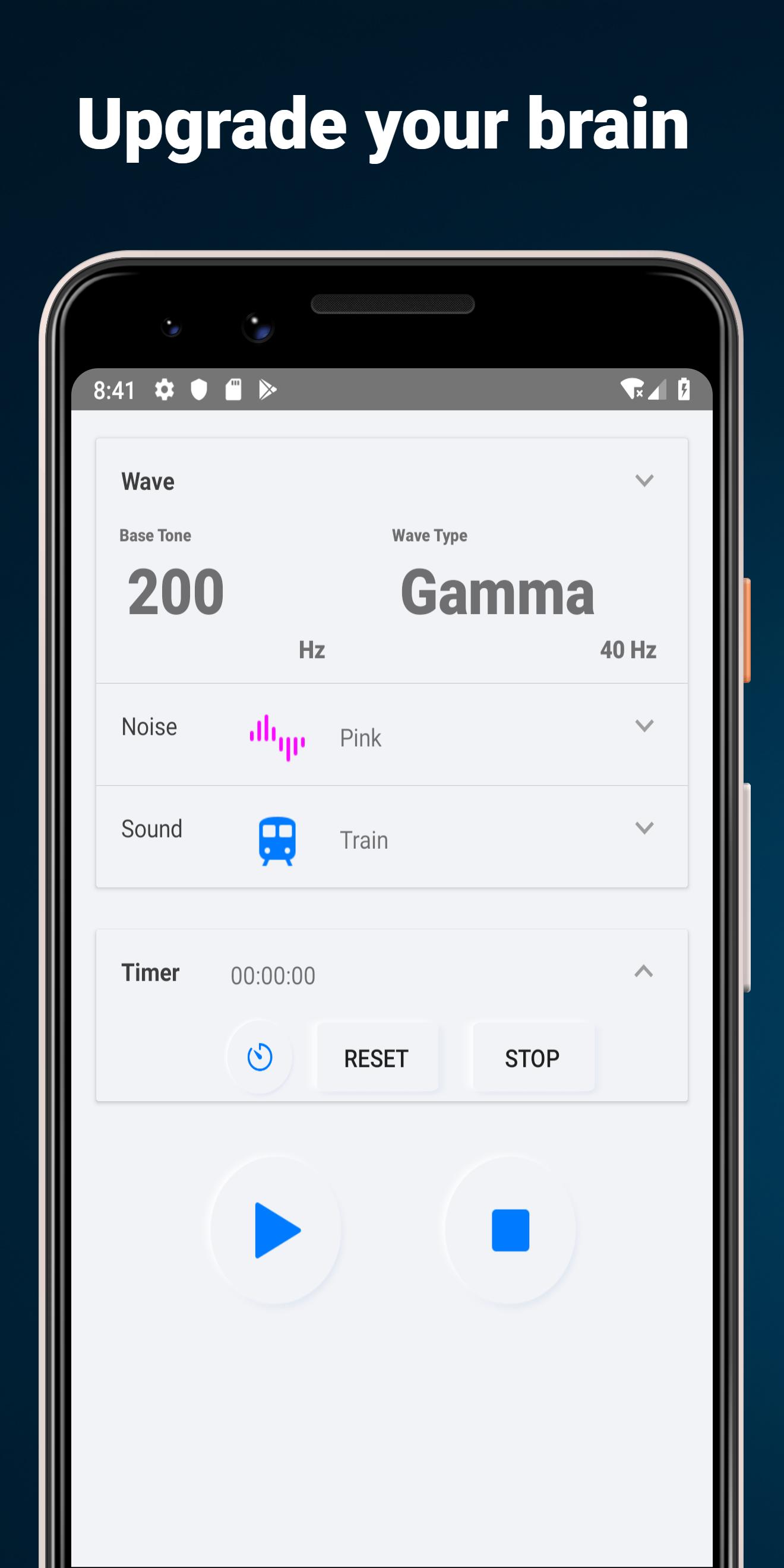
- 5 types of wave
- base frequency from 25 to 800 Hz
- 6 types of noise sounds
- 5 types of dark wallpaper
- memory current setting
2 Mode Types
Binaural beat: for headphone or earphone
Isochronic tone:for speaker
Brain Selector
Flip Binaural beat in headphone mode
5 Wave Types
- alpha: 10 Hz, relaxation, pre-sleep and pre-wake drowsiness, REM sleep, Dreams
- beta: 20 Hz, active, busy or anxious thinking and active concentration, arousal, cognition, and or paranoia
- gamma: 40 Hz, higher mental activity, including perception, problem solving, fear, and consciousness
- delta: 2.5 Hz, deep dreamless sleep, loss of body awareness
- theta: 5 Hz, deep meditation/relaxation, NREM sleep
Frequency bands
Select base frequency from 25, 50, 100, 200, 300, 400, 500, 600, 700, 800 Hz
5 Noise types
White noise, pink noise, gray noise, blue noise, brown noise, purple noise
Wallpaper
Select background wallpaper from 5 types
Preview

Tags
LifestyleInformation
Developer
Sollapps
Latest Version
14
Last Updated
2020-01-25
Category
Lifestyle
Available on
Google Play
Show More
How to play Brain Upgrade: Binaural Beats with GameLoop on PC
1. Download GameLoop from the official website, then run the exe file to install GameLoop
2. Open GameLoop and search for “Brain Upgrade: Binaural Beats ” , find Brain Upgrade: Binaural Beats in the search results and click “Install”
3. Enjoy playing Brain Upgrade: Binaural Beats on GameLoop
Minimum requirements
OS
Windows 8.1 64-bit or Windows 10 64-bit
GPU
GTX 1050
CPU
i3-8300
Memory
8GB RAM
Storage
1GB available space
Recommended requirements
OS
Windows 8.1 64-bit or Windows 10 64-bit
GPU
GTX 1050
CPU
i3-9320
Memory
16GB RAM
Storage
1GB available space