iphone Ringtones for Android PC
KellyApps
Download iphone Ringtones for Android on PC With GameLoop Emulator
iphone Ringtones for Android sa PC
Ang iphone Ringtones for Android, na nagmumula sa developer na KellyApps, ay tumatakbo sa Android systerm sa nakaraan.
Ngayon, maaari mong laruin ang iphone Ringtones for Android sa PC gamit ang GameLoop nang maayos.
I-download ito sa GameLoop library o mga resulta ng paghahanap. Hindi na tumitingin sa baterya o nakakadismaya na mga tawag sa maling oras.
I-enjoy lang ang iphone Ringtones for Android PC sa malaking screen nang libre!
iphone Ringtones for Android Panimula
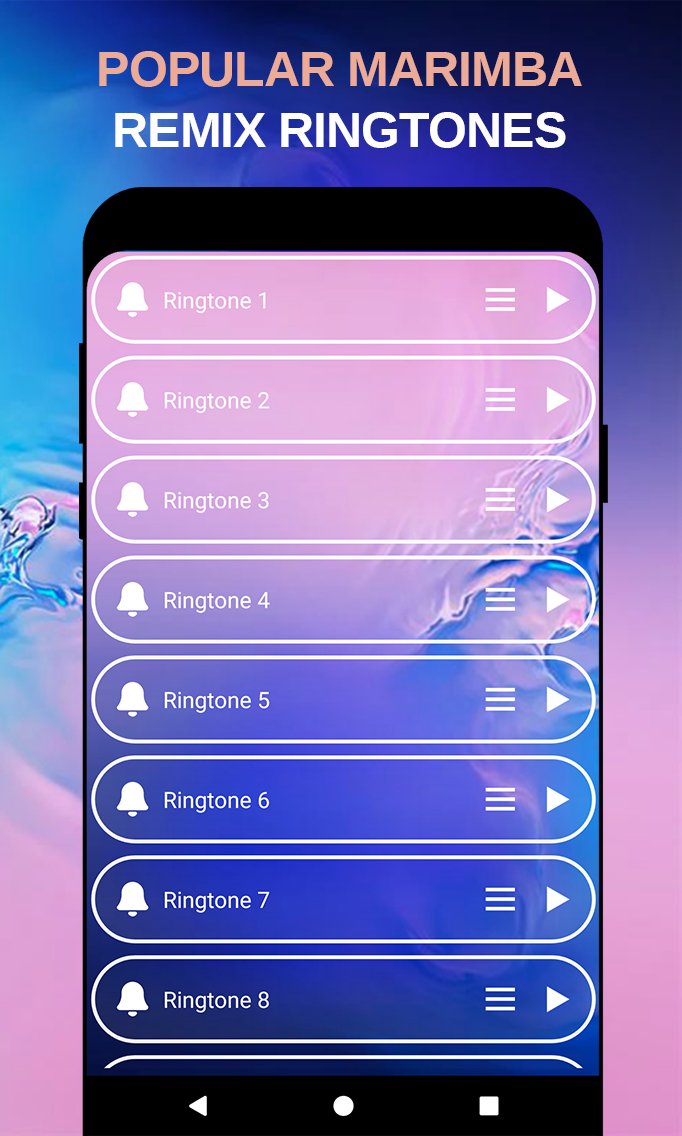
Discover a fresh collection of iphone ringtones for Android, featuring classic phone sounds, modern remixes, and the popular marimba remix style. Explore iphone ringtones remix, notification sounds, SMS tones, alarms, and more. Whether you want a new iphone ringtone, a familiar apple ringtone, or a catchy marimba-style sound, you can quickly find a ringtone that fits your phone.
Our app includes a wide selection of iphone ringtones, marimba remix ringtones, remix ringtones, ringtone remixes, ringtone songs, and funny ringtone sounds. Preview each tone and set it as your default ringtone, contact ringtone, notification sound, message tone, or alarm. If you are searching for free ringtones for iphone style sounds on Android, this app makes personalization simple and fast.
The app works offline, so your favorite iphone ringtones and marimba remix sounds are always available when you need them. Browse iphone ringtone download options, ringtones download mp3, ringtone songs, and other ringtones for cell phones without needing a constant internet connection. The collection combines classic sounds with newer remix styles for a more varied experience.
If you enjoy iphone mp3 ringtones offline and the recognizable marimba remix sound, this app gives you an easy way to bring that style to your Android device. From iphone ringtones remix and apple ringtone sounds to modern ringtone remixes and notification tones, you can personalize calls, messages, and alerts with just a few taps.
Preview
Tags
Libraries-&Information
Developer
KellyApps
Latest Version
9.0
Last Updated
2026-09-28
Category
Libraries-demo
Available on
Google Play
Show More
How to play iphone Ringtones for Android with GameLoop on PC
1. Download GameLoop from the official website, then run the exe file to install GameLoop
2. Open GameLoop and search for “iphone Ringtones for Android” , find iphone Ringtones for Android in the search results and click “Install”
3. Enjoy playing iphone Ringtones for Android on GameLoop
Minimum requirements
OS
Windows 8.1 64-bit or Windows 10 64-bit
GPU
GTX 1050
CPU
i3-8300
Memory
8GB RAM
Storage
1GB available space
Recommended requirements
OS
Windows 8.1 64-bit or Windows 10 64-bit
GPU
GTX 1050
CPU
i3-9320
Memory
16GB RAM
Storage
1GB available space