
BusinessProfile PC
Problemhunt
Download BusinessProfile on PC With GameLoop Emulator
BusinessProfile sa PC
Ang BusinessProfile, na nagmumula sa developer na Problemhunt, ay tumatakbo sa Android systerm sa nakaraan.
Ngayon, maaari mong laruin ang BusinessProfile sa PC gamit ang GameLoop nang maayos.
I-download ito sa GameLoop library o mga resulta ng paghahanap. Hindi na tumitingin sa baterya o nakakadismaya na mga tawag sa maling oras.
I-enjoy lang ang BusinessProfile PC sa malaking screen nang libre!
BusinessProfile Panimula
Are you an entrepreneur or business owner? Looking for a solution to market your startup or business through an android app?
If you have just launched a new business and are looking to make a great first impression on prospective customers, then it is essential to create an powerful company profile Mobile App. A well-designed company profile App is an effective way to introduce the business to the potential customers and other stakeholders. A company profile is a professional introduction of the business and aims to inform the audience about its products and services.
To create business or company profiles, one needs to carefully develop a strategy and map out the characteristics to be highlighted and how to assimilate the unique offerings of the business in a concise yet attractive manner. A great profile is crucial for any business but it should not be the only promotional tool; one needs to create the right marketing mix to reach out to customers and get them interested in your brand. You can take Mobile App for creating a powerful brand for yourself and your business
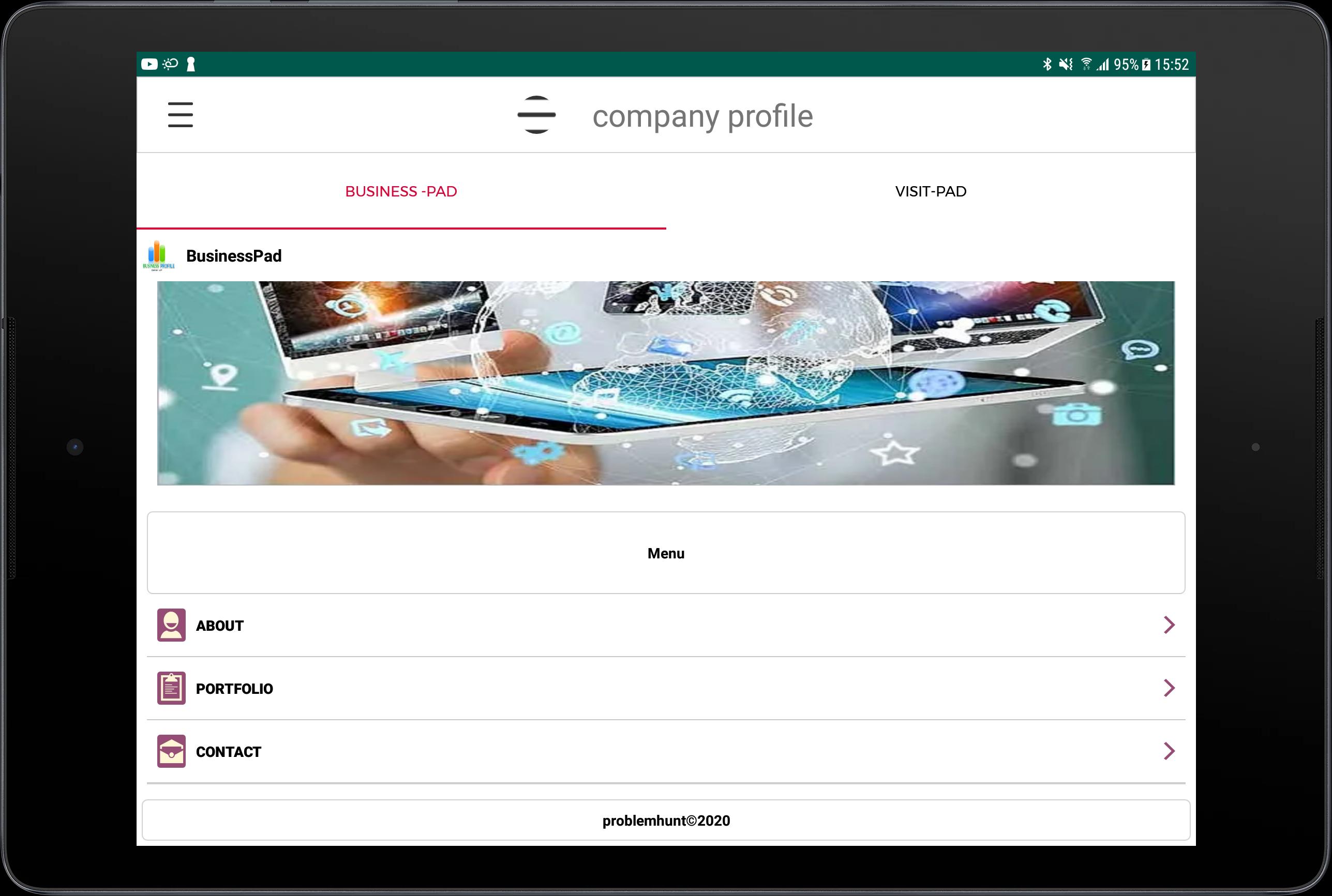
# Home: Display your company’s best projects on the starting page, with the title and links to the website or application.
# Contact: To start work with your company, to apply for an employment or an internship interest people can reach you very easier way via mobile, email and website available on the sidebar.
# Overview: Provide a short overview what solutions you are providing to your customers.
# Portfolio with classification: Exhibit all of your company's works, and categorise them. For example Android, iOS, Website Design & Developments, UI/UX or Product Development.
# Team/Employees: Introduce the faces/employees behind your awesome projects.
# Clients: Present your clients, with their country location and website/application link.
# Testimonial/Reviews/Feedback: Share your clients’ reviews on your company.
# Methodology: Give a detailed idea on how your company works and what makes your company different from a thousand others.
# Social: Share your Facebook, Linkedin, Twitter, Youtube & more social media pages to get your customers or future employee for job searching to start a career.
# FAQ: Answer your clients’ common queries about your company and give them a clearer image of your work.
Preview

Tags
Libraries-&Information
Developer
Problemhunt
Latest Version
1.6
Last Updated
2020-05-28
Category
Libraries-demo
Available on
Google Play
Show More
How to play BusinessProfile with GameLoop on PC
1. Download GameLoop from the official website, then run the exe file to install GameLoop
2. Open GameLoop and search for “BusinessProfile” , find BusinessProfile in the search results and click “Install”
3. Enjoy playing BusinessProfile on GameLoop
Minimum requirements
OS
Windows 8.1 64-bit or Windows 10 64-bit
GPU
GTX 1050
CPU
i3-8300
Memory
8GB RAM
Storage
1GB available space
Recommended requirements
OS
Windows 8.1 64-bit or Windows 10 64-bit
GPU
GTX 1050
CPU
i3-9320
Memory
16GB RAM
Storage
1GB available space