
ULO app PC
Vivien Muller
Download ULO app on PC With GameLoop Emulator
ULO app sa PC
Ang ULO app, na nagmumula sa developer na Vivien Muller, ay tumatakbo sa Android systerm sa nakaraan.
Ngayon, maaari mong laruin ang ULO app sa PC gamit ang GameLoop nang maayos.
I-download ito sa GameLoop library o mga resulta ng paghahanap. Hindi na tumitingin sa baterya o nakakadismaya na mga tawag sa maling oras.
I-enjoy lang ang ULO app PC sa malaking screen nang libre!
ULO app Panimula
This application requires you to own a ULO camera.
If necessary, visit https://mu-design.lu to acquire one or more.
Ulo is an interactive home monitoring system. The owl blends perfectly with your interior, entertains you with eyes animations and helps you keep an eye out for your home.
Interactivity and customization
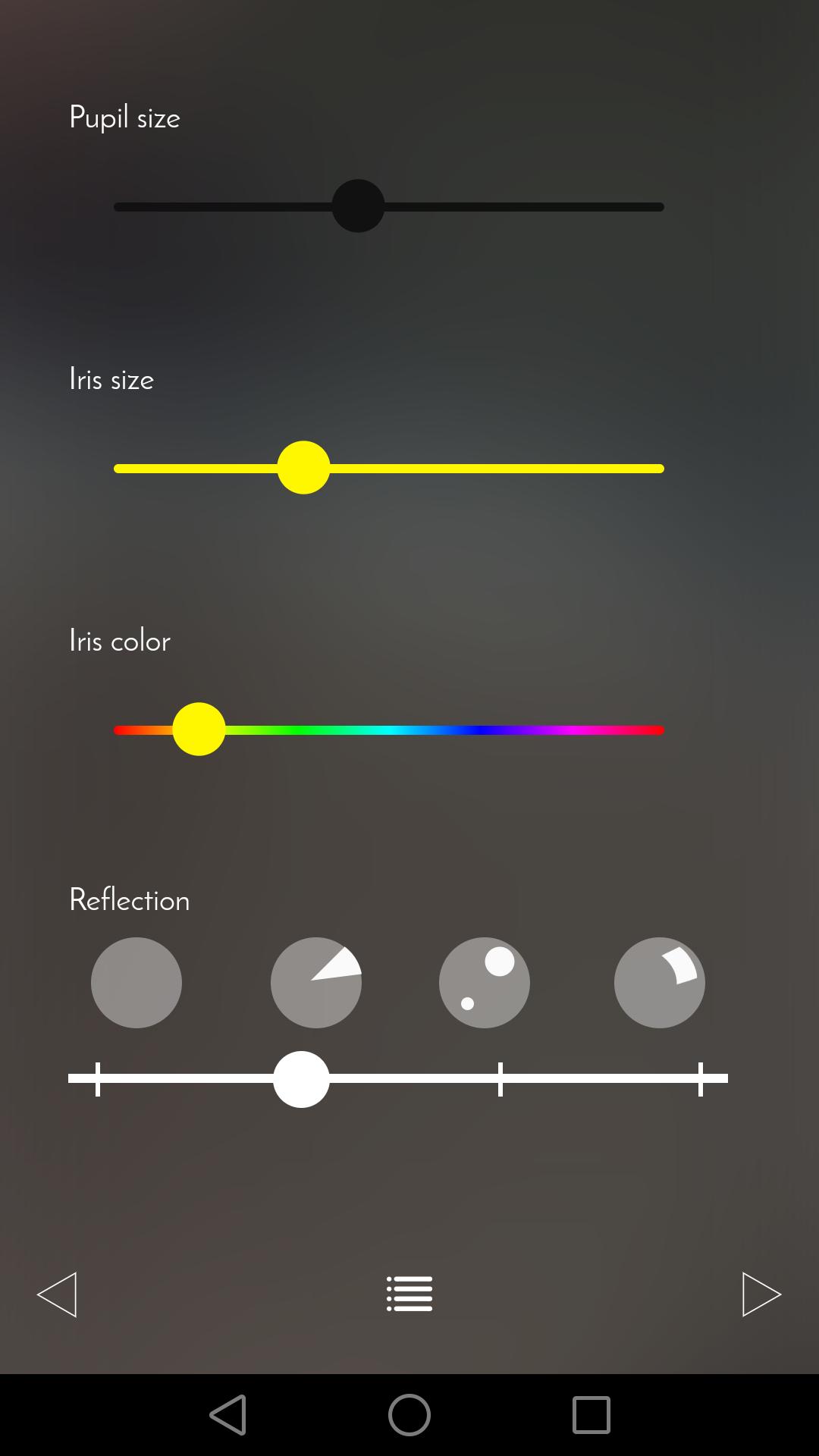
Let yourself be surprised by Ulo’s eyes animations. Change the color of its iris, the size of its pupils or the light reflections as often as you want.
Non-intrusive and secured surveillance
Three different operating modes are available. You can simply use Ulo as a decorative and playful object or make sure your home is under surveillance. Ulo records videos only when it detects a movement. On request, be notified with an email including a short video extract.
The app also allows you to access the live feed and to directly capture snapshots or videos.
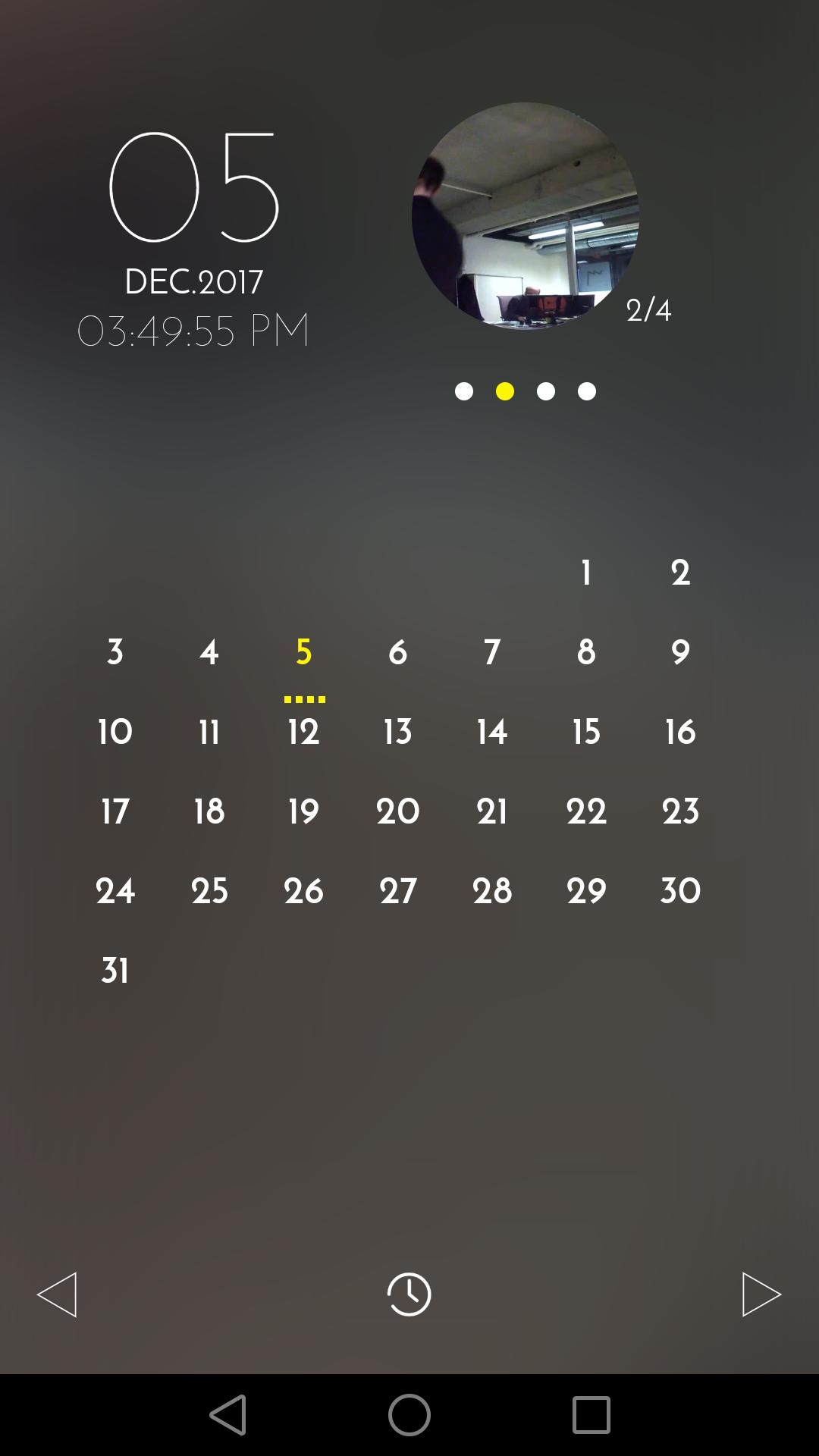
The calendar view makes it easy to find and manage recorded files.
The app will guide you when you first configure Ulo.
For any question or remark, visit our Help center and Community forum: support.ulo.camera
Preview
Tags
House-&Information
Developer
Vivien Muller
Latest Version
1.8
Last Updated
2019-02-27
Category
House-home
Available on
Google Play
Show More
How to play ULO app with GameLoop on PC
1. Download GameLoop from the official website, then run the exe file to install GameLoop
2. Open GameLoop and search for “ULO app” , find ULO app in the search results and click “Install”
3. Enjoy playing ULO app on GameLoop
Minimum requirements
OS
Windows 8.1 64-bit or Windows 10 64-bit
GPU
GTX 1050
CPU
i3-8300
Memory
8GB RAM
Storage
1GB available space
Recommended requirements
OS
Windows 8.1 64-bit or Windows 10 64-bit
GPU
GTX 1050
CPU
i3-9320
Memory
16GB RAM
Storage
1GB available space