
Security Camera CZ PC
SCamera
Download Security Camera CZ on PC With GameLoop Emulator
Security Camera CZ sa PC
Ang Security Camera CZ, na nagmumula sa developer na SCamera, ay tumatakbo sa Android systerm sa nakaraan.
Ngayon, maaari mong laruin ang Security Camera CZ sa PC gamit ang GameLoop nang maayos.
I-download ito sa GameLoop library o mga resulta ng paghahanap. Hindi na tumitingin sa baterya o nakakadismaya na mga tawag sa maling oras.
I-enjoy lang ang Security Camera CZ PC sa malaking screen nang libre!
Security Camera CZ Panimula
Security Camera CZ is a security camera app with more than 6 years on the market. It helps to a million of users in many countries by turning their old smartphones into home security cameras. This app is designed for parental monitoring, property monitoring, pet monitor, dog monitor, baby monitor, webcam, nanny cam, IP cam and much more. It is FREE to use including ALL FEATURES!
HOW IT WORKS
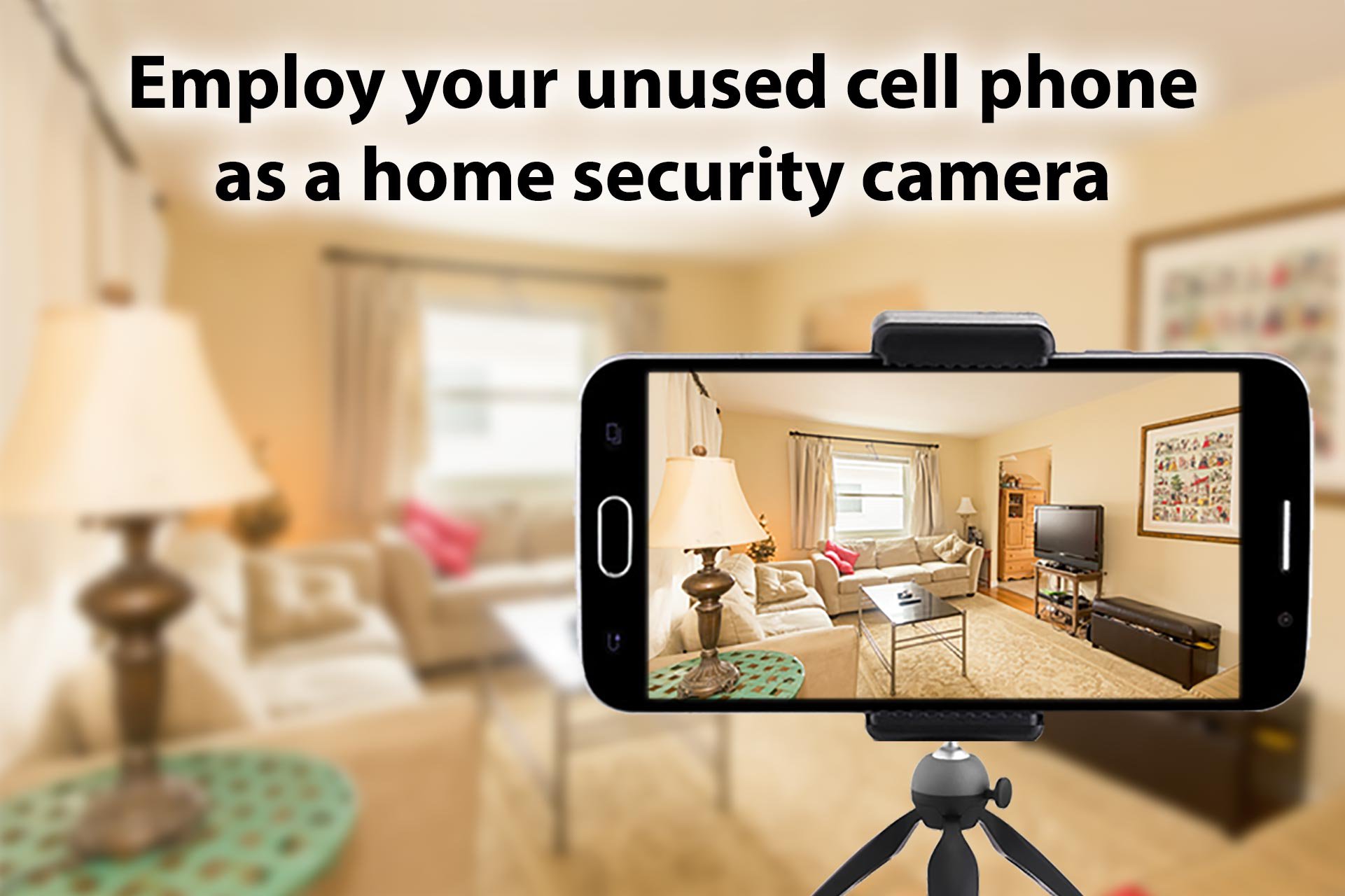
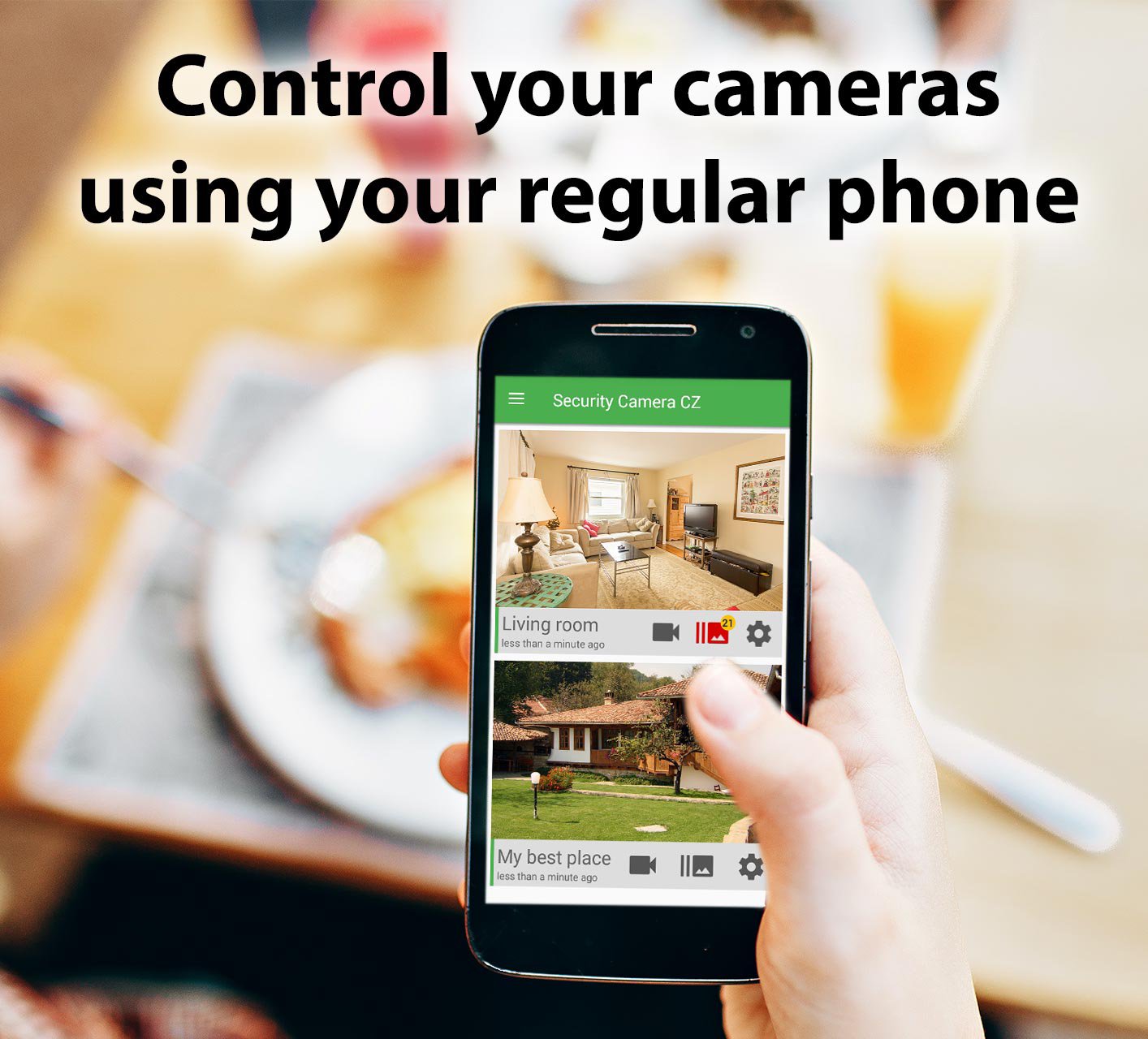
By installing Security Camera CZ on your old unused Android smartphone you get a home security camera with a live cam including a walkie-talkie, motion detection, alerts about detected motions and much more. You can add as many cameras as you want to create an all-in-one security camera system. You then watch your camera anytime from anywhere on your personal phone by installing the Security Camera CZ in monitor mode, even from the other part of the world.
If you are looking for a surveillance camera app, pet cam app, dog camera app, baby camera app or webcam app, this is a choice. The app is regularly updated, so in contrast to dedicated security camera systems, you get regularly new features and functions.
FEATURES – all are included in the FREE version!
LIVE STREAM: live camera in HD quality anytime from anywhere, including walkie-talkie and option to record what you see.
MOTION DETECTION: Exceptional resistance to false alarms, option to record as images in high resolution or as videos with sound.
SCHEDULER, NEAR-BY DETECTION, SIREN: to adjust motion detection to your needs.
ZOOM, a LOW LIGHT enhancement, TORCH: to see all you want even in worse light conditions.
CAMERA FEATURES: if your camera supports it, you can choose fish eye or telescopic camera, front of back camera.
HOME SECURITY SYSTEM: easily add more cameras and more viewers/monitors to get home camera security systems. You can have as many cameras as you want.
AND MORE features: share your camera with friends, store to Google Drive, support for IP camera mode, add your camera to Google Assistant…
But do not worry, the app works immediately after installation and all settings are very intuitive. Start now and discover other features when you need them.
Works on WiFi, LTE, 3G or any mobile Internet connection.
WHEN TO USE
In contrast to traditional IP cameras, CCTV cameras or home surveillance cameras this app can be used without any costs if you have some old smartphone in a drawer. Security Camera CZ works even on oldest smartphones with Android 4.1 which were released in 2012 including all features described above.
Security Camera CZ works like a portable CCTV camera, easily to install just by putting the old smartphone to the desired position. If you want DIY your own home security camera or even home security camera system, this is the choice.
FOR BEGGINERS OR ADVANCED USERS
Dedicated CCTV camera, IP camera or surveillance camera may be difficult to install. Installing Security Camera CZ is as easy as installing any app on a smartphone – after installation of the app you immediately get home security system, webcam, pet cam, dog cam, nanny cam or anything you need. And it has more features than dedicated IP cameras, CCTV cameras or home surveillance cameras.
FREE or PAID version?
Both the free and the paid version have the same features and functions. Everything what is in the paid version is also available in the free version. The free version contains ads, while paid version is ads free.
Preview
Tags
House-&Information
Developer
SCamera
Latest Version
3.14.2
Last Updated
2026-07-09
Category
House-home
Available on
Google Play
Show More
How to play Security Camera CZ with GameLoop on PC
1. Download GameLoop from the official website, then run the exe file to install GameLoop
2. Open GameLoop and search for “Security Camera CZ” , find Security Camera CZ in the search results and click “Install”
3. Enjoy playing Security Camera CZ on GameLoop
Minimum requirements
OS
Windows 8.1 64-bit or Windows 10 64-bit
GPU
GTX 1050
CPU
i3-8300
Memory
8GB RAM
Storage
1GB available space
Recommended requirements
OS
Windows 8.1 64-bit or Windows 10 64-bit
GPU
GTX 1050
CPU
i3-9320
Memory
16GB RAM
Storage
1GB available space