
PhotoShare Frame v2 PC
SimplySmart Home by Switchmate
Download PhotoShare Frame v2 on PC With GameLoop Emulator
PhotoShare Frame v2 sa PC
Ang PhotoShare Frame v2, na nagmumula sa developer na SimplySmart Home by Switchmate, ay tumatakbo sa Android systerm sa nakaraan.
Ngayon, maaari mong laruin ang PhotoShare Frame v2 sa PC gamit ang GameLoop nang maayos.
I-download ito sa GameLoop library o mga resulta ng paghahanap. Hindi na tumitingin sa baterya o nakakadismaya na mga tawag sa maling oras.
I-enjoy lang ang PhotoShare Frame v2 PC sa malaking screen nang libre!
PhotoShare Frame v2 Panimula
Companion App for the PhotoShare Smart Frames
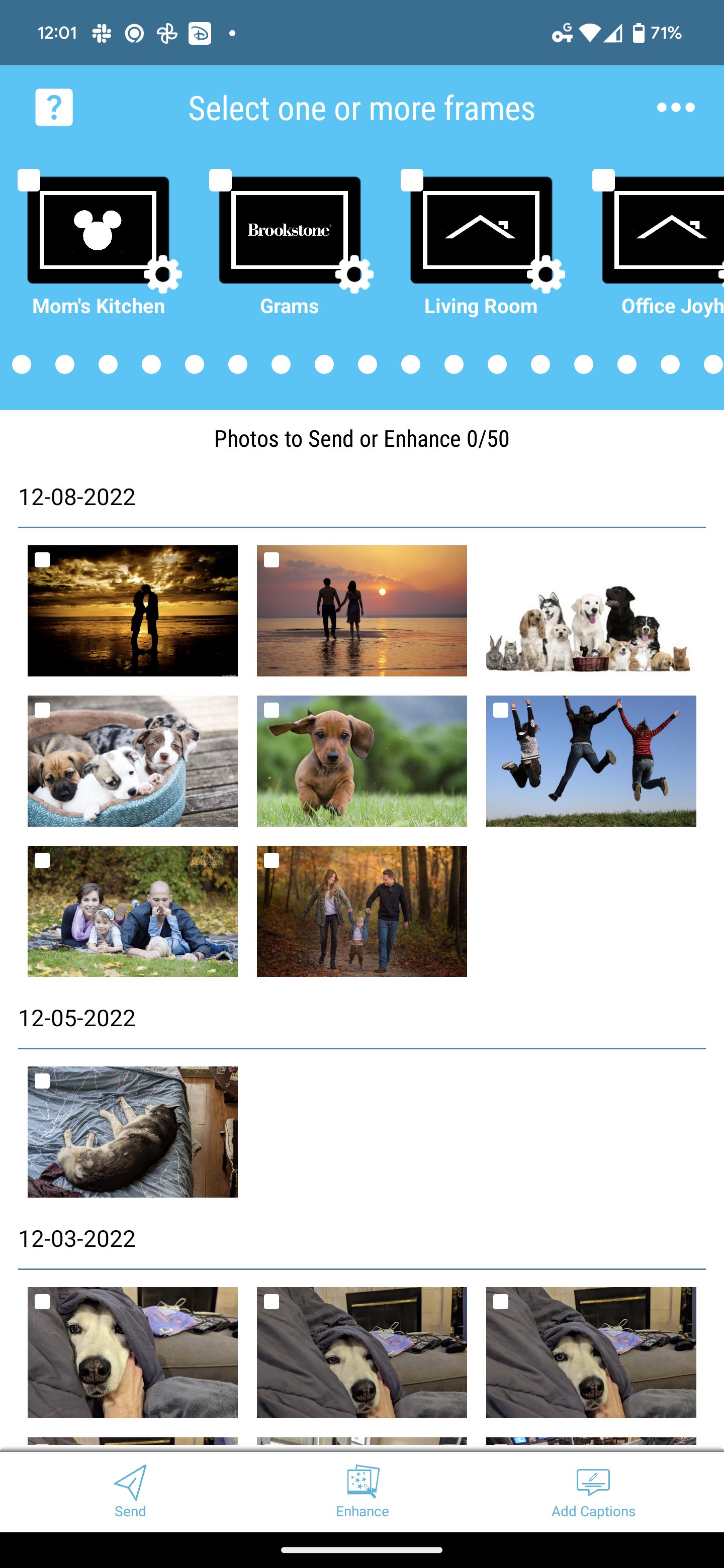
Simply select your favorite photos & videos, select one or more PhotoShare Frames, and Send - your memories will arrive instantly, ready to be enjoyed by family & friends!
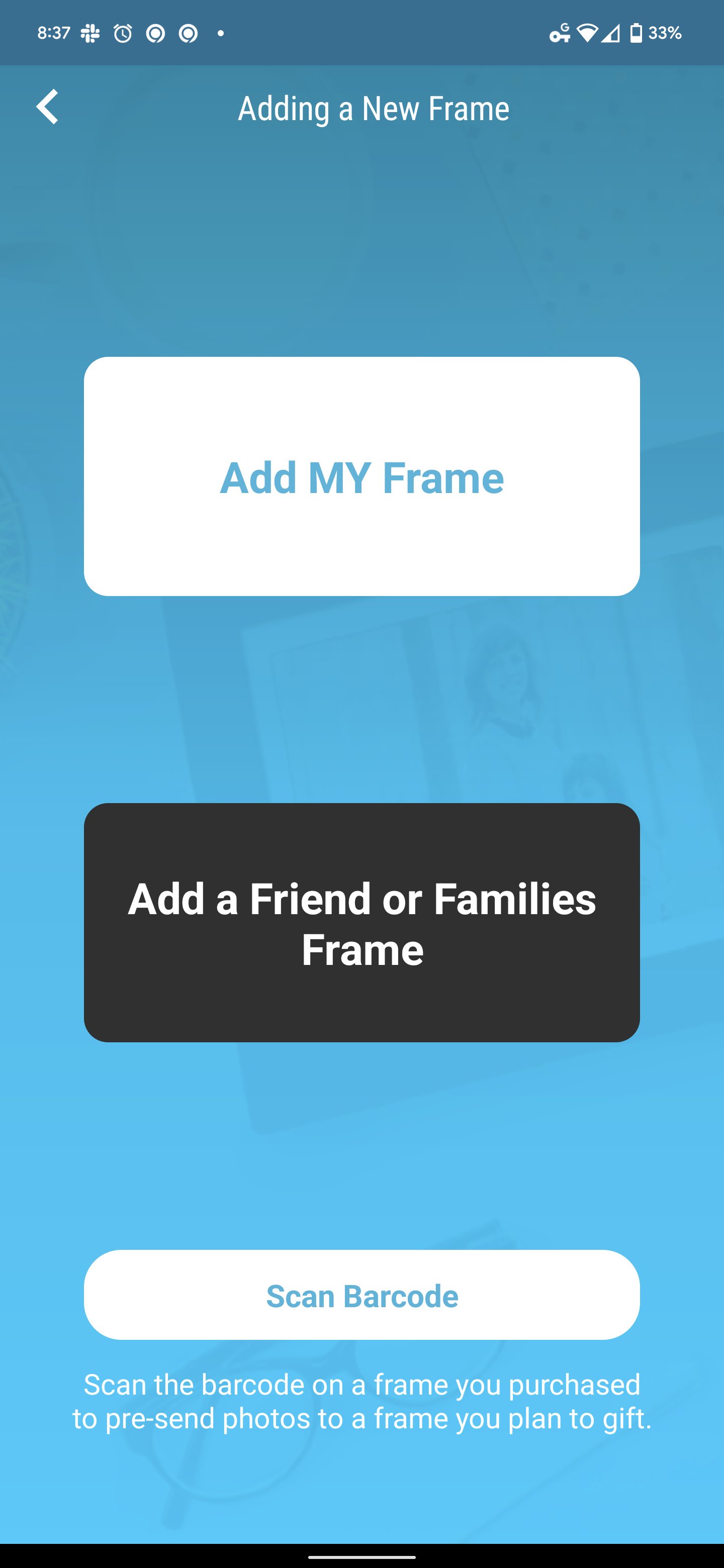
- Add and Manage your network of PhotoShare Frames - both yours and others!
- Easily Send Images & Videos to one or multiple frames
- Personalize photos with Captions
- Crop Photos for the Perfect Fit
- Enhance photos with Filters
- Add fun Stickers or Borders
* All Edits (Crop, Enhance, Effect, Captions, etc) do NOT modify your original photo - only the photo sent to the target PhotoShare Frame is modified.
As a PhotoShare Owner, the app gets even better:
- Remotely Approve or Deny guest requests to add your PhotoShare Frame
- Manage your Frame Remotely: Settings and even Images/Videos you can manage from anywhere
- Enhance, Edit, or Delete Photos & Videos already on your Frame
- Send "Frame to Frame" easily, from one of your PhotoShare Frames to another without needing the image on your phone/tablet
- Flip on Smart Auto Effects which automatically add effects and borders that change based on the season, holidays, or even birthdays of your choosing - the only Smart Frame that literally celebrates with you year-round.
- Manage Volume, Auto On/Off, and all other Frame Settings from the App
All under our proprietary PhotoShare Shield ecosytem, truly unique built in Silicon Valley with a foundation for Privacy & Security. End to End Encryption and the only provider that gives you access to control your own keys with FE2E Frame Lock.
Note - Some listed features are only available on PhotoShare Frames produced from 2021, these became our current and always latest generation moving forward. Your Frame will receive updates and feature drops, constantly improving, for as long as you have the frame.
Feedback? We really listen and want to hear from you, our development is driven by your requests so don't hesitate to reach out to our Support or send off an email to reqs@sshome.com
The Disney PhotoShare Frame is published by Switchmate Home LLC under license from Disney.
Preview
Tags
House-&Information
Developer
SimplySmart Home by Switchmate
Latest Version
4.0.15
Last Updated
2026-01-02
Category
House-home
Available on
Google Play
Show More
How to play PhotoShare Frame v2 with GameLoop on PC
1. Download GameLoop from the official website, then run the exe file to install GameLoop
2. Open GameLoop and search for “PhotoShare Frame v2” , find PhotoShare Frame v2 in the search results and click “Install”
3. Enjoy playing PhotoShare Frame v2 on GameLoop
Minimum requirements
OS
Windows 8.1 64-bit or Windows 10 64-bit
GPU
GTX 1050
CPU
i3-8300
Memory
8GB RAM
Storage
1GB available space
Recommended requirements
OS
Windows 8.1 64-bit or Windows 10 64-bit
GPU
GTX 1050
CPU
i3-9320
Memory
16GB RAM
Storage
1GB available space