
LOCKLY® PC
PIN Genie Inc.
Download LOCKLY® on PC With GameLoop Emulator
LOCKLY® sa PC
Ang LOCKLY®, na nagmumula sa developer na PIN Genie Inc., ay tumatakbo sa Android systerm sa nakaraan.
Ngayon, maaari mong laruin ang LOCKLY® sa PC gamit ang GameLoop nang maayos.
I-download ito sa GameLoop library o mga resulta ng paghahanap. Hindi na tumitingin sa baterya o nakakadismaya na mga tawag sa maling oras.
I-enjoy lang ang LOCKLY® PC sa malaking screen nang libre!
LOCKLY® Panimula
This app supports earlier Lockly smart locks and smart safes. It’s the reliable companion for your existing devices.
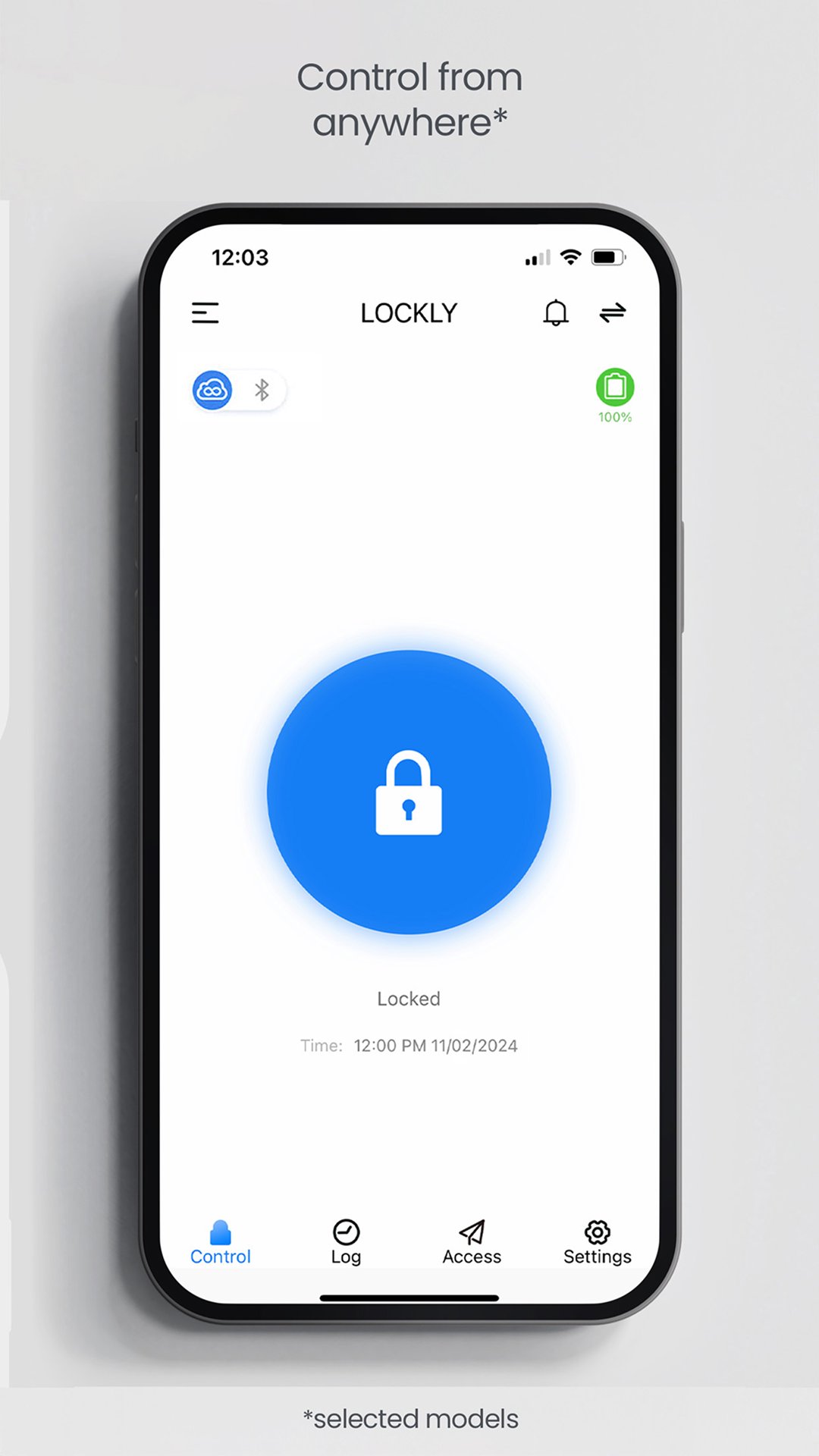
Remote Control – Lock or unlock doors remotely, check status and receive notifications.
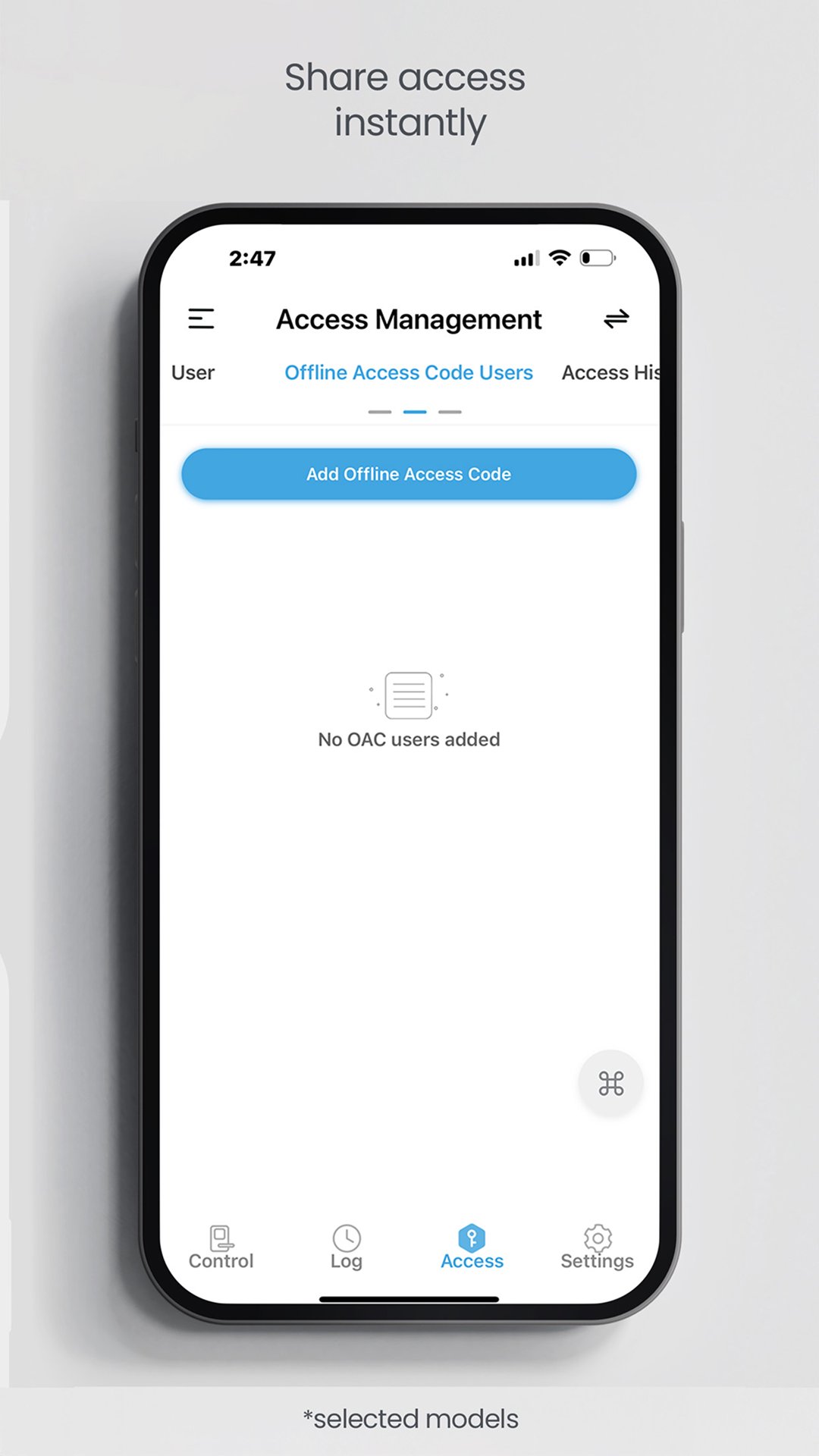
Share Access Easily – Create temporary or permanent Offline Access Codes™ and eKeys for family and visitors.
View Activity Logs – Track who comes and goes with comprehensive entry history.
Voice Assistant Integration – Compatible with Amazon Alexa and Google Assistant for hands‑free control.
Simple Setup – Pair your Lockly devices quickly using the app’s guided steps.
Have a Zeno Series, Lockly Styla or Secure Pro 2025 Edition? Unlock live video, facial recognition and Apple Home Key capabilities by downloading our new Lockly Home app—designed to bring you the next generation of smart‑access solutions.
Note: Feature availability varies depending on your Lockly model; consult your product documentation for details.
Official Website: www.lockly.com
Contact us: help@lockly.com
Preview
Tags
House-&Information
Developer
PIN Genie Inc.
Latest Version
3.3.4
Last Updated
2026-09-03
Category
House-home
Available on
Google Play
Show More
How to play LOCKLY® with GameLoop on PC
1. Download GameLoop from the official website, then run the exe file to install GameLoop
2. Open GameLoop and search for “LOCKLY®” , find LOCKLY® in the search results and click “Install”
3. Enjoy playing LOCKLY® on GameLoop
Minimum requirements
OS
Windows 8.1 64-bit or Windows 10 64-bit
GPU
GTX 1050
CPU
i3-8300
Memory
8GB RAM
Storage
1GB available space
Recommended requirements
OS
Windows 8.1 64-bit or Windows 10 64-bit
GPU
GTX 1050
CPU
i3-9320
Memory
16GB RAM
Storage
1GB available space