Relaxing Sounds for Sleep PC
Potencialmente interesante
Download Relaxing Sounds for Sleep on PC With GameLoop Emulator
Relaxing Sounds for Sleep sa PC
Ang Relaxing Sounds for Sleep, na nagmumula sa developer na Potencialmente interesante, ay tumatakbo sa Android systerm sa nakaraan.
Ngayon, maaari mong laruin ang Relaxing Sounds for Sleep sa PC gamit ang GameLoop nang maayos.
I-download ito sa GameLoop library o mga resulta ng paghahanap. Hindi na tumitingin sa baterya o nakakadismaya na mga tawag sa maling oras.
I-enjoy lang ang Relaxing Sounds for Sleep PC sa malaking screen nang libre!
Relaxing Sounds for Sleep Panimula
🌙 Relax and Sleep Deeply
Are you looking for relaxing sounds to sleep better, relieve stress, or calm anxiety? Discover the perfect app to create unique environments and enjoy deep rest.
🎵 Create Your Own Atmosphere:
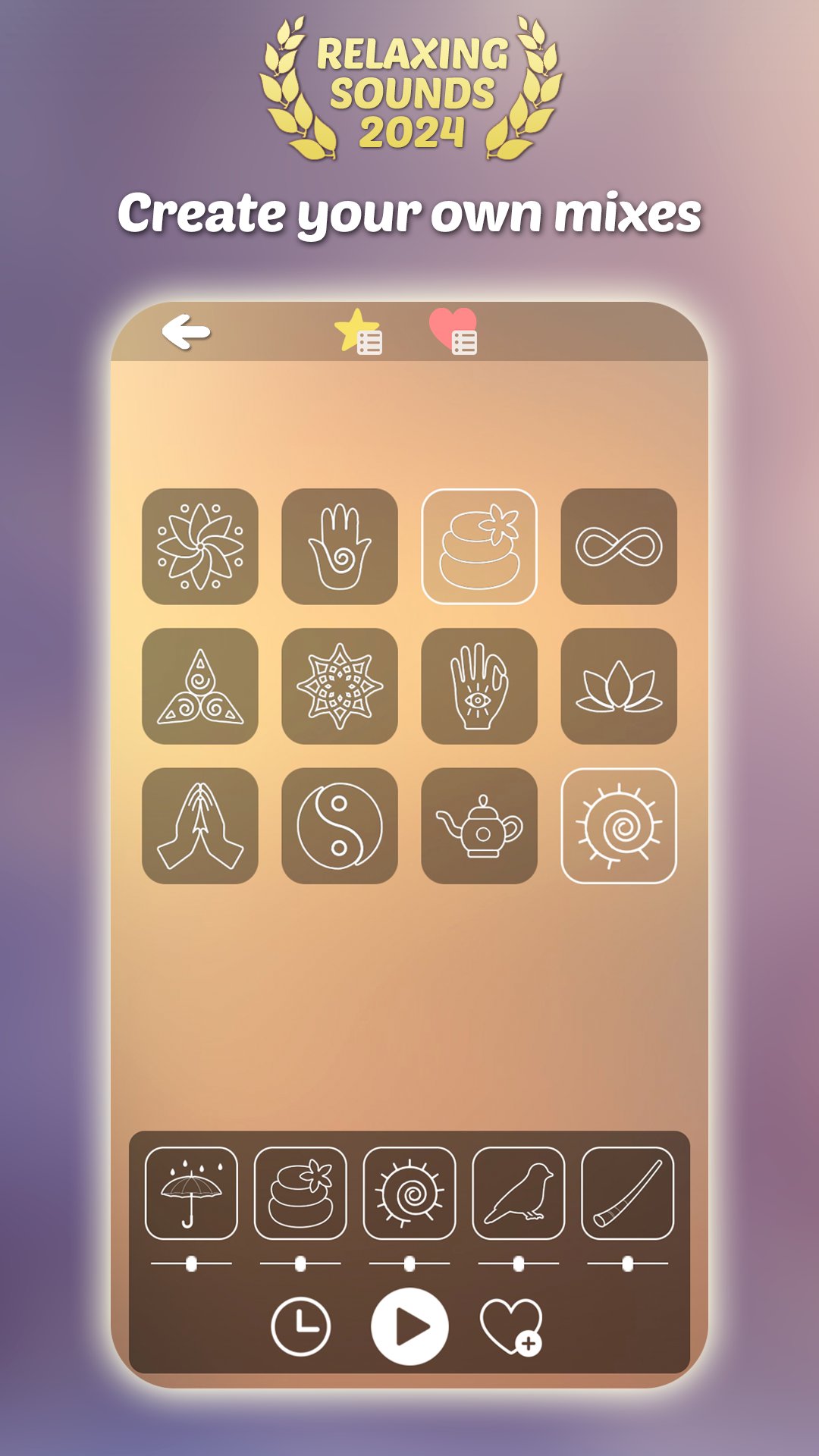
- Mix over 120 relaxing sounds for deep sleep.
- Choose from rain, white noise, nature sounds, Tibetan bowls, and more.
- Adjust the volume and save your favorite combinations.
🧘♂️ Wellness Benefits:
- Relieve stress and calm anxiety with meditation sounds.
- Ideal for better sleep, studying, or reading.
- Create personalized mixes, even offline.
⭐ Main Features:
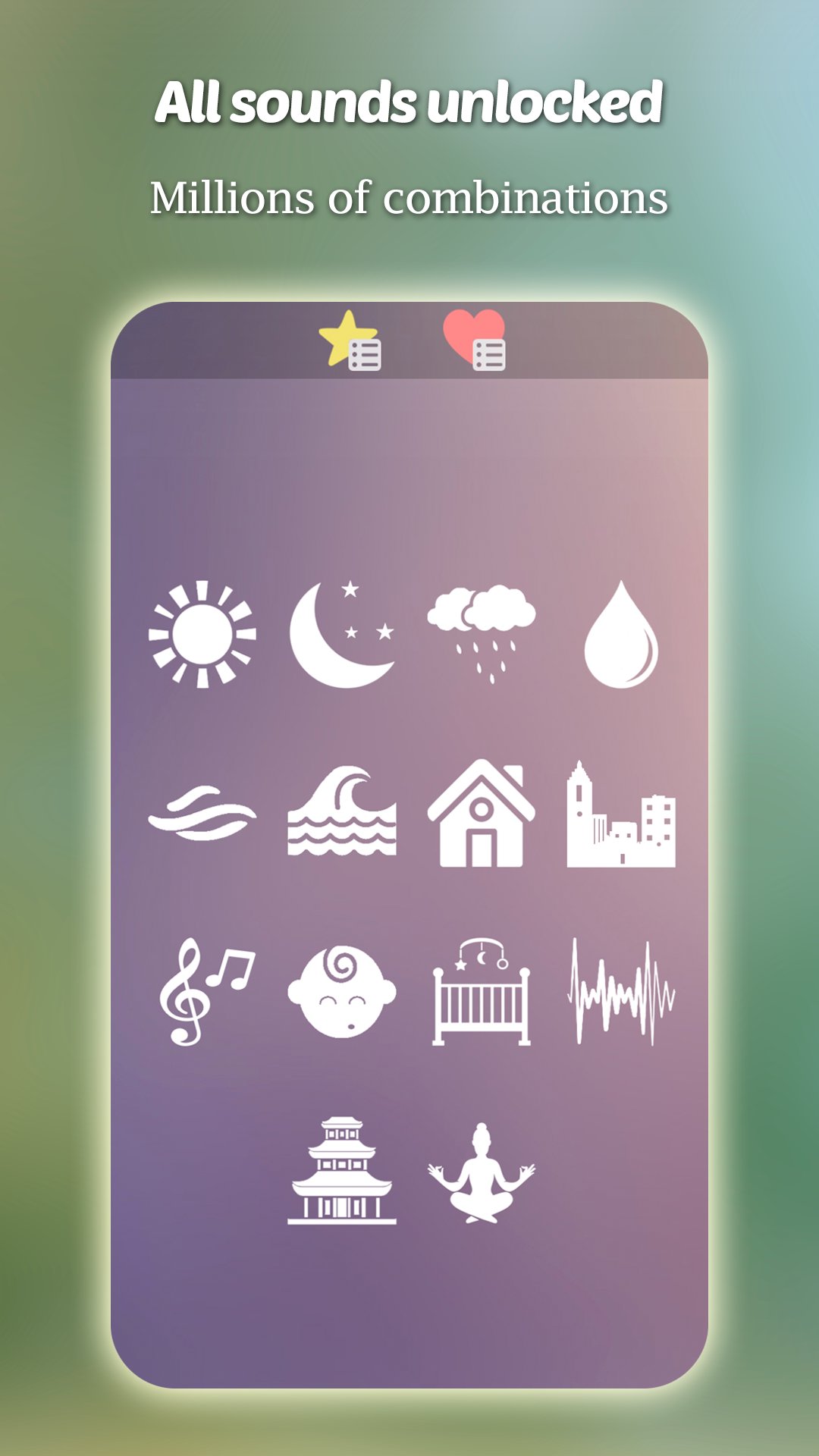
- Free sleep sounds: all unlocked from the start.
- Programmable timer for added convenience.
- Intuitive and easy-to-use interface.
- Pre-made mixes ready to enjoy.
💤 How Can Relaxing Sounds Help You?
- Sleep deeply and reduce insomnia.
- Progressive relaxation and mindfulness.
- Sounds for reading, studying, or meditating.
💡 Forever Free:
No subscriptions or recurring payments. Just a small optional payment to remove ads.
Download now and transform your rest with relaxing sounds designed to help you sleep deeply, relieve stress, and improve focus.
Preview
Tags
Health-&Information
Developer
Potencialmente interesante
Latest Version
Relaxing sounds to mix 1.0
Last Updated
2025-07-09
Category
Health-fitness
Available on
Google Play
Show More
How to play Relaxing Sounds for Sleep with GameLoop on PC
1. Download GameLoop from the official website, then run the exe file to install GameLoop
2. Open GameLoop and search for “Relaxing Sounds for Sleep” , find Relaxing Sounds for Sleep in the search results and click “Install”
3. Enjoy playing Relaxing Sounds for Sleep on GameLoop
Minimum requirements
OS
Windows 8.1 64-bit or Windows 10 64-bit
GPU
GTX 1050
CPU
i3-8300
Memory
8GB RAM
Storage
1GB available space
Recommended requirements
OS
Windows 8.1 64-bit or Windows 10 64-bit
GPU
GTX 1050
CPU
i3-9320
Memory
16GB RAM
Storage
1GB available space