
m-Path Sense PC
OKP - KU Leuven
Download m-Path Sense on PC With GameLoop Emulator
m-Path Sense sa PC
Ang m-Path Sense, na nagmumula sa developer na OKP - KU Leuven, ay tumatakbo sa Android systerm sa nakaraan.
Ngayon, maaari mong laruin ang m-Path Sense sa PC gamit ang GameLoop nang maayos.
I-download ito sa GameLoop library o mga resulta ng paghahanap. Hindi na tumitingin sa baterya o nakakadismaya na mga tawag sa maling oras.
I-enjoy lang ang m-Path Sense PC sa malaking screen nang libre!
m-Path Sense Panimula
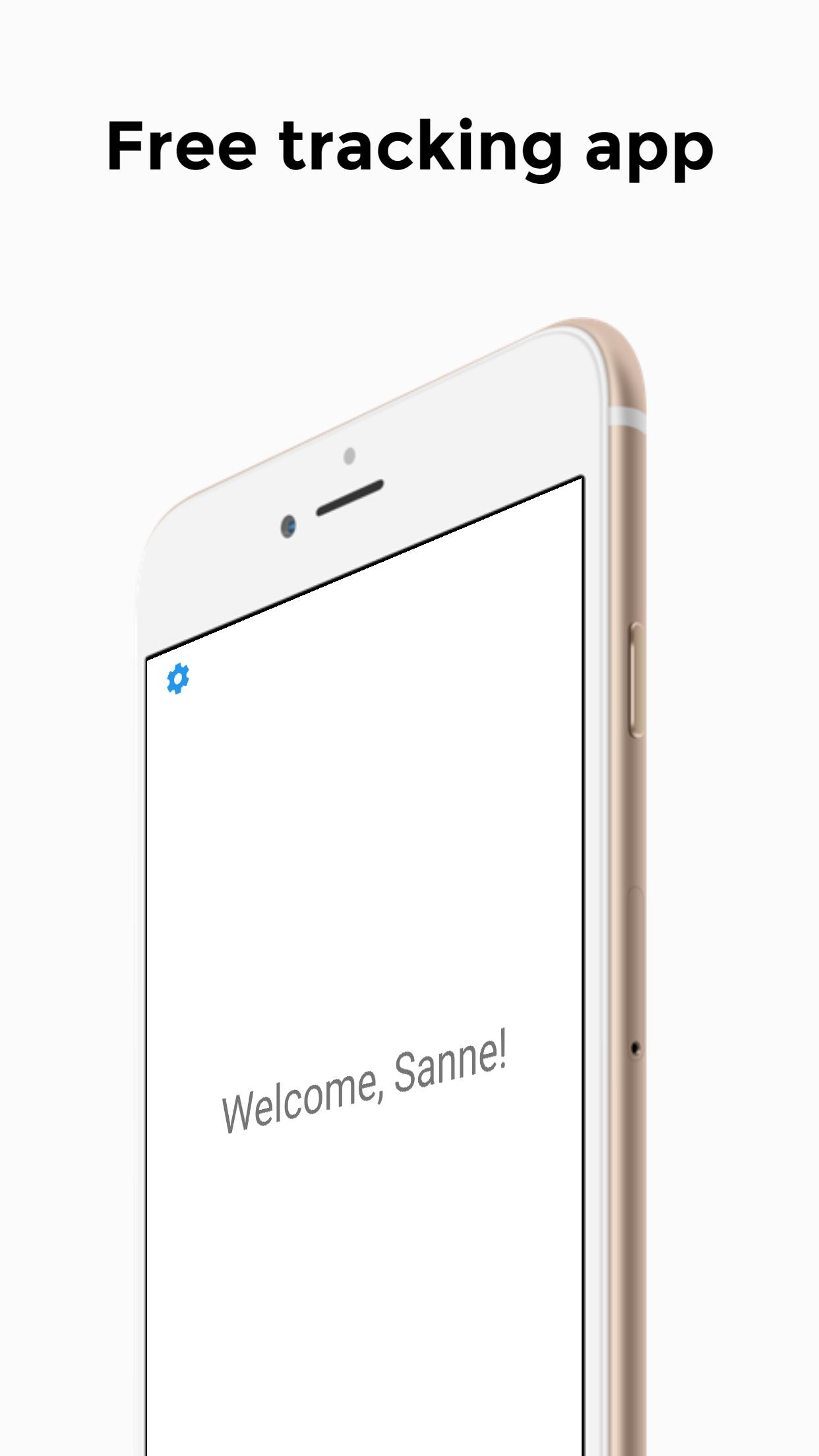
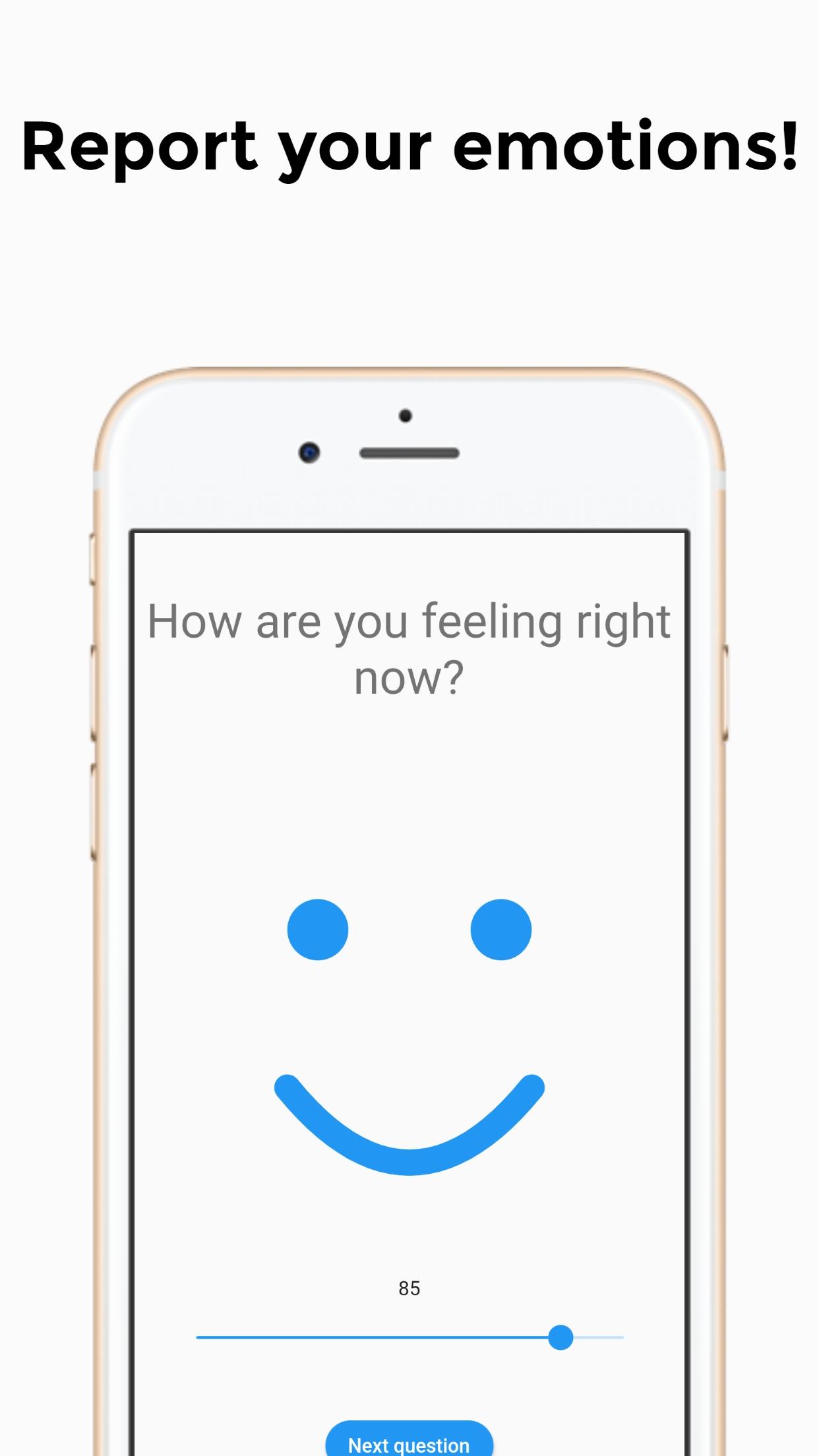
The app is a tool for researchers to track their participants. Participants can fill in questionnaires that are sent to them by researchers. Participants are also tracked using multiple phone sensors:
- App usage activity and list of installed apps.
- Raw sensor data: Accelerometer, gyroscope, and light sensor.
- Device information: Manufacturer, device model, type of operating system, etc. No unique device ID is gathered.
- Screen activity: Screen on, lock, and unlock events.
- Battery level (%) and status.
- Available working memory.
- Bluetooth, Wi-Fi and connectivity information. Bluetooth and Wi-Fi names and IDs are anonymised via a one-way cryptographic hash and therefore unreadable.
- Mobility information: Time spent at home, public places and distance travelled, and GPS coordinates.
- Physical activity information about activities of the user such as running, walking, etc.
- Step count (pedometer).
- Environment noise (decibel) via the microphone. This is processed directly in the app so that no audio data is saved.
- Call and text activity. Phone numbers, names, and texts are all anonymised via a one way cryptographic hash and therefore unreadable.
- Calendar information. Event title, description, and attendees are all anonymised via a one way cryptographic hash and therefore unreadable.
- Information about current weather situation and air quality (online service using participants’ location).
Preview
Tags
Health-&Information
Developer
OKP - KU Leuven
Latest Version
4.1.6
Last Updated
2023-05-12
Category
Health-fitness
Available on
Google Play
Show More
How to play m-Path Sense with GameLoop on PC
1. Download GameLoop from the official website, then run the exe file to install GameLoop
2. Open GameLoop and search for “m-Path Sense” , find m-Path Sense in the search results and click “Install”
3. Enjoy playing m-Path Sense on GameLoop
Minimum requirements
OS
Windows 8.1 64-bit or Windows 10 64-bit
GPU
GTX 1050
CPU
i3-8300
Memory
8GB RAM
Storage
1GB available space
Recommended requirements
OS
Windows 8.1 64-bit or Windows 10 64-bit
GPU
GTX 1050
CPU
i3-9320
Memory
16GB RAM
Storage
1GB available space