
Intermittent Fasting Tracker PC
SR Group
Download Intermittent Fasting Tracker on PC With GameLoop Emulator
Intermittent Fasting Tracker sa PC
Ang Intermittent Fasting Tracker, na nagmumula sa developer na SR Group, ay tumatakbo sa Android systerm sa nakaraan.
Ngayon, maaari mong laruin ang Intermittent Fasting Tracker sa PC gamit ang GameLoop nang maayos.
I-download ito sa GameLoop library o mga resulta ng paghahanap. Hindi na tumitingin sa baterya o nakakadismaya na mga tawag sa maling oras.
I-enjoy lang ang Intermittent Fasting Tracker PC sa malaking screen nang libre!
Intermittent Fasting Tracker Panimula
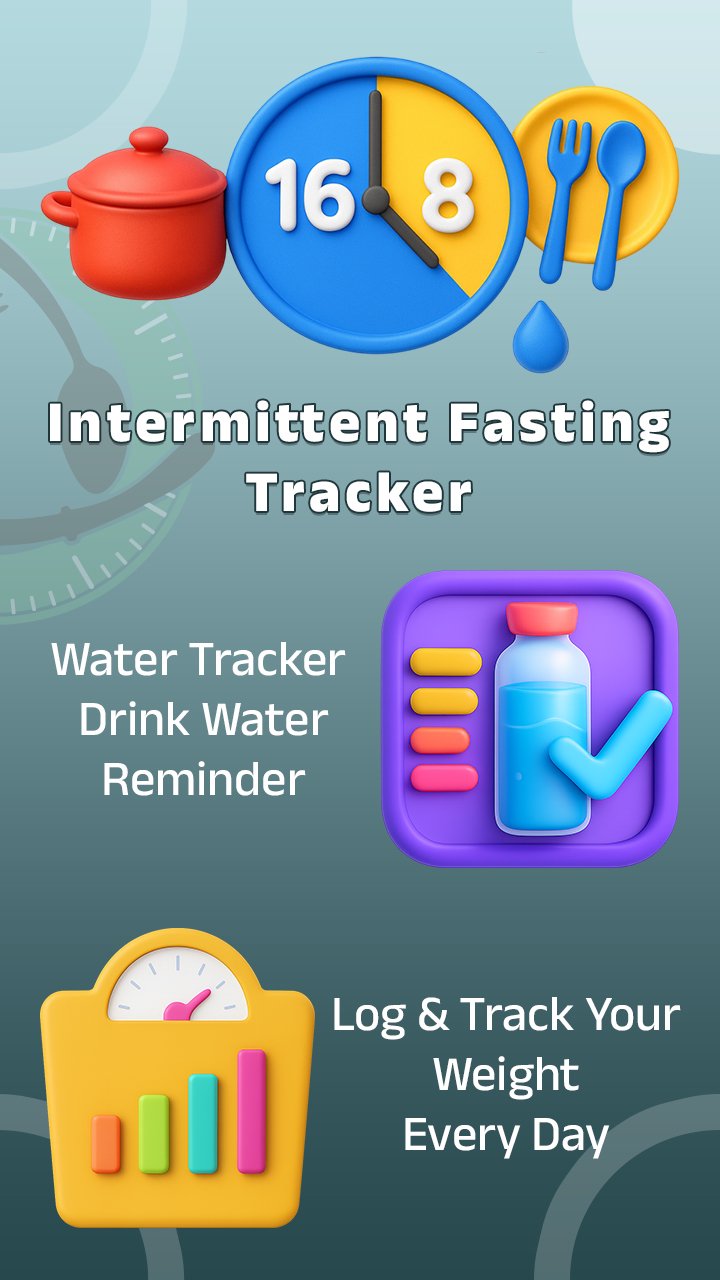
Intermittent Fasting Tracker – Fasting Timer & Weight Loss App
Start your fasting journey today with Intermittent Fasting Tracker – the #1 fasting app for beginners and pros!
Whether you’re doing intermittent fasting for weight loss, OMAD, or extended fasts, this fasting app helps you stay on track, stay motivated, and reach your health goals.
🕐 Powerful Fasting Timer & Tracker
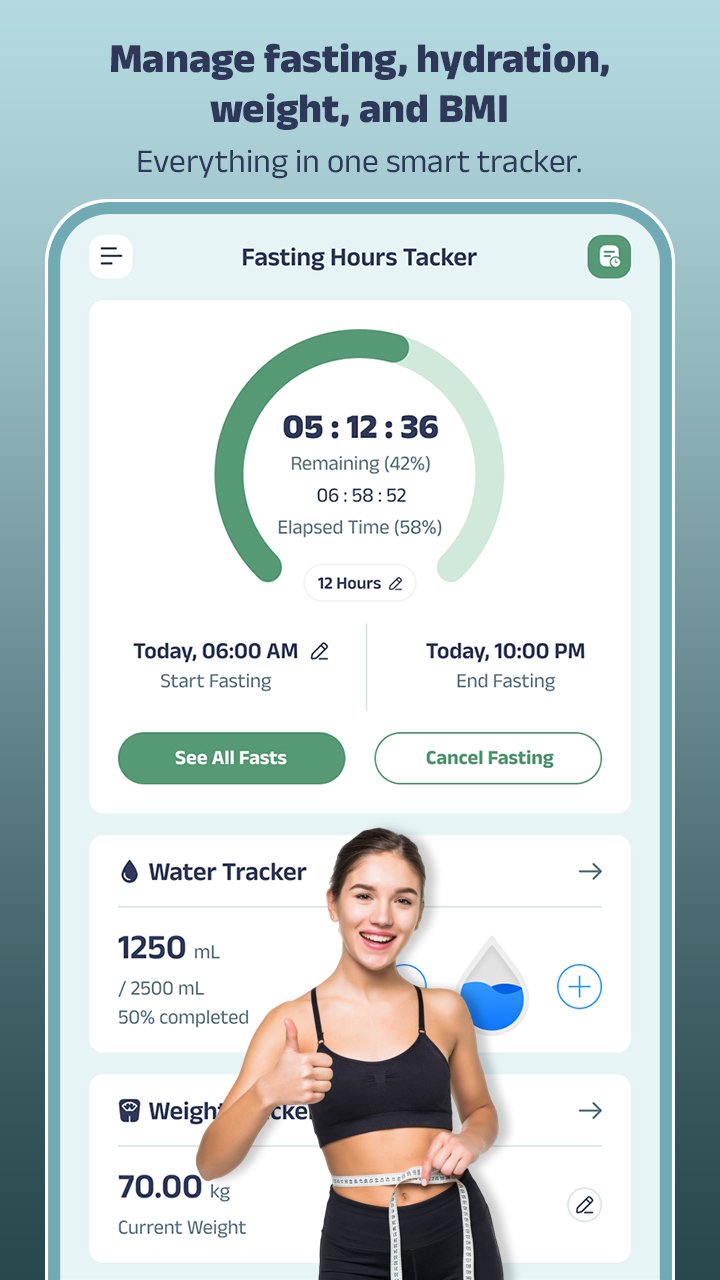
Start, pause, and cancel your fasts anytime. Edit start times (e.g., after dinner) and set custom fasting goals that match your lifestyle. Choose from popular fasting plans like 16:8, 18:6, 20:4, or create your own schedule.
📊 Track Weight Loss & Body Progress
Visualize your transformation with the weight loss tracker and easy-to-read graphs. Monitor your BMI (Body Mass Index) and stay motivated as you burn fat and improve metabolic health.
📆 Fasting History & Progress Dashboard
See your fasting streaks, completed fasts, and weight progress over time. Save and view your full fasting history with detailed logs and personal notes to keep track of how you feel during each phase.
💬 Stay Motivated – Share Your Fasting Journey
Join the community! Share your fasting achievements, support others, and stay motivated with encouragement from fellow fasters.
🔥 Top Features:
✅ Easy-to-use fasting timer and customizable schedule
✅ Visual weight loss tracking and progress graphs
✅ Supports all intermittent fasting plans (16:8, 18:6, OMAD, etc.)
✅ Log your mood, energy, and notes throughout your fast
✅ Track your fasting hours, eating windows, and milestones
✅ BMI calculator and weight history dashboard
✅ Intuitive fasting calendar and history view
✅ Fully customizable fast categories
✅ One-tap start/stop fasting
✅ Works offline and in the background
💡 Why Intermittent Fasting Tracker?
Designed for simplicity, power, and flexibility, this app is perfect for:
Fasting for beginners or experienced fasters
People doing keto, low carb, or clean fasting
Anyone tracking weight loss, metabolism, or wellness goals
Users following OMAD, 5:2, or custom fasts
💥 Start burning fat, boost energy, and feel better every day – download Intermittent Fasting Tracker – Fast Timer and transform your health with the most intuitive fasting app on the market!
Preview
Tags
Health-&Information
Developer
SR Group
Latest Version
1.15
Last Updated
2025-12-08
Category
Health-fitness
Available on
Google Play
Show More
How to play Intermittent Fasting Tracker with GameLoop on PC
1. Download GameLoop from the official website, then run the exe file to install GameLoop
2. Open GameLoop and search for “Intermittent Fasting Tracker” , find Intermittent Fasting Tracker in the search results and click “Install”
3. Enjoy playing Intermittent Fasting Tracker on GameLoop
Minimum requirements
OS
Windows 8.1 64-bit or Windows 10 64-bit
GPU
GTX 1050
CPU
i3-8300
Memory
8GB RAM
Storage
1GB available space
Recommended requirements
OS
Windows 8.1 64-bit or Windows 10 64-bit
GPU
GTX 1050
CPU
i3-9320
Memory
16GB RAM
Storage
1GB available space