CovPass Cyprus PC
eHealthLab.cs.ucy
Download CovPass Cyprus on PC With GameLoop Emulator
CovPass Cyprus sa PC
Ang CovPass Cyprus, na nagmumula sa developer na eHealthLab.cs.ucy, ay tumatakbo sa Android systerm sa nakaraan.
Ngayon, maaari mong laruin ang CovPass Cyprus sa PC gamit ang GameLoop nang maayos.
I-download ito sa GameLoop library o mga resulta ng paghahanap. Hindi na tumitingin sa baterya o nakakadismaya na mga tawag sa maling oras.
I-enjoy lang ang CovPass Cyprus PC sa malaking screen nang libre!
CovPass Cyprus Panimula
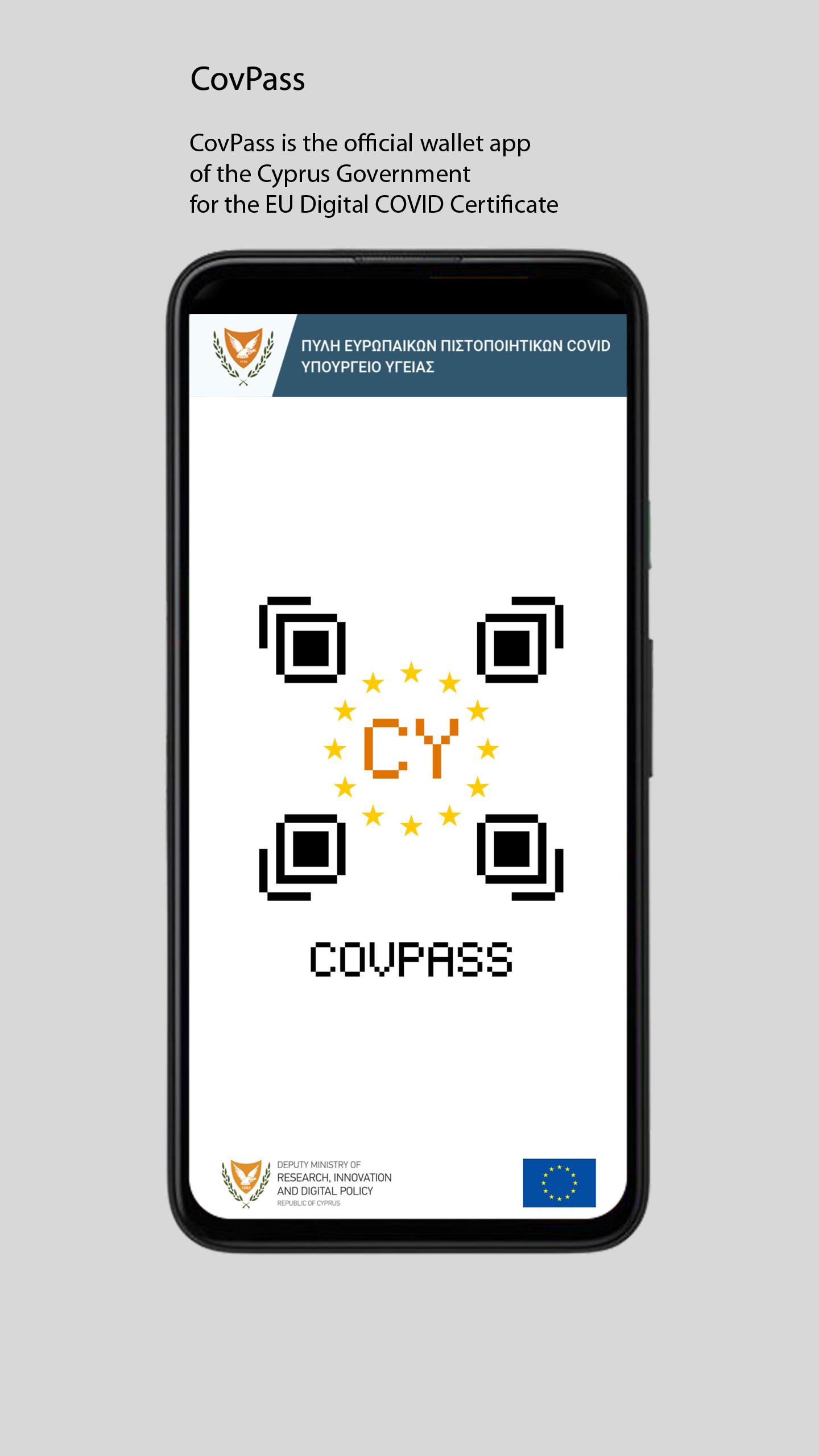
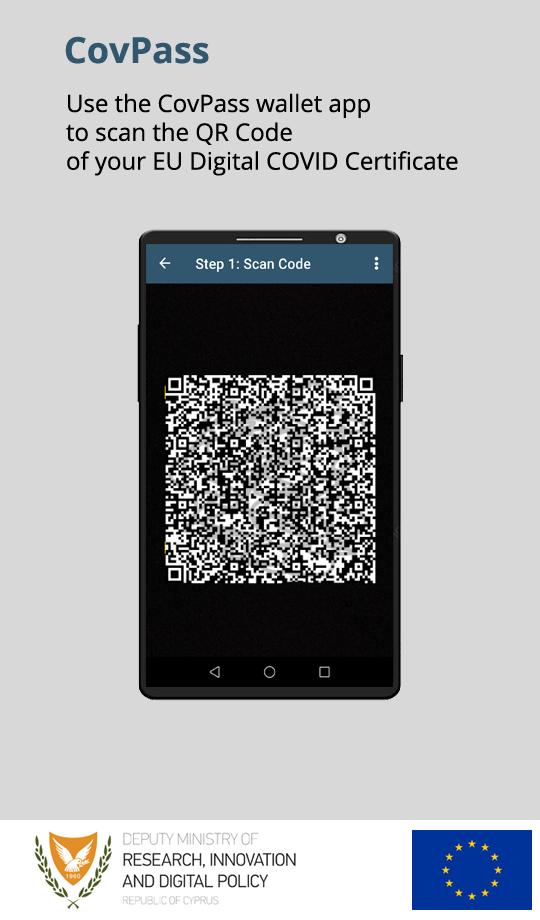
The official wallet application of the Cypriot Government where users can scan, save and access their EU Digital COVID Certificate (EUDCC).
Applicable only for users whose EUDCC was issued in Cyprus and contains a TAN code.
For frequently asked questions, troubleshooting, user manual, and instructions on how to add your EUDCC on multiple devices please visit the Useful Links section at https://www.eudcc.gov.cy/.
Preview
Tags
Health-&Information
Developer
eHealthLab.cs.ucy
Latest Version
1.1.2
Last Updated
2023-05-31
Category
Health-fitness
Available on
Google Play
Show More
How to play CovPass Cyprus with GameLoop on PC
1. Download GameLoop from the official website, then run the exe file to install GameLoop
2. Open GameLoop and search for “CovPass Cyprus” , find CovPass Cyprus in the search results and click “Install”
3. Enjoy playing CovPass Cyprus on GameLoop
Minimum requirements
OS
Windows 8.1 64-bit or Windows 10 64-bit
GPU
GTX 1050
CPU
i3-8300
Memory
8GB RAM
Storage
1GB available space
Recommended requirements
OS
Windows 8.1 64-bit or Windows 10 64-bit
GPU
GTX 1050
CPU
i3-9320
Memory
16GB RAM
Storage
1GB available space