Chakra Cleansing Binaural beat PC
Selfhealing MediApps
Download Chakra Cleansing Binaural beat on PC With GameLoop Emulator
Chakra Cleansing Binaural beat sa PC
Ang Chakra Cleansing Binaural beat, na nagmumula sa developer na Selfhealing MediApps, ay tumatakbo sa Android systerm sa nakaraan.
Ngayon, maaari mong laruin ang Chakra Cleansing Binaural beat sa PC gamit ang GameLoop nang maayos.
I-download ito sa GameLoop library o mga resulta ng paghahanap. Hindi na tumitingin sa baterya o nakakadismaya na mga tawag sa maling oras.
I-enjoy lang ang Chakra Cleansing Binaural beat PC sa malaking screen nang libre!
Chakra Cleansing Binaural beat Panimula
Very strong and effective meditation, activates both your chakras and thinking process.
This effect reached by unique method of combining binaural beats in alpha , beta , gamma and theta frequencies with Tibetan singing bowls sound , Solfeggio tones and seed mantra ( Bija ) chants.
In this application you can listen to the Tibetan bowls and chanting by itself or the binaural beats but we recommend to synchronize them in order to get more powerful and deep meditation.
The same with solfeggio frequencies and the seed mantras for chakras.
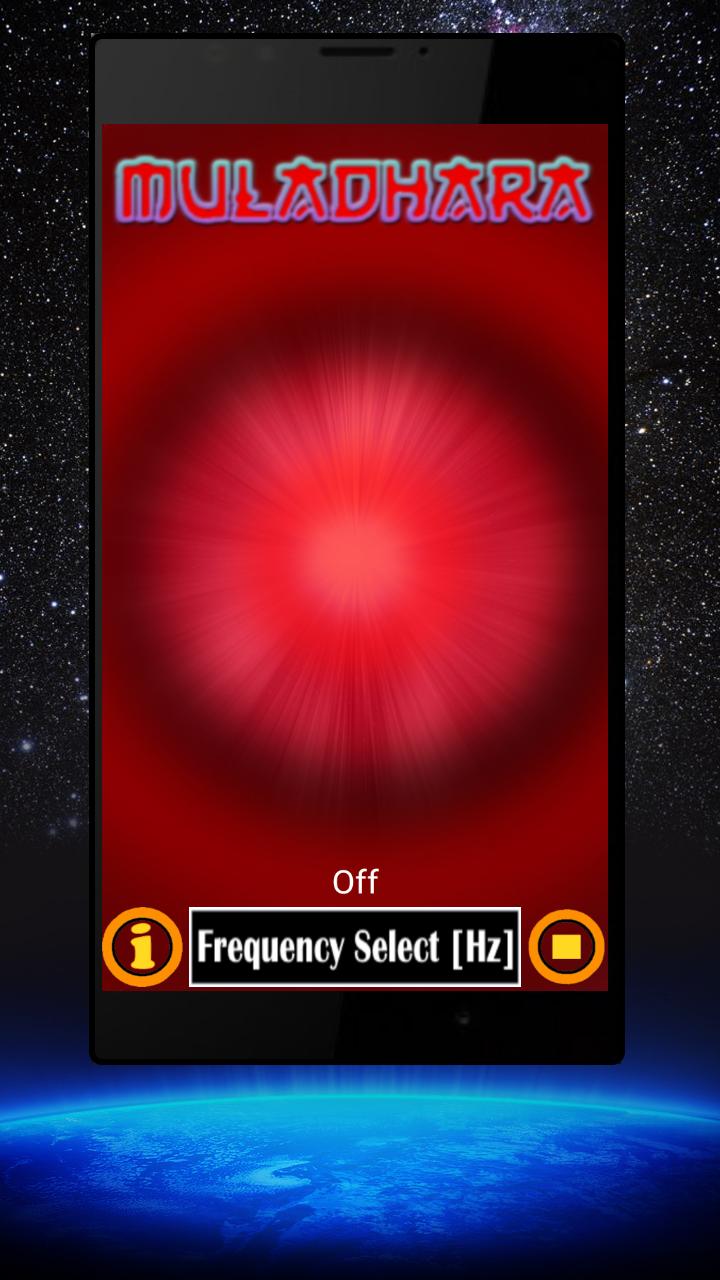
You just turn on the selected binaural beats waves then select the chakra that you want to activate and listen to both sounds in the same time.
Binaural Beats available :
* alpha waves - concentration and memory.
* beta waves - active thinking.
* gamma waves - anti-stress and fear.
* theta waves - sleeping.
* delta waves - relaxation.
Chakras available :
* The root chakra - Muladhara
* Sacral chakra - Svadhisthana
* Solar plexus chakra - Manipura
* Heart chakra - Anahata
* Throat chakra - Vishuddha
* Third eye chakra - Ajna
* Crown chakra - Sahasrara
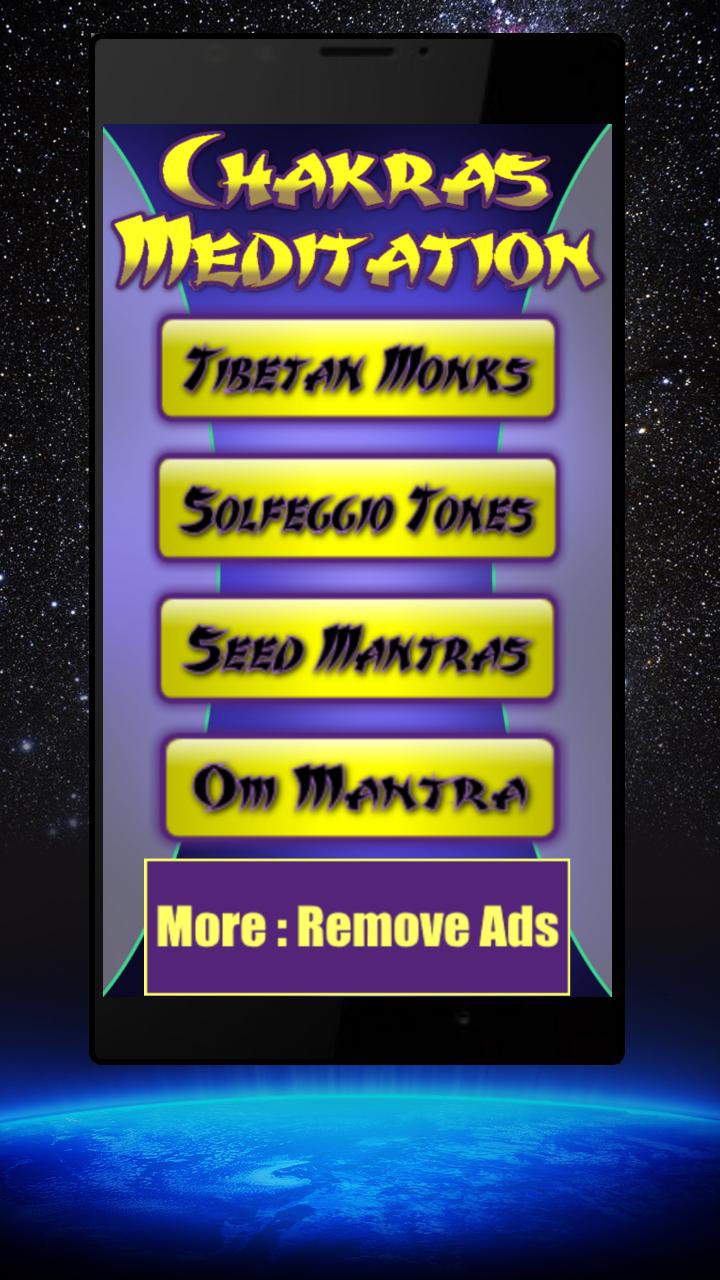
The last version contains 3 meditation modes :
1) Tibetan monks chanting with singing bowls.
2) Seed mantras ( Bija mantras for Chakras ).
3) Solfeggio frequencies :
DO - 396 Hz
RE - 417 Hz
MI - 528 Hz
FA - 639 Hz
SOL - 741 Hz
LA - 852 Hz
SI - 963 Hz
Preview
Tags
Health-&Information
Developer
Selfhealing MediApps
Latest Version
14.0
Last Updated
2023-03-24
Category
Health-fitness
Available on
Google Play
Show More
How to play Chakra Cleansing Binaural beat with GameLoop on PC
1. Download GameLoop from the official website, then run the exe file to install GameLoop
2. Open GameLoop and search for “Chakra Cleansing Binaural beat” , find Chakra Cleansing Binaural beat in the search results and click “Install”
3. Enjoy playing Chakra Cleansing Binaural beat on GameLoop
Minimum requirements
OS
Windows 8.1 64-bit or Windows 10 64-bit
GPU
GTX 1050
CPU
i3-8300
Memory
8GB RAM
Storage
1GB available space
Recommended requirements
OS
Windows 8.1 64-bit or Windows 10 64-bit
GPU
GTX 1050
CPU
i3-9320
Memory
16GB RAM
Storage
1GB available space