
20 20 20 Eye Care PC
Markus Exler
Download 20 20 20 Eye Care on PC With GameLoop Emulator
20 20 20 Eye Care sa PC
Ang 20 20 20 Eye Care, na nagmumula sa developer na Markus Exler, ay tumatakbo sa Android systerm sa nakaraan.
Ngayon, maaari mong laruin ang 20 20 20 Eye Care sa PC gamit ang GameLoop nang maayos.
I-download ito sa GameLoop library o mga resulta ng paghahanap. Hindi na tumitingin sa baterya o nakakadismaya na mga tawag sa maling oras.
I-enjoy lang ang 20 20 20 Eye Care PC sa malaking screen nang libre!
20 20 20 Eye Care Panimula
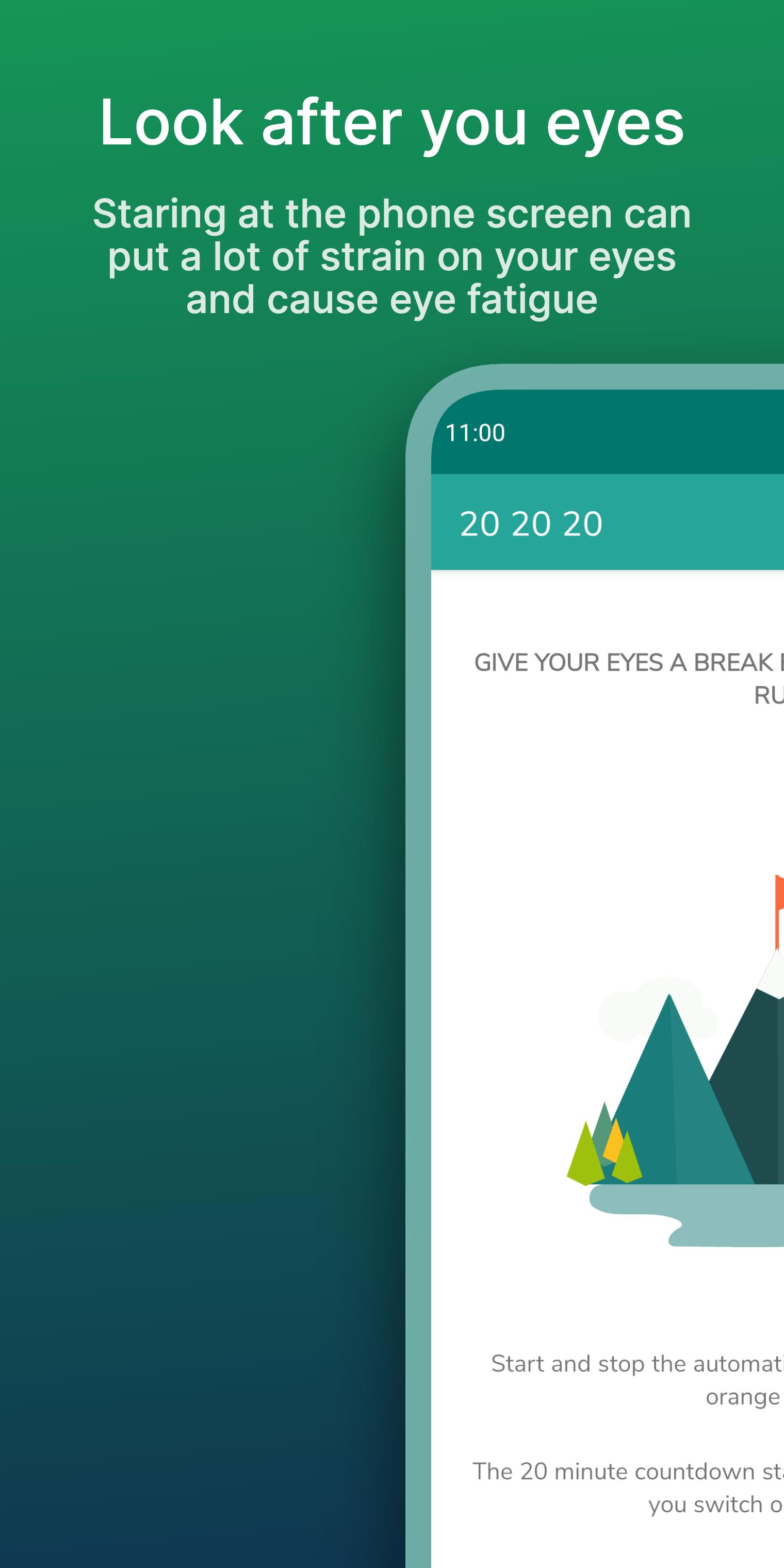
Staring at the phone screen can put a lot of strain on your eyes and cause eye fatigue.
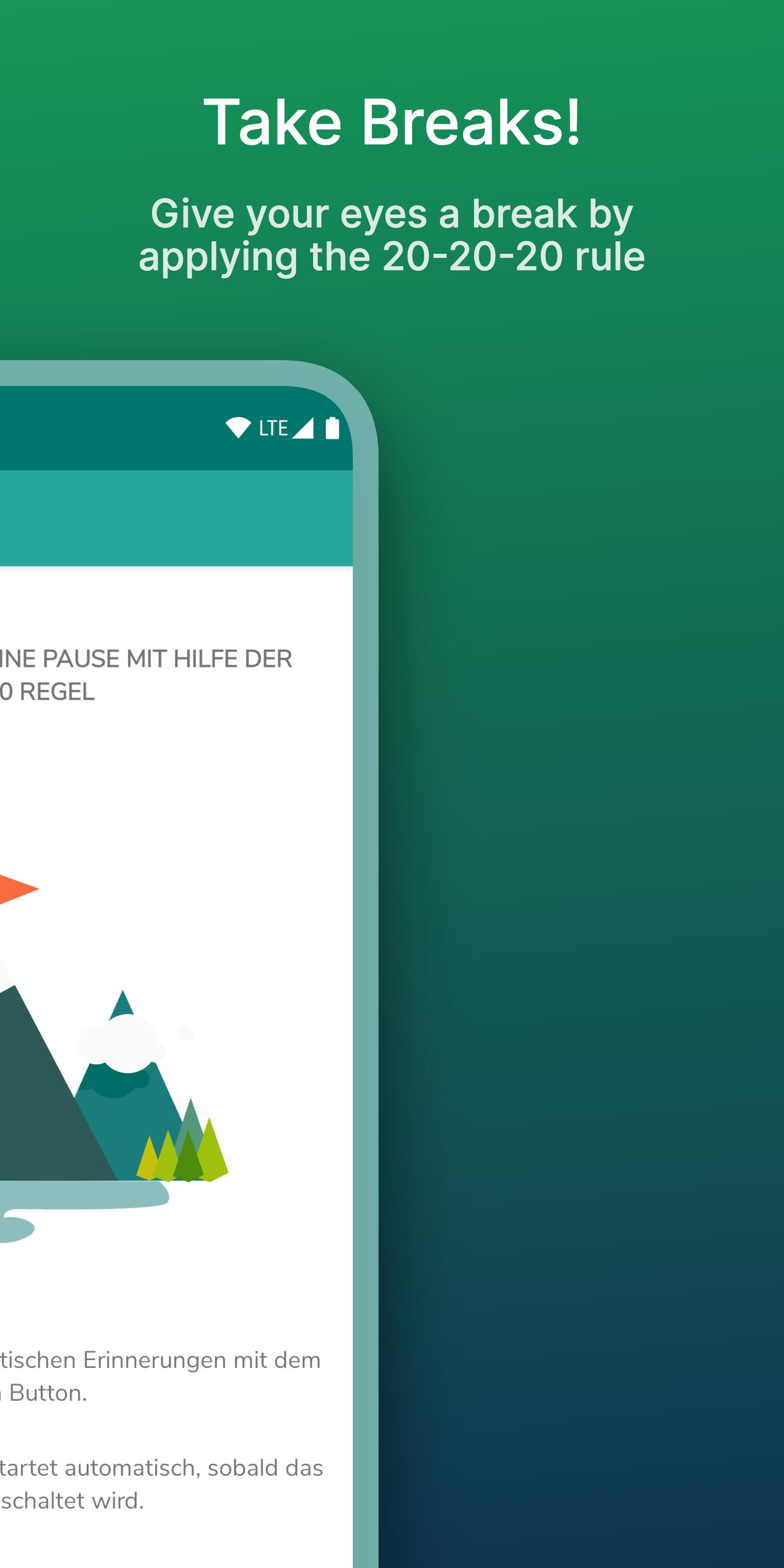
Give your eyes a break by applying the 20-20-20 rule.
Every 20 minutes, take a 20-second break and focus your eyes on something at least 20 feet (7m) away.
Features:
• Notifies you after 20 minutes to give your eyes a break
• Starts countdown automatically when the screen is turned on
• Configure the notification behavior the way you like
• start and stop the service manually
• confirm brake in notification
• take care of your eyes 😉
• AD free
Android 8+ Users please read:
On Devices running Android 8 and higher you'll receive a notification telling you the 20 20 20 App is draining the battery in the background.
This is a default notification which is shown for every app using a background service even if it isn't using much power at all. The 20 20 20 service is only counting down 20 minutes as soon as its started. This doesn't require much power or cpu capacity. To verify this claim your self, you can check the Battery statistics after a day of running the 20 20 20 app.
Preview
Tags
Health-&Information
Developer
Markus Exler
Latest Version
1.2.2
Last Updated
2022-03-07
Category
Health-fitness
Available on
Google Play
Show More
How to play 20 20 20 Eye Care with GameLoop on PC
1. Download GameLoop from the official website, then run the exe file to install GameLoop
2. Open GameLoop and search for “20 20 20 Eye Care” , find 20 20 20 Eye Care in the search results and click “Install”
3. Enjoy playing 20 20 20 Eye Care on GameLoop
Minimum requirements
OS
Windows 8.1 64-bit or Windows 10 64-bit
GPU
GTX 1050
CPU
i3-8300
Memory
8GB RAM
Storage
1GB available space
Recommended requirements
OS
Windows 8.1 64-bit or Windows 10 64-bit
GPU
GTX 1050
CPU
i3-9320
Memory
16GB RAM
Storage
1GB available space