
Clover Restaurant & Meal Boxes PC
Clover Food
Download Clover Restaurant & Meal Boxes on PC With GameLoop Emulator
Clover Restaurant & Meal Boxes sa PC
Ang Clover Restaurant & Meal Boxes, na nagmumula sa developer na Clover Food, ay tumatakbo sa Android systerm sa nakaraan.
Ngayon, maaari mong laruin ang Clover Restaurant & Meal Boxes sa PC gamit ang GameLoop nang maayos.
I-download ito sa GameLoop library o mga resulta ng paghahanap. Hindi na tumitingin sa baterya o nakakadismaya na mga tawag sa maling oras.
I-enjoy lang ang Clover Restaurant & Meal Boxes PC sa malaking screen nang libre!
Clover Restaurant & Meal Boxes Panimula
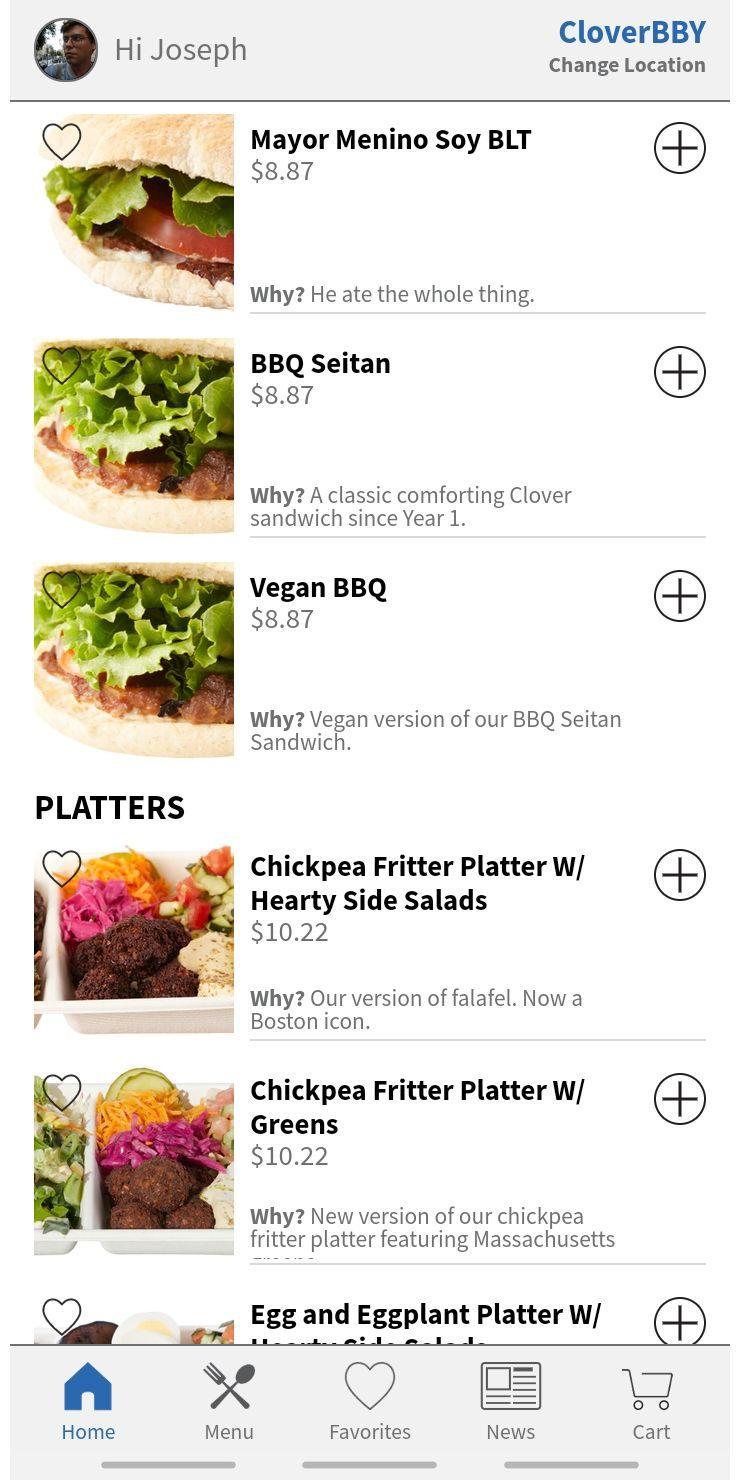
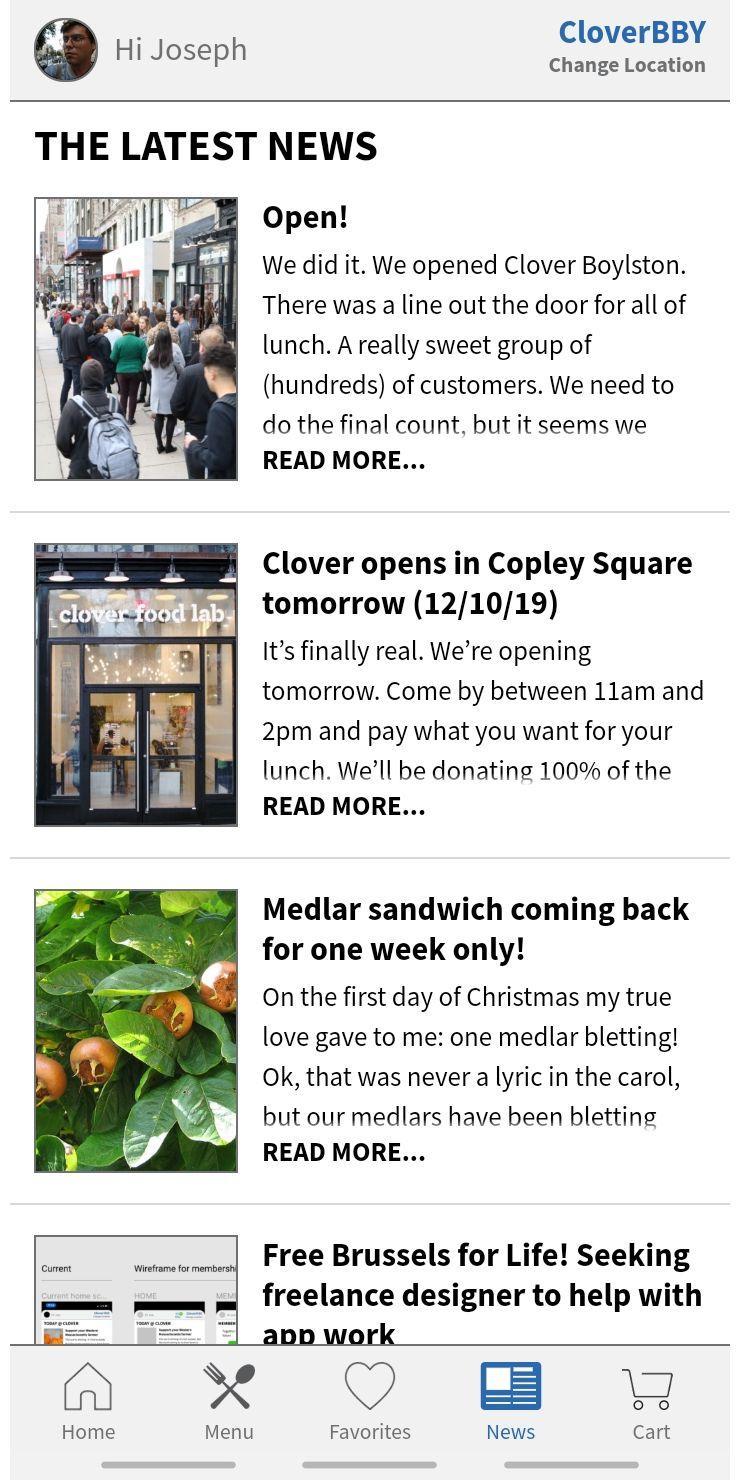
The Clover Food Lab app lets you:
- Browse the menus of all of our locations
- Place orders online (ASAP or for a scheduled time)
- Check on the status of your food as it's being prepared
- View your detailed order history
- Leave feedback and rate your meals to help us improve your dining experience
You can learn *much* more about Clover by visiting our website: http://cloverfoodlab.com
Preview
Tags
Food-&Information
Developer
Clover Food
Latest Version
1.7
Last Updated
2023-08-28
Category
Food-drink
Available on
Google Play
Show More
How to play Clover Restaurant & Meal Boxes with GameLoop on PC
1. Download GameLoop from the official website, then run the exe file to install GameLoop
2. Open GameLoop and search for “Clover Restaurant & Meal Boxes” , find Clover Restaurant & Meal Boxes in the search results and click “Install”
3. Enjoy playing Clover Restaurant & Meal Boxes on GameLoop
Minimum requirements
OS
Windows 8.1 64-bit or Windows 10 64-bit
GPU
GTX 1050
CPU
i3-8300
Memory
8GB RAM
Storage
1GB available space
Recommended requirements
OS
Windows 8.1 64-bit or Windows 10 64-bit
GPU
GTX 1050
CPU
i3-9320
Memory
16GB RAM
Storage
1GB available space