
Chefz Restaurant PC
The Chefz
Download Chefz Restaurant on PC With GameLoop Emulator
Chefz Restaurant sa PC
Ang Chefz Restaurant, na nagmumula sa developer na The Chefz, ay tumatakbo sa Android systerm sa nakaraan.
Ngayon, maaari mong laruin ang Chefz Restaurant sa PC gamit ang GameLoop nang maayos.
I-download ito sa GameLoop library o mga resulta ng paghahanap. Hindi na tumitingin sa baterya o nakakadismaya na mga tawag sa maling oras.
I-enjoy lang ang Chefz Restaurant PC sa malaking screen nang libre!
Chefz Restaurant Panimula
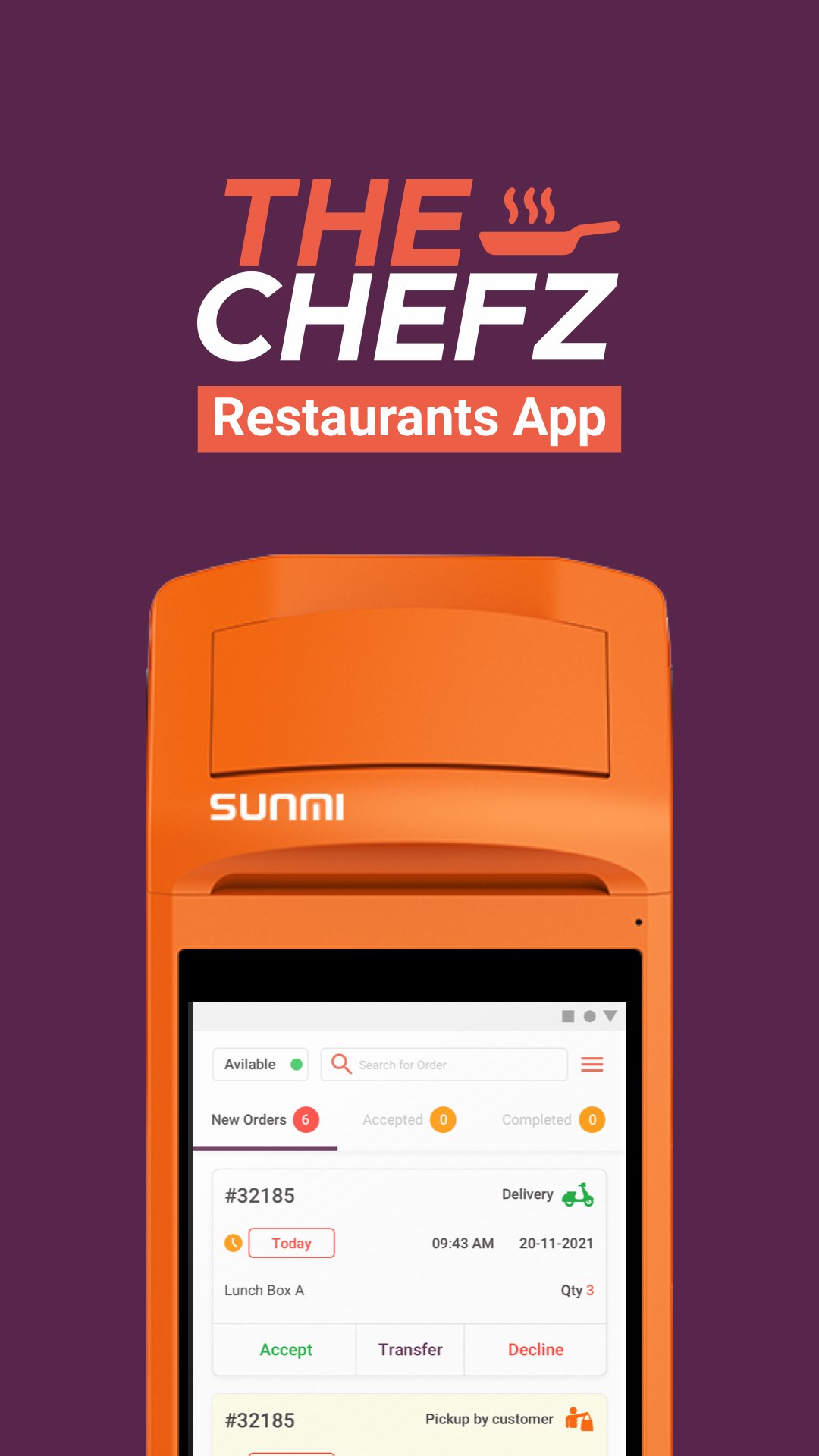
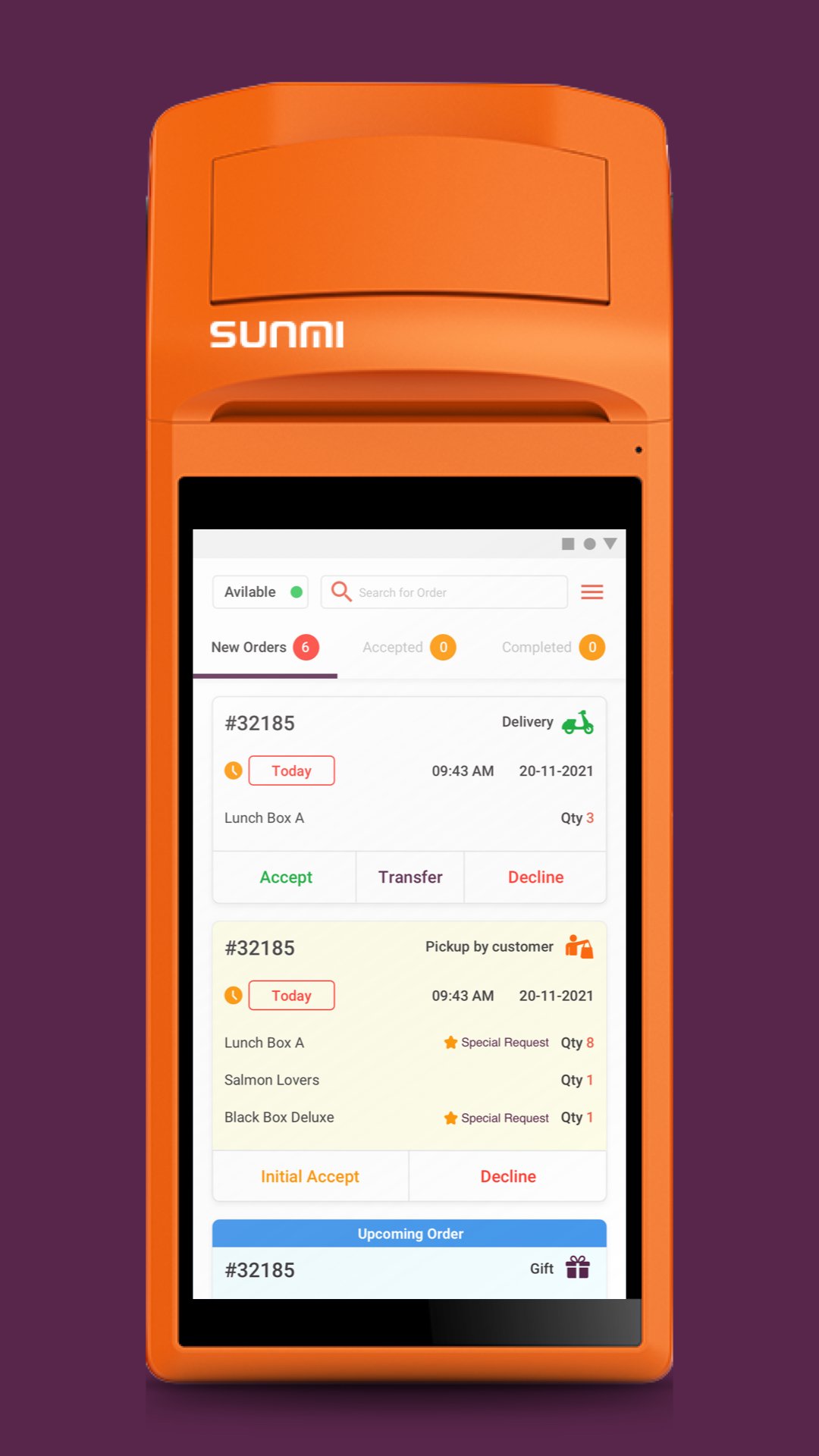
The Chefz Restaurant app is built for restaurants to efficiently manage daily operations and provide the best service to customers. Whether it’s managing incoming orders, reviewing order history, or temporarily pausing service, this app puts control in the hands of restaurant staff.
With real-time updates and an intuitive interface, partners can easily approve or decline orders, track upcoming and past orders, and switch to Busy Mode when needed during rush hours or special circumstances.
Key Features:
- Real-time order approval and management
- View upcoming and historical orders
- Decline orders when necessary
- Switch to Busy Mode during peak times
- User-friendly design for fast and efficient handling
Stay organized, responsive, and in control with The Chefz Restaurant app.
Preview
Tags
Food-&Information
Developer
The Chefz
Latest Version
10.8.4
Last Updated
2026-09-10
Category
Food-drink
Available on
Google Play
Show More
How to play Chefz Restaurant with GameLoop on PC
1. Download GameLoop from the official website, then run the exe file to install GameLoop
2. Open GameLoop and search for “Chefz Restaurant” , find Chefz Restaurant in the search results and click “Install”
3. Enjoy playing Chefz Restaurant on GameLoop
Minimum requirements
OS
Windows 8.1 64-bit or Windows 10 64-bit
GPU
GTX 1050
CPU
i3-8300
Memory
8GB RAM
Storage
1GB available space
Recommended requirements
OS
Windows 8.1 64-bit or Windows 10 64-bit
GPU
GTX 1050
CPU
i3-9320
Memory
16GB RAM
Storage
1GB available space