
VB24 Mobile PC
Victoriabank
Download VB24 Mobile on PC With GameLoop Emulator
VB24 Mobile sa PC
Ang VB24 Mobile, na nagmumula sa developer na Victoriabank, ay tumatakbo sa Android systerm sa nakaraan.
Ngayon, maaari mong laruin ang VB24 Mobile sa PC gamit ang GameLoop nang maayos.
I-download ito sa GameLoop library o mga resulta ng paghahanap. Hindi na tumitingin sa baterya o nakakadismaya na mga tawag sa maling oras.
I-enjoy lang ang VB24 Mobile PC sa malaking screen nang libre!
VB24 Mobile Panimula
VB24 offers you:
• Biometrics - client authentication in the EMV 3DS transaction through biometric access or quick code
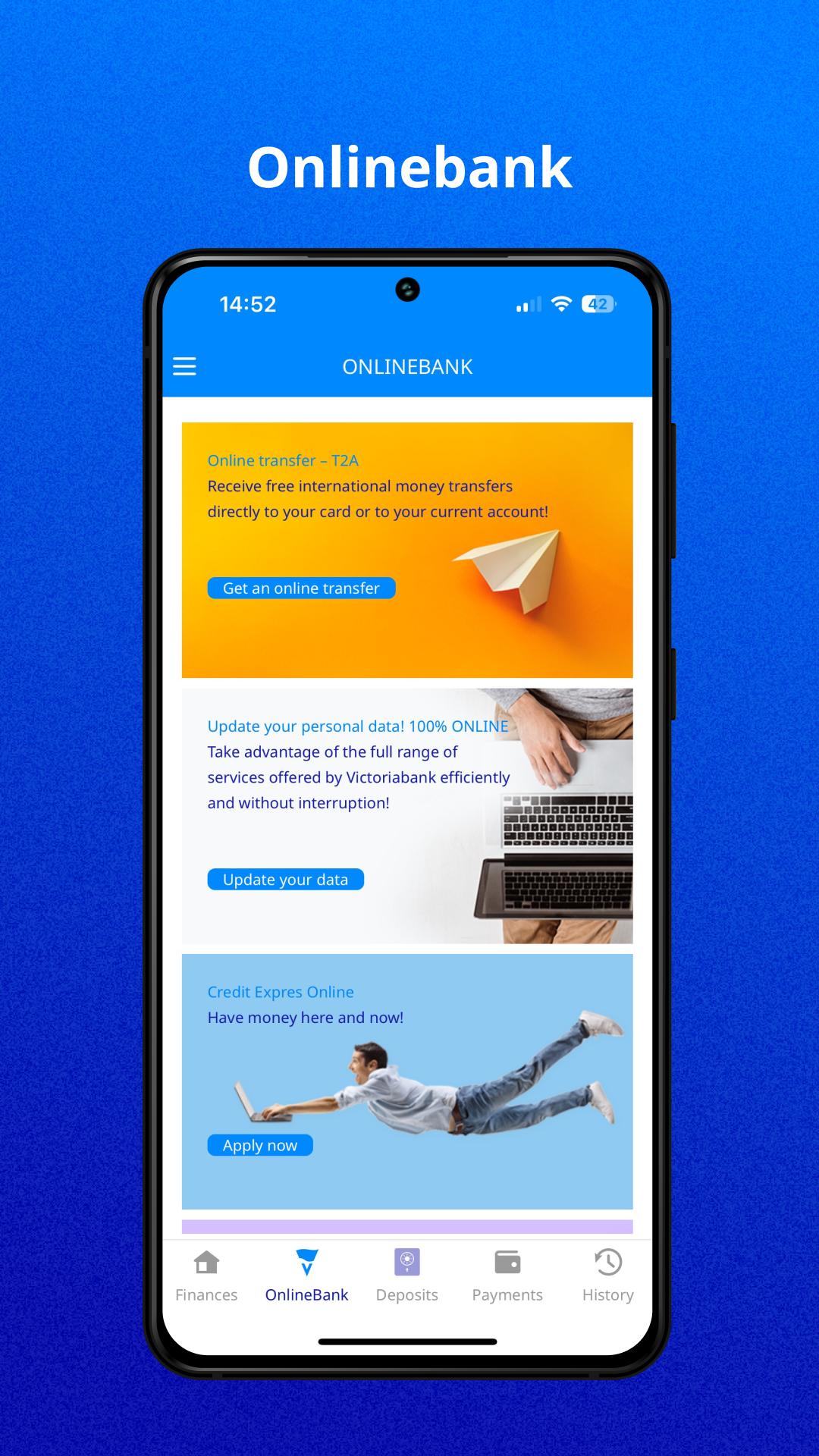
• Online transfer (T2A) for receiving online transfers directly to your account or bank card – from June 2021
• Open online deposit - accounts in MDL, EUR and USD, refill and partial withdrawal of money – from September 2020
• Generating the unique code Cash by Code for withdrawing cash at bank ATMs without the presence of the card - from September 2020
• Opening online current accounts in MDL, EUR, USD, RON and RUB - from September 2020
• Currency exchange of Moldovan lei, EURO, US dollars, Romanian lei or Russian rubles in the application at an advantageous exchange rate between current, card and deposit accounts - from April 2020.
• Get full access to information for all cards and bank card accounts 24/7
• View the balance and history of card account transactions
• Pay for government services MPay: for kindergarten, traffic police fines, etc.
• Locking and unlocking your cards
• Close or reissue the bank cards
• Make money transfers between your bank cards and Visa bank cards issued by other banks in the country and around the world
• Establish and manage bank card transaction limits and other security settings for card and card accounts
• Make payments or transfers to service providers, such as mobile operators, Internet and cable TV providers and suppliers of utilities, including gas, water, etc.
• View card account identification details
• Switch the language during one session in VB24 Mobile
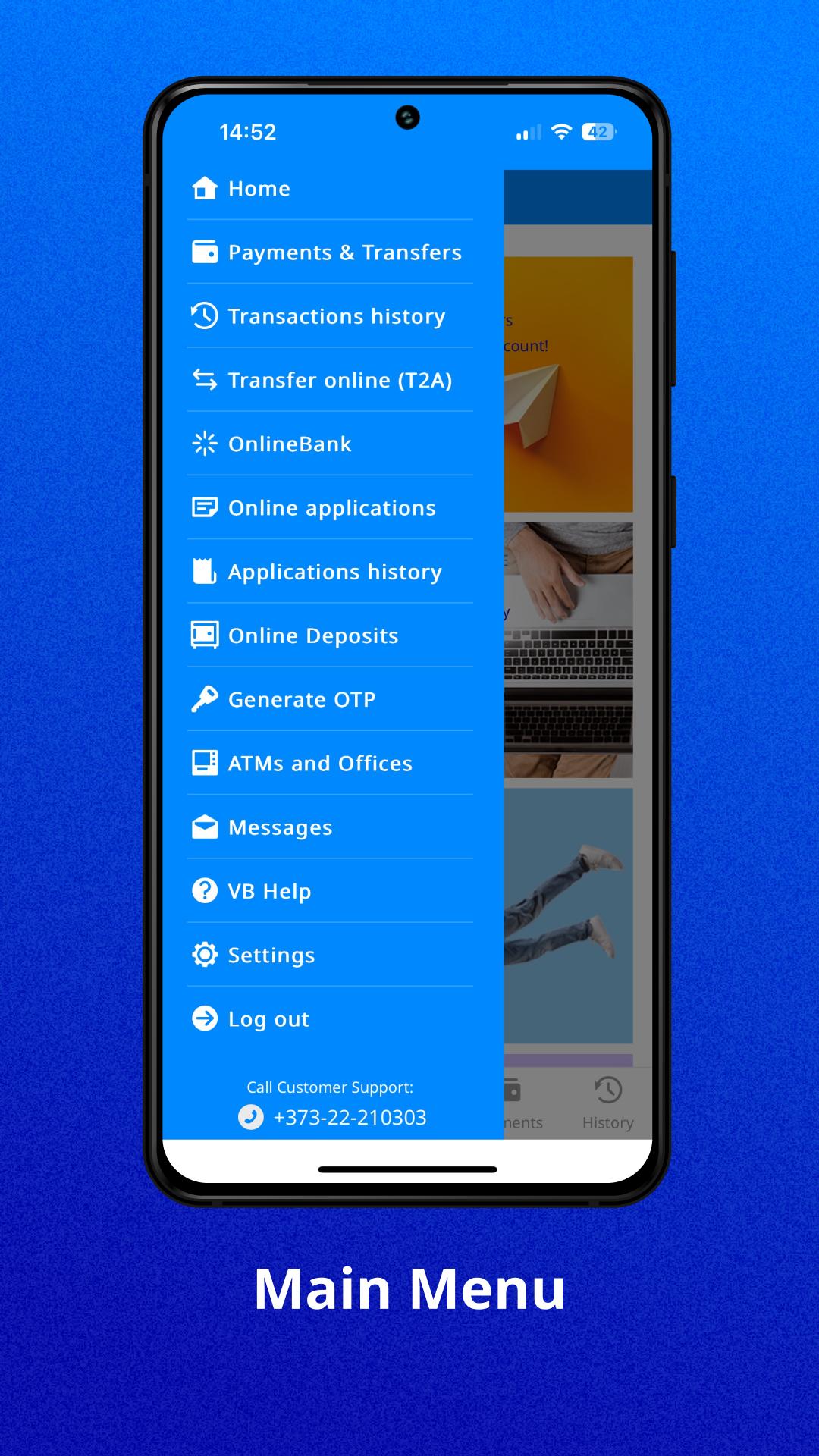
• View the location of ATMs and bank branches on an interactive map
• Generate one-time passwords to confirm operations
• Quick Entry using a 5-digit code, fingerprint
To access the application you can use VB24 Web login and password. You can subscribe to VB24 Web here or in the nearest Victoriabank ATM.
Preview
Tags
FinanceInformation
Developer
Victoriabank
Latest Version
1.5.5883
Last Updated
2025-09-24
Category
Finance
Available on
Google Play
Show More
How to play VB24 Mobile with GameLoop on PC
1. Download GameLoop from the official website, then run the exe file to install GameLoop
2. Open GameLoop and search for “VB24 Mobile” , find VB24 Mobile in the search results and click “Install”
3. Enjoy playing VB24 Mobile on GameLoop
Minimum requirements
OS
Windows 8.1 64-bit or Windows 10 64-bit
GPU
GTX 1050
CPU
i3-8300
Memory
8GB RAM
Storage
1GB available space
Recommended requirements
OS
Windows 8.1 64-bit or Windows 10 64-bit
GPU
GTX 1050
CPU
i3-9320
Memory
16GB RAM
Storage
1GB available space