Google Wallet PC
Google LLC
Download Google Wallet on PC With GameLoop Emulator
Google Wallet sa PC
Ang Google Wallet, na nagmumula sa developer na Google LLC, ay tumatakbo sa Android systerm sa nakaraan.
Ngayon, maaari mong laruin ang Google Wallet sa PC gamit ang GameLoop nang maayos.
I-download ito sa GameLoop library o mga resulta ng paghahanap. Hindi na tumitingin sa baterya o nakakadismaya na mga tawag sa maling oras.
I-enjoy lang ang Google Wallet PC sa malaking screen nang libre!
Google Wallet Panimula
Google Wallet is the safe, fast, and smart way to access your credit cards, debit cards, transit passes, tickets, digital IDs, and more wherever you are—on the go, online, and across Google.
Breeze through checkout on sites, in apps, or in-store wherever contactless payments or Google Pay (GPay) are accepted.
Google Wallet keeps what matters to you in one secure place with built-in, industry-leading privacy and security.
Safer than swiping your debit card or credit card
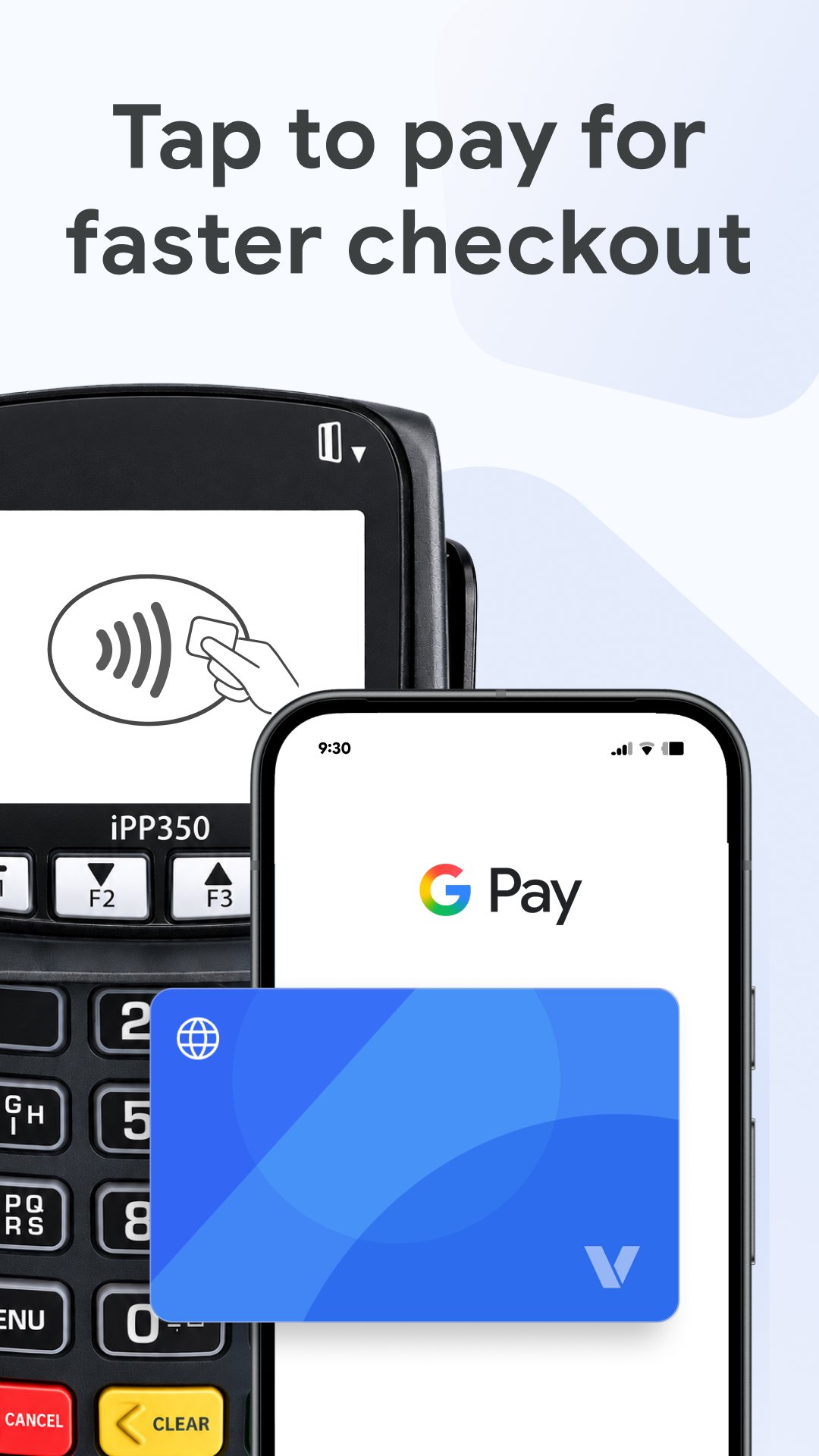
• When you tap to pay with your Android device, Google Pay (GPay) protects your card information by sharing a unique virtual card number with the store—not your actual card number.
• Tap to pay is fast and easy. Just ensure NFC is enabled in your settings, unlock your phone, hold it near the terminal, and wait for the check mark.
Easily use your loyalty benefits
• Keep loyalty cards and gift cards organized and accessible, so you won’t miss a chance to earn or redeem rewards.
View your receipts in one place
• View receipts from online and in-store transactions right in your digital wallet.
Travel with confidence
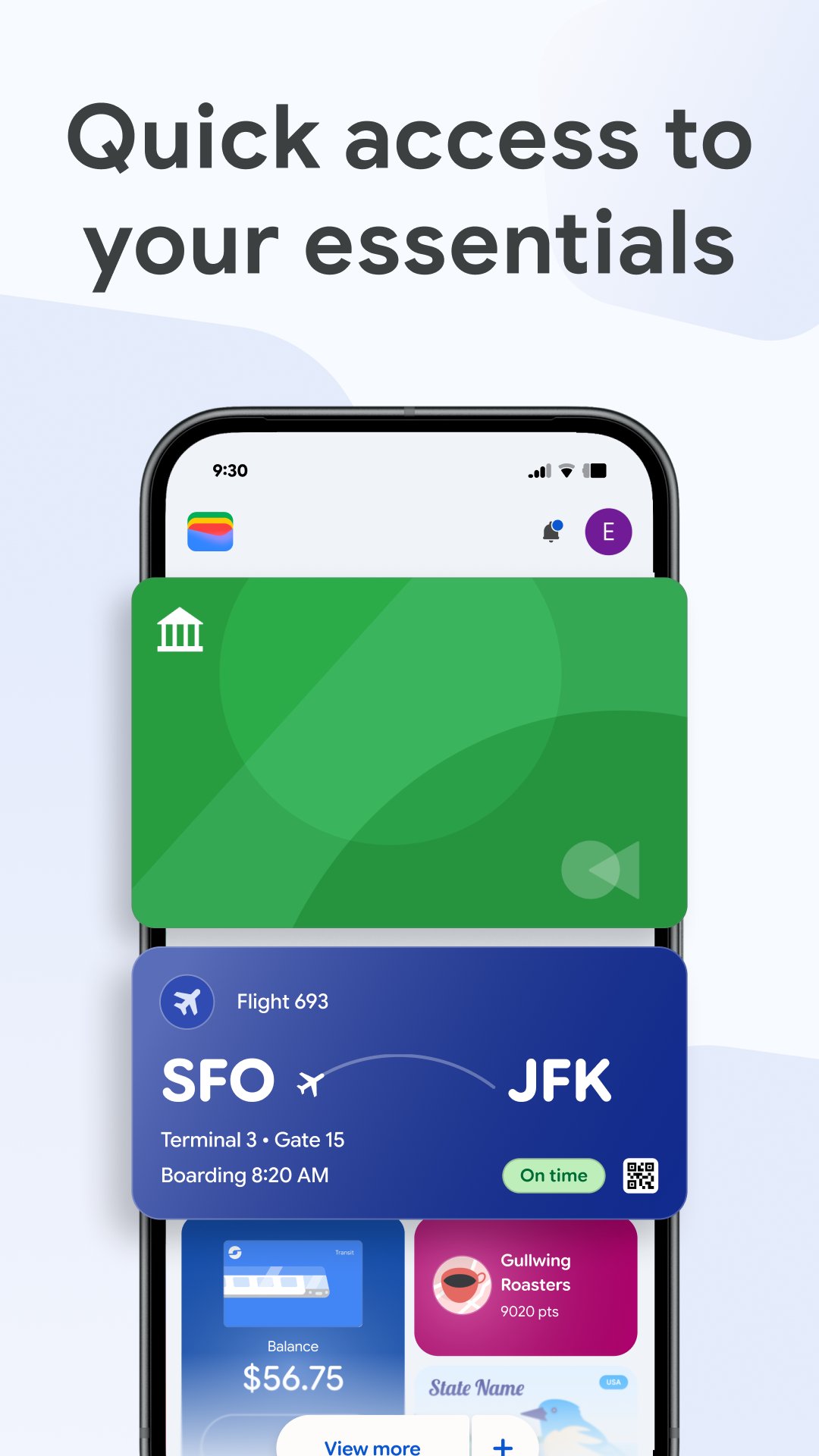
• Add your airline boarding pass and get real-time updates, like gate changes and departure times for your flight.
• Store your transit pass in Google Wallet, and pay your fare with just a tap.
Keep event passes handy
• Add your event, concert, and sports tickets to Wallet for easy access. Just open Wallet and show your ticket when entering the event.
• Google Wallet automatically updates your ticket with the latest event information, so you don’t miss a beat.
Speed through online checkout
• Use the GPay button or autofill in Chrome to quickly access credit cards and debit cards saved to your Google Wallet to make online purchases.
Track your online orders
• Link Google Wallet to Gmail to view the status and expected delivery date for your orders – all in one place. (US only)
Manage your digital IDs
• Get quick, reliable access to digital versions of your driver’s license, student ID, and more.
Security and privacy you can count on
• Google Wallet features industry-leading security built right into your Android phone, including 2-Step Verification, Find My Phone, and remote data erase.
• You choose the info you share between Google products, so you can better control your digital footprint.
Google Wallet is available on all Android phones (Pie 9.0+), Wear OS and Google Fitbit devices.
Not all features are available for supervised accounts. Learn more about Wallet for supervised accounts here: support.google.com/wallet?p=about_wallet_supervised.
Still have questions? Head over to support.google.com/wallet.
Preview
Tags
FinanceInformation
Developer
Google LLC
Latest Version
26.45.1018379642
Last Updated
2026-11-12
Category
Finance
Show More
How to play Google Wallet with GameLoop on PC
1. Download GameLoop from the official website, then run the exe file to install GameLoop
2. Open GameLoop and search for “Google Wallet” , find Google Wallet in the search results and click “Install”
3. Enjoy playing Google Wallet on GameLoop
Minimum requirements
OS
Windows 8.1 64-bit or Windows 10 64-bit
GPU
GTX 1050
CPU
i3-8300
Memory
8GB RAM
Storage
1GB available space
Recommended requirements
OS
Windows 8.1 64-bit or Windows 10 64-bit
GPU
GTX 1050
CPU
i3-9320
Memory
16GB RAM
Storage
1GB available space