
BCU Mobile Banking PC
BCU
Download BCU Mobile Banking on PC With GameLoop Emulator
BCU Mobile Banking sa PC
Ang BCU Mobile Banking, na nagmumula sa developer na BCU, ay tumatakbo sa Android systerm sa nakaraan.
Ngayon, maaari mong laruin ang BCU Mobile Banking sa PC gamit ang GameLoop nang maayos.
I-download ito sa GameLoop library o mga resulta ng paghahanap. Hindi na tumitingin sa baterya o nakakadismaya na mga tawag sa maling oras.
I-enjoy lang ang BCU Mobile Banking PC sa malaking screen nang libre!
BCU Mobile Banking Panimula
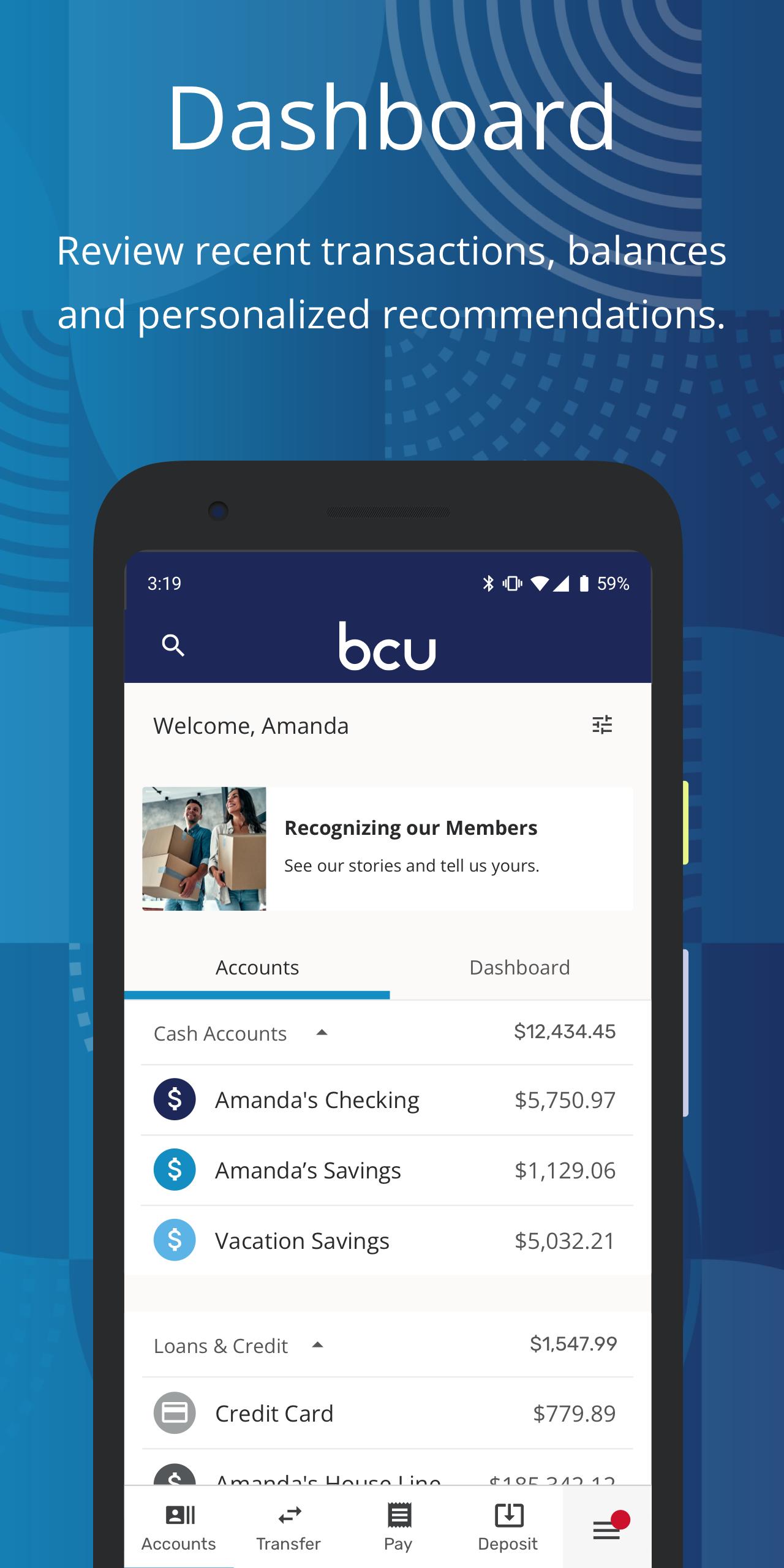
Our next generation Mobile Banking app provides a modern and friendly banking experience, with an innovative look and feel, smooth navigation, and the security you expect.
With the Credit Union’s anytime, anywhere mobile banking tools, you’re empowered to discover financial freedom no matter where life takes you! With the BCU Mobile Banking app, you get:
• Quick & Secure Logins – Access your accounts through fingerprint and set your preferences for account security.
• Financial Well-Being Resources – Stay on course with personal financial health tools, including free credit score reporting and monitoring, savings goals, spending analysis, financial health checkup, and access to our Financial Learning Center. Plus, enjoy the ability to link account balances and activity from other financial institutions.
• Flexible Payments – Pay for purchases and bills when and how you choose with Mobile Payments and Bill Pay.
• Remote Deposits – Easily make deposits at home or on the go with our convenient Deposit Anywhere tool.
• Card Controls & Alerts – Lock and unlock credit and debit cards, set up transaction alerts, travel notifications, and more.
• Dashboard Personalization – Customize what you see to personalize your experience, including turning tiles on or off and reordering and hiding accounts.
• Easy Account Opening – Become a member or add additional products right from your device.
For Upgrade Support, visit https://BCU.org/Elevate
FEDERALLY INSURED BY NCUA
Preview
Tags
FinanceInformation
Developer
BCU
Latest Version
6.18.4
Last Updated
2023-09-06
Category
Finance
Available on
Google Play
Show More
How to play BCU Mobile Banking with GameLoop on PC
1. Download GameLoop from the official website, then run the exe file to install GameLoop
2. Open GameLoop and search for “BCU Mobile Banking” , find BCU Mobile Banking in the search results and click “Install”
3. Enjoy playing BCU Mobile Banking on GameLoop
Minimum requirements
OS
Windows 8.1 64-bit or Windows 10 64-bit
GPU
GTX 1050
CPU
i3-8300
Memory
8GB RAM
Storage
1GB available space
Recommended requirements
OS
Windows 8.1 64-bit or Windows 10 64-bit
GPU
GTX 1050
CPU
i3-9320
Memory
16GB RAM
Storage
1GB available space