Wallpaper For Retro Gaming HD PC
Aira Studio
Download Wallpaper For Retro Gaming HD on PC With GameLoop Emulator
Wallpaper For Retro Gaming HD sa PC
Ang Wallpaper For Retro Gaming HD, na nagmumula sa developer na Aira Studio, ay tumatakbo sa Android systerm sa nakaraan.
Ngayon, maaari mong laruin ang Wallpaper For Retro Gaming HD sa PC gamit ang GameLoop nang maayos.
I-download ito sa GameLoop library o mga resulta ng paghahanap. Hindi na tumitingin sa baterya o nakakadismaya na mga tawag sa maling oras.
I-enjoy lang ang Wallpaper For Retro Gaming HD PC sa malaking screen nang libre!
Wallpaper For Retro Gaming HD Panimula
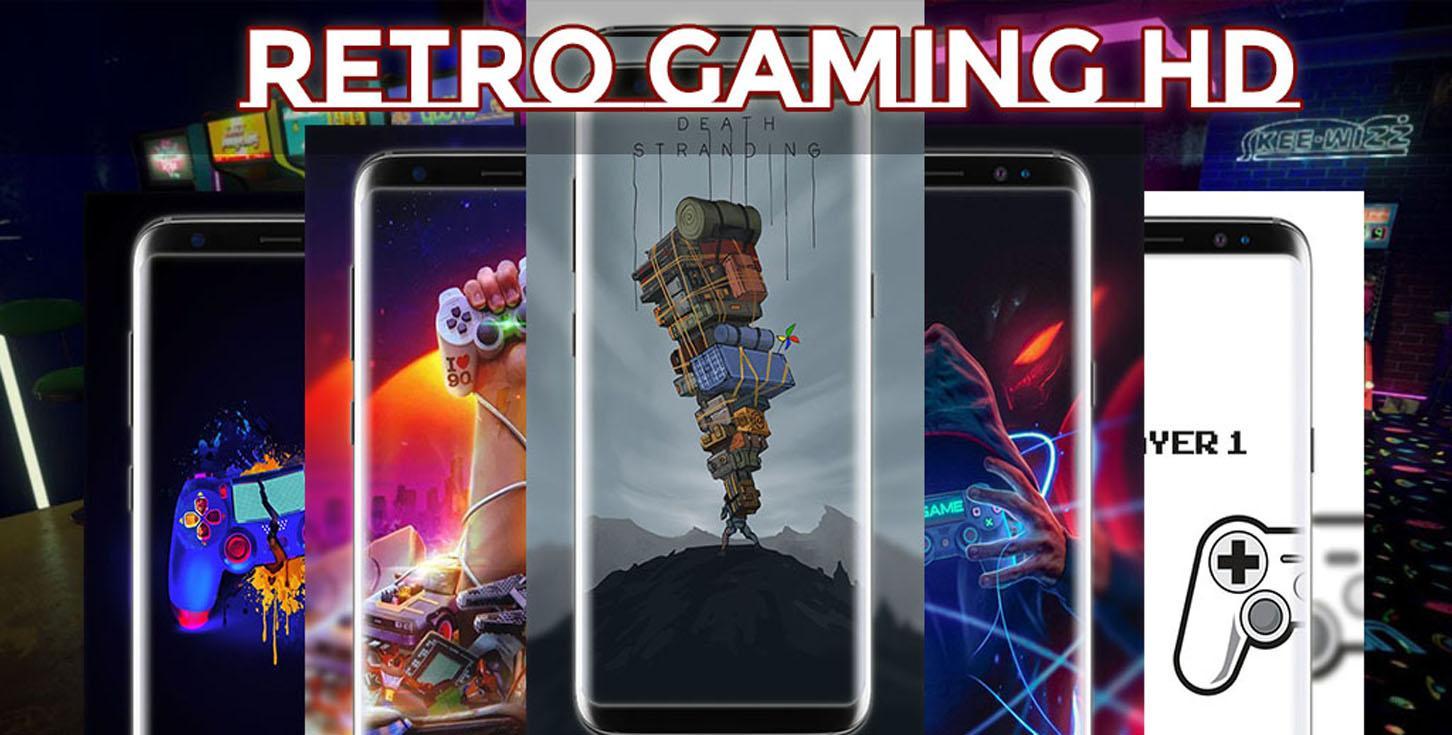
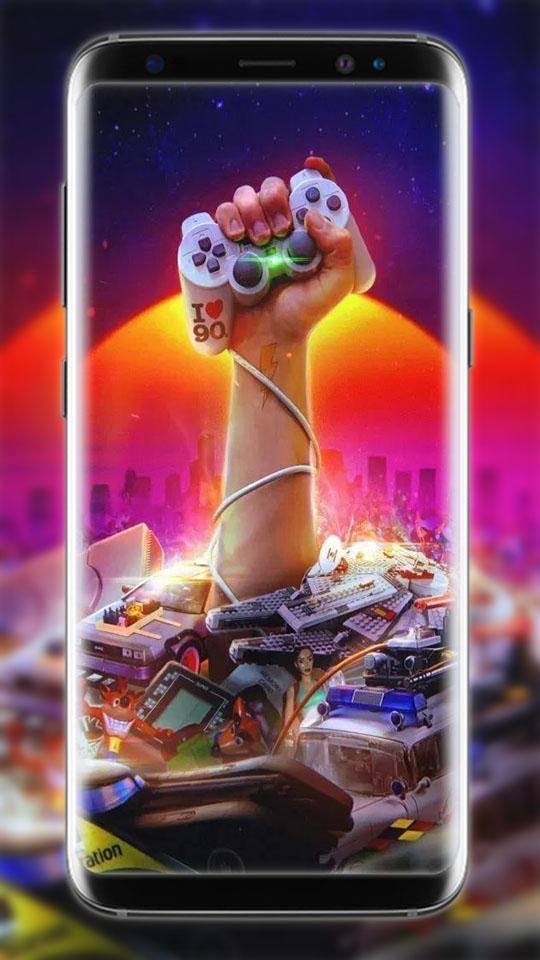
Retro Gaming Lockscreen Wallpapers Cover your phone with true real with this adorable collection of free Mobile Background for fans. Free Download this excellent collection of "Retro Gaming Wallpapers Specially designed for you.
This application is a super set of photos Retro Gaming Lockscreen Wallpapers in HD quality.
These Wallpapers for Retro Gaming HD will definitely leave you lost for wallpaper! Change something really nice. Get this backgrounds simply by downloading "Retro Gaming Lockscreen Wallpapers" app and installing your favorite Wallpapers and Backgrounds on your phone!
________________________________________________
powered by Aira Studio
________________________________________________
Nice Features OF "HD Retro Gaming Lockscreen Wallpapers 4K" Application For your smartphone
★ Full support for landscape mode.
★ Compatible with 99% of mobile phones and devices.
★ Optimized battery usage!
★ Very easy to use one-click preview of the background images
★ You can share image to your family or friend
★ Search your favorite images
★ Quick Apply to set Home Screen, Lock Screen and Both
★ Save your favorite image to use one-click love icon
★ Pinch zoom in and zoom out
★ You can save or Share Funny "HD Retro Gaming Lockscreen Wallpapers" to Facebook, Twitter, Google+, Pinterest Or Instagram with your Good Friends or whole family.
________________________________________________
How to set the wallpaper:
1. Open the application
2. Select images by category or directly on the first display
3. Then, select an image like a icon paint brush
4. Select Quick Apply to make an image into your cellphone wallpaper
________________________________________________
HD Quality Images : Also known as Full HD, this type of resolution is also called 1080p. For the size of this dimension is 1920 x 1080 pixels. This resolution is very suitable for use on types of smartphones that have screen sizes between 5 to 5.5 inches. With these sizes the resulting image will be very clear and of good quality.
Disclaimer:
This app is developed for fun purpose only by Retro Gaming Wallpapers. All Images/logo/names used in app are not affiliated with, endorsed, sponsored, or approved by any company. All images are collected around the glob and are copyrights of their respective owners. If you fill we are violating or infringing any copyright then let us know that image/name we will remove it as soon as possible.
Please If you like our effort, please, leave a comment and qualify with 5 stars ★★★★★. Thanks
Preview
Information
Developer
Aira Studio
Latest Version
1.2
Last Updated
2020-06-08
Category
Entertainment
Available on
Google Play
Show More
How to play Wallpaper For Retro Gaming HD with GameLoop on PC
1. Download GameLoop from the official website, then run the exe file to install GameLoop
2. Open GameLoop and search for “Wallpaper For Retro Gaming HD” , find Wallpaper For Retro Gaming HD in the search results and click “Install”
3. Enjoy playing Wallpaper For Retro Gaming HD on GameLoop
Minimum requirements
OS
Windows 8.1 64-bit or Windows 10 64-bit
GPU
GTX 1050
CPU
i3-8300
Memory
8GB RAM
Storage
1GB available space
Recommended requirements
OS
Windows 8.1 64-bit or Windows 10 64-bit
GPU
GTX 1050
CPU
i3-9320
Memory
16GB RAM
Storage
1GB available space