AI Voice Generator & Recorder PC
Filme Technology Co., Ltd.
Download AI Voice Generator & Recorder on PC With GameLoop Emulator
AI Voice Generator & Recorder sa PC
Ang AI Voice Generator & Recorder, na nagmumula sa developer na Filme Technology Co., Ltd., ay tumatakbo sa Android systerm sa nakaraan.
Ngayon, maaari mong laruin ang AI Voice Generator & Recorder sa PC gamit ang GameLoop nang maayos.
I-download ito sa GameLoop library o mga resulta ng paghahanap. Hindi na tumitingin sa baterya o nakakadismaya na mga tawag sa maling oras.
I-enjoy lang ang AI Voice Generator & Recorder PC sa malaking screen nang libre!
AI Voice Generator & Recorder Panimula
🎙️ Meet VoxBox — Your AI Voice and Audio Studio!
🎙️ VoxBox turns your text into natural-sounding speech and lets you record, edit, and polish audio with studio-grade tools. Whether you’re creating a voiceover for a video, recording a podcast, or experimenting with character voices, VoxBox makes it fast and easy to produce lifelike narration and clean recordings.
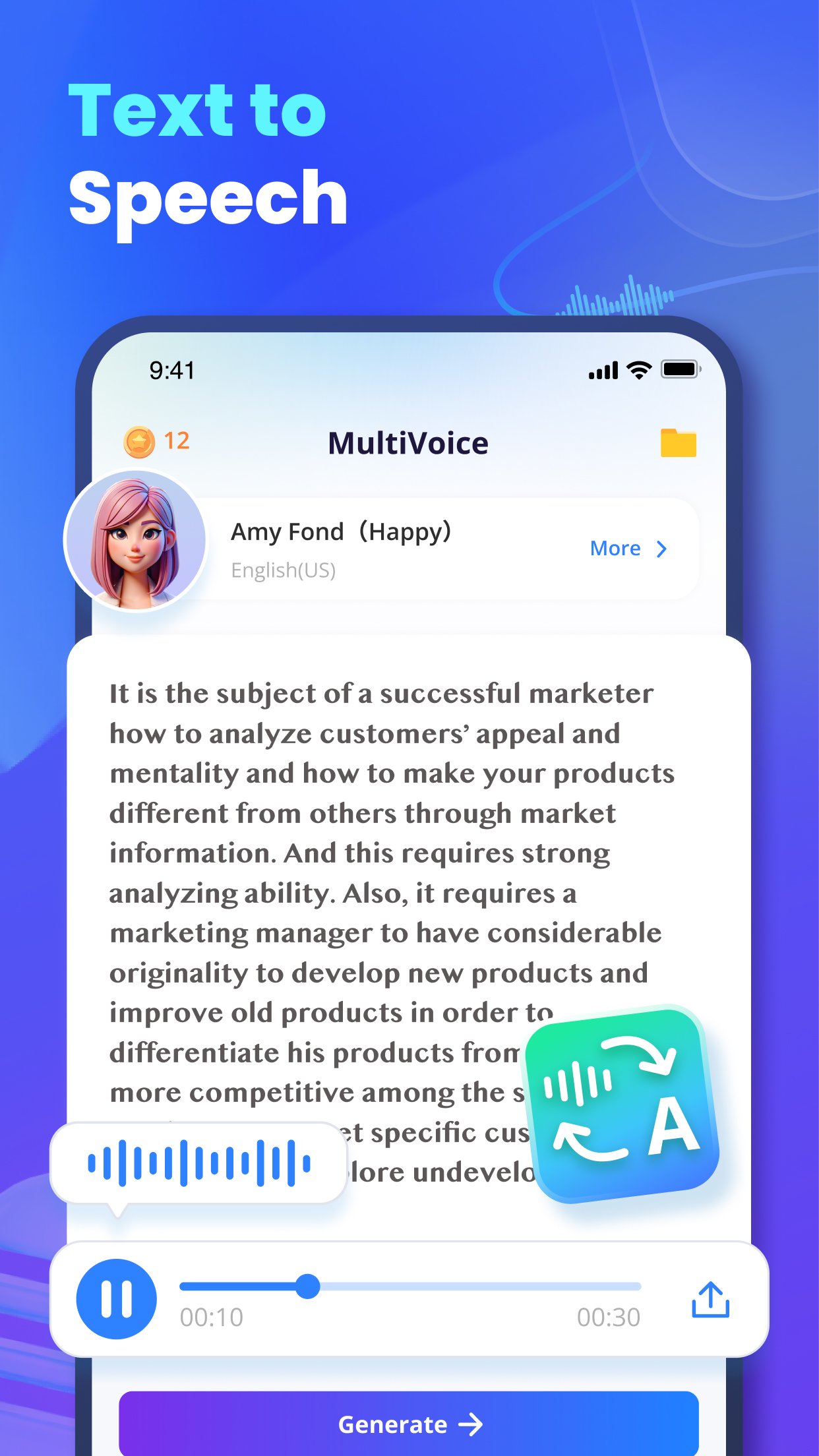
Turn text into natural voices, record studio-quality audio, clone voices, create voiceovers, and transform your sound with powerful AI. VoxBox is your all-in-one AI voice generator, text to speech (TTS), voice recorder, voice changer, voice cloning, speech to text, voice over & online voice generator solution for creators and everyday users.
🎧 Create studio-level audio with expressive, realistic voices
Whether you're making content for YouTube, TikTok, podcasts, gaming, education, entertainment, or storytelling, VoxBox brings the power of human-like realistic voices, rich tone control, and natural emotions to every word.
🎶 Perfect for creators, streamers & everyday users
From beginners to advanced audio editors, VoxBox makes voice creation fast, fun, and powerful. Use celebrity voice, anime voice, characters, multilingual narrators, and ultra-lifelike digital personalities.
🎙️ Key Features
🎤 AI Voice Generator & Text to Speech (TTS)
Convert text into natural voices in seconds.
Use the most advanced AI voice generator & realistic text to speech tool for videos, voice narration, audiobooks, e-learning, business, and storytelling.
📼 Voice Recorder
Capture crystal-clear audio anytime, anywhere.
Use VoxBox as your mobile & AI voice recorder for PC workflow. Perfect for mics, interviews, meetings, and podcasts.
🎭 Voice Changer
Instantly switch voices to characters, celebrities, robots, anime roles, and more — the best voice changer for gaming, streaming & entertainment.
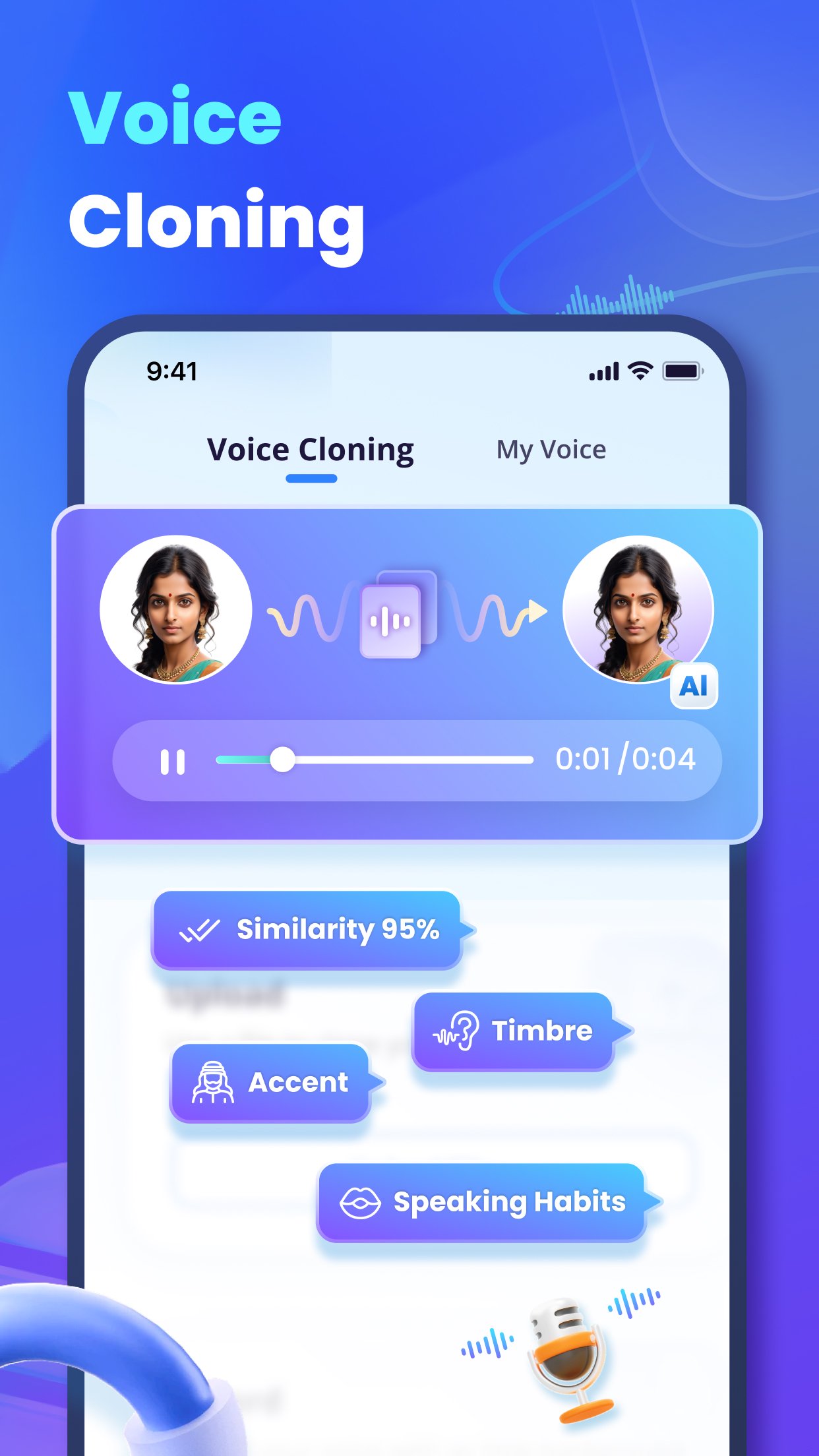
🧬 Voice Cloning
Clone voices for narration, personalization, gaming avatars, and virtual characters.
(For ethical & legal use only — protect privacy always.)
🎙️ AI Voice Over
Generate narration for videos, ads, documentaries, audiobooks, and content branding.
Your all-in-one AI voice over + TTS + online voice generator platform.
✍️ Speech to Text
Turn speech into precise text — a smart speech to text AI assistant for note-taking, subtitles, meetings, and productivity.
🎚️ Audio Editor & Enhancement
Cut, trim, noise-reduce, boost clarity, EQ voices, and polish sound.
Also includes podcast voice enhancer online for clean & powerful vocal tone.
🌍 Multilingual Voices
Create global content with multilingual voices, accents, and characters. Ideal for brands, educators, and international creators.
🎙️ Best For
🎬 YouTube & creators
AI dubbing for YouTube videos
Voice over narrations & character voices
📱 TikTok & short video editors
custom voice generator for TikTok
trending meme voices & anime effects
🎮 Gamers & Streamers
best voice changer for gaming
role-play, VTubing, RP servers, live chat
🎙️ Podcasters & storytellers
podcast voice, narration, storytelling
voice dubbing & vocal enhancement
🧠 Students & professionals
study notes via TTS
voice to text for meetings & lectures
🎵 Casual fun
free AI voice generator online
celebrity impressions, anime voice memes
🎙️ Start creating your voice world
VoxBox transforms audio work into creativity and fun.Whether you're narrating a documentary, making TikTok memes, or building a digital avatar, the AI voice generator, text to speech, voice recorder, voice changer, voice cloning, speech to text, and AI voice over tools are here to empower your voice.
Discord: https://discord.com/invite/G9hZWrGNnY
Website: https://filme.imyfone.com/voice-recorder/
Support: https://filme.imyfone.com/support/
Download VoxBox now and bring your voice ideas to life — naturally, powerfully, and creatively!
Preview
Tags
EntertainmentToolsInformation
Developer
Filme Technology Co., Ltd.
Latest Version
3.2.4
Last Updated
2025-11-18
Category
Entertainment
Available on
Google Play
Show More
How to play AI Voice Generator & Recorder with GameLoop on PC
1. Download GameLoop from the official website, then run the exe file to install GameLoop
2. Open GameLoop and search for “AI Voice Generator & Recorder” , find AI Voice Generator & Recorder in the search results and click “Install”
3. Enjoy playing AI Voice Generator & Recorder on GameLoop
Minimum requirements
OS
Windows 8.1 64-bit or Windows 10 64-bit
GPU
GTX 1050
CPU
i3-8300
Memory
8GB RAM
Storage
1GB available space
Recommended requirements
OS
Windows 8.1 64-bit or Windows 10 64-bit
GPU
GTX 1050
CPU
i3-9320
Memory
16GB RAM
Storage
1GB available space