Triple A PC
SungLab
Download Triple A on PC With GameLoop Emulator
Triple A sa PC
Ang Triple A, na nagmumula sa developer na SungLab, ay tumatakbo sa Android systerm sa nakaraan.
Ngayon, maaari mong laruin ang Triple A sa PC gamit ang GameLoop nang maayos.
I-download ito sa GameLoop library o mga resulta ng paghahanap. Hindi na tumitingin sa baterya o nakakadismaya na mga tawag sa maling oras.
I-enjoy lang ang Triple A PC sa malaking screen nang libre!
Triple A Panimula
Triple A — A Calming Interactive Particle Experience
Touch light. Watch it flow. Let your mind slow down.
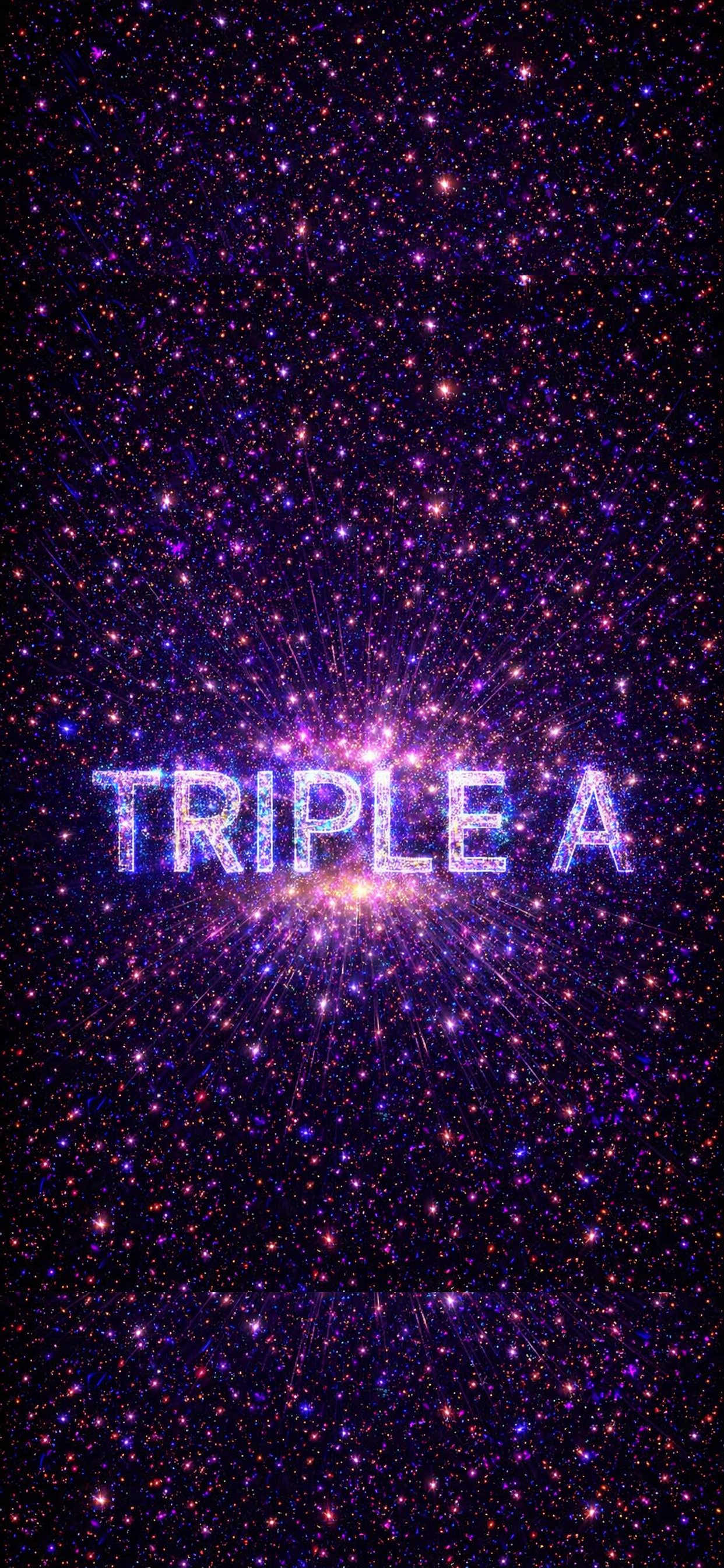
Triple A is an immersive interactive visual experience where thousands of particles respond instantly to your touch, creating flowing patterns, luminous waves, and calming motion that feels both artistic and deeply relaxing.
Designed for moments when you want to slow down, breathe, and reset, Triple A helps transform simple touch into a soothing sensory experience — ideal for relaxation, meditation, emotional calm, creative focus, or quiet moments before sleep.
Whether you are feeling stressed, mentally overloaded, restless, or simply need a beautiful pause during the day, Triple A offers a gentle space where movement, light, and sound come together naturally.
Why users love Triple A
• Instant Calm: Watch stress melt away as particles dance with your movement.
• Beautiful particle motion that reacts to every touch
• Ideal for stress relief, mindfulness, and focus
• Creates a satisfying sensory experience many users return to daily
• Loved by adults, children, and even pets
Immersive Visual Modes
Explore 5 distinct visual worlds:
• Particle
• Wave
• Gravity
• Linear
• Lightning
Each mode includes multiple unique effects, giving you 25 core interactive experiences and many more variations inspired by galaxies, flowers, flowing energy, rainbows, vortexes, and living light.
Real-Time Performance
• Up to 30,000 particles rendered in real time
• Smooth 60 FPS interaction
• 5-finger / 2-hand multi-touch support
• Adjustable particle size, quantity, and trail length
• Built-in relaxing music tracks (optional)
A Different Kind of Calm
Triple A is not just a visual toy.
Many users open it during moments of anxiety, before sleep, while listening to music, during meditation, or when they simply want to disconnect for a few minutes and watch something beautiful respond to their hands.
Free Version
Enjoy the core experience for free.
Upgrade to remove ads and unlock:
• 3× more particles
• Additional visual effects
• Cleaner uninterrupted immersion
Support
If you have ideas, questions, or feedback, I would love to hear from you.
sunglab@gmail.com
www.sunglab.com
Preview

Tags
EntertainmentInformation
Developer
SungLab
Latest Version
9.12
Last Updated
2026-09-16
Category
Entertainment
Available on
Google Play
Show More
How to play Triple A with GameLoop on PC
1. Download GameLoop from the official website, then run the exe file to install GameLoop
2. Open GameLoop and search for “Triple A” , find Triple A in the search results and click “Install”
3. Enjoy playing Triple A on GameLoop
Minimum requirements
OS
Windows 8.1 64-bit or Windows 10 64-bit
GPU
GTX 1050
CPU
i3-8300
Memory
8GB RAM
Storage
1GB available space
Recommended requirements
OS
Windows 8.1 64-bit or Windows 10 64-bit
GPU
GTX 1050
CPU
i3-9320
Memory
16GB RAM
Storage
1GB available space