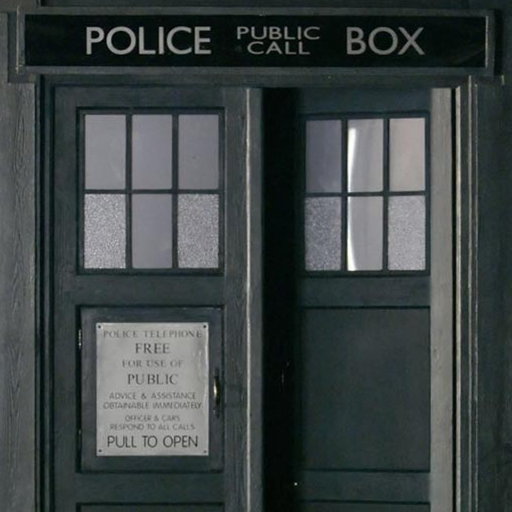
Tardis Live Wallpaper PC
Didactic Development
Download Tardis Live Wallpaper on PC With GameLoop Emulator
Tardis Live Wallpaper sa PC
Ang Tardis Live Wallpaper, na nagmumula sa developer na Didactic Development, ay tumatakbo sa Android systerm sa nakaraan.
Ngayon, maaari mong laruin ang Tardis Live Wallpaper sa PC gamit ang GameLoop nang maayos.
I-download ito sa GameLoop library o mga resulta ng paghahanap. Hindi na tumitingin sa baterya o nakakadismaya na mga tawag sa maling oras.
I-enjoy lang ang Tardis Live Wallpaper PC sa malaking screen nang libre!
Tardis Live Wallpaper Panimula
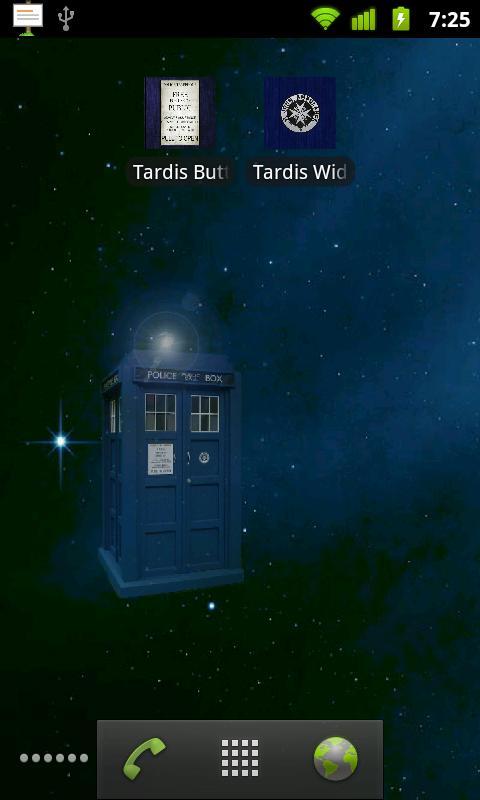
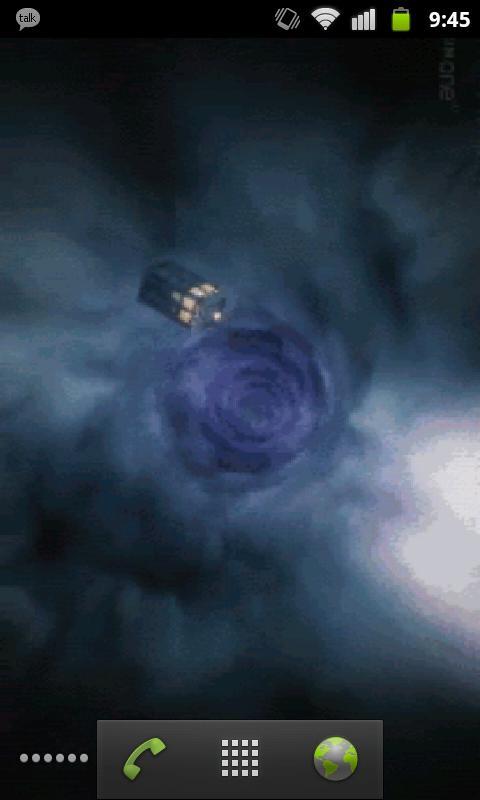
Doctor Who TARDIS LWP: Now comes with two live wallpapers.
-Touch controlled TARDIS
-Eleventh Doctor opening sequence
NOTE: This will not appear under your applications, but will rather appear as two wallpaper services when you go to Menu -> Wallpaper -> Live Wallpapers.
I realize the image quality is less than desirable but please understand that it's a trade-off between frame rate & resolution and battery drain. I've received comments about the performance and chose to sacrifice smoothness and compress the images to more wisely use system resources. Please have realistic expectations.
NOTE: if the wallpaper appears blank, touch the screen.
If you find any bugs or have any suggestions, feel free to email me at didacticdev@gmail.com
KNOWN ISSUES:
-None! "My ship don't crash. She crashes, you crashed her."
Preview
Information
Developer
Didactic Development
Latest Version
1.4
Last Updated
2013-03-14
Category
Entertainment
Available on
Google Play
Show More
How to play Tardis Live Wallpaper with GameLoop on PC
1. Download GameLoop from the official website, then run the exe file to install GameLoop
2. Open GameLoop and search for “Tardis Live Wallpaper” , find Tardis Live Wallpaper in the search results and click “Install”
3. Enjoy playing Tardis Live Wallpaper on GameLoop
Minimum requirements
OS
Windows 8.1 64-bit or Windows 10 64-bit
GPU
GTX 1050
CPU
i3-8300
Memory
8GB RAM
Storage
1GB available space
Recommended requirements
OS
Windows 8.1 64-bit or Windows 10 64-bit
GPU
GTX 1050
CPU
i3-9320
Memory
16GB RAM
Storage
1GB available space