
Poly AI – Stories Ai Generator PC
wantech
Download Poly AI – Stories Ai Generator on PC With GameLoop Emulator
Poly AI – Stories Ai Generator sa PC
Ang Poly AI – Stories Ai Generator, na nagmumula sa developer na wantech, ay tumatakbo sa Android systerm sa nakaraan.
Ngayon, maaari mong laruin ang Poly AI – Stories Ai Generator sa PC gamit ang GameLoop nang maayos.
I-download ito sa GameLoop library o mga resulta ng paghahanap. Hindi na tumitingin sa baterya o nakakadismaya na mga tawag sa maling oras.
I-enjoy lang ang Poly AI – Stories Ai Generator PC sa malaking screen nang libre!
Poly AI – Stories Ai Generator Panimula
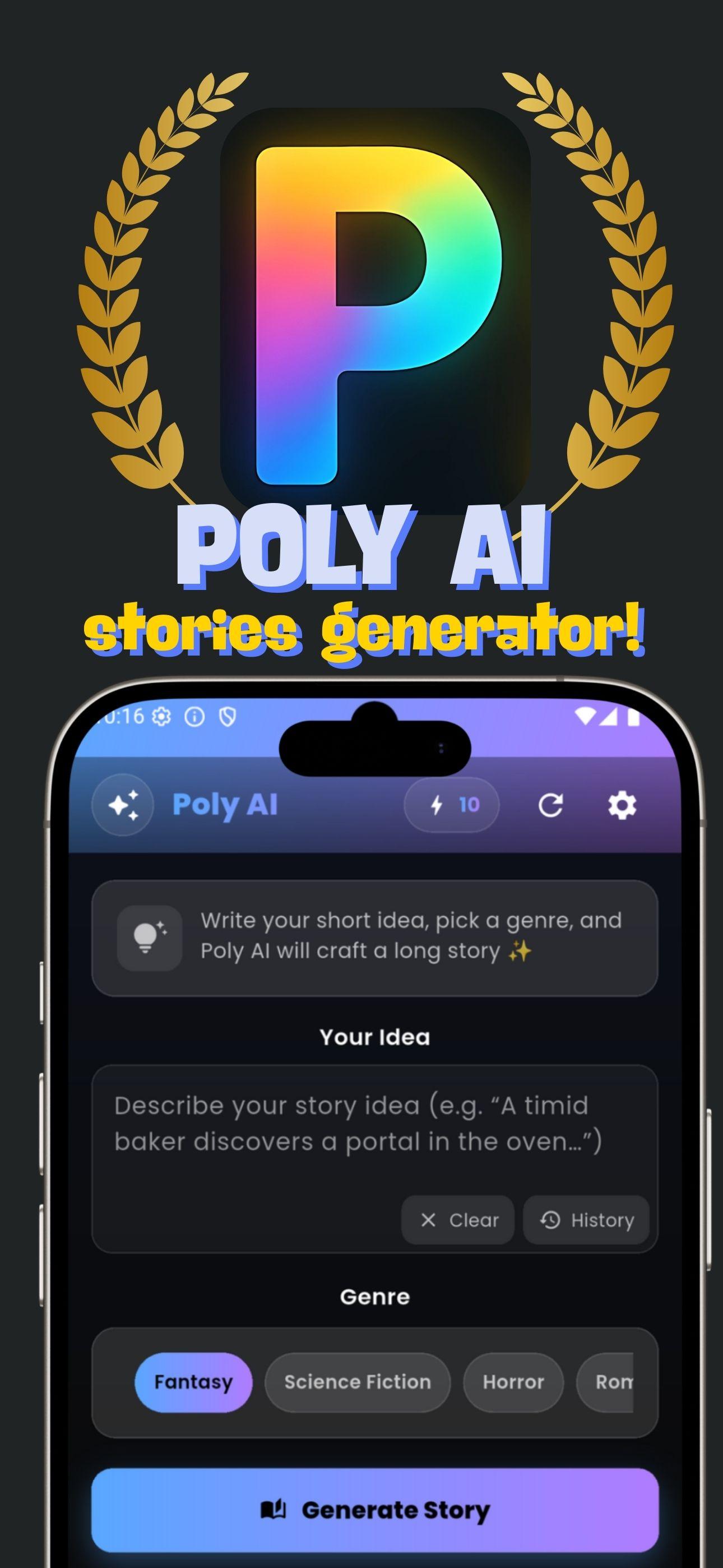
Poly AI is a creative app powered by artificial intelligence that lets you write, generate, and enjoy stories in a whole new way. Simply enter your idea, choose a genre, and let AI craft a long, engaging story tailored to your taste.
🎯 Perfect for:
• Fans of fantasy, romance, horror, sci-fi, and mystery stories
• Writers seeking quick inspiration
• Story lovers who enjoy listening before sleep or while traveling
• Anyone who wants to explore creative storytelling with AI
✨ Key Features
AI Story Generator: Turn short ideas into complete stories in seconds.
Wide Range of Genres: Fantasy, Romance, Horror, Sci-Fi, Mystery, Thriller, Comedy, and more.
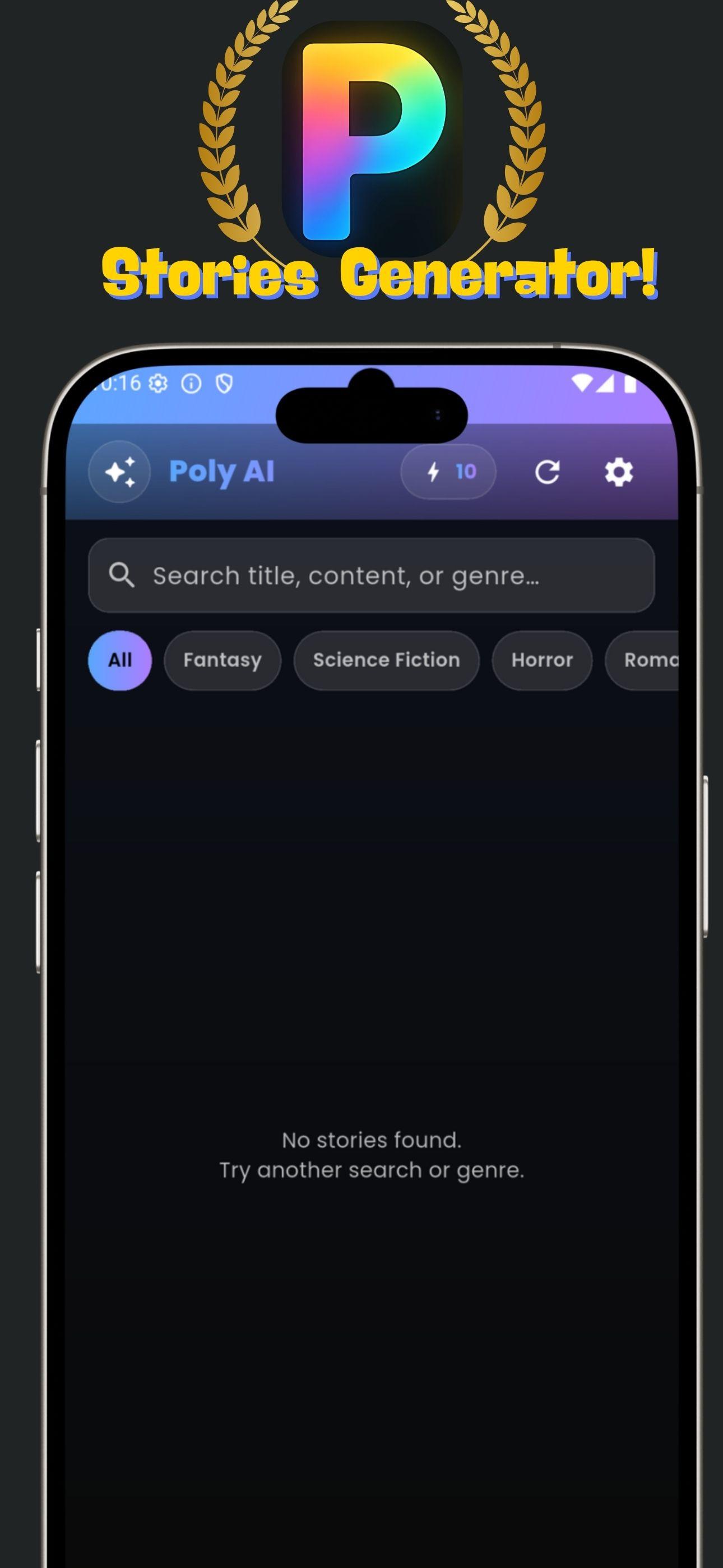
Story & Prompt History: Save every idea and story you’ve created for easy access later.
Favorites: Mark and revisit your best stories anytime.
Story-to-Voice (TTS): Listen to your AI-generated story with natural AI voices (Premium).
Token System: Get free tokens to start generating stories.
Premium Access (PRO):
• Unlimited story generations
• Ad-free experience
• Exclusive features like longer stories & AI voices
🚀 Why Poly AI?
Easy to use → just type an idea, pick a genre, and generate!
Creative & Inspiring → perfect for both fun and writing reference.
Personalized → choose the mood, style, and how your story evolves.
Preview
Tags
EntertainmentInformation
Developer
wantech
Latest Version
14
Last Updated
2025-09-24
Category
Entertainment
Available on
Google Play
Show More
How to play Poly AI – Stories Ai Generator with GameLoop on PC
1. Download GameLoop from the official website, then run the exe file to install GameLoop
2. Open GameLoop and search for “Poly AI – Stories Ai Generator” , find Poly AI – Stories Ai Generator in the search results and click “Install”
3. Enjoy playing Poly AI – Stories Ai Generator on GameLoop
Minimum requirements
OS
Windows 8.1 64-bit or Windows 10 64-bit
GPU
GTX 1050
CPU
i3-8300
Memory
8GB RAM
Storage
1GB available space
Recommended requirements
OS
Windows 8.1 64-bit or Windows 10 64-bit
GPU
GTX 1050
CPU
i3-9320
Memory
16GB RAM
Storage
1GB available space