
Scary Sounds Button PC
DPPRIME
Download Scary Sounds Button on PC With GameLoop Emulator
Scary Sounds Button sa PC
Ang Scary Sounds Button, na nagmumula sa developer na DPPRIME, ay tumatakbo sa Android systerm sa nakaraan.
Ngayon, maaari mong laruin ang Scary Sounds Button sa PC gamit ang GameLoop nang maayos.
I-download ito sa GameLoop library o mga resulta ng paghahanap. Hindi na tumitingin sa baterya o nakakadismaya na mga tawag sa maling oras.
I-enjoy lang ang Scary Sounds Button PC sa malaking screen nang libre!
Scary Sounds Button Panimula
👻 Scary Sounds Button: The Ultimate Horror Sound Effects App 👻
Get ready to unleash spine-chilling terror with Scary Sounds Button – the ultimate horror sound effects app that's perfect for scaring yourself and your friends with hair-raising, bone-chilling sounds!
🎃 Terrifying Sound Effects On-Demand 🎃
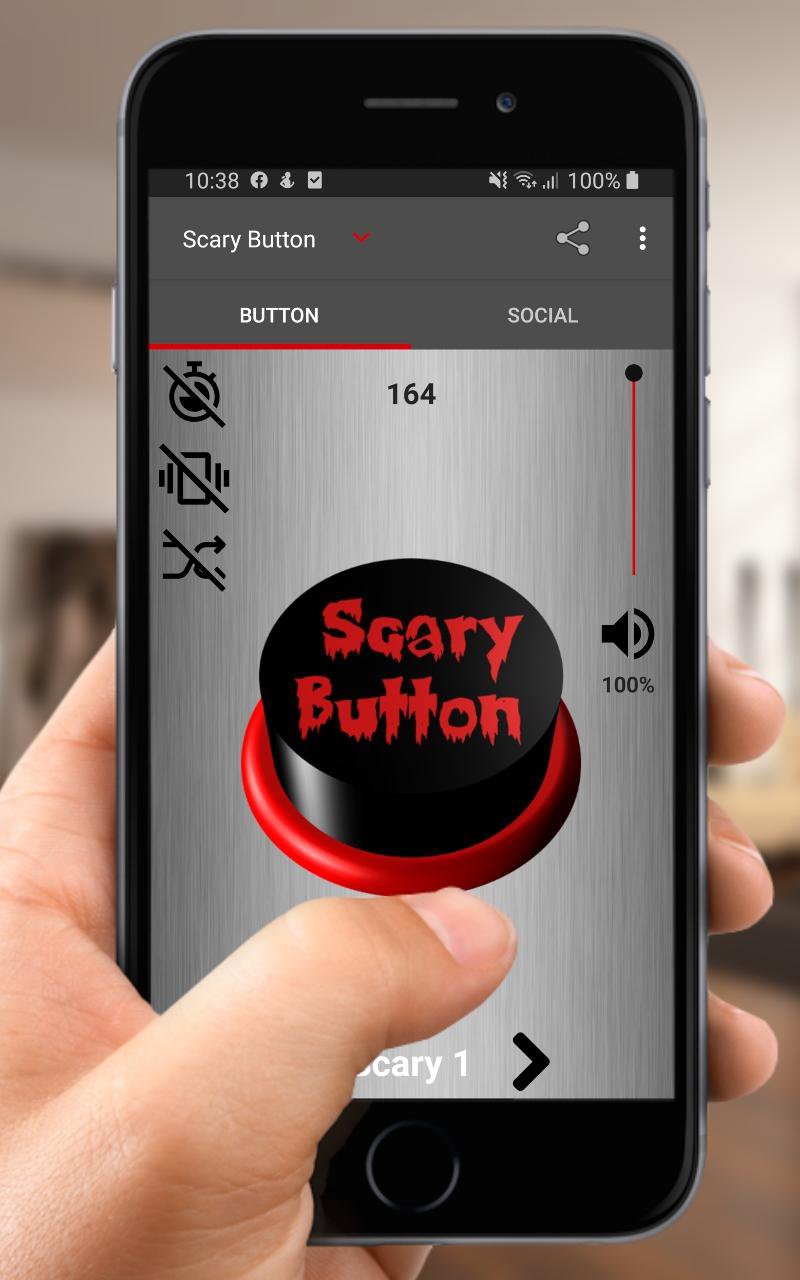
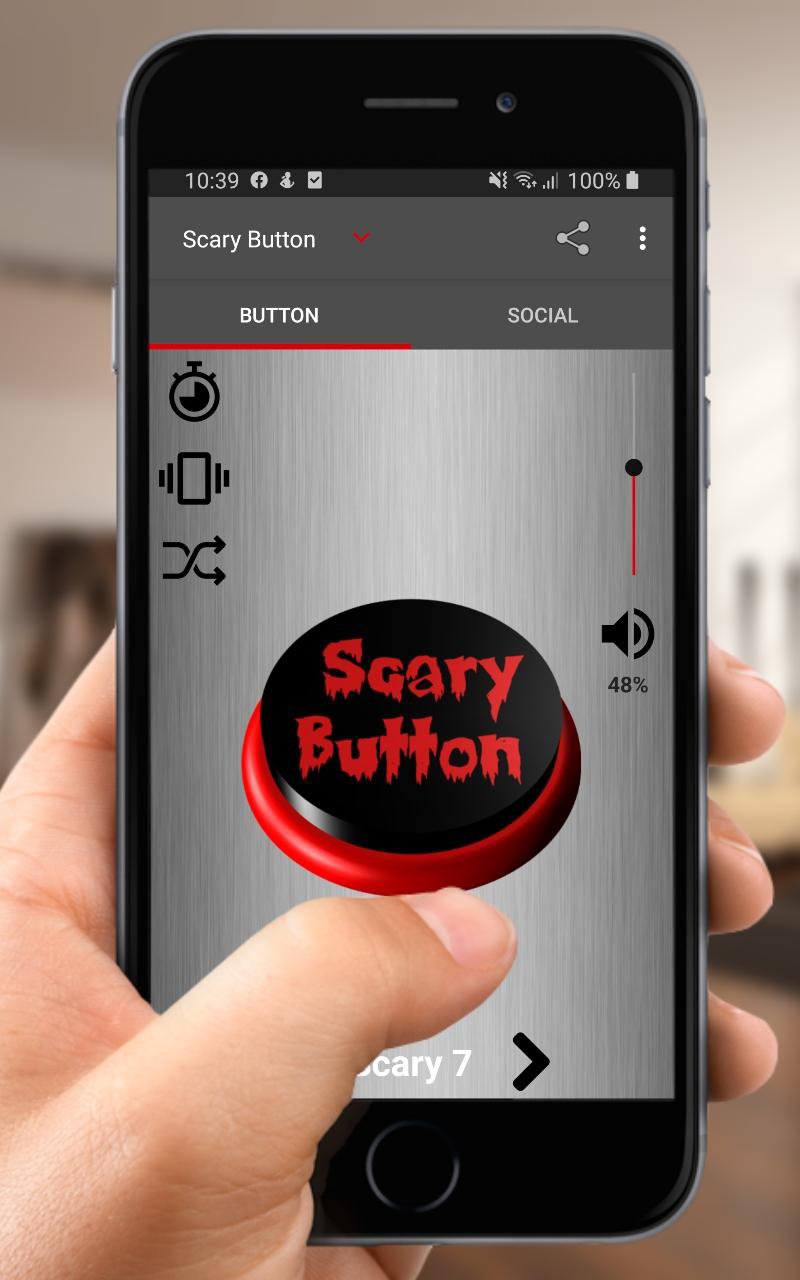
Press the Scary Sounds Button to immerse yourself in a world of fear-inducing horror sound effects. Whether you're sharing ghost stories around a campfire or simply want to set the mood for a spooky night in, our app delivers a bone-chilling experience at the tap of a button.
👤 Scare Anyone, Anytime 👤
With Scary Sounds Button, you can turn ordinary moments into heart-pounding horror scenes. Use the app to surprise and frighten your friends, family, or unsuspecting victims. Simply activate the random feature, press the button, and watch them jump out of their skin!
🔊 A Haunting Variety of Sounds 🔊
Inside Scary Sounds Button, you'll find a treasure trove of terrifying sound effects. From eerie background sounds and malevolent laughter to blood-curdling screams, zombie growls, and ghostly whispers – our app has it all to keep your heart racing.
⏲️ Customize the Horror ⏲️
Take control of the scare factor with our timer option. Set a countdown for when your selected sound effect should unleash its horror, adding suspense to your pranks or storytelling sessions.
🧟 Simple and User-Friendly 🧟
Scary Sounds Button has been designed with simplicity in mind. It's incredibly easy to use, ensuring that you can focus on the frights without any hassle.
Preview
Tags
EntertainmentInformation
Developer
DPPRIME
Latest Version
12.23.g
Last Updated
2023-12-19
Category
Entertainment
Available on
Google Play
Show More
How to play Scary Sounds Button with GameLoop on PC
1. Download GameLoop from the official website, then run the exe file to install GameLoop
2. Open GameLoop and search for “Scary Sounds Button” , find Scary Sounds Button in the search results and click “Install”
3. Enjoy playing Scary Sounds Button on GameLoop
Minimum requirements
OS
Windows 8.1 64-bit or Windows 10 64-bit
GPU
GTX 1050
CPU
i3-8300
Memory
8GB RAM
Storage
1GB available space
Recommended requirements
OS
Windows 8.1 64-bit or Windows 10 64-bit
GPU
GTX 1050
CPU
i3-9320
Memory
16GB RAM
Storage
1GB available space