
Roulette Solveder - spin bottl PC
Kraist
Download Roulette Solveder - spin bottl on PC With GameLoop Emulator
Roulette Solveder - spin bottl sa PC
Ang Roulette Solveder - spin bottl, na nagmumula sa developer na Kraist, ay tumatakbo sa Android systerm sa nakaraan.
Ngayon, maaari mong laruin ang Roulette Solveder - spin bottl sa PC gamit ang GameLoop nang maayos.
I-download ito sa GameLoop library o mga resulta ng paghahanap. Hindi na tumitingin sa baterya o nakakadismaya na mga tawag sa maling oras.
I-enjoy lang ang Roulette Solveder - spin bottl PC sa malaking screen nang libre!
Roulette Solveder - spin bottl Panimula
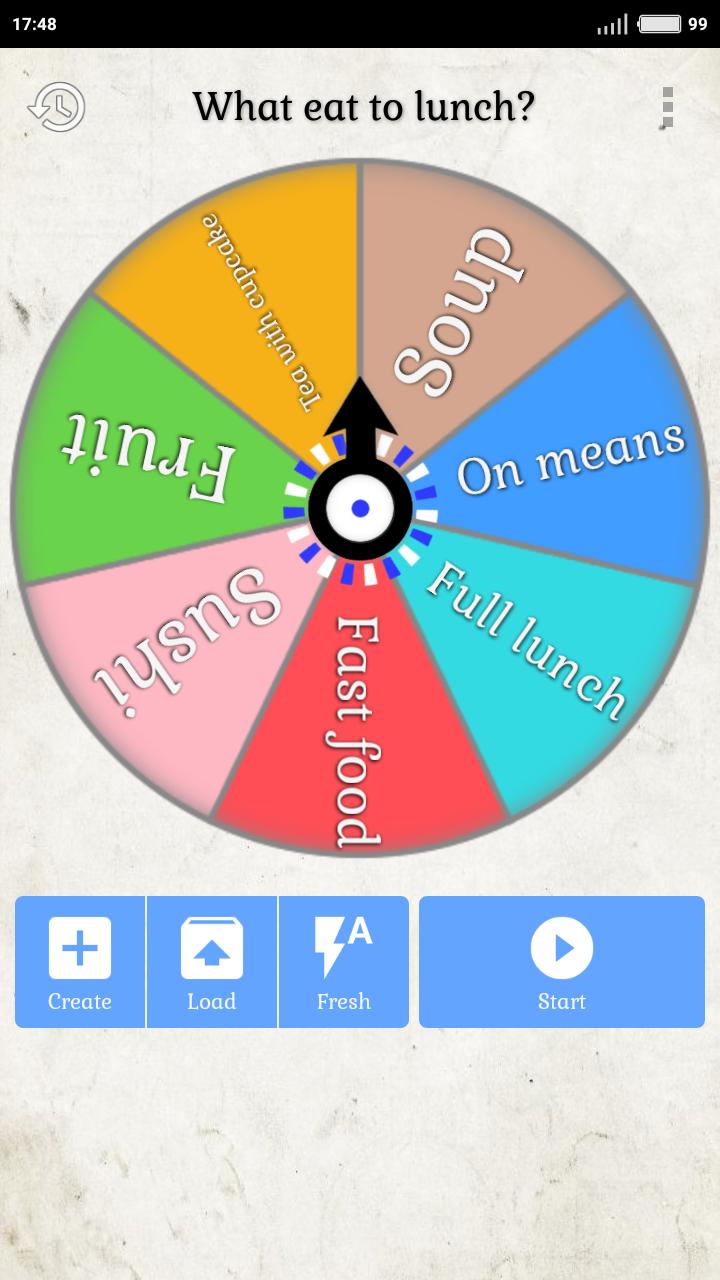
Do not want to make a decision yourself or decided to trust the fate?
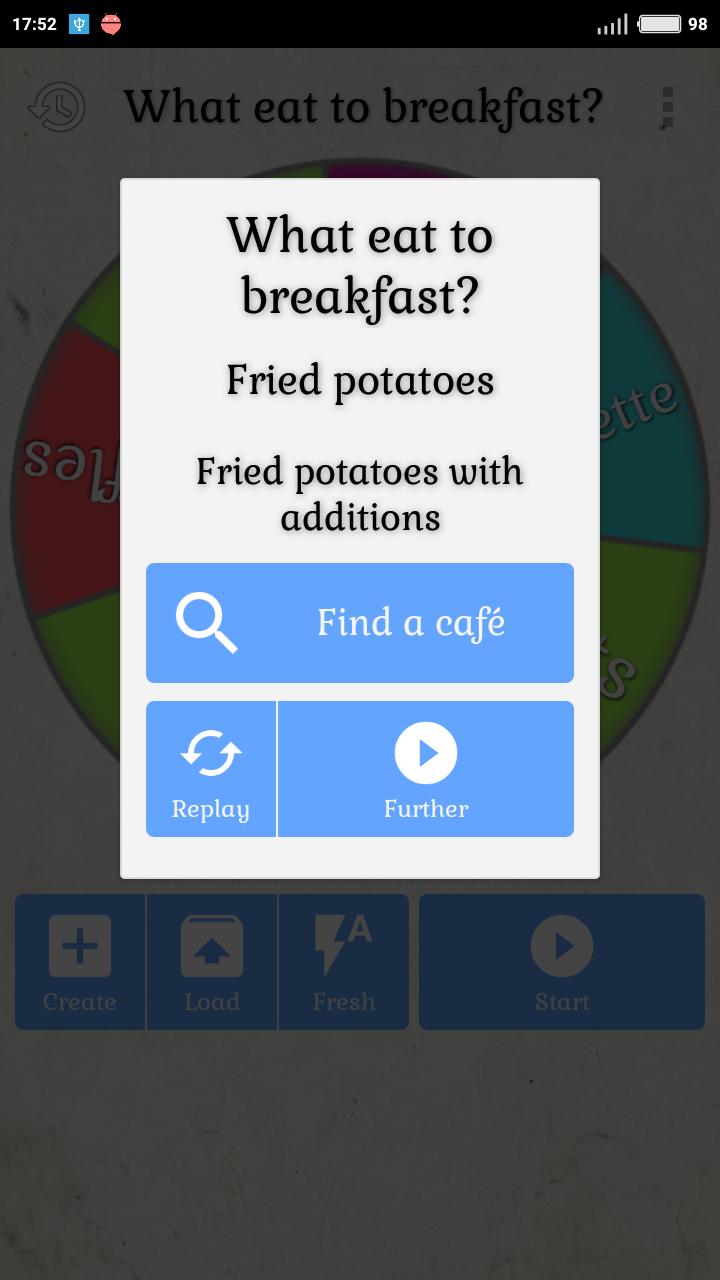
Solveder will help, you can create a roulette yourself with your answer choices.
Games:
- Twister (with automatic mode and voice acting moves)
- Slime Challenge (to select slime ingredients)
- Spin the bottle
Roulettes:
- Daily "How will the day go?"
- Actual "What to see in cinema?"
- What to do?
- What eat to breakfast?
- What eat to lunch?
- Choose tv series?
- What to cook?
- What to gift?
- Choose color?
- Man's name?
- Woman name?
Choose the item “Not enough roulette” in the menu and write what options or whole roulette you add.
And also:
- 4 pointer options (2 bottles, 2 arrows);
- Create roulette manually;
- Save the last fallen options;
- Ability to share with friends.
This free application will help answer any question, quickly and completely by accident!
Preview
Tags
EntertainmentInformation
Developer
Kraist
Latest Version
1.0
Last Updated
2022-10-12
Category
Entertainment
Available on
Google Play
Show More
How to play Roulette Solveder - spin bottl with GameLoop on PC
1. Download GameLoop from the official website, then run the exe file to install GameLoop
2. Open GameLoop and search for “Roulette Solveder - spin bottl” , find Roulette Solveder - spin bottl in the search results and click “Install”
3. Enjoy playing Roulette Solveder - spin bottl on GameLoop
Minimum requirements
OS
Windows 8.1 64-bit or Windows 10 64-bit
GPU
GTX 1050
CPU
i3-8300
Memory
8GB RAM
Storage
1GB available space
Recommended requirements
OS
Windows 8.1 64-bit or Windows 10 64-bit
GPU
GTX 1050
CPU
i3-9320
Memory
16GB RAM
Storage
1GB available space