Realistic Shader PC
Control Dreams
Download Realistic Shader on PC With GameLoop Emulator
Realistic Shader sa PC
Ang Realistic Shader, na nagmumula sa developer na Control Dreams, ay tumatakbo sa Android systerm sa nakaraan.
Ngayon, maaari mong laruin ang Realistic Shader sa PC gamit ang GameLoop nang maayos.
I-download ito sa GameLoop library o mga resulta ng paghahanap. Hindi na tumitingin sa baterya o nakakadismaya na mga tawag sa maling oras.
I-enjoy lang ang Realistic Shader PC sa malaking screen nang libre!
Realistic Shader Panimula
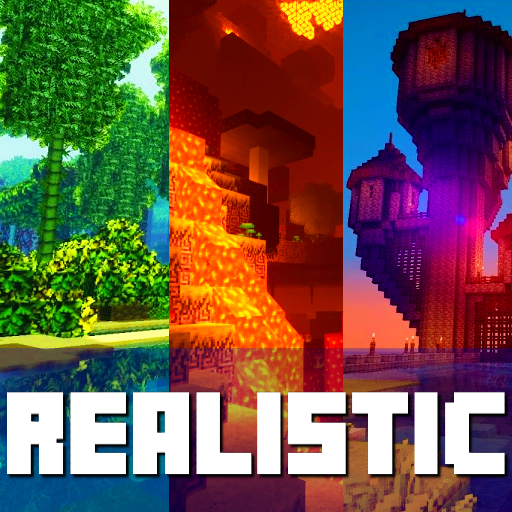
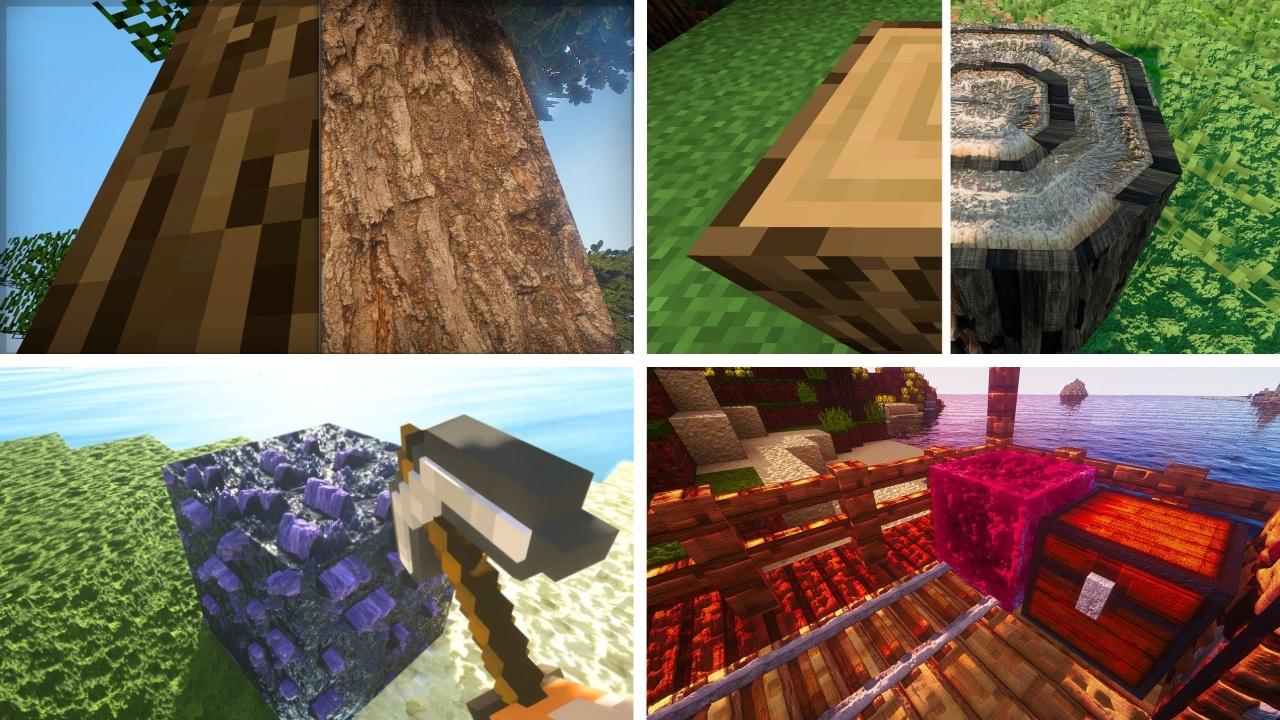
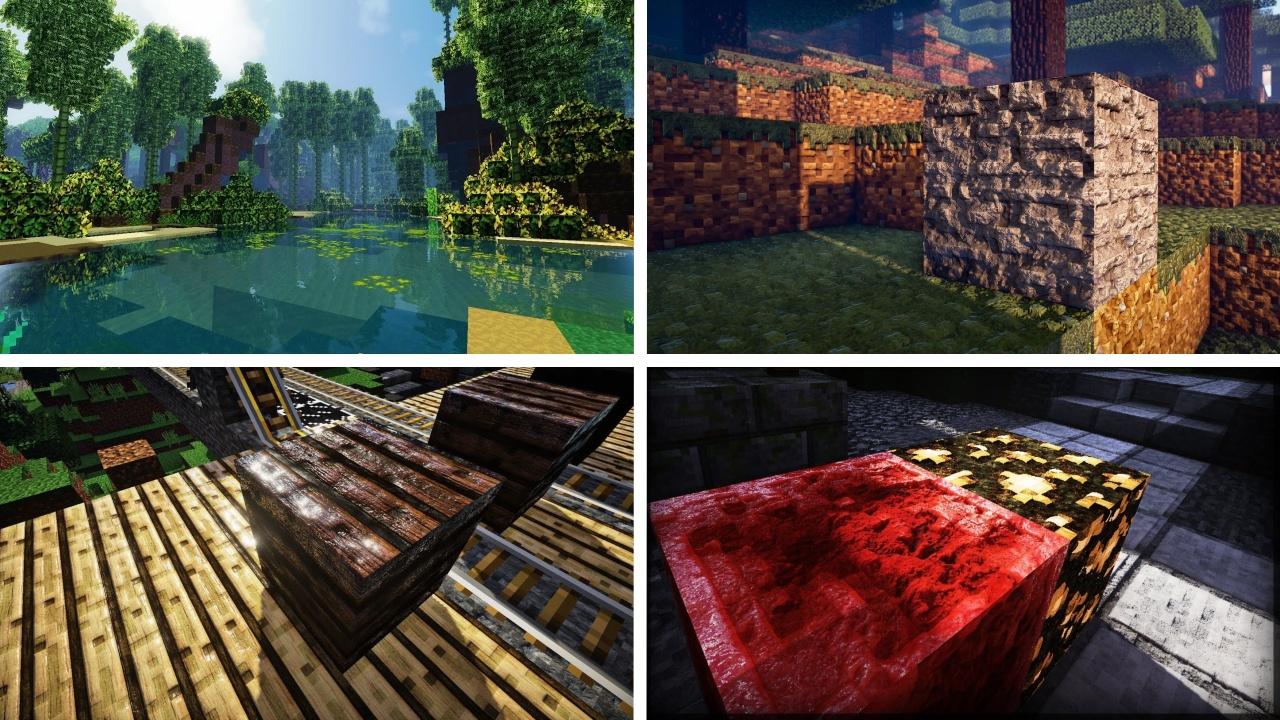
Realistic Shaders - This is a new collection of shader textures and mods for minecraft. In our application you can find a lot of shaders that will help make the world of minecraft much more realistic. They add realism to the game with shadows, reflections and improved lighting, but the world does not look too bright and colorful. The original atmosphere of Minecraft remains untouched, which will delight fans of classics. Also, there is no unnecessary blurring and changing the depth of field in shaders, which players get bored quite quickly.There are several quality levels available in the settings: from Low to Ultra. Added beautiful effects for all weather events. For example, during rain, small drops will appear on the screen.
Disclaimer: This application is not approved nor affiliated with Mojang AB, it's name, commercial brand and other aspects of the application are registered brands and the property of their respective owners. This app adheres to the terms set out by Mojang. All items, names, places and other aspects of the game described within this application are trademarked and owned by their respective owners. We make no claim to and do not have any rights to any of the foregoing.
Preview
Tags
EntertainmentInformation
Developer
Control Dreams
Latest Version
1.0.4
Last Updated
2021-12-06
Category
Entertainment
Available on
Google Play
Show More
How to play Realistic Shader with GameLoop on PC
1. Download GameLoop from the official website, then run the exe file to install GameLoop
2. Open GameLoop and search for “Realistic Shader” , find Realistic Shader in the search results and click “Install”
3. Enjoy playing Realistic Shader on GameLoop
Minimum requirements
OS
Windows 8.1 64-bit or Windows 10 64-bit
GPU
GTX 1050
CPU
i3-8300
Memory
8GB RAM
Storage
1GB available space
Recommended requirements
OS
Windows 8.1 64-bit or Windows 10 64-bit
GPU
GTX 1050
CPU
i3-9320
Memory
16GB RAM
Storage
1GB available space