RaiPlay per Android TV PC
RAI Radiotelevisione Italiana S.p.A.
Download RaiPlay per Android TV on PC With GameLoop Emulator
RaiPlay per Android TV sa PC
Ang RaiPlay per Android TV, na nagmumula sa developer na RAI Radiotelevisione Italiana S.p.A., ay tumatakbo sa Android systerm sa nakaraan.
Ngayon, maaari mong laruin ang RaiPlay per Android TV sa PC gamit ang GameLoop nang maayos.
I-download ito sa GameLoop library o mga resulta ng paghahanap. Hindi na tumitingin sa baterya o nakakadismaya na mga tawag sa maling oras.
I-enjoy lang ang RaiPlay per Android TV PC sa malaking screen nang libre!
RaiPlay per Android TV Panimula
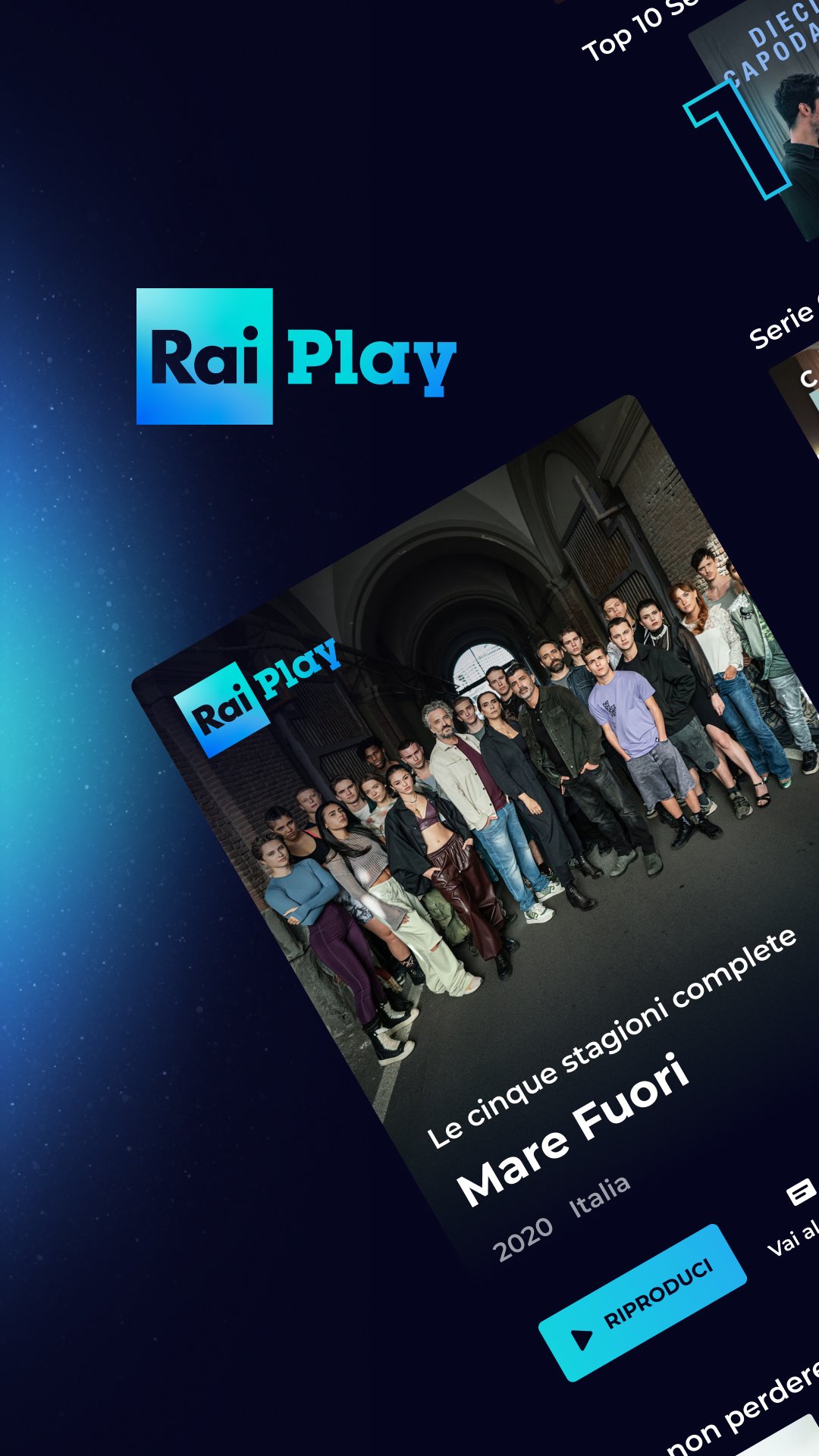
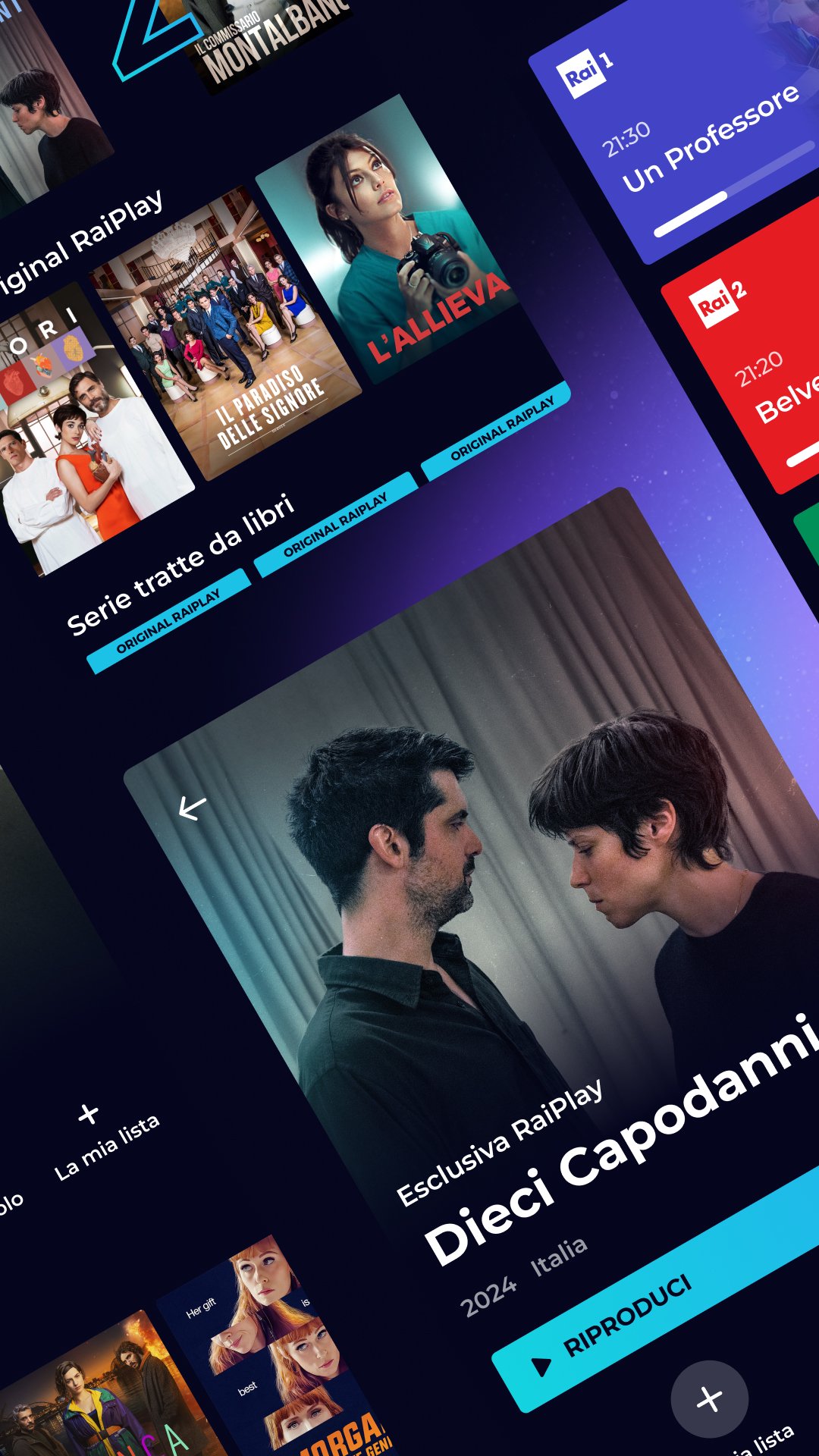
Discover RaiPlay's extensive on-demand catalog and watch Rai channels live.
Films, Italian and international series, cultural, entertainment, in-depth programs, cartoons, documentaries, sports, opera, theater, music, and selections from the Rai Archives, as well as original formats designed for a younger audience, all available on demand, free of charge, whenever and wherever you want. Plus, live broadcasts of Rai channels and the TV Guide/Replay service.
From the CATALOGUE section, you can explore the entire offering by type, genre, and subgenre, discover new releases, and discover must-see content.
From the LIVE section, you'll have access to live streaming of all Rai channels (Rai 1, Rai 2, Rai 3, Rai 4, Rai 5, Rai Movie, Rai Premium, Rai Gulp, Rai Yoyo, Rai Storia, Rai News24, Rai Sport, Rai Scuola, and Rai Radio2), exclusive live streaming content on RaiPlay channels, and the TV Guide/Replay service, allowing you to rewatch programs broadcast in the last 7 days on demand and discover upcoming Rai programming.
Live streaming channels are available without registration; creating a free Rai account and logging into the platform (LOGIN section) is required to access full on-demand content and use the customization services available to registered users, such as the Continue Watching service or the services available in the MY LISTS section (Saved, Rated, Last Viewed).
Registration for RaiPlay—available on the mobile app and web—is free and secure, and Rai will protect your data without sharing it with anyone. You can log in on the TV app but not create a new account.
To log in to the RaiPlay TV app, you have three options: pair your TV device by scanning the QR code on the TV screen with the smartphone or tablet on which you already use the RaiPlay app, or pair it by entering the numeric code displayed on the screen in the "Associate TV" section of RaiPlay (accessible on the mobile app from the More > Settings > Smart TV section and on RaiPlay browsing from the Support > Associate TV menu). You can also opt for the standard login process and enter your Rai account credentials (email and password) on the TV.
This feature is available in multi-user mode, for use with family and friends.
Please note that from abroad, you will only be able to access a portion of the content available on RaiPlay: live broadcasts of the Rai News24 channel and the on-demand catalog of works for which Rai holds the corresponding IP distribution rights.
CONTACT US
Visit www.rai.it/centroassistenza
For information: supporto@rai.it or visit our website: www.raiplay.it
Privacy policy: https://www.rai.it/privacy
Preview
Tags
EntertainmentInformation
Developer
RAI Radiotelevisione Italiana S.p.A.
Latest Version
4.3.0
Last Updated
2026-04-02
Category
Entertainment
Available on
Google Play
Show More
How to play RaiPlay per Android TV with GameLoop on PC
1. Download GameLoop from the official website, then run the exe file to install GameLoop
2. Open GameLoop and search for “RaiPlay per Android TV” , find RaiPlay per Android TV in the search results and click “Install”
3. Enjoy playing RaiPlay per Android TV on GameLoop
Minimum requirements
OS
Windows 8.1 64-bit or Windows 10 64-bit
GPU
GTX 1050
CPU
i3-8300
Memory
8GB RAM
Storage
1GB available space
Recommended requirements
OS
Windows 8.1 64-bit or Windows 10 64-bit
GPU
GTX 1050
CPU
i3-9320
Memory
16GB RAM
Storage
1GB available space