PlayKids Learning Video Games PC
Afterverse
Download PlayKids Learning Video Games on PC With GameLoop Emulator
PlayKids Learning Video Games sa PC
Ang PlayKids Learning Video Games, na nagmumula sa developer na Afterverse, ay tumatakbo sa Android systerm sa nakaraan.
Ngayon, maaari mong laruin ang PlayKids Learning Video Games sa PC gamit ang GameLoop nang maayos.
I-download ito sa GameLoop library o mga resulta ng paghahanap. Hindi na tumitingin sa baterya o nakakadismaya na mga tawag sa maling oras.
I-enjoy lang ang PlayKids Learning Video Games PC sa malaking screen nang libre!
PlayKids Learning Video Games Panimula
PlayKids Baby Learning Games: Educational Videos & Fun for Kids
Looking for the best educational games for kids? Welcome to PlayKids, the award-winning platform trusted by over 70 million families! PlayKids is an all-in-one learning app designed to support child development for ages 0–8, providing a safe and ad-free environment for toddlers and babies to grow.
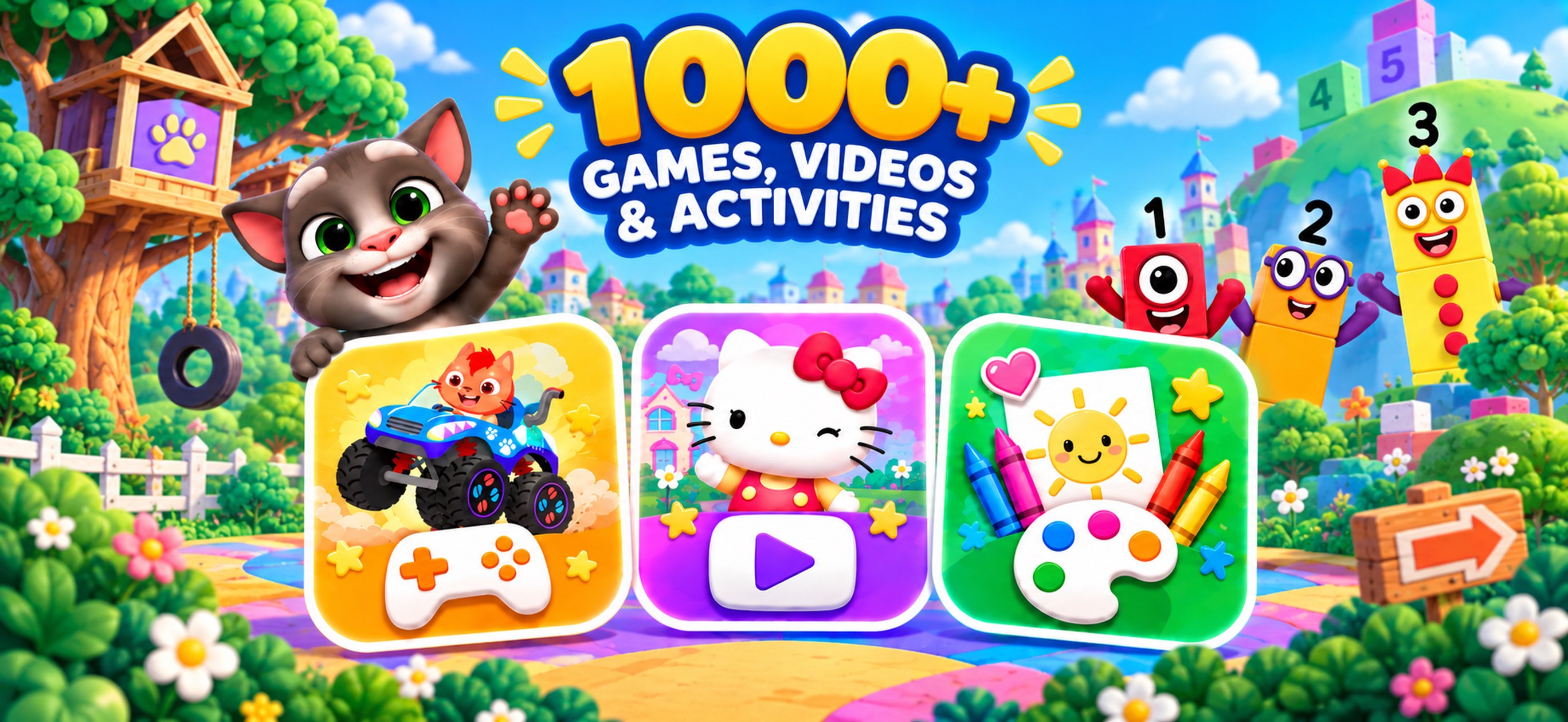
With 18,000+ cartoons, baby videos, and over 150 learning games, PlayKids makes education fun! Whether your child is in preschool or starting kindergarten, they can explore a world of color, painting, and drawing while building essential lifelong skills.
🎓 WHY PARENTS CHOOSE PLAYKIDS LEARNING
PlayKids is more than just a video app; it’s a complete education tool. Parents love our platform because it offers:
100% Safe & Ad-Free: A secure space for kids games and videos.
Expert Pedagogy: Developed by specialists in early-childhood education.
Offline Access: Download baby games and toddler games to play anywhere.
Parental Controls: Easily manage screen time and content filters.
Multi-Subject Learning: From ABC and literacy to math, logic, and music.
🌟 FAVORITE CARTOONS & EDUCATIONAL VIDEOS
Watch high-quality videos for kids and beloved cartoons, including:
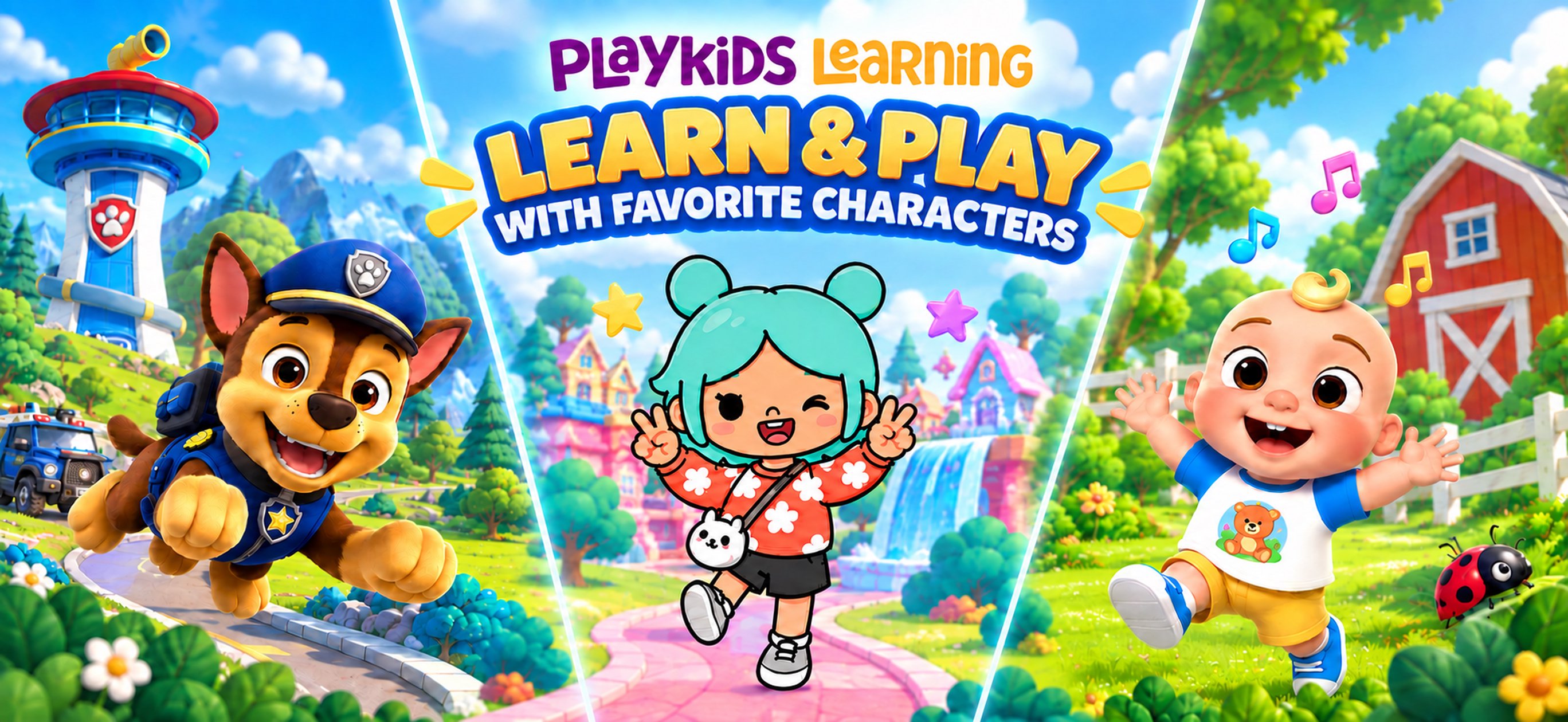
Baby Shark, Talking Tom, and Pocoyo.
Barbie, Hot Wheels, and Bob Zoom.
Numberblocks, Minecraft, and Masha and the Bear.
Original PlayKids shows like I Love to Learn, ABC, and Lupi Club. Our educational games for kids are carefully selected to spark imagination and creativity.
💡 CREATIVE LEARNING & ACTIVITIES
Encourage off-screen creativity with interactive preschool games and activities:
Drawing & Painting: Interactive painting and color games for toddlers.
Reading & Literacy: Digital books and stories to help kids learn to read.
Problem Solving: Puzzles and logic games that challenge young minds.
Social-Emotional Learning: Inspired by research from the Carnegie Foundation.
💫 SUBSCRIPTION & PRIVACY
PlayKids Learning is a subscription service that gives full access to all videos, cartoons, and learning games for kids, toddlers, and babies.
• Choose a monthly or annual plan
• Subscriptions renew automatically unless canceled 24 hours before renewal
• Manage or deactivate your subscription anytime in account settings
• Annual plans may be refunded within 7 days of purchase
• Trial access ends when a paid subscription begins
Privacy Policy: policies.playkidsapp.com/en/privacy
Terms of Service: policies.playkidsapp.com/en/tos
Help Center: help.playkids.com
Content availability may vary by country.
Join the PlayKids family today and give your child the best start with fun educational games!
Preview
Tags
EntertainmentBoardInformation
Developer
Afterverse
Latest Version
6.1.7
Last Updated
2026-11-04
Category
Entertainment
Available on
Google Play
Show More
How to play PlayKids Learning Video Games with GameLoop on PC
1. Download GameLoop from the official website, then run the exe file to install GameLoop
2. Open GameLoop and search for “PlayKids Learning Video Games” , find PlayKids Learning Video Games in the search results and click “Install”
3. Enjoy playing PlayKids Learning Video Games on GameLoop
Minimum requirements
OS
Windows 8.1 64-bit or Windows 10 64-bit
GPU
GTX 1050
CPU
i3-8300
Memory
8GB RAM
Storage
1GB available space
Recommended requirements
OS
Windows 8.1 64-bit or Windows 10 64-bit
GPU
GTX 1050
CPU
i3-9320
Memory
16GB RAM
Storage
1GB available space