NEON NZ – Watch TV & Movies Online PC
Sky Network Television Limited
Download NEON NZ – Watch TV & Movies Online on PC With GameLoop Emulator
NEON NZ – Watch TV & Movies Online sa PC
Ang NEON NZ – Watch TV & Movies Online, na nagmumula sa developer na Sky Network Television Limited, ay tumatakbo sa Android systerm sa nakaraan.
Ngayon, maaari mong laruin ang NEON NZ – Watch TV & Movies Online sa PC gamit ang GameLoop nang maayos.
I-download ito sa GameLoop library o mga resulta ng paghahanap. Hindi na tumitingin sa baterya o nakakadismaya na mga tawag sa maling oras.
I-enjoy lang ang NEON NZ – Watch TV & Movies Online PC sa malaking screen nang libre!
NEON NZ – Watch TV & Movies Online Panimula
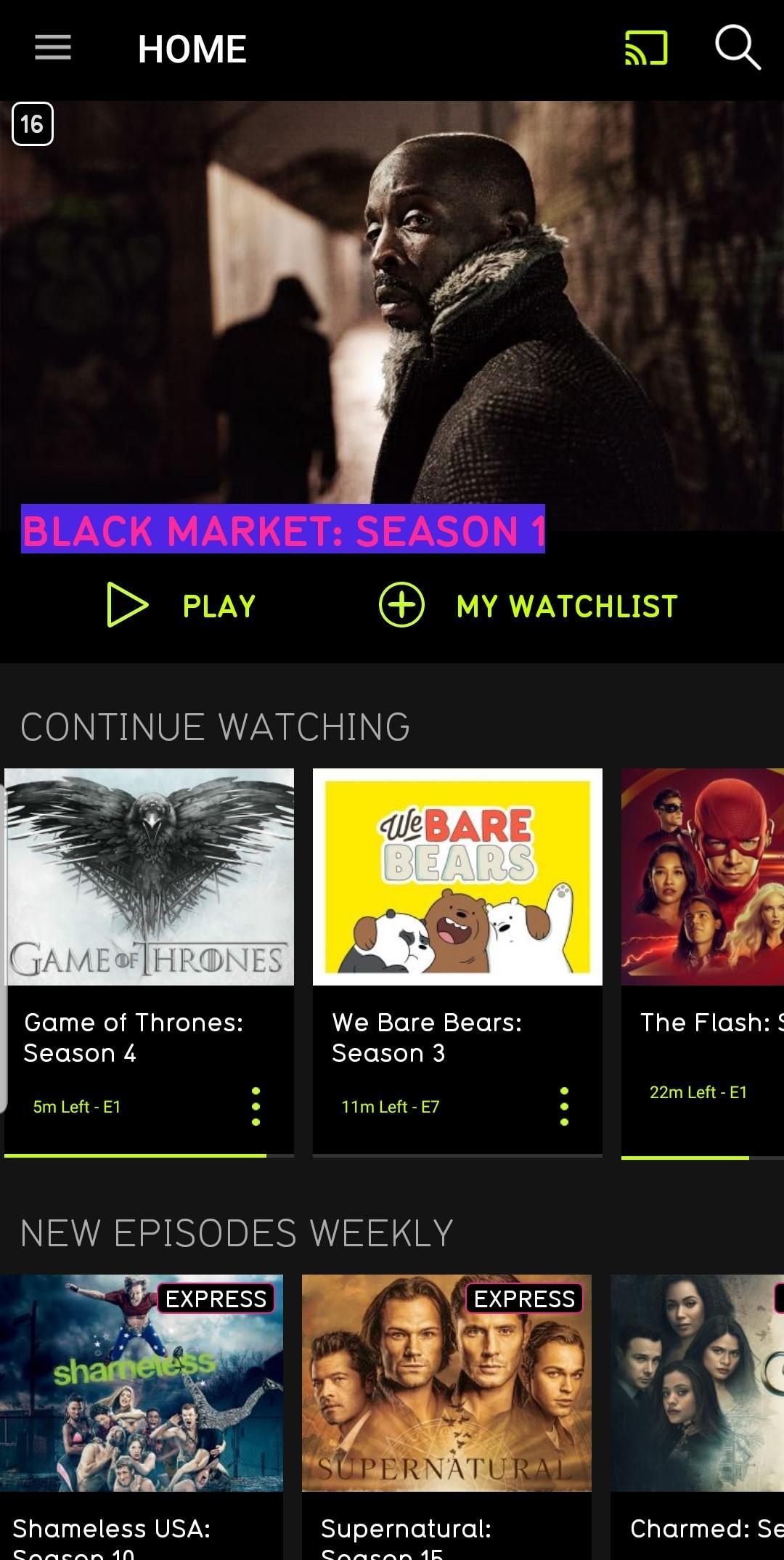
NEON is a subscription video on demand service. Watch TV shows and movies online.
New to NEON? Create your account at neontv.co.nz and get a free 14-day trial at the start of your subscription.
With the app on select Samsung Galaxy tablets and mobile phones you can:
- Explore the entire NEON catalogue of critically acclaimed TV shows, blockbuster movies and premieres
- Binge away with no ads
- Line up all the TV shows and movies you want to watch in your watchlist
- Pick up and start playing the TV show or movie you were watching from where you left off across any device
- Cast to your big screen with Chromecast support on your Android device
- So there are no squabbles, two people can watch TV shows and movies from a single account on different devices at the same time
- Register up to five devices to use on a single account – they’ll all automatically register as you use them
- Set parental controls to keep your kids viewing safe
To keep up with NEON, follow us on Facebook.com/NeonNewZealand, Twitter.com/NeonNZ or Instagram @NEON_NZ
Preview

Information
Developer
Sky Network Television Limited
Latest Version
2.22.1
Last Updated
2020-04-09
Category
Entertainment
Available on
Google Play
Show More
How to play NEON NZ – Watch TV & Movies Online with GameLoop on PC
1. Download GameLoop from the official website, then run the exe file to install GameLoop
2. Open GameLoop and search for “NEON NZ – Watch TV & Movies Online” , find NEON NZ – Watch TV & Movies Online in the search results and click “Install”
3. Enjoy playing NEON NZ – Watch TV & Movies Online on GameLoop
Minimum requirements
OS
Windows 8.1 64-bit or Windows 10 64-bit
GPU
GTX 1050
CPU
i3-8300
Memory
8GB RAM
Storage
1GB available space
Recommended requirements
OS
Windows 8.1 64-bit or Windows 10 64-bit
GPU
GTX 1050
CPU
i3-9320
Memory
16GB RAM
Storage
1GB available space