
Narrator's Voice - TTS PC
Escolha Tecnologia
Download Narrator's Voice - TTS on PC With GameLoop Emulator
Narrator's Voice - TTS sa PC
Ang Narrator's Voice - TTS, na nagmumula sa developer na Escolha Tecnologia, ay tumatakbo sa Android systerm sa nakaraan.
Ngayon, maaari mong laruin ang Narrator's Voice - TTS sa PC gamit ang GameLoop nang maayos.
I-download ito sa GameLoop library o mga resulta ng paghahanap. Hindi na tumitingin sa baterya o nakakadismaya na mga tawag sa maling oras.
I-enjoy lang ang Narrator's Voice - TTS PC sa malaking screen nang libre!
Narrator's Voice - TTS Panimula
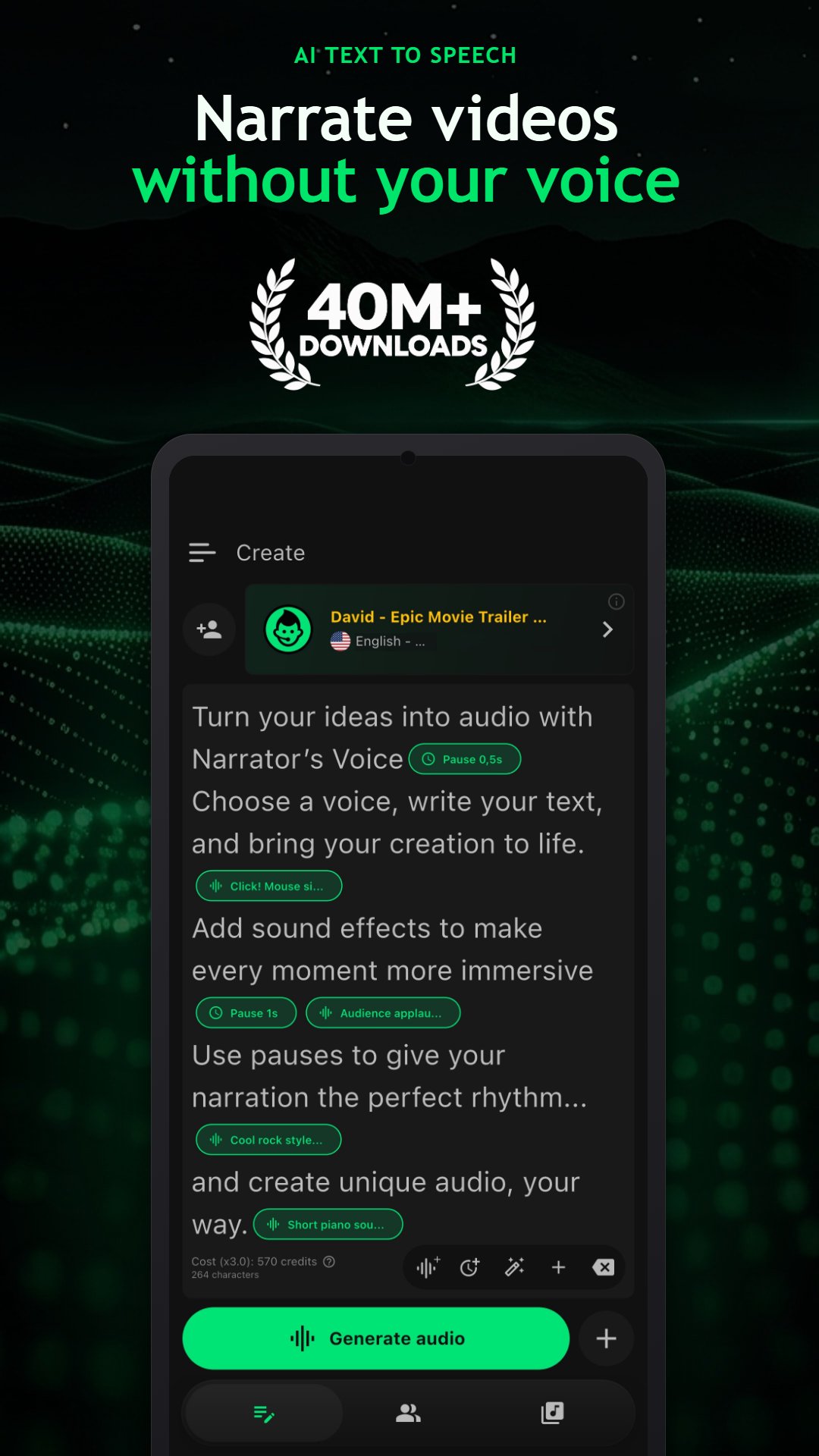
Transform text to speech quickly and professionally with Narrator's Voice! The ideal app for creating amazing narrations, voiceovers, and audio for videos, social media, ads, courses, presentations, and memes.
AI Text to Speech that is much faster, lighter, and easier to use.
Type or import your content, choose from thousands of realistic or funny voices, customize with effects, and export everything in MP3. Your recording studio in the palm of your hand!
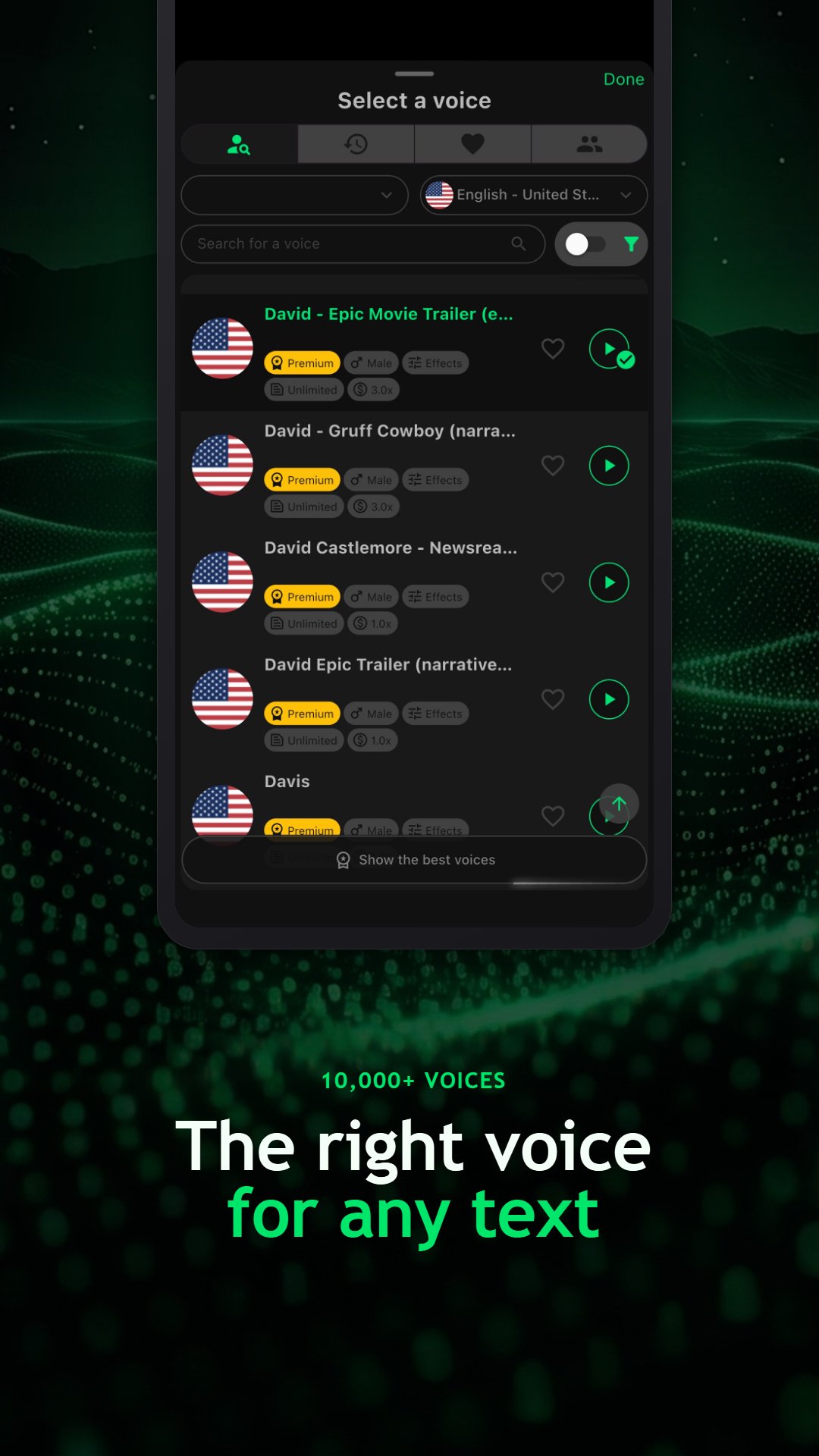
It has many famous voices and funny voices. Includes character voices, Loquendo voice, and many other voices, including cloned voices of celebrities.
✅ OFFICIAL the true and BEST narrator app.
✅ Clone a voice in seconds and create perfect narrations.
✅ Very fast and lightweight, you can use it freely without storage issues.
✅ Very simple to use, best user interface, making everything easier.
✅ Apply various voice effects.
✅ Has over 40 million users.
✅ 24/7 support, always working.
✅ Transform text into mp3 audio.
✅ PDF and text reader.
✅ Has over 10,000 voices in multiple languages.
✅ Create dubs for your videos.
✅ Give voice to your texts with natural and realistic voices.
✅ Now you have access to the most advanced artificial intelligence voices in the world and ElevenLabs voices, with professional dubbing quality!
🚀 MAIN FEATURES
Text to Speech (TTS): Convert any text, script, or speech into audio with natural and realistic voices. The best way to narrate content without having to record your own voice.
Voice Cloning: Copy and recreate a voice from a reference audio (like WhatsApp messages). Clone any voice and use it in your narrations!
Thousands of Voices: A giant catalog of voices to find the perfect tone for your character, video, product, or story.
Fun Voice Effects: Modify the audio with effects like singer's voice, echo, cave, robot, alien, and much more. Perfect for memes and entertainment.
Dialogue Mode: Create dynamic conversations with multiple voices. Assign a different narrator or character to each line of text.
Pause and Rhythm Control: Adjust the silence between words and phrases to give more naturalness and emotion to the voiceover.
Background Music: Add soundtracks and combine them with the narration to create professional intros, jingles, and promos.
Export in MP3: Save and share your voiceovers in high-quality MP3 to use in video editors (CapCut, Premiere, etc.) or other platforms.
[Ideal for videos on YouTube, Instagram, and TikTok]
The whole world is already using the "Narrator's Voice" app (also known as TTS voice, translator voice, YouTube voice, funny voice, voice actor, announcer voice, among others), including some YouTubers and TikTokers.
If you are a YouTuber or TikToker, you can absolutely use this voice on your channel, and you can even mention the app's name. All YouTubers and TikTokers who use our app highly recommend it. Thank you all.
Leave your comment, and tell us what you liked the most about the app and what you would like to see in it.
CONGRATULATIONS on choosing this phenomenal app!
Preview
Tags
EntertainmentProductivityInformation
Developer
Escolha Tecnologia
Latest Version
16.0.3
Last Updated
Yesterday
Category
Entertainment
Available on
Google Play
Show More
How to play Narrator's Voice - TTS with GameLoop on PC
1. Download GameLoop from the official website, then run the exe file to install GameLoop
2. Open GameLoop and search for “Narrator's Voice - TTS” , find Narrator's Voice - TTS in the search results and click “Install”
3. Enjoy playing Narrator's Voice - TTS on GameLoop
Minimum requirements
OS
Windows 8.1 64-bit or Windows 10 64-bit
GPU
GTX 1050
CPU
i3-8300
Memory
8GB RAM
Storage
1GB available space
Recommended requirements
OS
Windows 8.1 64-bit or Windows 10 64-bit
GPU
GTX 1050
CPU
i3-9320
Memory
16GB RAM
Storage
1GB available space