
Mod Nmr71 Giga Bemper R25 PC
Bus Indonesia
Download Mod Nmr71 Giga Bemper R25 on PC With GameLoop Emulator
Mod Nmr71 Giga Bemper R25 sa PC
Ang Mod Nmr71 Giga Bemper R25, na nagmumula sa developer na Bus Indonesia, ay tumatakbo sa Android systerm sa nakaraan.
Ngayon, maaari mong laruin ang Mod Nmr71 Giga Bemper R25 sa PC gamit ang GameLoop nang maayos.
I-download ito sa GameLoop library o mga resulta ng paghahanap. Hindi na tumitingin sa baterya o nakakadismaya na mga tawag sa maling oras.
I-enjoy lang ang Mod Nmr71 Giga Bemper R25 PC sa malaking screen nang libre!
Mod Nmr71 Giga Bemper R25 Panimula
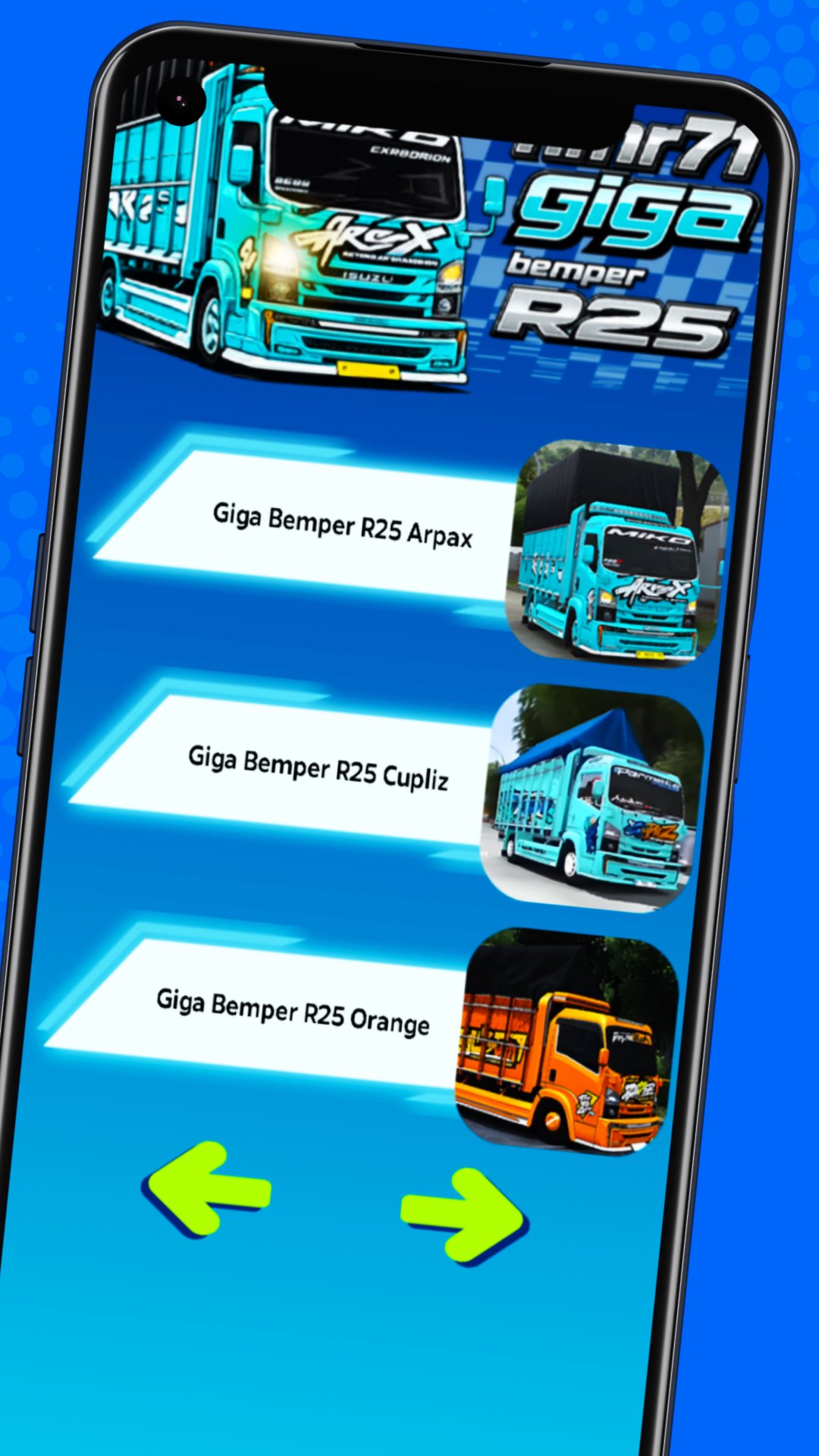
The NMR71 Giga Bumper R25 Mod is an application that provides a collection of vehicle modifications for BUSSID fans who want to try out various NMR71 truck looks. Available options include the NMR71 Giga Herex mod, the NMR71 Giga Box Long Bumper R25 mod, and the NMR71 Losbak mod, each with a variety of vehicle characteristics and body shapes.
Explore a wide selection of vehicles with distinctive Indonesian truck styles through the NMR71 Herex mod and the NMR71 Giga Cabe mod. Users can also find the NMR71 Giga Cabe truck mod, which offers a variety of looks for use while driving and exploring various routes in the BUSSID game.
For fans of vehicles with the Herex and Box Long concepts, the NMR71 Herex truck mod and the NMR71 Box Long Chassis Bussid truck mod are available. Each option can be used to customize your vehicle to your desired style, from a simple look to a long-body truck modification concept.
The in-app collection also features various bumper concepts, such as the R25 bumper mod, the R25 bumper mod, the hydraulic bumper mod, and the moving bumper mod. These options are suitable for users who prefer a wider variety of rear and front bumpers when playing in BUSSID.
Other variations include the R25 bumper truck mod, the JB5 bumper truck mod, and the Gasruk bumper truck mod, which can be options for changing the vehicle's appearance in-game. There are also hydraulic bumper truck mods and R25 bumper canter truck mods for users who want to try out different bumper concepts on their trucks.
NMR71 fans can also explore the NMR71 Cabe truck mod, the NMR71 Herex truck mod, and the NMR71 Herek truck mod, each with its own distinctive appearance. Furthermore, the Bussid NMR71 Trondol truck mod is an option for players who prefer the Trondol-style truck concept for use on various in-game journeys.
The Bussid NMR71 Giga Herex truck mod collection completes the vehicle selection available in the app. Users who enjoy bumper modifications can also try the R25 bumper truck mod and the movable bumper truck mod to add variety to their vehicle's appearance when playing.
HOW TO INSTALL BUSSID MODS
1. Select the mod you want to use through the app.
2. Download the mod file until the process is complete.
3. Open the File Manager on your device.
4. Locate the mod file in .bussidmod or .bussidvehicle format.
5. Move the file to the BUSSID > Mods folder.
6. Open the BUSSID game and go to the Garage menu.
7. Select a vehicle from the list of available mods, then use the vehicle to play.
HOW TO INSTALL BUSSID LIVERY
1. Select and save the livery you want to use.
2. Make sure the livery image is saved on your device.
3. Open BUSSID and go to the Garage menu.
4. Select a vehicle that matches the livery.
5. Tap the icon or menu to install the livery.
6. Select the livery image file from your device's gallery.
7. Apply the livery and check how it looks on your vehicle before use.
The Mod Nmr71 Giga Bumper R25 application was created to help users find various vehicle mod and livery references in one place. Select your preferred model, follow the installation instructions, then use the mod and livery on BUSSID to create a vehicle variation that suits your taste.
DISCLAIMER:
This application is unofficial and not affiliated with the BUSSID developers. Names, brands, and related assets are the property of their respective owners. The content in the application is intended as a supplement and reference for the player community.
Preview

Tags
EntertainmentInformation
Developer
Bus Indonesia
Latest Version
1.12
Last Updated
2026-08-17
Category
Entertainment
Available on
Google Play
Show More
How to play Mod Nmr71 Giga Bemper R25 with GameLoop on PC
1. Download GameLoop from the official website, then run the exe file to install GameLoop
2. Open GameLoop and search for “Mod Nmr71 Giga Bemper R25” , find Mod Nmr71 Giga Bemper R25 in the search results and click “Install”
3. Enjoy playing Mod Nmr71 Giga Bemper R25 on GameLoop
Minimum requirements
OS
Windows 8.1 64-bit or Windows 10 64-bit
GPU
GTX 1050
CPU
i3-8300
Memory
8GB RAM
Storage
1GB available space
Recommended requirements
OS
Windows 8.1 64-bit or Windows 10 64-bit
GPU
GTX 1050
CPU
i3-9320
Memory
16GB RAM
Storage
1GB available space