
Voice to Text: Voice Writer PC
AbizarStudio
Download Voice to Text: Voice Writer on PC With GameLoop Emulator
Voice to Text: Voice Writer sa PC
Ang Voice to Text: Voice Writer, na nagmumula sa developer na AbizarStudio, ay tumatakbo sa Android systerm sa nakaraan.
Ngayon, maaari mong laruin ang Voice to Text: Voice Writer sa PC gamit ang GameLoop nang maayos.
I-download ito sa GameLoop library o mga resulta ng paghahanap. Hindi na tumitingin sa baterya o nakakadismaya na mga tawag sa maling oras.
I-enjoy lang ang Voice to Text: Voice Writer PC sa malaking screen nang libre!
Voice to Text: Voice Writer Panimula
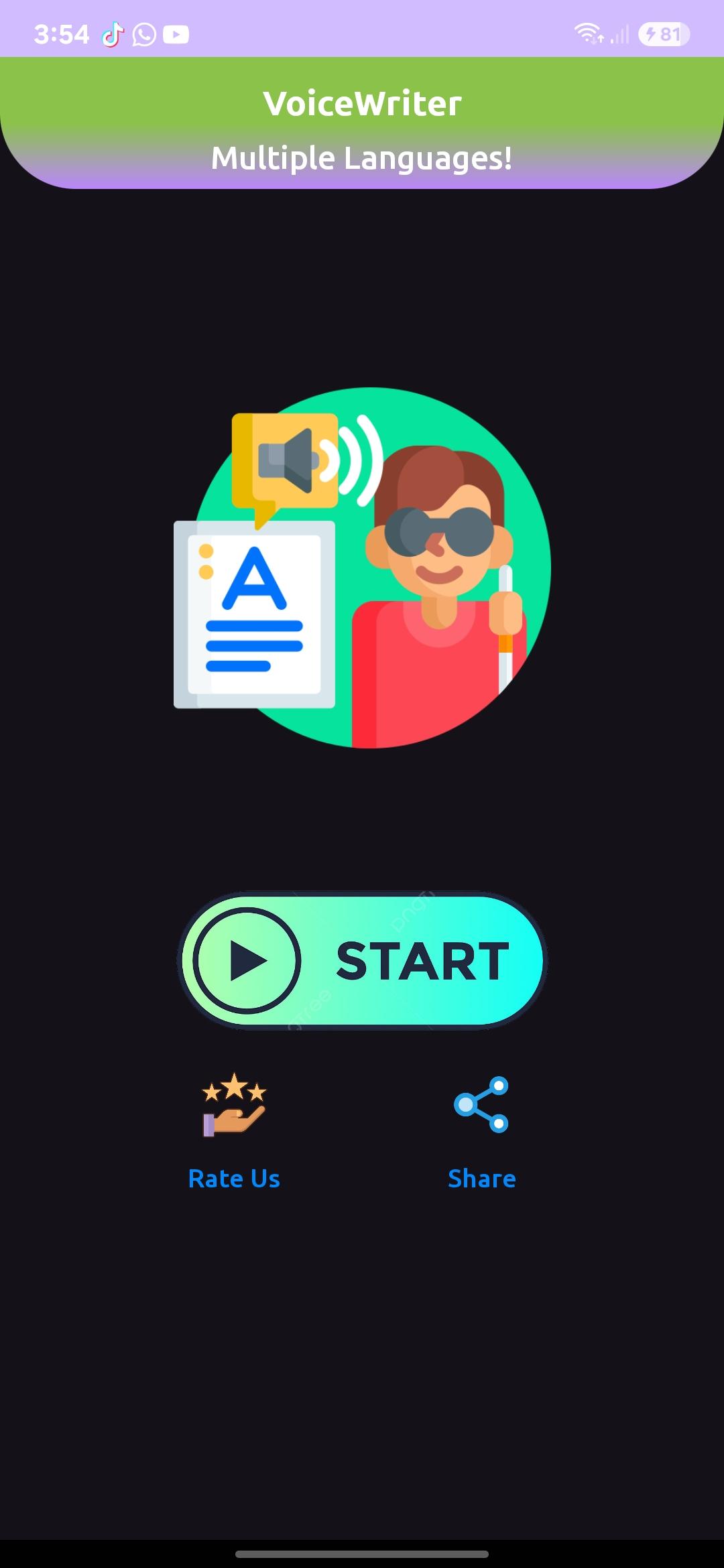
Transform your spoken words into written text effortlessly with Voice to Text - Voice Writer, the ultimate tool for quick and accurate transcription on your Android device. Whether you're drafting emails, taking notes, writing essays, or capturing ideas on the go, this app makes it easy to convert your voice into text in real-time.
Key Features:
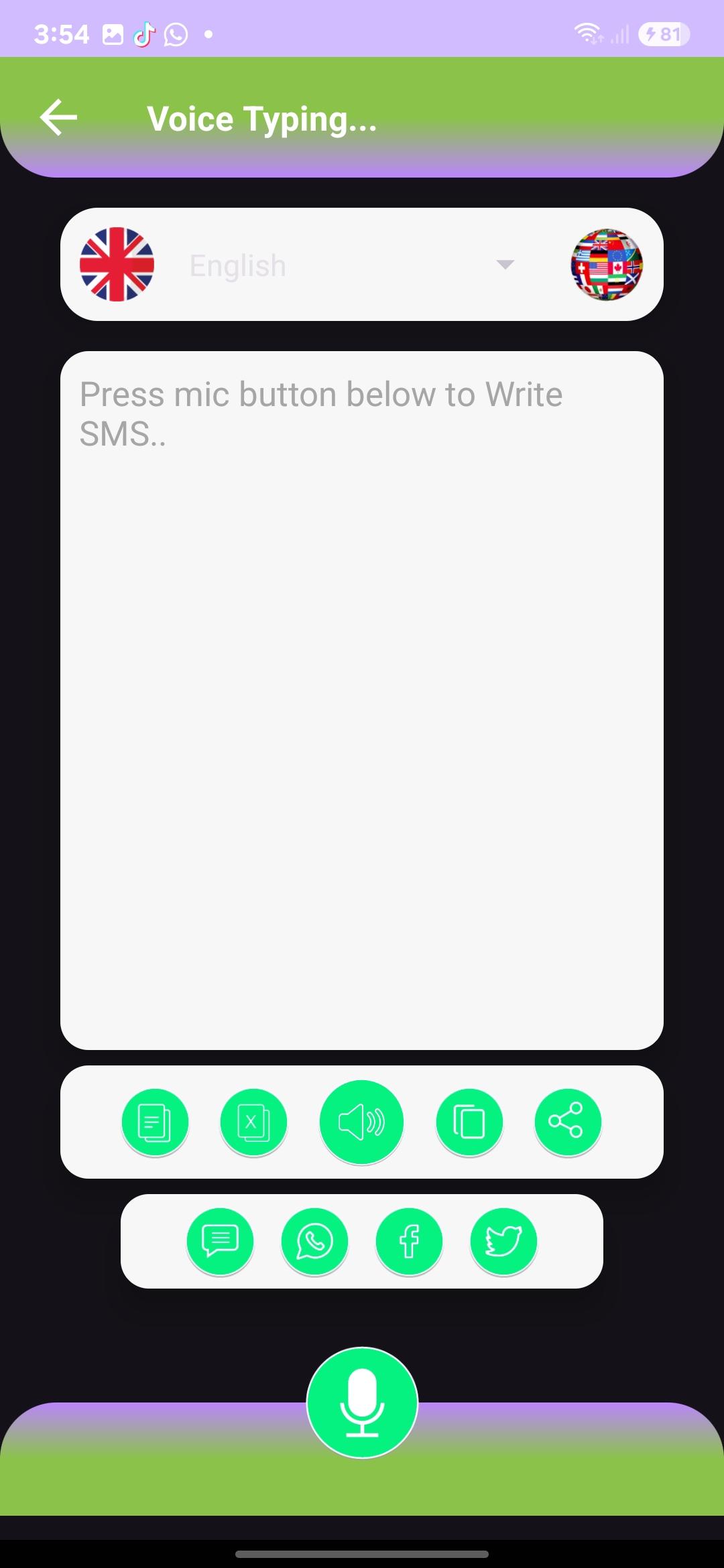
Accurate Speech Recognition: Leverage advanced voice recognition technology to convert your speech into text with high accuracy, supporting multiple languages and dialects.
Real-Time Transcription: Speak naturally, and watch your words appear on the screen instantly—perfect for meetings, lectures, or brainstorming sessions.
Easy Editing: Quickly edit and refine your transcribed text with a user-friendly interface, ensuring your final document is polished and professional.
Voice Commands: Use voice commands to format text, add punctuation, or save your work hands-free.
Multi-Language Support: Supports a wide range of languages, making it ideal for users around the world.
Save & Share: Save your transcriptions directly to your device or cloud storage, and share them via email, messaging apps, or social media.
Customizable Settings: Adjust speech recognition sensitivity, text size, and more to suit your preferences.
Offline Mode: No internet? No problem! Use the app offline for uninterrupted voice-to-text conversion.
Why Choose Voice to Text - Voice Writer?
Time-Saving: Skip the hassle of typing and let your voice do the work.
Accessible: Ideal for individuals with disabilities or those who prefer speaking over typing.
Versatile: Use it for personal, professional, or educational purposes.
Download Voice to Text - Voice Writer today and experience the convenience of turning your voice into text anytime, anywhere. Perfect for students, professionals, writers, and anyone who wants to streamline their workflow!
Preview
Tags
EntertainmentToolsInformation
Developer
AbizarStudio
Latest Version
1.2.2
Last Updated
2025-03-21
Category
Entertainment
Available on
Google Play
Show More
How to play Voice to Text: Voice Writer with GameLoop on PC
1. Download GameLoop from the official website, then run the exe file to install GameLoop
2. Open GameLoop and search for “Voice to Text: Voice Writer” , find Voice to Text: Voice Writer in the search results and click “Install”
3. Enjoy playing Voice to Text: Voice Writer on GameLoop
Minimum requirements
OS
Windows 8.1 64-bit or Windows 10 64-bit
GPU
GTX 1050
CPU
i3-8300
Memory
8GB RAM
Storage
1GB available space
Recommended requirements
OS
Windows 8.1 64-bit or Windows 10 64-bit
GPU
GTX 1050
CPU
i3-9320
Memory
16GB RAM
Storage
1GB available space