
Lucky Wheel - Random Choices PC
CDev
Download Lucky Wheel - Random Choices on PC With GameLoop Emulator
Lucky Wheel - Random Choices sa PC
Ang Lucky Wheel - Random Choices, na nagmumula sa developer na CDev, ay tumatakbo sa Android systerm sa nakaraan.
Ngayon, maaari mong laruin ang Lucky Wheel - Random Choices sa PC gamit ang GameLoop nang maayos.
I-download ito sa GameLoop library o mga resulta ng paghahanap. Hindi na tumitingin sa baterya o nakakadismaya na mga tawag sa maling oras.
I-enjoy lang ang Lucky Wheel - Random Choices PC sa malaking screen nang libre!
Lucky Wheel - Random Choices Panimula
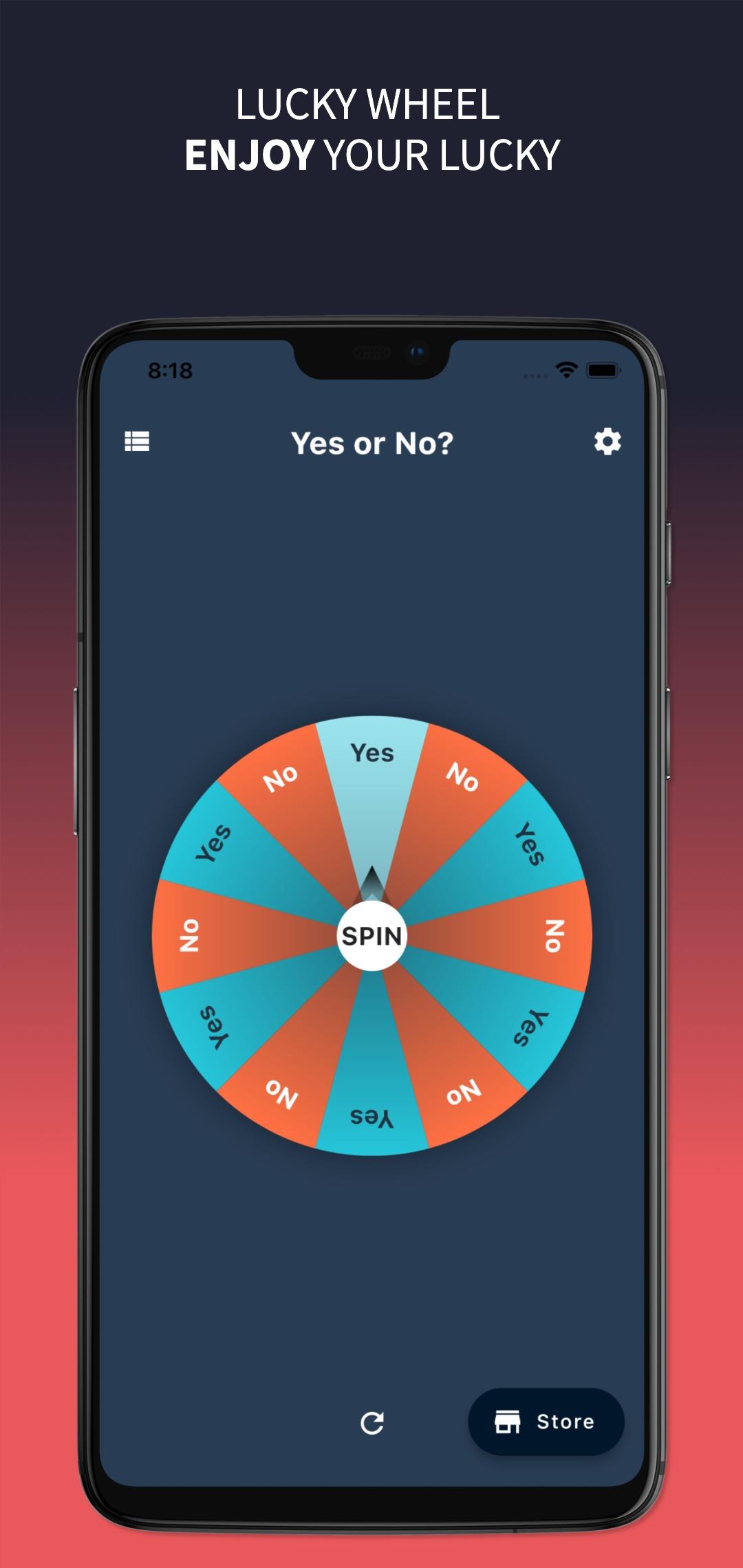
Lucky Wheel - Random Choices: Spin & Decide Instantly!
Can’t decide? Let Lucky Wheel - Random Choices make the choice for you! Whether you're picking a winner, making a tough decision, or playing party games, this app provides a fun and exciting way to choose randomly.
🎡 Why Use Lucky Wheel?
🎯 Instant Random Selections – Perfect for those who struggle to decide.
🎨 Customizable Wheels – Add your own names, options, or numbers to make it unique.
✨ Beautiful Animations – Enjoy smooth, colorful spinning effects.
🎭 Cool Themes – Choose from various wheel designs and colors.
👌 Simple & Easy to Use – No complicated setup, just tap and spin!
🎲 Endless Possibilities – Use it for decisions, giveaways, games, fun challenges, and more!
🎉 Perfect for:
✔️ Giveaways & Raffles – Pick winners randomly.
✔️ Party & Drinking Games – Add fun twists to your gatherings!
✔️ Daily Decisions – What to eat? What movie to watch? Let the wheel decide!
✔️ School & Work Activities – Make learning or meetings more engaging.
📲 Download Lucky Wheel - Random Choices now and let the spinning fun begin!
IF YOU WANT TO SUPPORT US
- You can support us by:
+ Using application
+ Giving us feedback
+ Purchasing No-ads to disable advertisement
Thanks so much!!
Preview

Tags
EntertainmentInformation
Developer
CDev
Latest Version
2.1.0
Last Updated
2025-07-25
Category
Entertainment
Available on
Google Play
Show More
How to play Lucky Wheel - Random Choices with GameLoop on PC
1. Download GameLoop from the official website, then run the exe file to install GameLoop
2. Open GameLoop and search for “Lucky Wheel - Random Choices” , find Lucky Wheel - Random Choices in the search results and click “Install”
3. Enjoy playing Lucky Wheel - Random Choices on GameLoop
Minimum requirements
OS
Windows 8.1 64-bit or Windows 10 64-bit
GPU
GTX 1050
CPU
i3-8300
Memory
8GB RAM
Storage
1GB available space
Recommended requirements
OS
Windows 8.1 64-bit or Windows 10 64-bit
GPU
GTX 1050
CPU
i3-9320
Memory
16GB RAM
Storage
1GB available space