Kids Place: Parental Controls PC
kiddoware
Download Kids Place: Parental Controls on PC With GameLoop Emulator
Kids Place: Parental Controls sa PC
Ang Kids Place: Parental Controls, na nagmumula sa developer na kiddoware, ay tumatakbo sa Android systerm sa nakaraan.
Ngayon, maaari mong laruin ang Kids Place: Parental Controls sa PC gamit ang GameLoop nang maayos.
I-download ito sa GameLoop library o mga resulta ng paghahanap. Hindi na tumitingin sa baterya o nakakadismaya na mga tawag sa maling oras.
I-enjoy lang ang Kids Place: Parental Controls PC sa malaking screen nang libre!
Kids Place: Parental Controls Panimula
Kids Place – Parental Control & Kids Mode
Kids Place is a dedicated Kids Mode & Parental Control app that helps parents create a controlled environment for their children on phones and tablets. With Kids Place, parents can set screen time, and block unapproved apps — giving children a space to play, learn, and explore. Kids Place uses app package names to control access. It does not view or read the content inside apps — blocking is rule-based on approved apps (package names), not on app content.
Key Features of Kids Place Parental Control App:
Kids Mode Launcher With Parental Controls
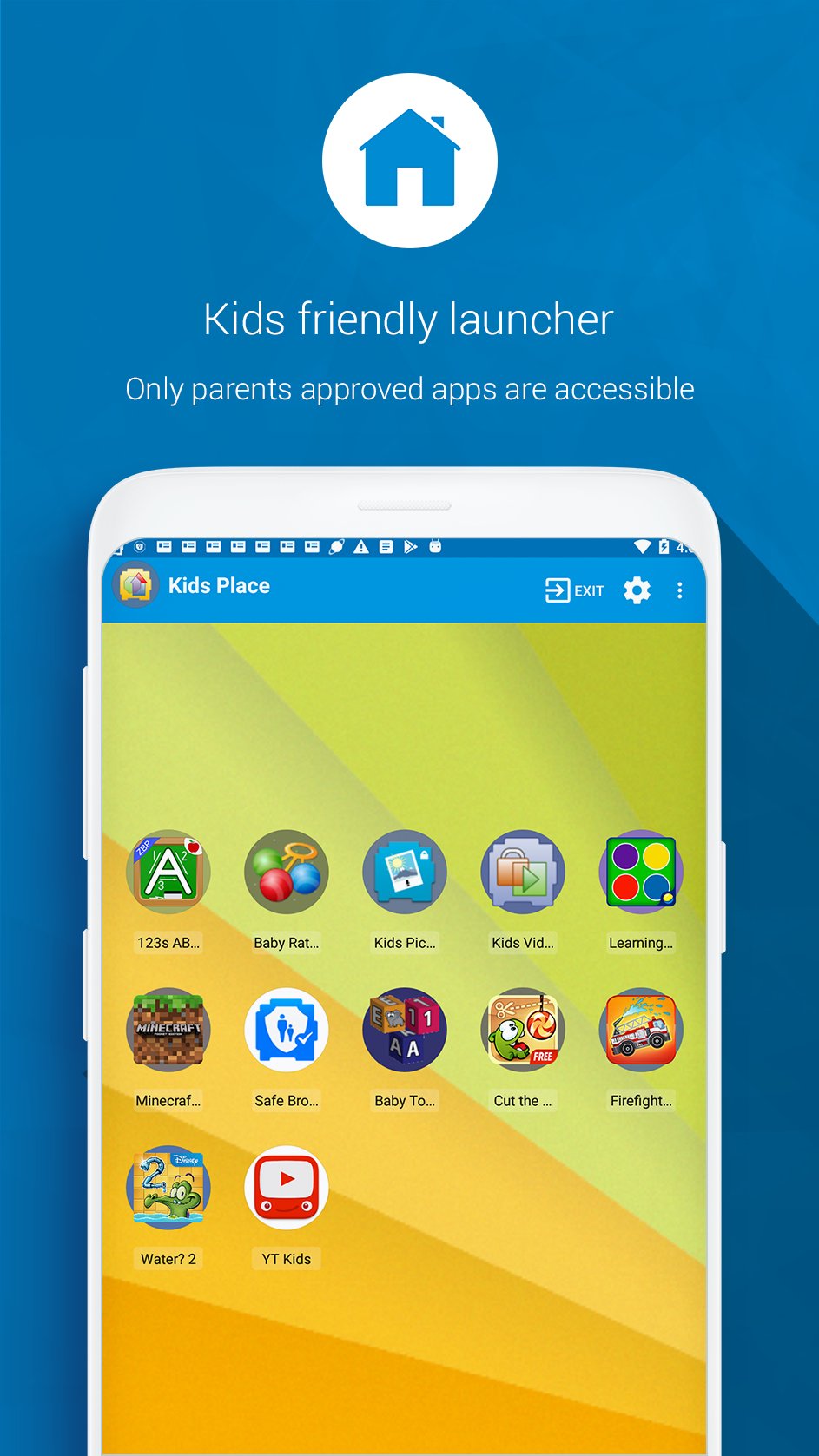
Turn your device into a kid-friendly space. Only parent-approved apps appear on the home screen, and kids stay inside Kids Place until you exit with your PIN.
App Blocker
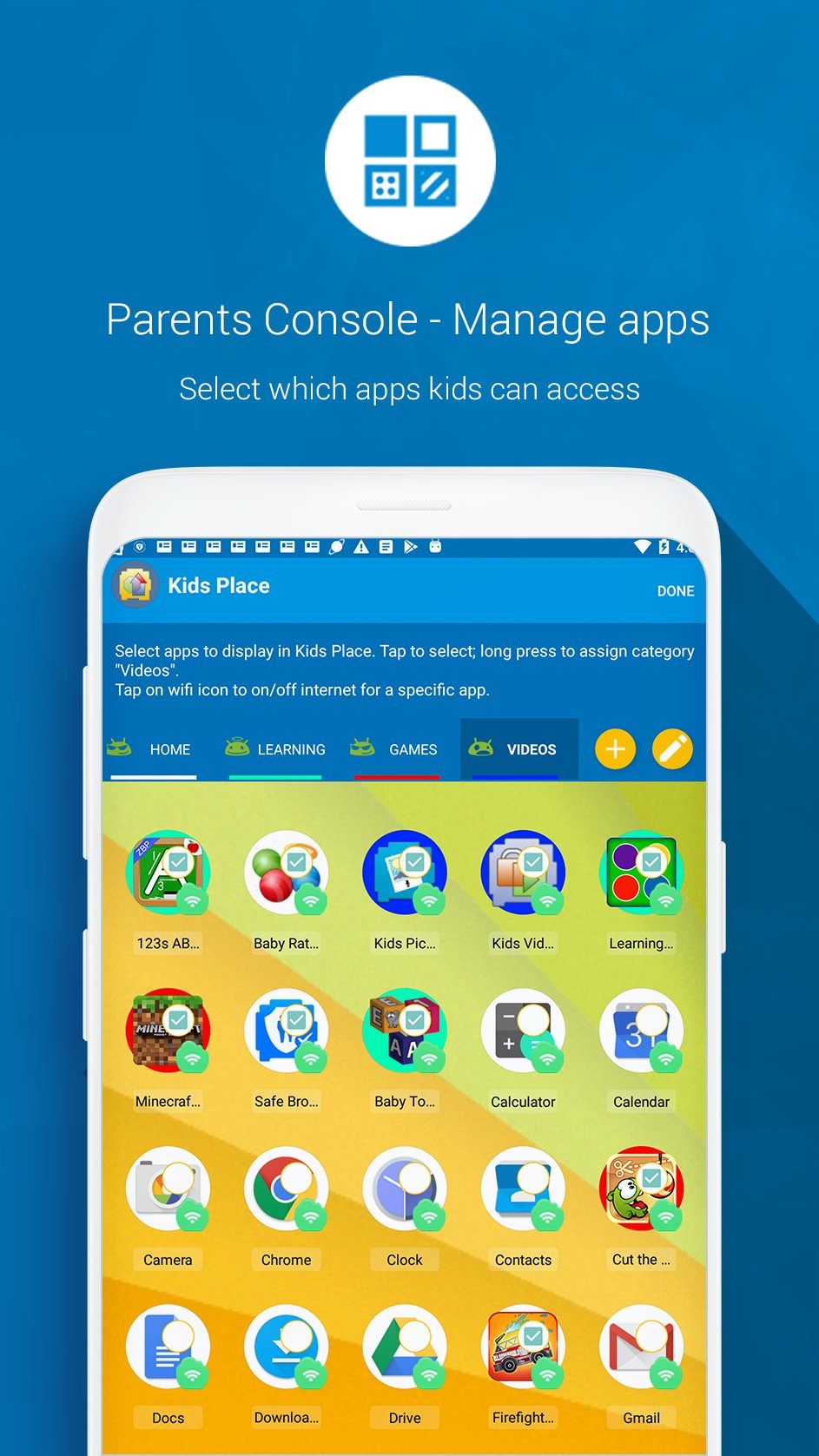
Decide which apps are visible and usable. Block access to apps you don’t approve.
Screen Time Limits
Set daily time limits for the device or for individual apps to encourage healthy digital habits.
Block Purchases & Downloads
Prevent children from making accidental purchases or downloading new apps from the Play Store.
Free Version Includes
Child-friendly launcher and kids space.
Ability to block unapproved apps.
Premium (Optional Subscription/One-Time Purchase) Adds
Profiles: Create different profiles for each child.
Screen time controls: Flexible app and device limits.
Background Mode: Run Kids Place in backgorund mode with stock launcher.
Tamper Protection: Restart on reboot
Important Permissions & Disclosures
Device Administrator Permission (Optional): This permission is requested to make it difficult for children to uninstall the app without a parent's permission, helping to ensure that parental controls remain active on the device.
Accessibility Service Permission(Optional): Used to lock the notification bar and prevent kids from leaving Kids Mode.
Privacy & Security
Kids Place uses above permissions to enforce parental control features. For full details, see our Privacy Policy https://kiddoware.com/kids-place-privacy-policy/
Kids Place is designed to support parents—not replace them. No technology can block 100% of unwanted use, so parental supervision and guidance remain important.
Preview
Tags
EntertainmentInformation
Developer
kiddoware
Latest Version
3.9.98
Last Updated
2026-06-10
Category
Entertainment
Available on
Google Play
Show More
How to play Kids Place: Parental Controls with GameLoop on PC
1. Download GameLoop from the official website, then run the exe file to install GameLoop
2. Open GameLoop and search for “Kids Place: Parental Controls” , find Kids Place: Parental Controls in the search results and click “Install”
3. Enjoy playing Kids Place: Parental Controls on GameLoop
Minimum requirements
OS
Windows 8.1 64-bit or Windows 10 64-bit
GPU
GTX 1050
CPU
i3-8300
Memory
8GB RAM
Storage
1GB available space
Recommended requirements
OS
Windows 8.1 64-bit or Windows 10 64-bit
GPU
GTX 1050
CPU
i3-9320
Memory
16GB RAM
Storage
1GB available space