KaraRemote - Karaoke Remote PC
Thunderiven Studios
Download KaraRemote - Karaoke Remote on PC With GameLoop Emulator
KaraRemote - Karaoke Remote sa PC
Ang KaraRemote - Karaoke Remote, na nagmumula sa developer na Thunderiven Studios, ay tumatakbo sa Android systerm sa nakaraan.
Ngayon, maaari mong laruin ang KaraRemote - Karaoke Remote sa PC gamit ang GameLoop nang maayos.
I-download ito sa GameLoop library o mga resulta ng paghahanap. Hindi na tumitingin sa baterya o nakakadismaya na mga tawag sa maling oras.
I-enjoy lang ang KaraRemote - Karaoke Remote PC sa malaking screen nang libre!
KaraRemote - Karaoke Remote Panimula
Features:
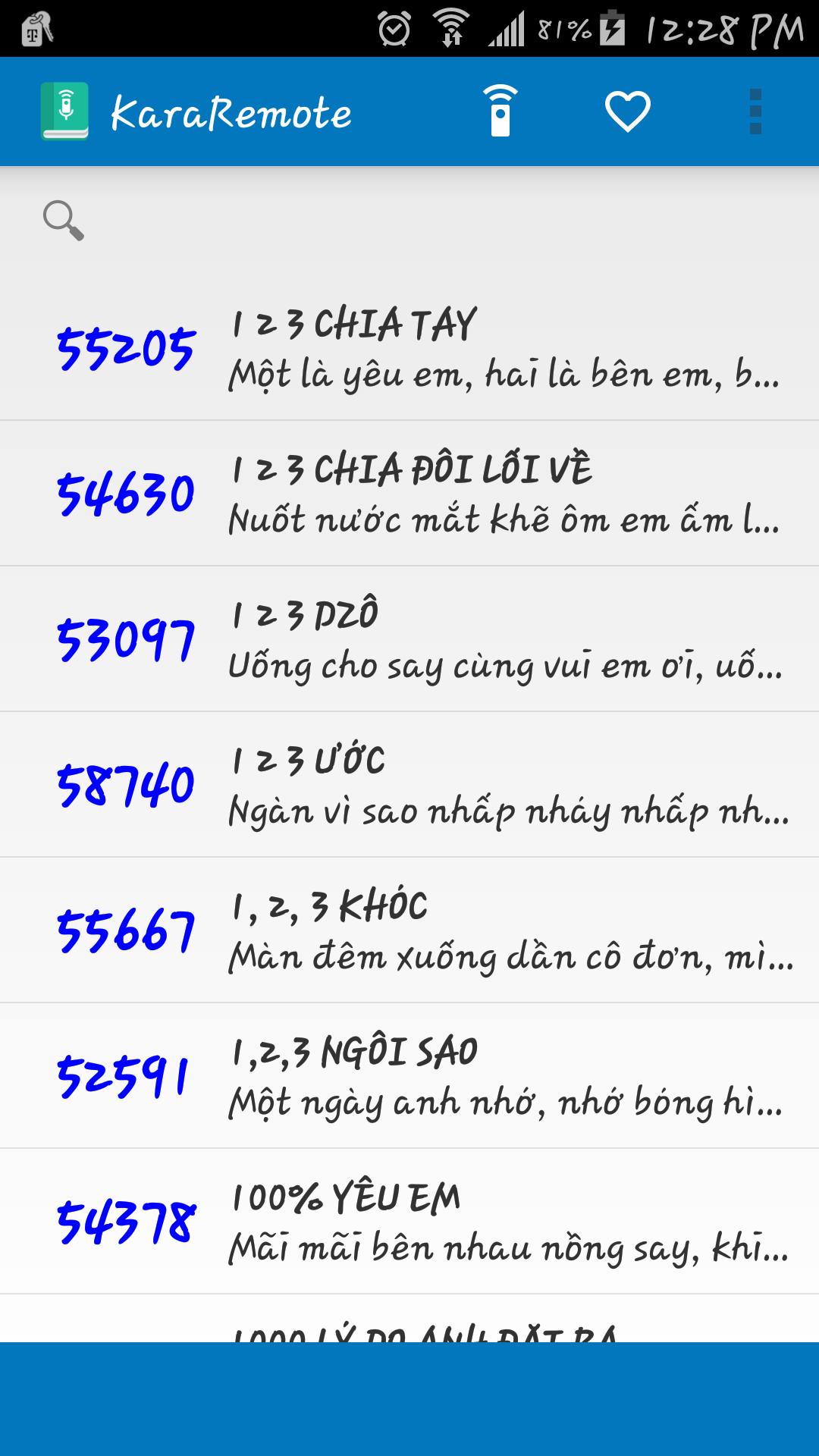
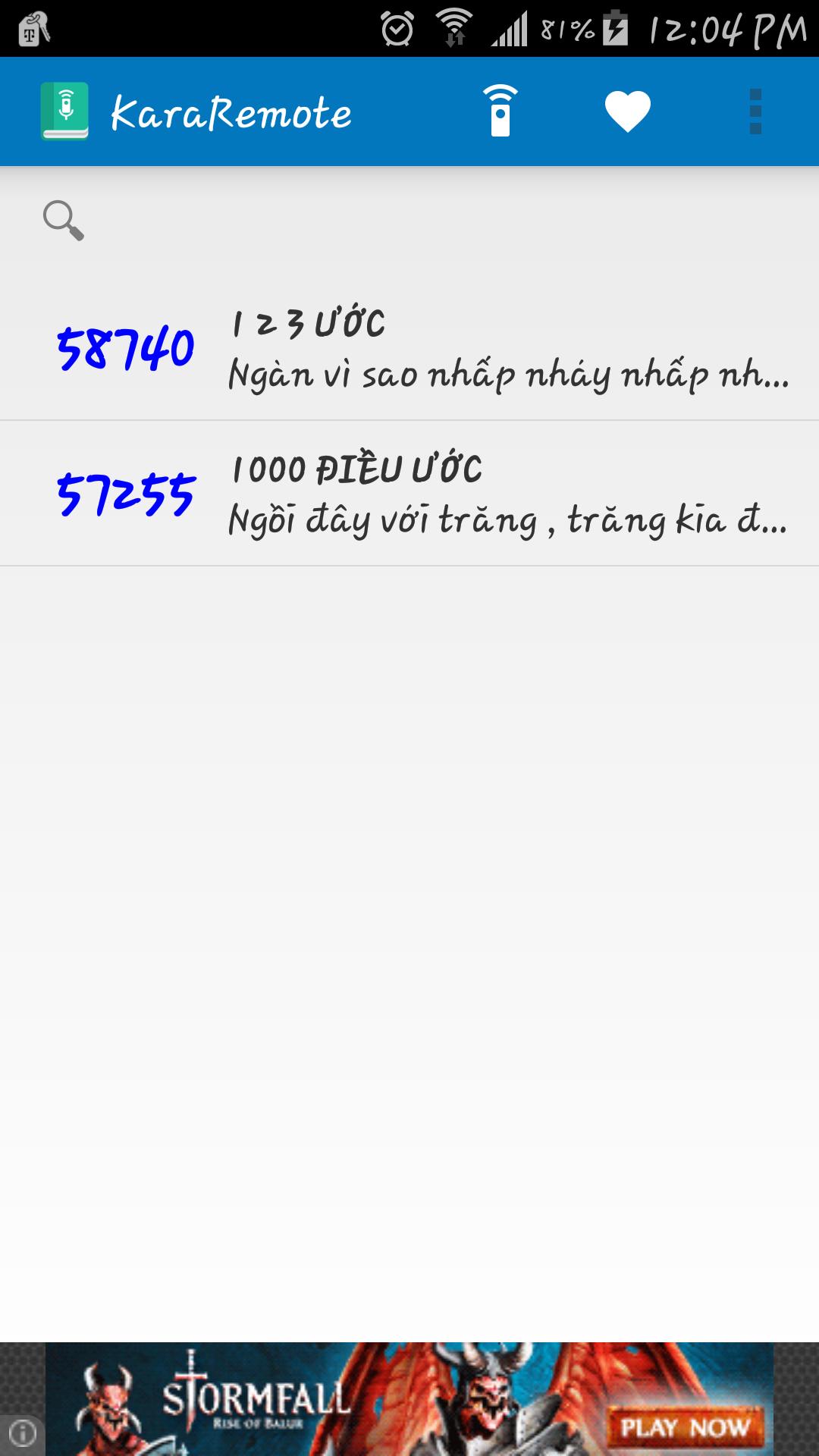
• Search song by name and abbreviation
• Bilingual Vietnamese and English
• Automatically backup and restore on Google Cloud service ( Must enable Google backup and restore )
• Built in remote control for Arirang karaoke (For devices such as Samsung and HTC with built in IR Blaster)
• Fast reserve song
• Delay between IR signal transmission
Supported Remotes:
• AR36+
• AR36NR
• AR3600
• AR3600s
• AR3600hdmi
Notes:
• Remote control feature has been tested with Samsung Galaxy S5 running on Android 5.0, if your device does not work properly, please contact me at vincentngo31051991@gmail.com for support.
Preview
Information
Developer
Thunderiven Studios
Latest Version
1.1
Last Updated
2015-08-23
Category
Entertainment
Available on
Google Play
Show More
How to play KaraRemote - Karaoke Remote with GameLoop on PC
1. Download GameLoop from the official website, then run the exe file to install GameLoop
2. Open GameLoop and search for “KaraRemote - Karaoke Remote” , find KaraRemote - Karaoke Remote in the search results and click “Install”
3. Enjoy playing KaraRemote - Karaoke Remote on GameLoop
Minimum requirements
OS
Windows 8.1 64-bit or Windows 10 64-bit
GPU
GTX 1050
CPU
i3-8300
Memory
8GB RAM
Storage
1GB available space
Recommended requirements
OS
Windows 8.1 64-bit or Windows 10 64-bit
GPU
GTX 1050
CPU
i3-9320
Memory
16GB RAM
Storage
1GB available space