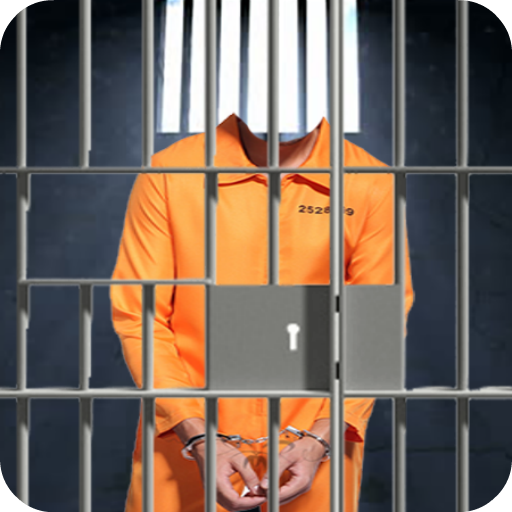
Jail Prisoner Suit Photo Maker PC
clickheroapps
Download Jail Prisoner Suit Photo Maker on PC With GameLoop Emulator
Jail Prisoner Suit Photo Maker sa PC
Ang Jail Prisoner Suit Photo Maker, na nagmumula sa developer na clickheroapps, ay tumatakbo sa Android systerm sa nakaraan.
Ngayon, maaari mong laruin ang Jail Prisoner Suit Photo Maker sa PC gamit ang GameLoop nang maayos.
I-download ito sa GameLoop library o mga resulta ng paghahanap. Hindi na tumitingin sa baterya o nakakadismaya na mga tawag sa maling oras.
I-enjoy lang ang Jail Prisoner Suit Photo Maker PC sa malaking screen nang libre!
Jail Prisoner Suit Photo Maker Panimula
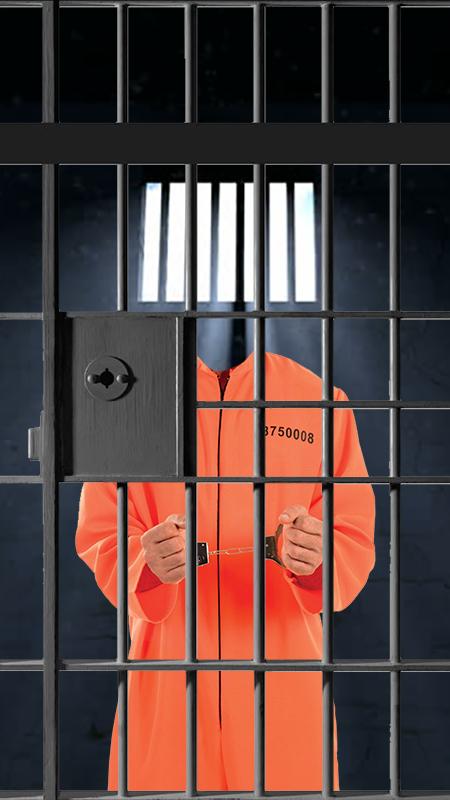
Jail Prisoner Suit Photo Maker a new superb and simple app in the play store!! You got to try have our new images made just for you. Everyone can choose any of the Image or just go crazy with multiple Images to create your own expression of cool picture. Take a tour into the image library to find your favorite image.
Decorate your picture with photo image and be creative with your work of art. Express yourself with this Photo Maker app and have fun with yourself. Lost or have no idea on using the app? No worries guys, there is a tutorial section to guide you to using the app or you can simply refer here. What’s more important Jail Prisoner Suit Photo Maker is TOTALLY FREE FOR ALL!!!
What’s great about this Jail Prisoner Suit Photo Maker app...
★ Easy and simple to use yet suitable for all ages.
★ Light and cool image design for your choosing.
★ Jail Prisoner Suit Photo Maker has the latest funniest collection and various design pictures.
★ Select your photo from your phone’s gallery or take your photos via phone's camera.
★ Scale, zoom and move your gallery picture for a perfect fit within the template.
★ Choose your favorite Jail Prisoner Suit Photo Maker image and be creative with the Photo “Effect” Button.
★ Share your creations via WhatsApp, Facebook, Twitter, Instagram and other social app or media.
**Photo Editor**
Tap OPEN to load picture from the camera or phone gallery. Then load the image from MASK and Tap CHOOSE and select your desired image. You can resize by holding the middle & the edge of the image with your fingers. Tap APPLY when done adjusting or tap DELETE the image. You can choose different EFFECT and Tap Send if you wish to share to social media or store them into the phone’s gallery.
**Snapshot**
Tap TAKE A PICTURE to continue to the image gallery. Simply slide to the the left or right to switch the image. Snap your picture and share them to your friends. **Note, COVER lets you to snap and share without editing your picture.
**Tutorial**
Read how to use the app here.
Download Jail Prisoner Suit Photo Maker now and enjoy using this simple photo making app built just for you. So let photo making fun start today!
Preview

Tags
EntertainmentInformation
Developer
clickheroapps
Latest Version
1.0.8
Last Updated
2019-12-08
Category
Entertainment
Available on
Google Play
Show More
How to play Jail Prisoner Suit Photo Maker with GameLoop on PC
1. Download GameLoop from the official website, then run the exe file to install GameLoop
2. Open GameLoop and search for “Jail Prisoner Suit Photo Maker” , find Jail Prisoner Suit Photo Maker in the search results and click “Install”
3. Enjoy playing Jail Prisoner Suit Photo Maker on GameLoop
Minimum requirements
OS
Windows 8.1 64-bit or Windows 10 64-bit
GPU
GTX 1050
CPU
i3-8300
Memory
8GB RAM
Storage
1GB available space
Recommended requirements
OS
Windows 8.1 64-bit or Windows 10 64-bit
GPU
GTX 1050
CPU
i3-9320
Memory
16GB RAM
Storage
1GB available space