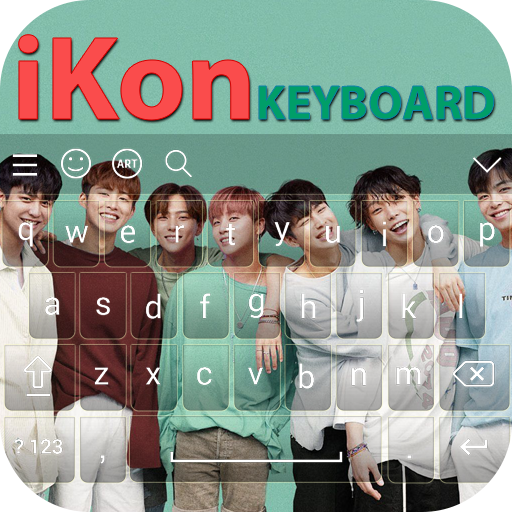
iKon Keyboard PC
Rhino Apps
Download iKon Keyboard on PC With GameLoop Emulator
iKon Keyboard sa PC
Ang iKon Keyboard, na nagmumula sa developer na Rhino Apps, ay tumatakbo sa Android systerm sa nakaraan.
Ngayon, maaari mong laruin ang iKon Keyboard sa PC gamit ang GameLoop nang maayos.
I-download ito sa GameLoop library o mga resulta ng paghahanap. Hindi na tumitingin sa baterya o nakakadismaya na mga tawag sa maling oras.
I-enjoy lang ang iKon Keyboard PC sa malaking screen nang libre!
iKon Keyboard Panimula
It is amazing to set your favorite band’s picture on your android keyboard. Replace your default keyboard to this wonderful iKon(아이콘) keyboard.
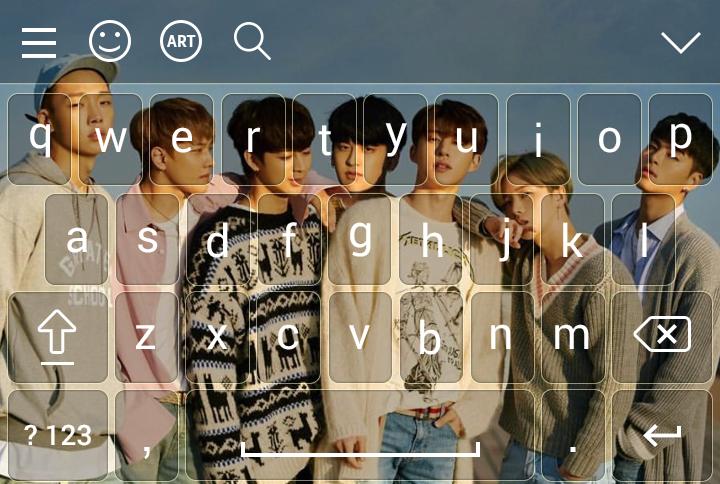
This is keyboard app for iKon’s fan. Set iKon’s photo as keyboard background in your phone. iKon Keyboard applies to whole device and for all apps. Make your keyboard very beautiful as your choice.
Set favorite member’s picture in your keyboard:
Jinhwan (진환)
Yunhyeong (윤형)
Bobby (바비)
Donghyuk (동혁)
Ju-ne (준회)
Chanwoo (찬우)
How to Used?
1. Open “iKon Keyboard” fan App
2. Enable “iKon Keyboard"
3. Set input method to “iKon Keyboard” option
4. Set different iKon themes for keyboards
5. Set image from gallery or camera and get preview of keyboard if you want
6. More than 50 languages.
7. Change font style
Features:-
- You can set iKon’s photo from gallery.
- More then 500 emoji.
- Auto spell Check Facility.
- Swipe your finger on keyboard and type fast.
- Next Word Prediction.
- Emoji prediction on words.
- Landscape and portrait Keyboard background Set separately.
- Direct Search From Keyboard.
- Word Edit Facility as Word select,cut,copy,past,home,end,tab etc.
- Keyboard Key press setting as sound,vibration etc.
- Keyboard Height Setting.
- Keyboard Font Color Setting.
- 50+ Language Supported.
- 50+ Font Style Supported.
- Layout Design for Tablet.
We will secure your personal information.
This is made for only one purpose and it is entertainment. Enjoy our brand new keyboard.
Preview

Tags
EntertainmentInformation
Developer
Rhino Apps
Latest Version
2.0
Last Updated
2021-07-17
Category
Entertainment
Available on
Google Play
Show More
How to play iKon Keyboard with GameLoop on PC
1. Download GameLoop from the official website, then run the exe file to install GameLoop
2. Open GameLoop and search for “iKon Keyboard” , find iKon Keyboard in the search results and click “Install”
3. Enjoy playing iKon Keyboard on GameLoop
Minimum requirements
OS
Windows 8.1 64-bit or Windows 10 64-bit
GPU
GTX 1050
CPU
i3-8300
Memory
8GB RAM
Storage
1GB available space
Recommended requirements
OS
Windows 8.1 64-bit or Windows 10 64-bit
GPU
GTX 1050
CPU
i3-9320
Memory
16GB RAM
Storage
1GB available space