
Ghostcom™ Radar Messages PC
Big Boris Studios
Download Ghostcom™ Radar Messages on PC With GameLoop Emulator
Ghostcom™ Radar Messages sa PC
Ang Ghostcom™ Radar Messages, na nagmumula sa developer na Big Boris Studios, ay tumatakbo sa Android systerm sa nakaraan.
Ngayon, maaari mong laruin ang Ghostcom™ Radar Messages sa PC gamit ang GameLoop nang maayos.
I-download ito sa GameLoop library o mga resulta ng paghahanap. Hindi na tumitingin sa baterya o nakakadismaya na mga tawag sa maling oras.
I-enjoy lang ang Ghostcom™ Radar Messages PC sa malaking screen nang libre!
Ghostcom™ Radar Messages Panimula
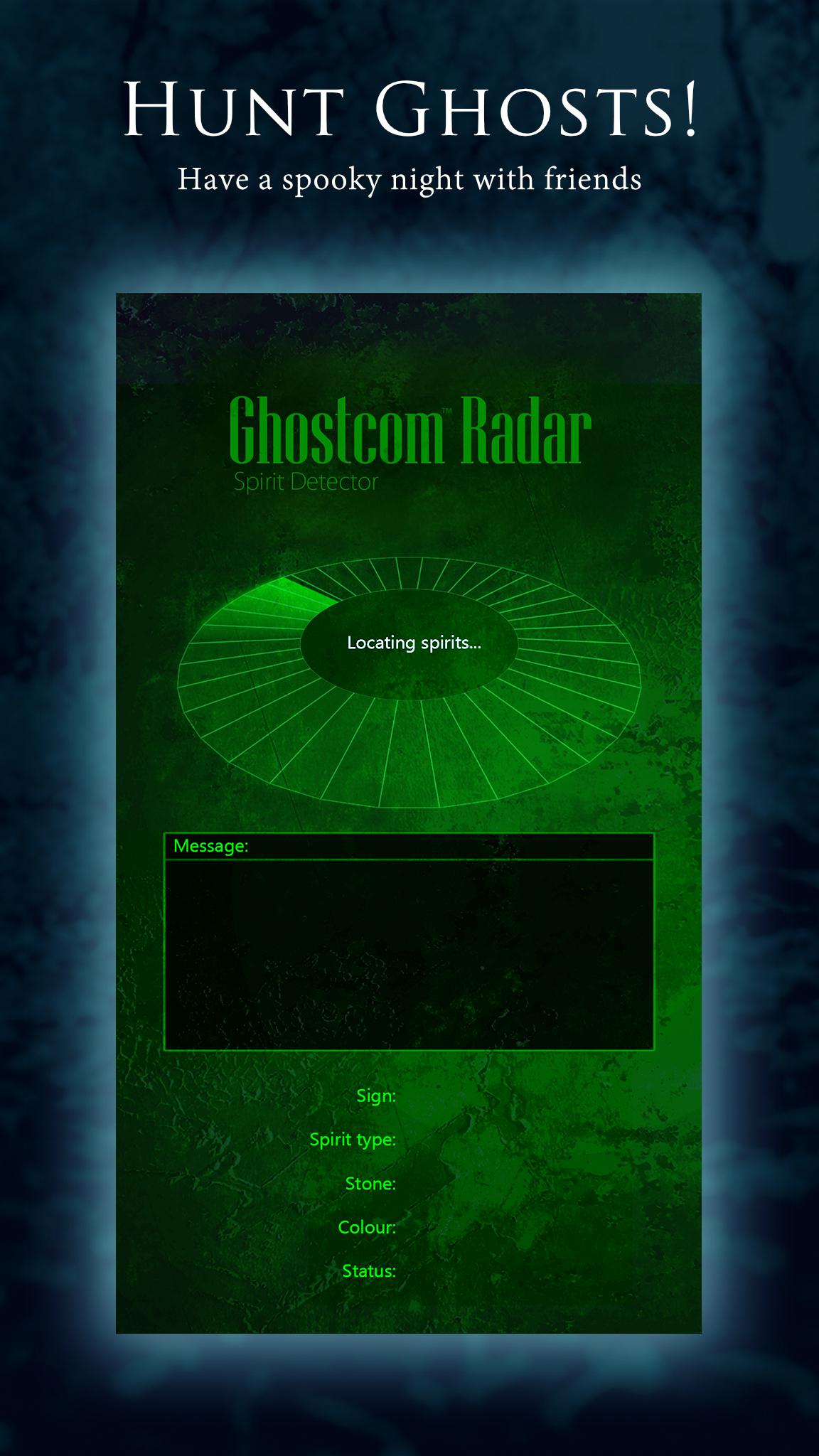
If you love astrology, the paranormal and things that go bump in the night then Ghostcom Radar is the app for you! It's spooky, mysterious and great fun with friends!
ASK GHOSTCOM RADAR A QUESTION!
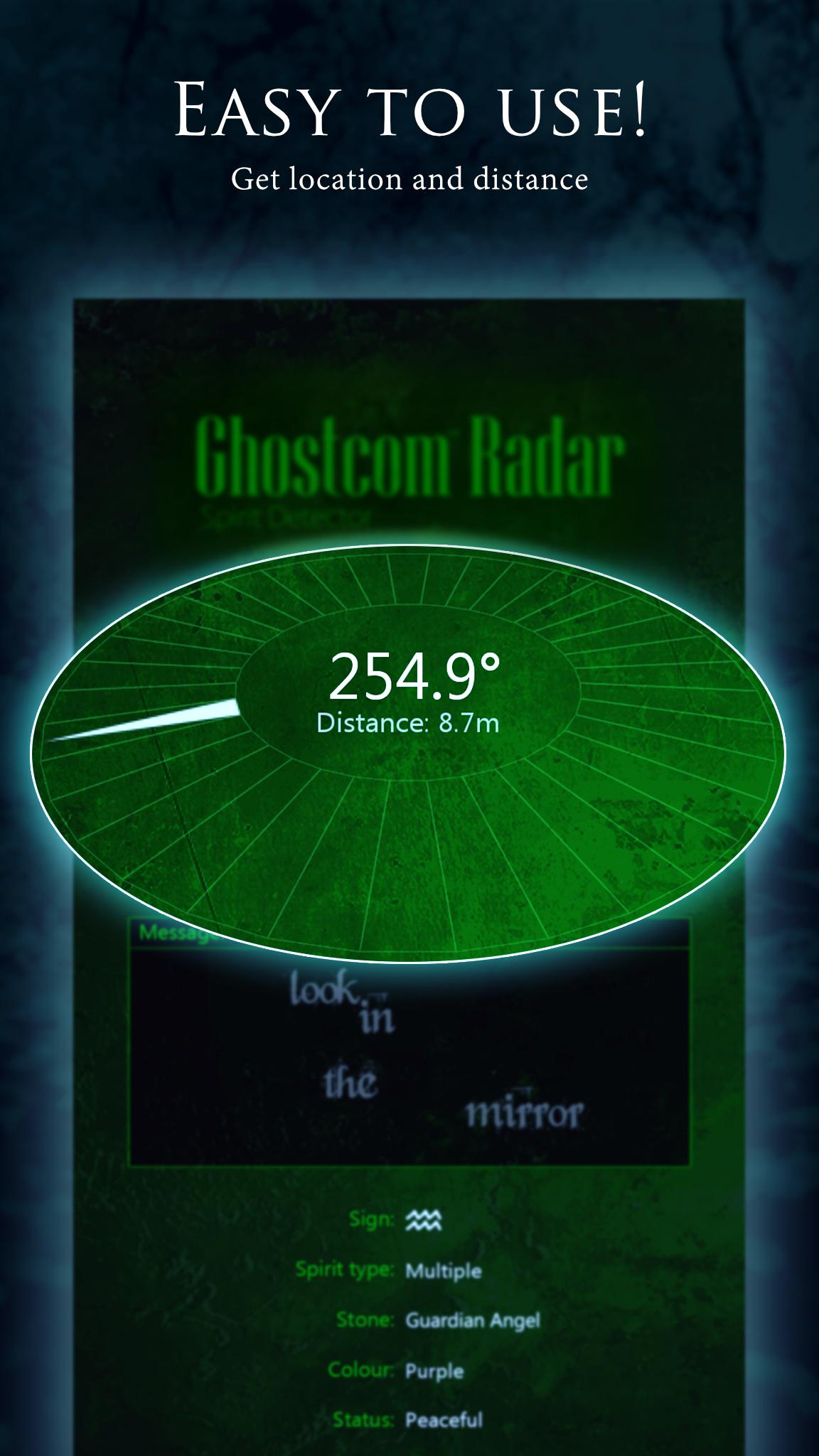
Ask a question and see what comes back! With a huge database of over 2000 words Ghostcom Radar may just surprise and amaze you!
DOWNLOAD NOW and invite your friends round for spooky ghost adventures!
Best used in a darkened room...if you dare!
HOW DOES IT WORK?
At its heart Ghostcom Radar is based on very simple technology. When it starts it generates a large string of random numbers. Our internal algorithms translate this string into all of the words and stats that are displayed on the screen including the location data. The basic premise is to test whether random algorithms may or may not be influenced by forces beyond our current understanding.
DISCLAIMER
Ghostcom Radar works by utilising randomisation algorithms. We ask that you use this app responsibly and for fun only.
WARNING
This app contains graphics, audio and haunting effects that may scare children or those of a nervous disposition. Please do not download if you are likely to be scared or offended by an app of this nature. We kindly request that you use it in the manner for which it was created; for use in a light-hearted, entertaining way and not to be taken too seriously.
THANKS FOR READING AND HAVE FUN!
Preview
Tags
EntertainmentInformation
Developer
Big Boris Studios
Latest Version
1.1.7
Last Updated
2024-01-13
Category
Entertainment
Available on
Google Play
Show More
How to play Ghostcom™ Radar Messages with GameLoop on PC
1. Download GameLoop from the official website, then run the exe file to install GameLoop
2. Open GameLoop and search for “Ghostcom™ Radar Messages” , find Ghostcom™ Radar Messages in the search results and click “Install”
3. Enjoy playing Ghostcom™ Radar Messages on GameLoop
Minimum requirements
OS
Windows 8.1 64-bit or Windows 10 64-bit
GPU
GTX 1050
CPU
i3-8300
Memory
8GB RAM
Storage
1GB available space
Recommended requirements
OS
Windows 8.1 64-bit or Windows 10 64-bit
GPU
GTX 1050
CPU
i3-9320
Memory
16GB RAM
Storage
1GB available space