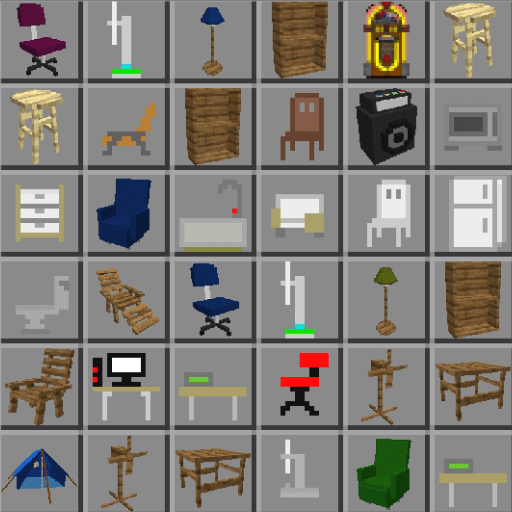
Furniture for Minecraft PC
qsty apps
Download Furniture for Minecraft on PC With GameLoop Emulator
Furniture for Minecraft sa PC
Ang Furniture for Minecraft, na nagmumula sa developer na qsty apps, ay tumatakbo sa Android systerm sa nakaraan.
Ngayon, maaari mong laruin ang Furniture for Minecraft sa PC gamit ang GameLoop nang maayos.
I-download ito sa GameLoop library o mga resulta ng paghahanap. Hindi na tumitingin sa baterya o nakakadismaya na mga tawag sa maling oras.
I-enjoy lang ang Furniture for Minecraft PC sa malaking screen nang libre!
Furniture for Minecraft Panimula
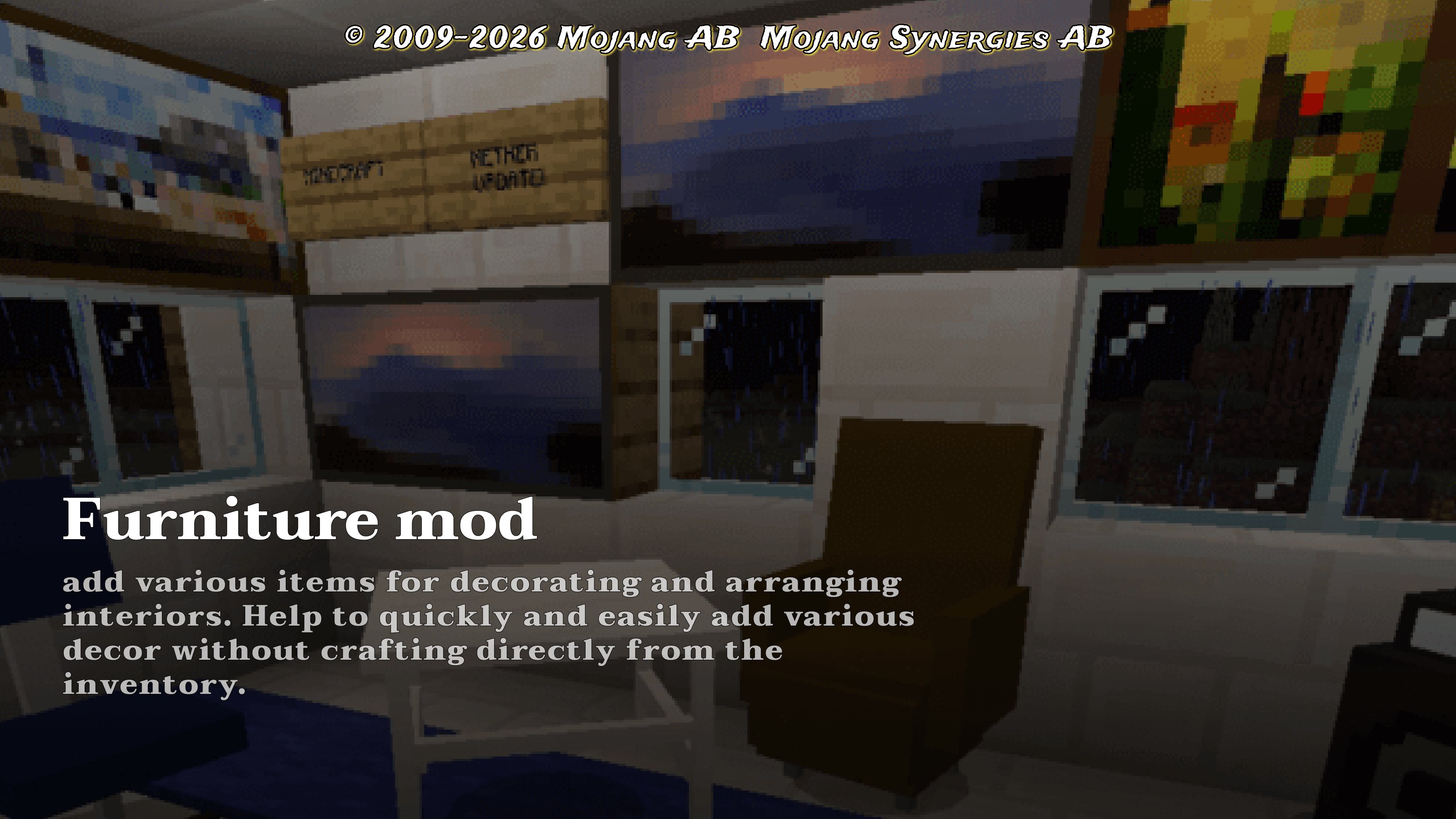
Do not want to look for a catalog-installer, which will be popular mods for minecraft 1.20, cool furniture for mcpe and many different decorations? We have a great solution, because you've come to the page with a catalog-installer, which collects more of the most diverse mods for mcpe 1.12. And also we have a lot more useful files, such as wallpapers on the phone and skins for minecraft 1.20.
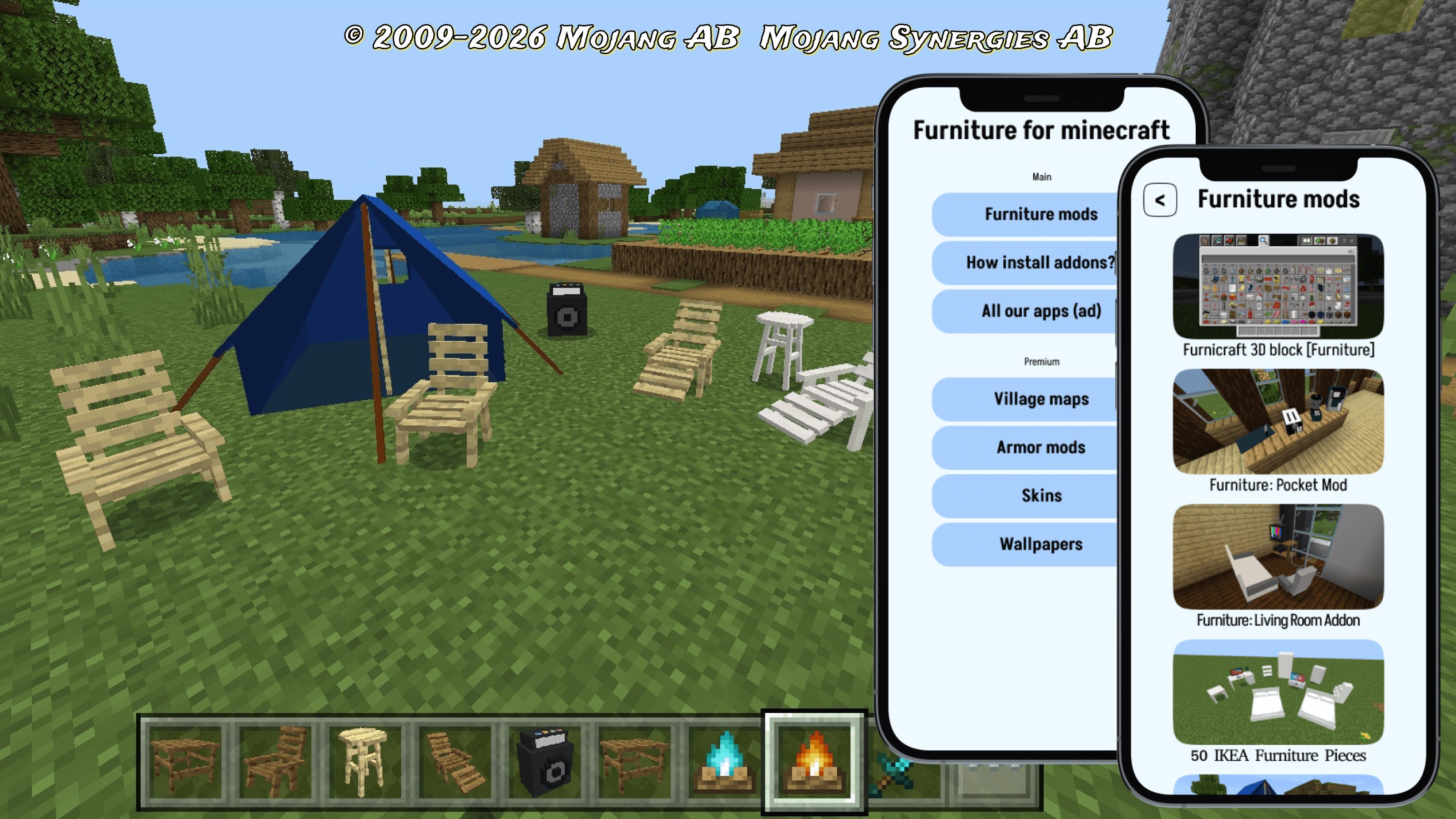
File installer with furniture for minecraft 1.20 is a cool app that allows you to add any files to your phone quickly and easily. It has a simple interface for selecting files with furniture mod for minecraft 1.20, as well as detailed information about each of them. Thanks to the application, each user will be able to install the furniture mod for mcpe 1.19 in a few clicks. Catalog to install furniture minecraft 1.20 is designed to manage addons and install them in the game. Furniture mods for minecraft 1.20 is an addon to the game, adding different interior items. It will replace or simply add completely new types of decoration for minecraft 1.16 from a large number of blocks.
In this application-catalog collected applications of a certain theme - furniture mod minecraft 1.20. Usually in the game there are no items decoration mod, so players made them from various available in the game bloks. But this is very inconvenient and took a very long time. Therefore, a great solution for every player who values his time is to add minecraft furniture 1.21. Decor for minecraft includes chairs, sofas, beds, tables, appliances and much more. All these items decoration for mcpe 1.12 help players to make their home more cozy, get a lot of places to store resources and rest. Furniture mods for mcpe 1.15 help to add even more realism and detail to the game world and improve the gaming experience. Mcpe furniture also gives players great opportunities to decorate their mansions, chalets, castles and houses. Plus, decorating mods free players from making furniture mcpe from improvised materials. And some decorations mods from our prilzhdenie will equip dzhidishche fully working appliances - refrigerator, stove, microwave, etc. And players only need to select the desired item from the inventory and find a suitable place for it. Also with furniture addon for mcpe you can as quickly organize and the territory around the dwelling!
Also, in our catalog added and other useful addons: village for minecraft 1.20, armor for mcpe. We have a lot of skins for minecraft pe 1.20 for boys and girls, as well as cool wallpapers on the phone with your favorite game.
Disclaimer: This app is not affiliated with Mojang. The decor addon is a third party and its use may affect your game experience or damage your game files. Use at your own risk. We are not responsible for any damage caused by the use of this app.
Preview
Tags
EntertainmentInformation
Developer
qsty apps
Latest Version
release: 20
Last Updated
2026-06-05
Category
Entertainment
Available on
Google Play
Show More
How to play Furniture for Minecraft with GameLoop on PC
1. Download GameLoop from the official website, then run the exe file to install GameLoop
2. Open GameLoop and search for “Furniture for Minecraft” , find Furniture for Minecraft in the search results and click “Install”
3. Enjoy playing Furniture for Minecraft on GameLoop
Minimum requirements
OS
Windows 8.1 64-bit or Windows 10 64-bit
GPU
GTX 1050
CPU
i3-8300
Memory
8GB RAM
Storage
1GB available space
Recommended requirements
OS
Windows 8.1 64-bit or Windows 10 64-bit
GPU
GTX 1050
CPU
i3-9320
Memory
16GB RAM
Storage
1GB available space