
Face Time Call Tips Audio PC
CostingPP
Download Face Time Call Tips Audio on PC With GameLoop Emulator
Face Time Call Tips Audio sa PC
Ang Face Time Call Tips Audio, na nagmumula sa developer na CostingPP, ay tumatakbo sa Android systerm sa nakaraan.
Ngayon, maaari mong laruin ang Face Time Call Tips Audio sa PC gamit ang GameLoop nang maayos.
I-download ito sa GameLoop library o mga resulta ng paghahanap. Hindi na tumitingin sa baterya o nakakadismaya na mga tawag sa maling oras.
I-enjoy lang ang Face Time Call Tips Audio PC sa malaking screen nang libre!
Face Time Call Tips Audio Panimula
Facetime app connects you emotionally and physically with the people you love. You can simple and securely make facetime audio and video calls. FaceTime Audio can be preferable to a standard phone call because it's often higher quality because it uses a higher-quality codec that exceeds even HD voice services offered by carriers.
FaceTime mobile app is designed to be easy to use. Just choose the person you want to speak to, tap the FaceTime button and chat away. You can not only talk to your friends, but also talk to random people. To make a FaceTime call, you need the person’s phone number or registered email address.
Facetime social networking is all in one app. While talking to your friends, capture a🤳 facetime live photo. Send to each other various facetime stickers😇 and emojis to make your conversations more expressive and impressive. As well as share📤 photos, videos, gifs and ote files with your friends and play on facetime games 🎮for entertainment.
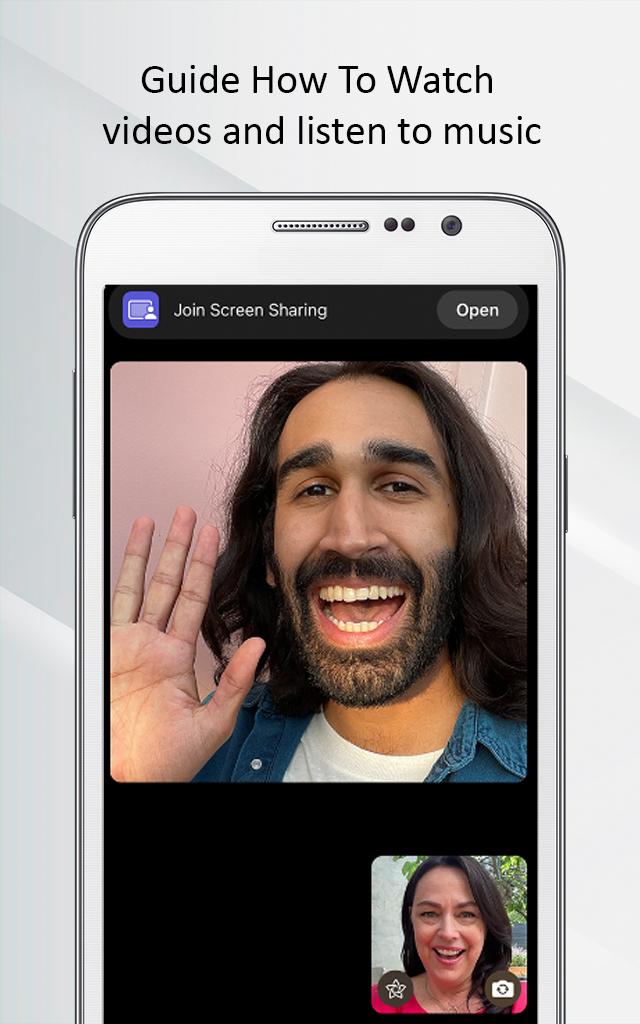
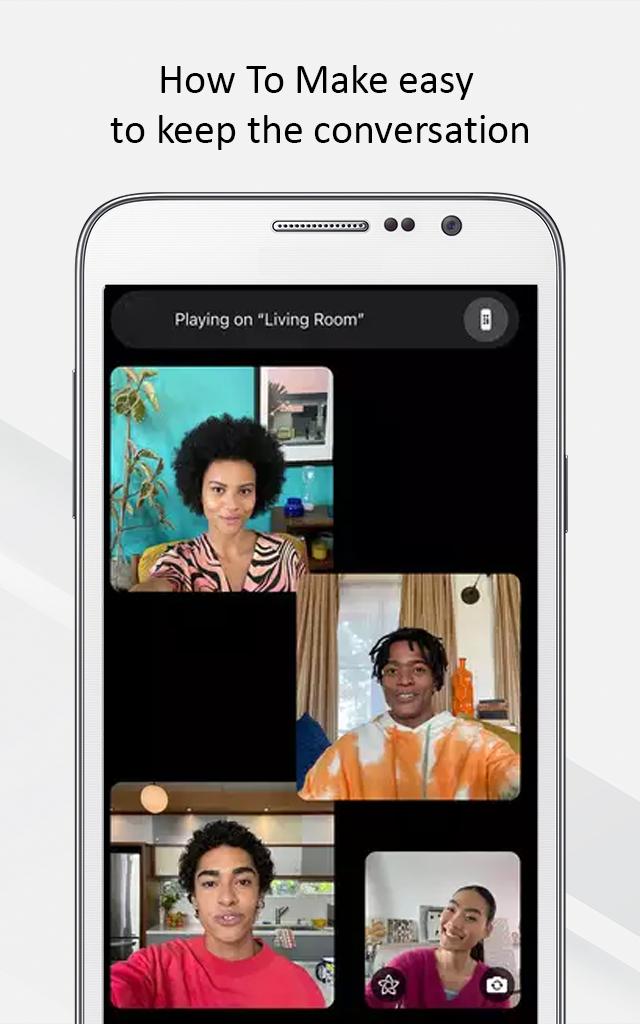
Besides talking to your friends you can watch movies🎦 together. Facetime SharePlay will let you watch a video with your friend on a call. You will have an interesting discussion with a group of people by creating a facetime group chat.
Thanks to its end-to-end encryption, it cannot be intercepted or recorded by an outside party. Using a facetime free app you will really enjoy. It connects you to people from all over the world.
Disclaimer: ❗
This is an unofficial app. We just provide information about the app. If you have any questions or suggestions, let us know.
Preview
Tags
EntertainmentInformation
Developer
CostingPP
Latest Version
1.0.0
Last Updated
2023-01-10
Category
Entertainment
Available on
Google Play
Show More
How to play Face Time Call Tips Audio with GameLoop on PC
1. Download GameLoop from the official website, then run the exe file to install GameLoop
2. Open GameLoop and search for “Face Time Call Tips Audio” , find Face Time Call Tips Audio in the search results and click “Install”
3. Enjoy playing Face Time Call Tips Audio on GameLoop
Minimum requirements
OS
Windows 8.1 64-bit or Windows 10 64-bit
GPU
GTX 1050
CPU
i3-8300
Memory
8GB RAM
Storage
1GB available space
Recommended requirements
OS
Windows 8.1 64-bit or Windows 10 64-bit
GPU
GTX 1050
CPU
i3-9320
Memory
16GB RAM
Storage
1GB available space