DR CONTROL PC
TEAC CORPORATION
Download DR CONTROL on PC With GameLoop Emulator
DR CONTROL sa PC
Ang DR CONTROL, na nagmumula sa developer na TEAC CORPORATION, ay tumatakbo sa Android systerm sa nakaraan.
Ngayon, maaari mong laruin ang DR CONTROL sa PC gamit ang GameLoop nang maayos.
I-download ito sa GameLoop library o mga resulta ng paghahanap. Hindi na tumitingin sa baterya o nakakadismaya na mga tawag sa maling oras.
I-enjoy lang ang DR CONTROL PC sa malaking screen nang libre!
DR CONTROL Panimula
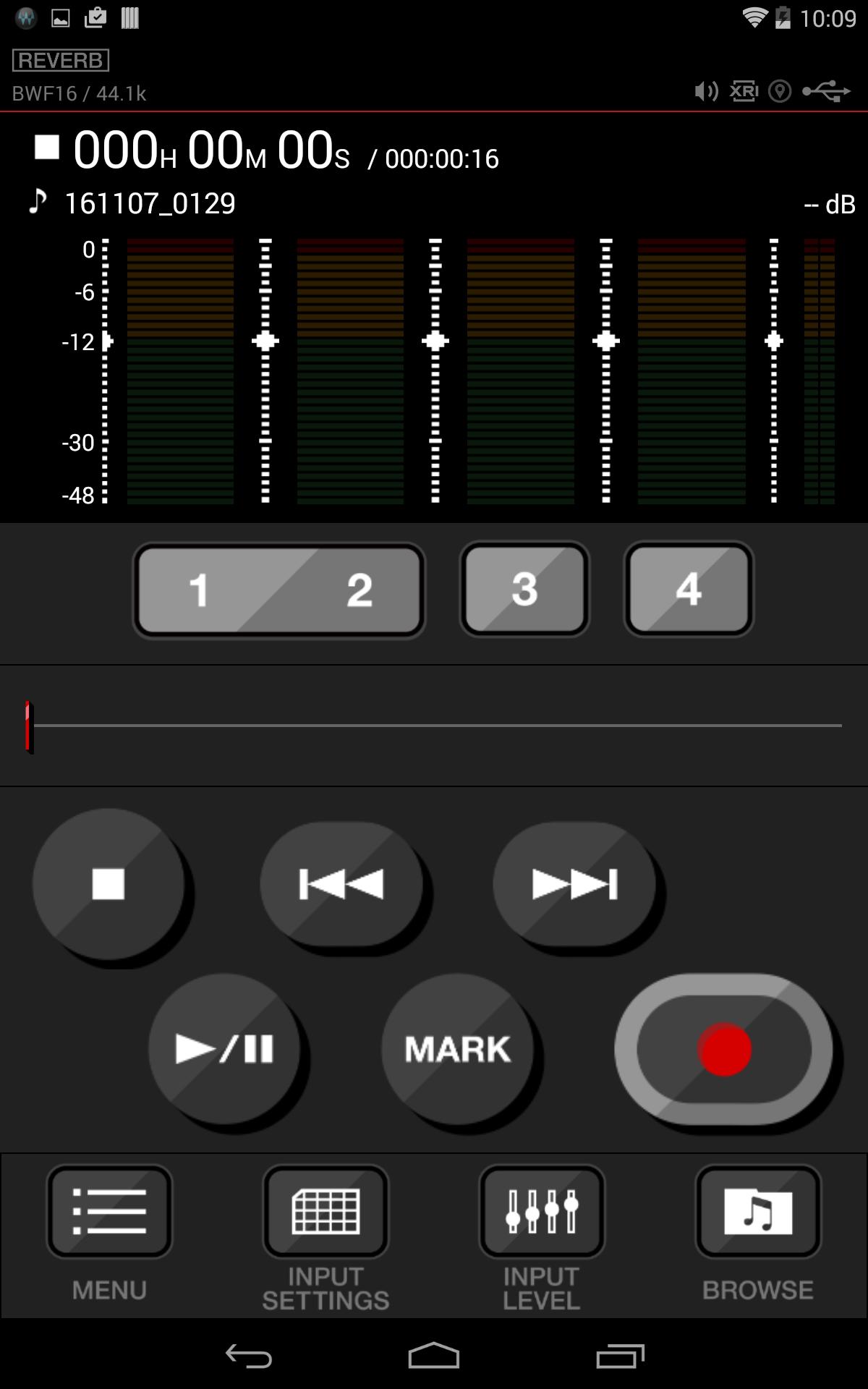
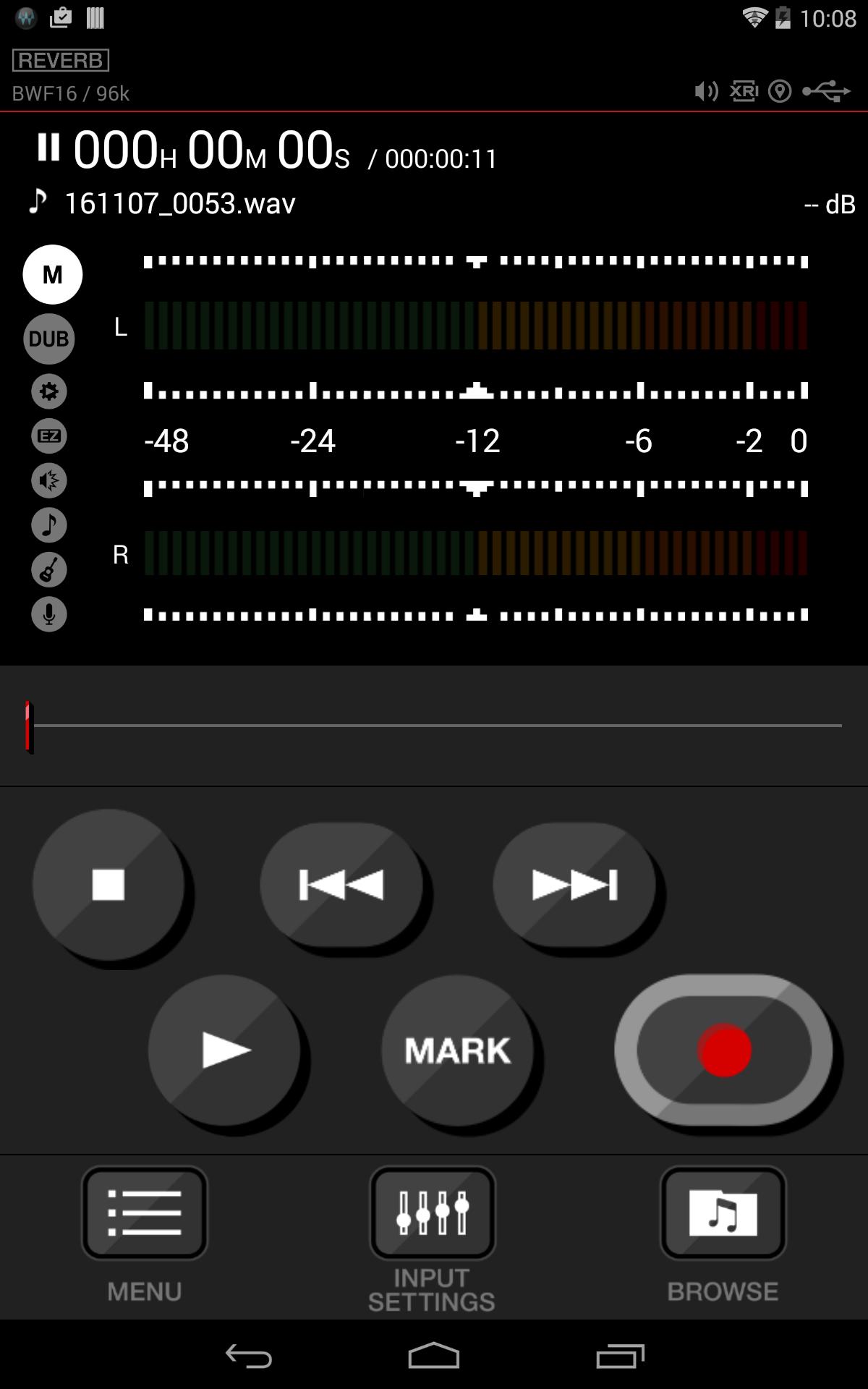
TASCAM DR CONTROL is an app that allows you to control the DR-22WL/DR-44WL Linear PCM Recorders remotely via Wi-fi. Enjoy handy recording on the DR-22WL/DR-44WL with a smartphone or tablet without the location restictions of a computer.
TASCAM DR CONTROL allows you to remotely control recording levels, filter settings, file organizing and file transfer from DR-22WL/DR-44WL to your smartphone or tablet device.
Also you can choose the connection from two different type:
- “VIA ROUTER” mode enables the wireless remote control operation by connecting your smartphone or tablet device to a Wi-Fi router installed in a studio or at home. Remote control is operable with email, map, or other apps and online services at the same time
- “TO DEVICE” mode allows direct, one-to-one connection with the DR-22WL/DR-44WL, and so the remote control function works in the outdoor environment where Wi-Fi router is not available
The Version 2.0 firmware can be freely downloaded on the TASCAM’s website or on the App, letting the users to update their DR-22WL/DR-44WL on their own. The TASCAM DR CONTROL app can also be installed or updated for free.
*Firmware version below does not support updates through this App.
DR-44WL System F/W: 1.2.0、1.2.1
DR-22WL System F/W: 1.2.0、1.2.1、1.2.2
For customers using these versions, please update the firmware using the main unit. Instructions are available at tascam.com
Please carefully read the license agreement below before using this application.
http://tascam.jp/content/downloads/products/862/license_e_app_license.pdf
You can see details at TASCAM's website.
http://tascam.com/product/dr_control/
- If you have already installed older version of DR CONTROL, please unintall that.
Preview
Tags
EntertainmentInformation
Developer
TEAC CORPORATION
Latest Version
2.2.1
Last Updated
2023-05-26
Category
Entertainment
Available on
Google Play
Show More
How to play DR CONTROL with GameLoop on PC
1. Download GameLoop from the official website, then run the exe file to install GameLoop
2. Open GameLoop and search for “DR CONTROL” , find DR CONTROL in the search results and click “Install”
3. Enjoy playing DR CONTROL on GameLoop
Minimum requirements
OS
Windows 8.1 64-bit or Windows 10 64-bit
GPU
GTX 1050
CPU
i3-8300
Memory
8GB RAM
Storage
1GB available space
Recommended requirements
OS
Windows 8.1 64-bit or Windows 10 64-bit
GPU
GTX 1050
CPU
i3-9320
Memory
16GB RAM
Storage
1GB available space