
Daily LOTTO Kiosk PC
Wing Chan
Download Daily LOTTO Kiosk on PC With GameLoop Emulator
Daily LOTTO Kiosk sa PC
Ang Daily LOTTO Kiosk, na nagmumula sa developer na Wing Chan, ay tumatakbo sa Android systerm sa nakaraan.
Ngayon, maaari mong laruin ang Daily LOTTO Kiosk sa PC gamit ang GameLoop nang maayos.
I-download ito sa GameLoop library o mga resulta ng paghahanap. Hindi na tumitingin sa baterya o nakakadismaya na mga tawag sa maling oras.
I-enjoy lang ang Daily LOTTO Kiosk PC sa malaking screen nang libre!
Daily LOTTO Kiosk Panimula
Daily LOTTO Kiosk
The Daily LOTTO was introduced on March 10 2019 and draws take place every night at 21:00, every single day except Christmas Day.
There are four prize pools for matching 2, 3, 4 or 5 numbers correctly and if nobody matches 5 balls in a draw, the jackpot rolls down to matching 4 numbers.
FEATURES:
★ Latest Information
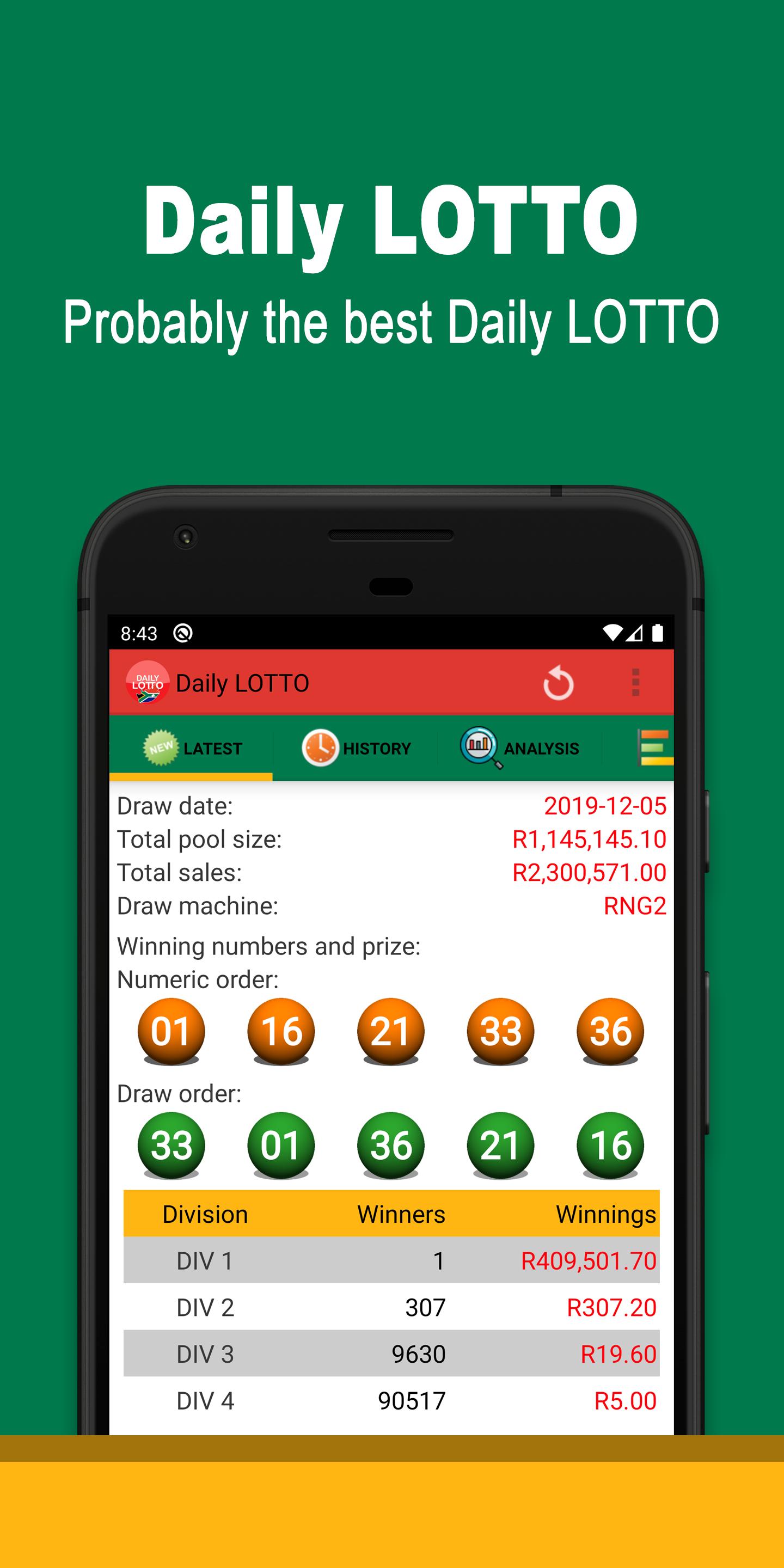
- Provides the latest Daily LOTTO winning numbers and prize information
- Notification alert
★ Past results
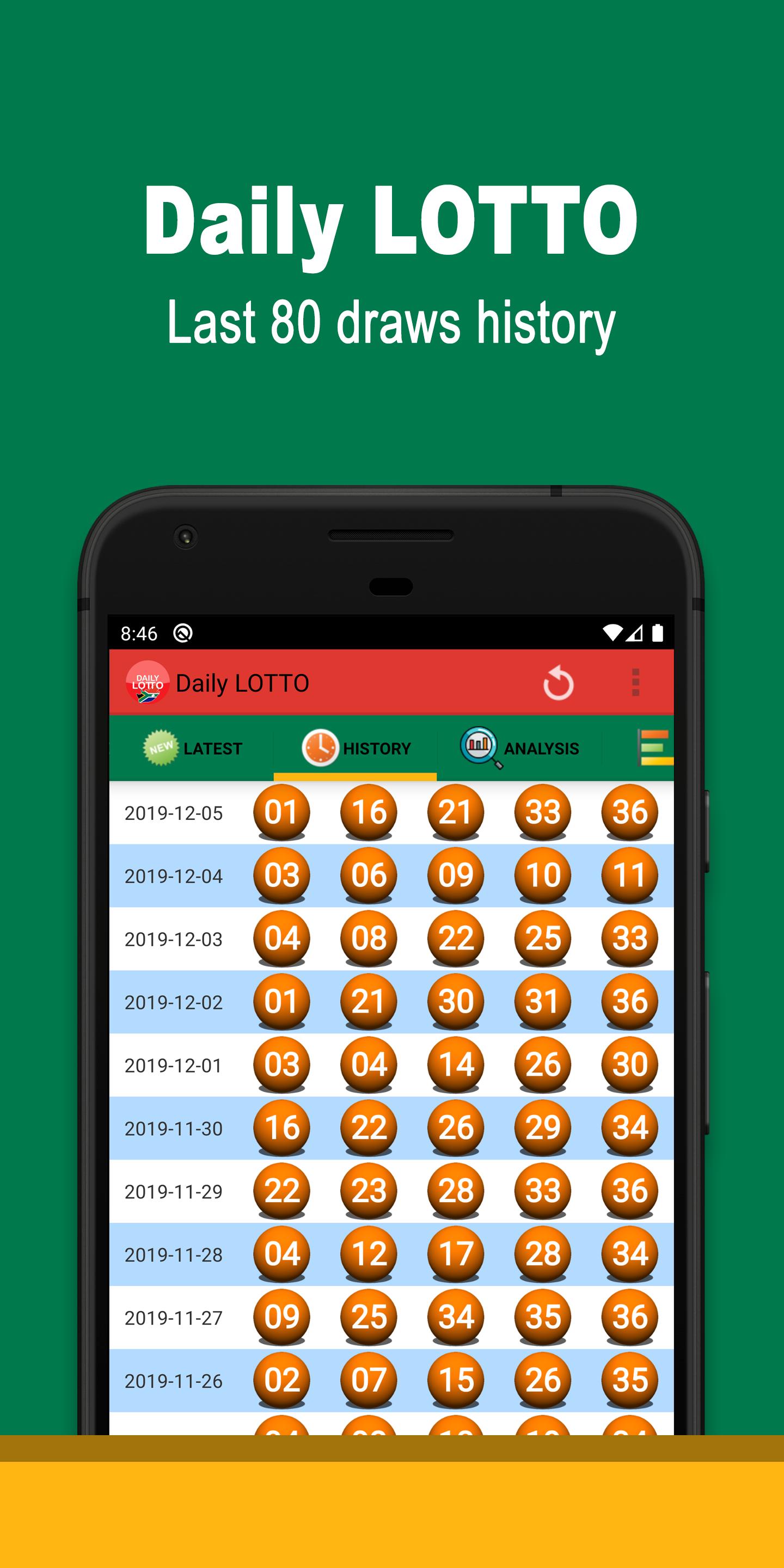
- Provides last 80 draws history record
★ Number analysis
- Provides the past 100 draws hot & cool number analysis
- Provides the past 100 draws odd & even number analysis
★ Charts
- Provides the past 10, 20, 40 & 100 draws frequency, overdue and distribution charts
★ Random numbers generator
- Provides a tool to help you to generate today lucky numbers
Please support free app. Thank you very much!
Disclaimer:
This is not an official APP from any official lottery organisations or entities.
Tickets cannot be purchased with this APP. Please check your ticket at an official outlet before discarding.
All the information provides here are only for reference, we do not take any responsibilities on the accuracy of the information provided here.
Preview
Tags
EntertainmentInformation
Developer
Wing Chan
Latest Version
4.0.0
Last Updated
2024-11-25
Category
Entertainment
Available on
Google Play
Show More
How to play Daily LOTTO Kiosk with GameLoop on PC
1. Download GameLoop from the official website, then run the exe file to install GameLoop
2. Open GameLoop and search for “Daily LOTTO Kiosk” , find Daily LOTTO Kiosk in the search results and click “Install”
3. Enjoy playing Daily LOTTO Kiosk on GameLoop
Minimum requirements
OS
Windows 8.1 64-bit or Windows 10 64-bit
GPU
GTX 1050
CPU
i3-8300
Memory
8GB RAM
Storage
1GB available space
Recommended requirements
OS
Windows 8.1 64-bit or Windows 10 64-bit
GPU
GTX 1050
CPU
i3-9320
Memory
16GB RAM
Storage
1GB available space