
Cute Cat Video Call prank PC
Macida Developer
Download Cute Cat Video Call prank on PC With GameLoop Emulator
Cute Cat Video Call prank sa PC
Ang Cute Cat Video Call prank, na nagmumula sa developer na Macida Developer, ay tumatakbo sa Android systerm sa nakaraan.
Ngayon, maaari mong laruin ang Cute Cat Video Call prank sa PC gamit ang GameLoop nang maayos.
I-download ito sa GameLoop library o mga resulta ng paghahanap. Hindi na tumitingin sa baterya o nakakadismaya na mga tawag sa maling oras.
I-enjoy lang ang Cute Cat Video Call prank PC sa malaking screen nang libre!
Cute Cat Video Call prank Panimula
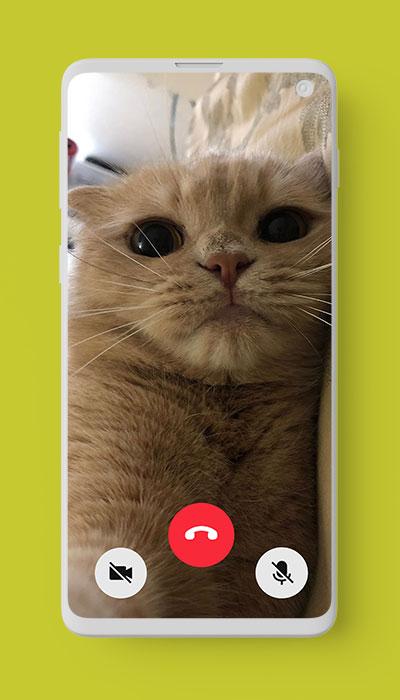
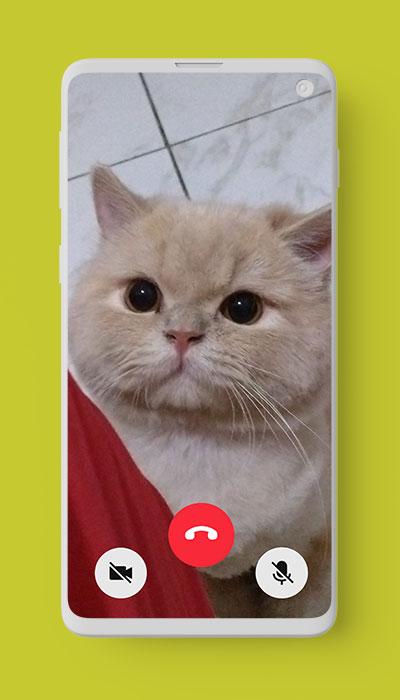
If you are big lovers of cat then this Cute Cat Video Call prank app is recommended for you. This app contains many cute cats video calling. In other words, you can make fake video call with cute cat 🐾
Cute Cat Video Call prank app is completely free and very easy to use. You can make prank call with cute cate in high quality definition. Besides, you can receive cute cat real voice simulate to make video call.
Let’s tap your smartphone to download Cute Cat Video Call prank app! Make video call and prank your friends with cat video calling 🐾 You will deny how cute they are 🐾
Disclaimer:
This Cute Cat Video Call prank app is intended for entertainment purpose only. This is not an official app and it is 100% fake
Preview
Tags
EntertainmentInformation
Developer
Macida Developer
Latest Version
2.0
Last Updated
2023-01-17
Category
Entertainment
Available on
Google Play
Show More
How to play Cute Cat Video Call prank with GameLoop on PC
1. Download GameLoop from the official website, then run the exe file to install GameLoop
2. Open GameLoop and search for “Cute Cat Video Call prank” , find Cute Cat Video Call prank in the search results and click “Install”
3. Enjoy playing Cute Cat Video Call prank on GameLoop
Minimum requirements
OS
Windows 8.1 64-bit or Windows 10 64-bit
GPU
GTX 1050
CPU
i3-8300
Memory
8GB RAM
Storage
1GB available space
Recommended requirements
OS
Windows 8.1 64-bit or Windows 10 64-bit
GPU
GTX 1050
CPU
i3-9320
Memory
16GB RAM
Storage
1GB available space