
Creepy Pennywise Video Call PC
Unique App Solutions
Download Creepy Pennywise Video Call on PC With GameLoop Emulator
Creepy Pennywise Video Call sa PC
Ang Creepy Pennywise Video Call, na nagmumula sa developer na Unique App Solutions, ay tumatakbo sa Android systerm sa nakaraan.
Ngayon, maaari mong laruin ang Creepy Pennywise Video Call sa PC gamit ang GameLoop nang maayos.
I-download ito sa GameLoop library o mga resulta ng paghahanap. Hindi na tumitingin sa baterya o nakakadismaya na mga tawag sa maling oras.
I-enjoy lang ang Creepy Pennywise Video Call PC sa malaking screen nang libre!
Creepy Pennywise Video Call Panimula
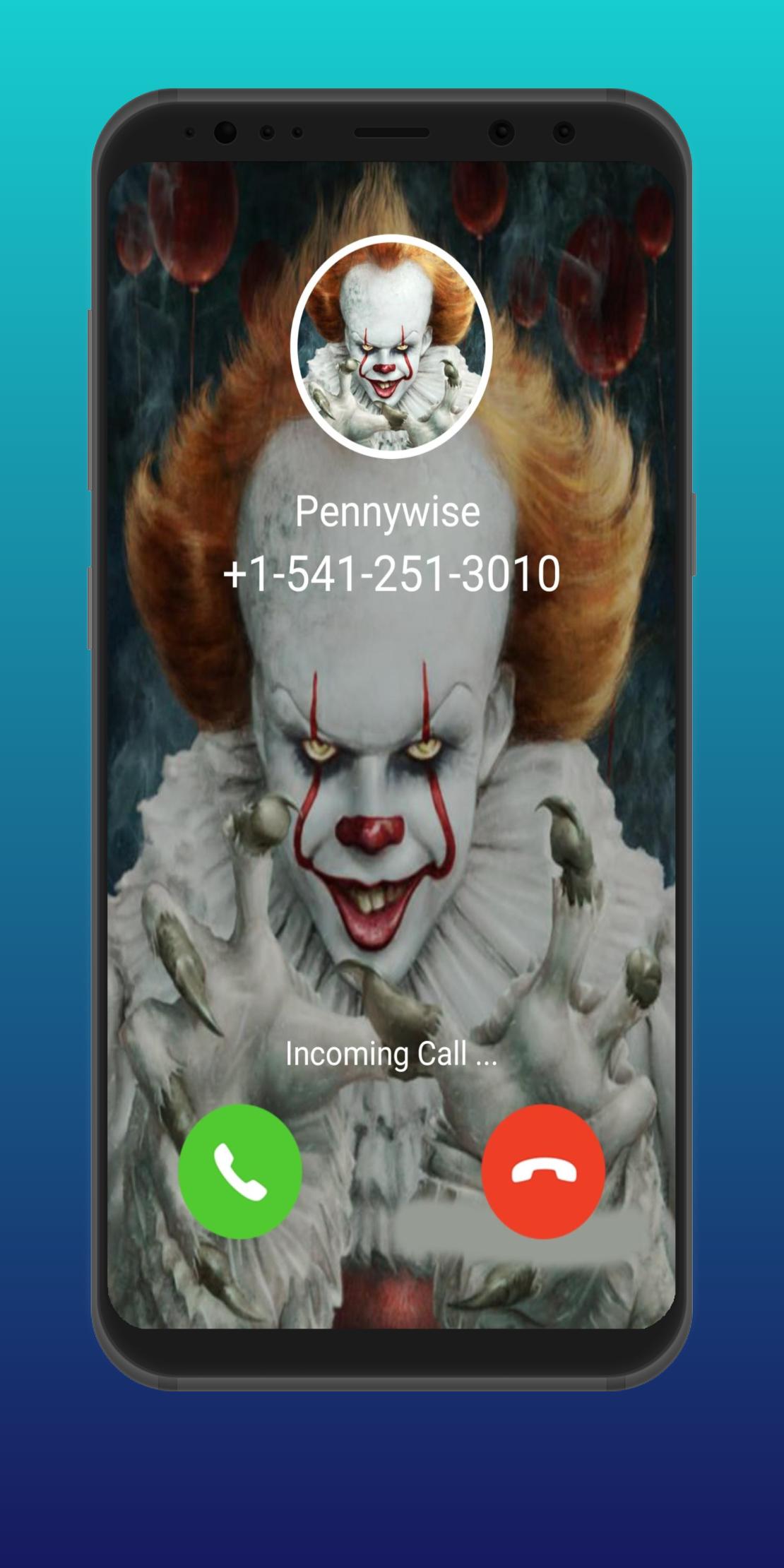
Today you can prank with your friends and show them that you just had a call with Pennywise (scary clown).
Fake Call Penny wise is a simple yet amazing prank caller app that lets you start a prank call from a Penny-wise character as if it’s a real Penny-wise calling you on your phone.
fake Video Call from Creepy Annabelle Doll. Surprised and Prank with your friend & family with creepy fake voice, video calls & chat.
Creepy Pennywise ☎️ Calling Me - Fake Call with Scary Clown App Feature: -
- Video Call from Creepy Pennywise
- Voice Call from Creepy Pennywise
- Chat With Creepy Pennywise
- Simulation Call
- Set timing for prank call
When a Penny-wise calls on your phone, you will listen to your phone’s regular ringtone with a Penny-wise photo and when you attend the call, you will see a scary Penny-wise video and the scariest ever Penny-wise sounds from the other side of the phone call from Penny wise.
DISCLAIMER: -
This is not a real call. just for fun and entertainment yourself. this (Creepy Pennywise ☎️ Calling Me - Fake Call with Scary Clown) app is not affiliated with any company.
If you love adventures, you will love starting a prank call from Penny wise. It is also suited for anyone who wants to play a prank with their friends to scare them.
If you liked this app (Creepy Pennywise ☎️ Calling Me - Fake Call with Scary Clown) then please rate ⭐⭐⭐⭐⭐ for us.
Preview

Tags
EntertainmentInformation
Developer
Unique App Solutions
Latest Version
1.0
Last Updated
2022-10-13
Category
Entertainment
Available on
Google Play
Show More
How to play Creepy Pennywise Video Call with GameLoop on PC
1. Download GameLoop from the official website, then run the exe file to install GameLoop
2. Open GameLoop and search for “Creepy Pennywise Video Call” , find Creepy Pennywise Video Call in the search results and click “Install”
3. Enjoy playing Creepy Pennywise Video Call on GameLoop
Minimum requirements
OS
Windows 8.1 64-bit or Windows 10 64-bit
GPU
GTX 1050
CPU
i3-8300
Memory
8GB RAM
Storage
1GB available space
Recommended requirements
OS
Windows 8.1 64-bit or Windows 10 64-bit
GPU
GTX 1050
CPU
i3-9320
Memory
16GB RAM
Storage
1GB available space