Complete Mozart PC
HoneyBread
Download Complete Mozart on PC With GameLoop Emulator
Complete Mozart sa PC
Ang Complete Mozart, na nagmumula sa developer na HoneyBread, ay tumatakbo sa Android systerm sa nakaraan.
Ngayon, maaari mong laruin ang Complete Mozart sa PC gamit ang GameLoop nang maayos.
I-download ito sa GameLoop library o mga resulta ng paghahanap. Hindi na tumitingin sa baterya o nakakadismaya na mga tawag sa maling oras.
I-enjoy lang ang Complete Mozart PC sa malaking screen nang libre!
Complete Mozart Panimula
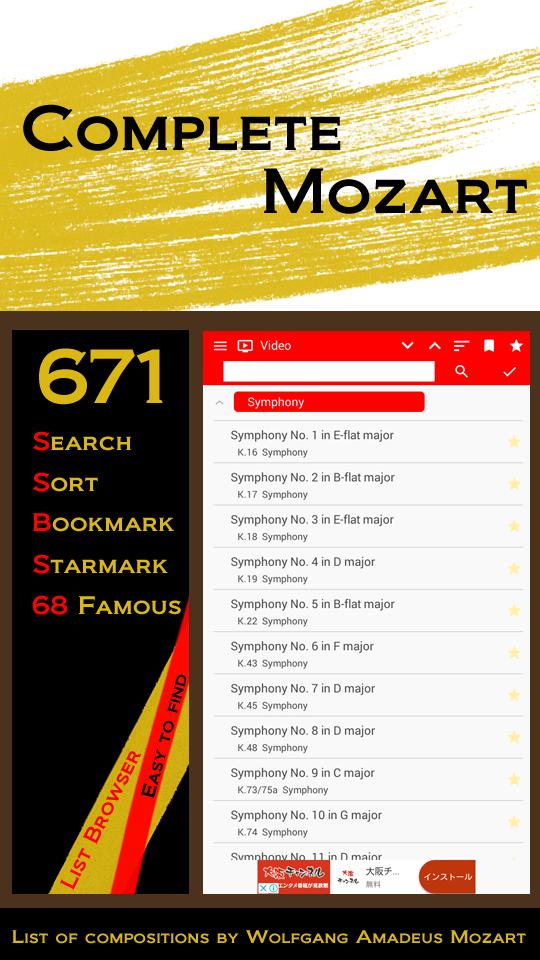
List of compositions by Wolfgang Amadeus Mozart
Have a wonderful Mozart music in your hands.
We introduce you various music filled with beauty and brightness.
This application is a list type browser application that introduces 671 works by Mozart to you.
In addition, you can easily select 68 famous and wonderful songs such as Requiem and Jupiter Symphony.
It is possible to easily find videos, music notes, explanations, various information from the Internet.
Site registration function
Let's register if you like videos and sites you like.
In case
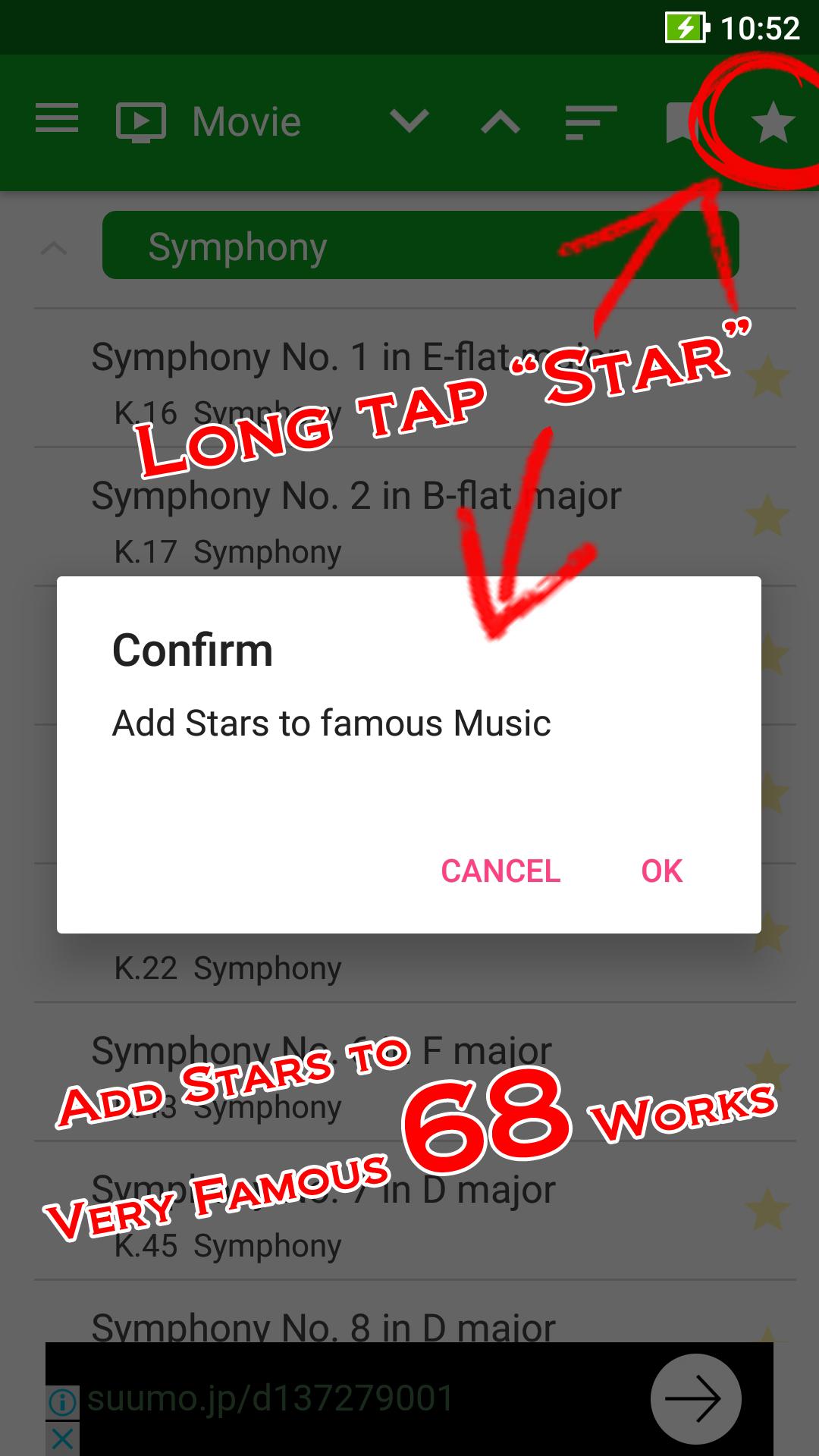
Star mark registration function
For songs you like, you can attach a star mark.
By tapping long, it is possible to attach star marks to 68 pre-registered songs.
Sort function
It is possible to sort by composer order, order by category.
Search word addition function
If you want to limit search results, try adding words such as Wikipedia, etc.
About search method
You can select the title and number mode, title mode, number of works number mode.
Works without a work number are automatically changed to title mode.
Notes
This application is a browser application. We are not responsible for the contents of the website etc. to be displayed.
In addition, please use it after observing the copyright laws of each country.
The image etc. used in this application has passed more than 100 years after death, and it becomes all public domain.
Preview
Tags
EntertainmentInformation
Developer
HoneyBread
Latest Version
5.0a
Last Updated
2018-04-16
Category
Entertainment
Available on
Google Play
Show More
How to play Complete Mozart with GameLoop on PC
1. Download GameLoop from the official website, then run the exe file to install GameLoop
2. Open GameLoop and search for “Complete Mozart” , find Complete Mozart in the search results and click “Install”
3. Enjoy playing Complete Mozart on GameLoop
Minimum requirements
OS
Windows 8.1 64-bit or Windows 10 64-bit
GPU
GTX 1050
CPU
i3-8300
Memory
8GB RAM
Storage
1GB available space
Recommended requirements
OS
Windows 8.1 64-bit or Windows 10 64-bit
GPU
GTX 1050
CPU
i3-9320
Memory
16GB RAM
Storage
1GB available space