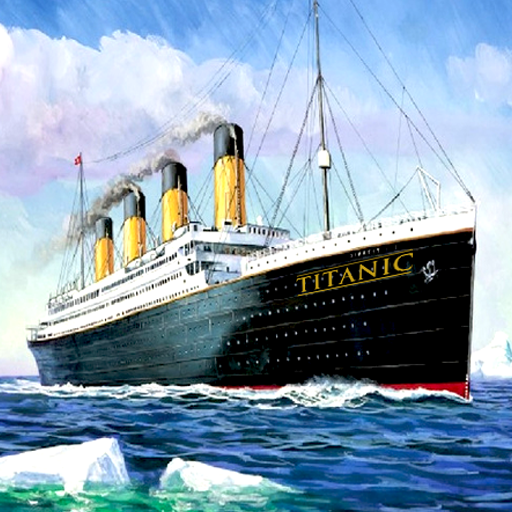
Titanic Documentary PC
Water Video Software
Download Titanic Documentary on PC With GameLoop Emulator
Titanic Documentary sa PC
Ang Titanic Documentary, na nagmumula sa developer na Water Video Software, ay tumatakbo sa Android systerm sa nakaraan.
Ngayon, maaari mong laruin ang Titanic Documentary sa PC gamit ang GameLoop nang maayos.
I-download ito sa GameLoop library o mga resulta ng paghahanap. Hindi na tumitingin sa baterya o nakakadismaya na mga tawag sa maling oras.
I-enjoy lang ang Titanic Documentary PC sa malaking screen nang libre!
Titanic Documentary Panimula
Discover all the details about the RMS Titanic sinking. Within this app you will have the answer to all of this interesting questions:
What's true about the story we know?
Were jack and rose passengers of Titanic? Is true the love jack and rose story?
Could the captain have avoided the iceberg?
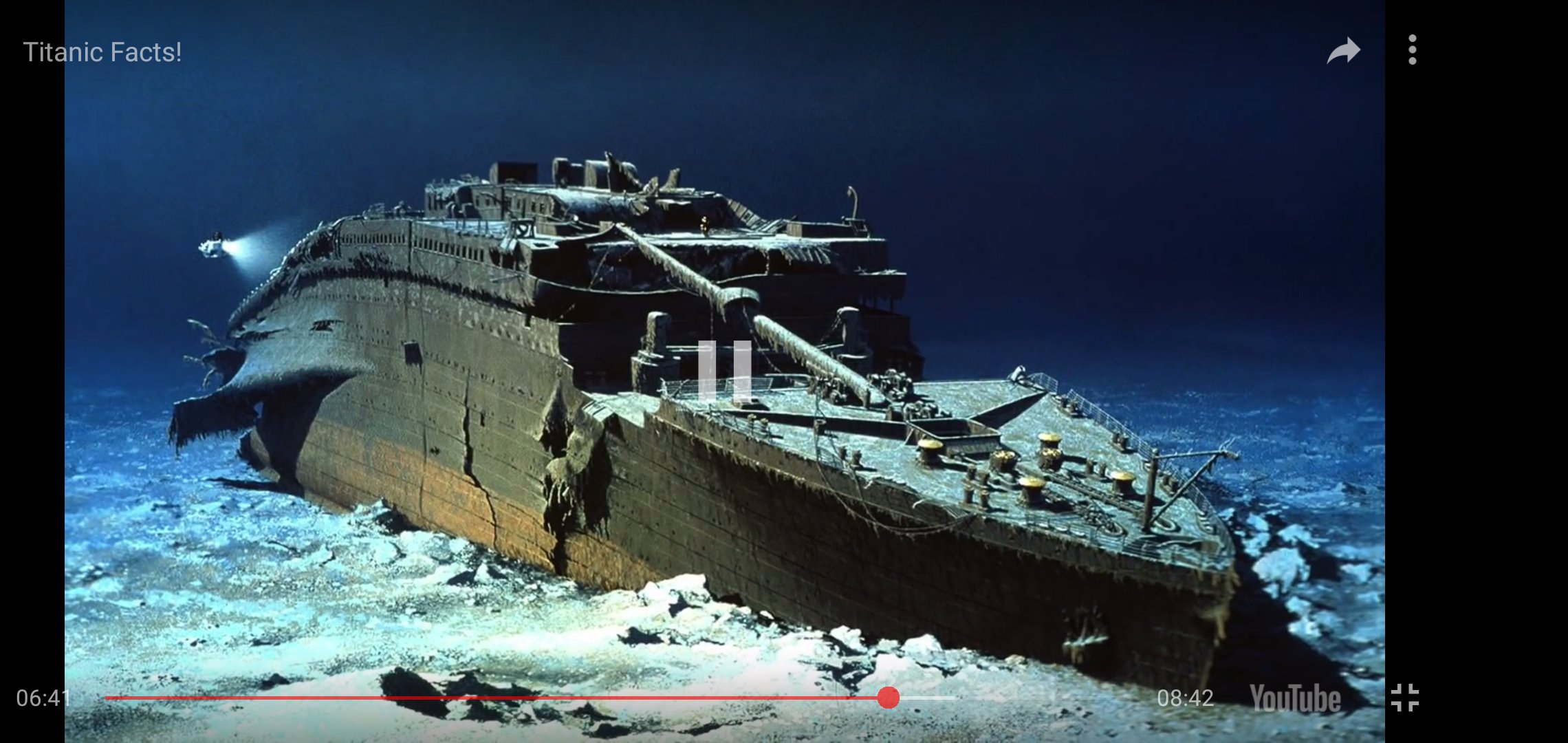
Ok, but... what's going now right now with the sank boat Titanic?
What's the next project about it? Is it really going to be fully restored?
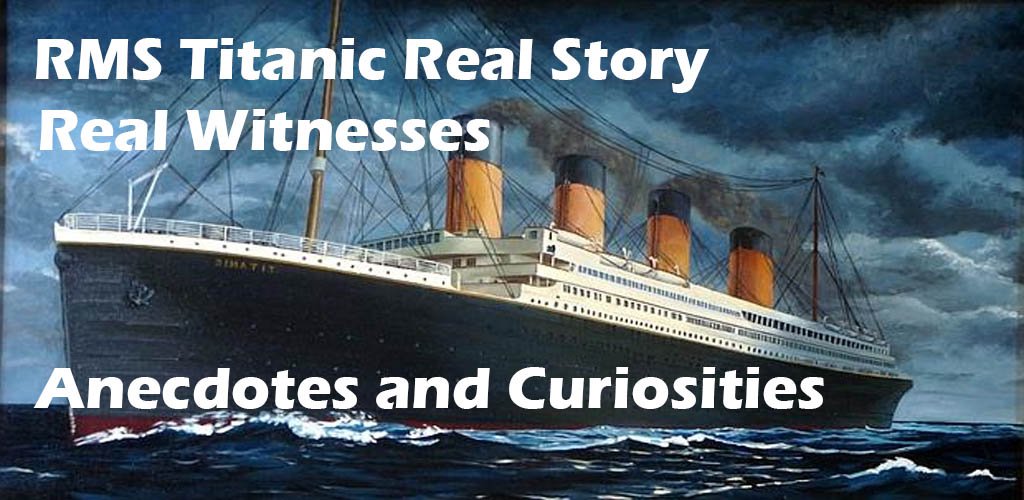
Do not miss the news and the latest story of Titanic. Get comfortable and hit the play button, because this is going to be the best plan of the day! Learn everything about the titanic documentary sinking story. Listen to real witnesses version.
There are many studies about the reason of the sinking and why did the boat break in half. We have the answer of all the questions you may have about the RMS Titanic.
Enjoy a full Titanic documentary with all the verified information. There are a lots of myths about the titanic story but we have the true of the real facts that happened that day.
A Short Resume of the Story:
The RMS Titanic, a luxury steamship, sank in the early hours of April 15, 1912, off the coast of Newfoundland in the North Atlantic after sideswiping an iceberg during its maiden voyage. Of the 2,240 passengers and crew on board, more than 1,500 lost their lives in the disaster.
Preview
Tags
EntertainmentInformation
Developer
Water Video Software
Latest Version
1.0.5
Last Updated
2025-11-27
Category
Entertainment
Available on
Google Play
Show More
How to play Titanic Documentary with GameLoop on PC
1. Download GameLoop from the official website, then run the exe file to install GameLoop
2. Open GameLoop and search for “Titanic Documentary” , find Titanic Documentary in the search results and click “Install”
3. Enjoy playing Titanic Documentary on GameLoop
Minimum requirements
OS
Windows 8.1 64-bit or Windows 10 64-bit
GPU
GTX 1050
CPU
i3-8300
Memory
8GB RAM
Storage
1GB available space
Recommended requirements
OS
Windows 8.1 64-bit or Windows 10 64-bit
GPU
GTX 1050
CPU
i3-9320
Memory
16GB RAM
Storage
1GB available space