XBPlay - Remote Play PC
08 Studio
Download XBPlay - Remote Play on PC With GameLoop Emulator
XBPlay - Remote Play sa PC
Ang XBPlay - Remote Play, na nagmumula sa developer na 08 Studio, ay tumatakbo sa Android systerm sa nakaraan.
Ngayon, maaari mong laruin ang XBPlay - Remote Play sa PC gamit ang GameLoop nang maayos.
I-download ito sa GameLoop library o mga resulta ng paghahanap. Hindi na tumitingin sa baterya o nakakadismaya na mga tawag sa maling oras.
I-enjoy lang ang XBPlay - Remote Play PC sa malaking screen nang libre!
XBPlay - Remote Play Panimula
*Supports streaming backwards compatible (360) games and streams in 1080p quality.
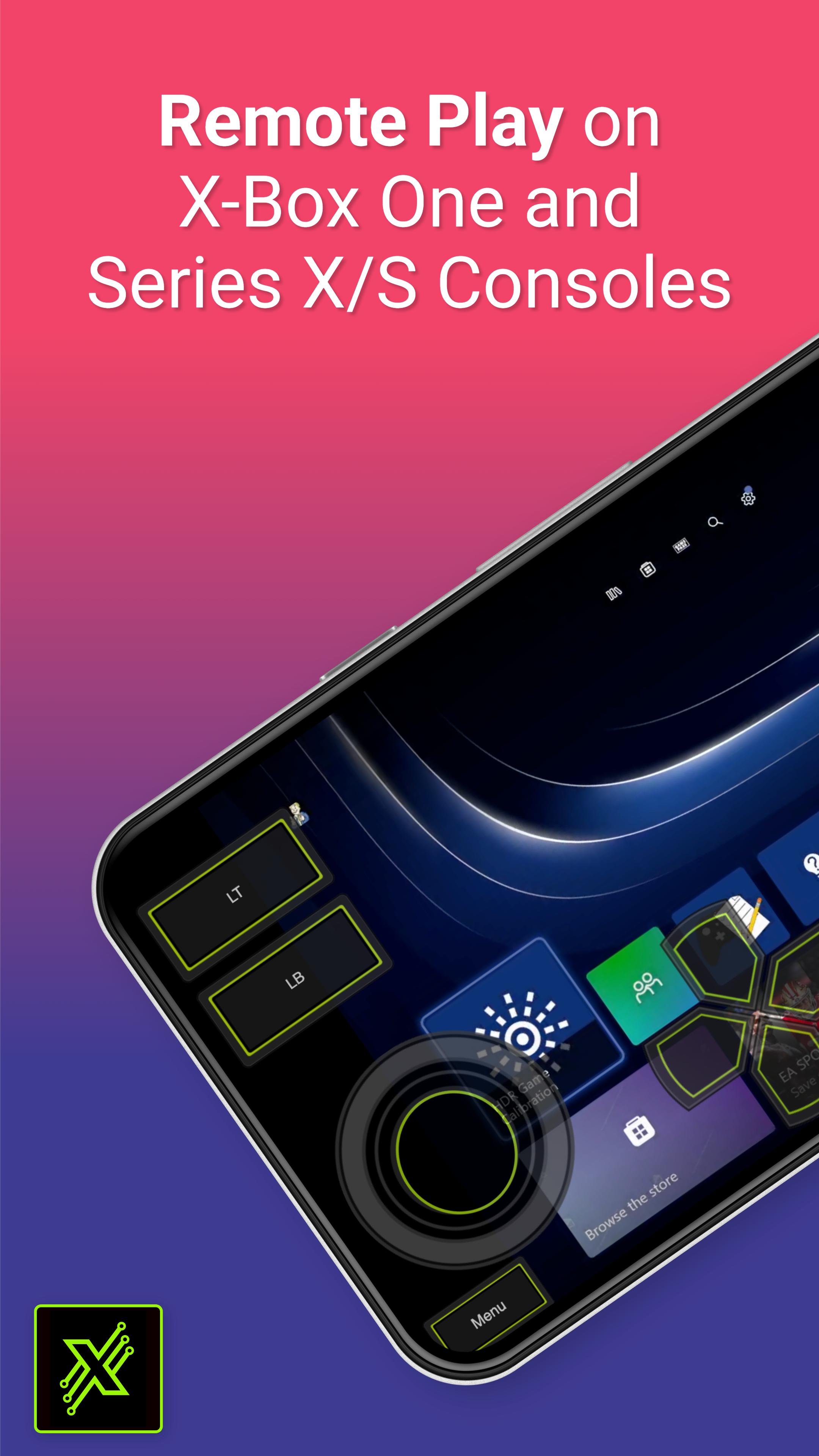
This app allows you to stream, remote control, and cast to your X-Box One or Series X/S game console! It supports physical controllers connected to your phone or a virtual on screen gamepad. Additionally, this app can configure your X-Box to stream straight to your Smart TV eliminating the need to use an HDMI cable.
Features:
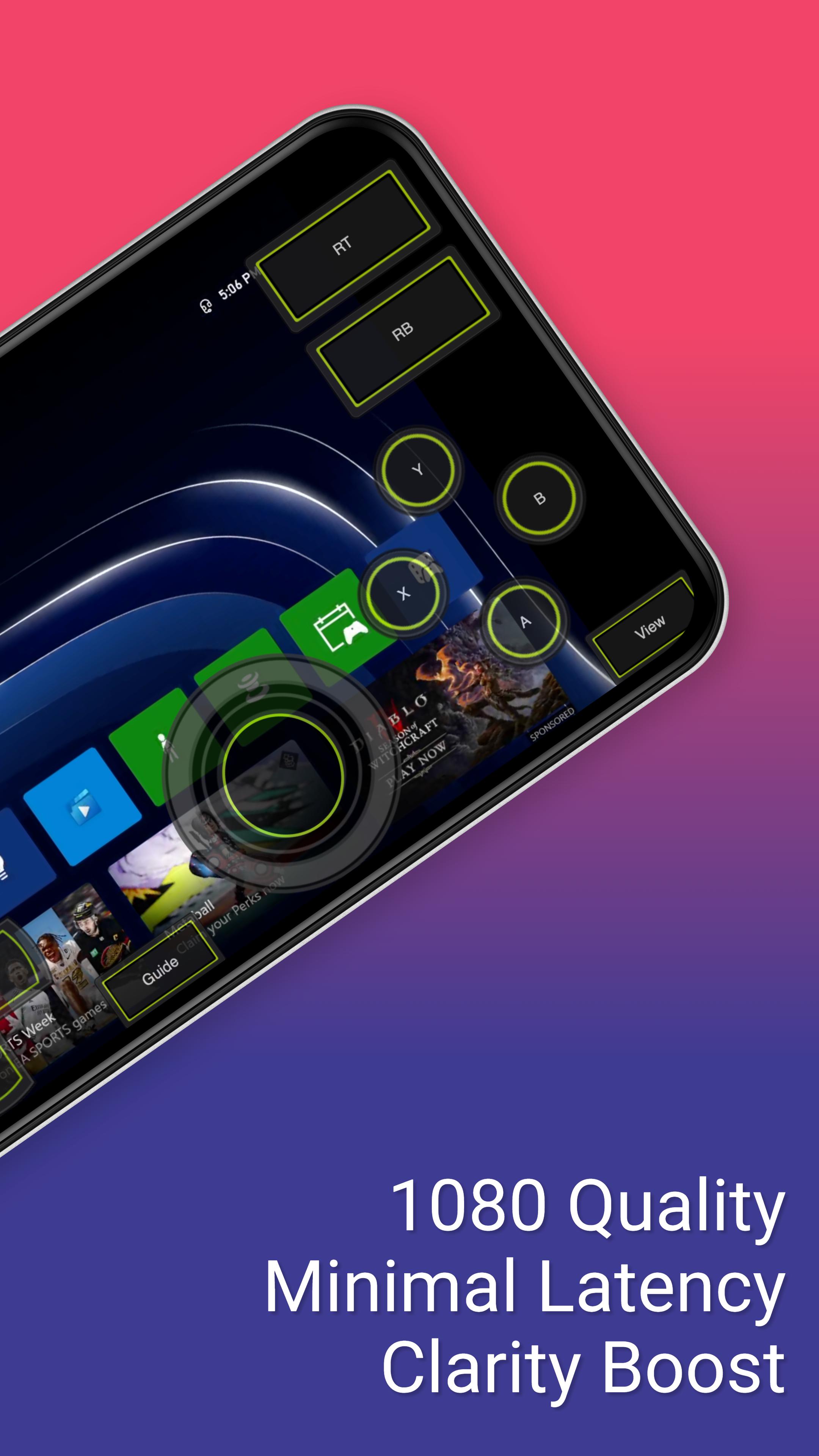
- Remote Play: Stream content to your phone and control it with an on screen gamepad. Supports 1080p resolution and backwards compatible games (360 games)!
- Cloud Play: Play X-Box games without needing to be on the same WiFi network as your console with the cloud play feature.
- Mouse and Keyboard Support: Play with a mouse and keyboard either in simulation mode or true direct mode for games that officially support mouse and keyboard interaction.
- Clarity Boost: Select from a variety of clarity enhancement algorithms and tailor the strength to precisely match your specific requirements.
- Media Cast: Cast videos from your phone to your X-Box 360, X-Box One or Series X/S console.
- TV Cast: Cast your console's screen straight to a Smart TV (currently requires a high end Smart TV of 60fps and at 1080p).
- Controller Builder: Create and save your very own custom full screen or mini Gamepads for in-game play.
- Physical Controller: All streaming screens work with a physical controller connected to your phone. For example, you can use a PS5 controller on your X-Box!
- Media Remote: Control your console with a simple media remote while playing video's or navigating your console's home-screen.
- MirrorCast: Create a local server on your WiFi network that allows any connected device to stream content from your console. Even stream straight to a not so smart TV, Mac, Linux device, or virtually any device with a modern web browser.
- Steam Deck: This is the companion app for the Steam Deck.
Preview
Tags
EntertainmentInformation
Developer
08 Studio
Latest Version
4.46
Last Updated
2025-02-12
Category
Entertainment
Available on
Google Play
Show More
How to play XBPlay - Remote Play with GameLoop on PC
1. Download GameLoop from the official website, then run the exe file to install GameLoop
2. Open GameLoop and search for “XBPlay - Remote Play” , find XBPlay - Remote Play in the search results and click “Install”
3. Enjoy playing XBPlay - Remote Play on GameLoop
Minimum requirements
OS
Windows 8.1 64-bit or Windows 10 64-bit
GPU
GTX 1050
CPU
i3-8300
Memory
8GB RAM
Storage
1GB available space
Recommended requirements
OS
Windows 8.1 64-bit or Windows 10 64-bit
GPU
GTX 1050
CPU
i3-9320
Memory
16GB RAM
Storage
1GB available space