Shaders for Minecraft PC
BirchApps
Download Shaders for Minecraft on PC With GameLoop Emulator
Shaders for Minecraft sa PC
Ang Shaders for Minecraft, na nagmumula sa developer na BirchApps, ay tumatakbo sa Android systerm sa nakaraan.
Ngayon, maaari mong laruin ang Shaders for Minecraft sa PC gamit ang GameLoop nang maayos.
I-download ito sa GameLoop library o mga resulta ng paghahanap. Hindi na tumitingin sa baterya o nakakadismaya na mga tawag sa maling oras.
I-enjoy lang ang Shaders for Minecraft PC sa malaking screen nang libre!
Shaders for Minecraft Panimula
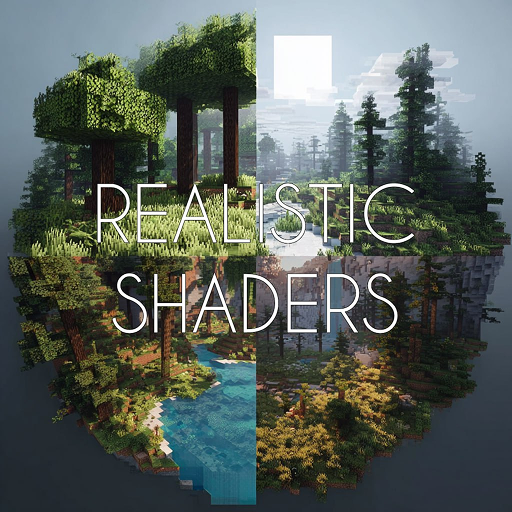
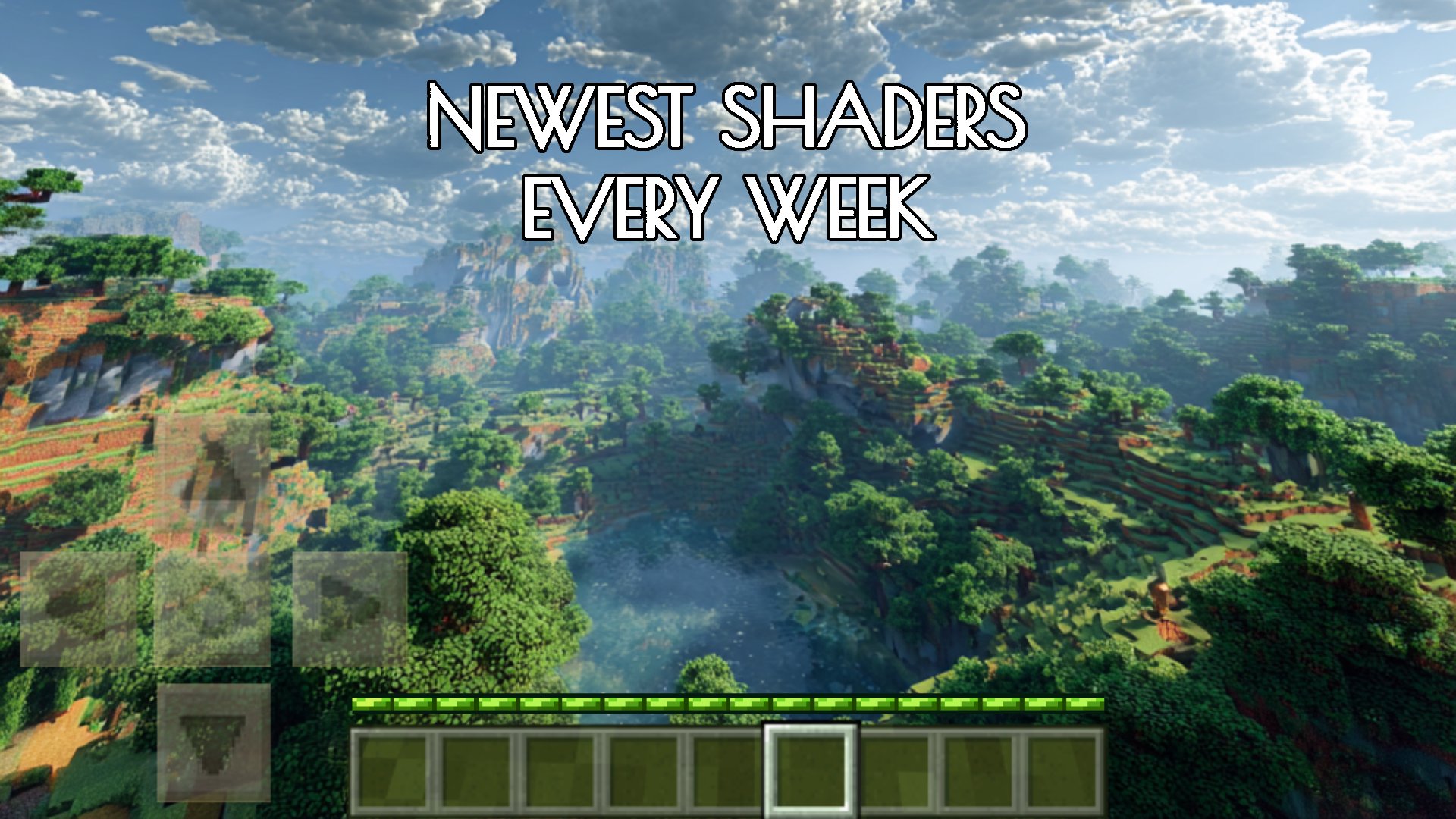
🔥 ULTIMATE Shaders for Minecraft PE: Ultra-Realistic Graphics & 4K Textures! STOP playing boring old Minecraft! Get the BEST 🎨 textures and shaders for Minecraft Bedrock Edition and transform your world instantly. Enjoy dynamic shadows, realistic water, and smooth 60 FPS performance.
➡️ DOWNLOAD NOW for 1-Click Installation of all MCPE/BE Shaders!
🌟 4K textures for Minecraft PE
Want crisp and detailed textures? Try PBR (Physically Based Rendering) textures, which add natural highlights and relief even to standard blocks. And if your device supports ultra-HD, you can enjoy 4K textures without any loss in quality.
⚡ 60 FPS best Minecraft shaders mod for mobile devices
Even on low-end Android devices, you can get smooth gameplay thanks to optimized shaders. Some of them are specifically designed for maximum performance, preserving dynamic lighting and realistic effects without lag.
🌫 Atmospheric fog and sunset glow
Add depth to your world with atmospheric fog shaders — they create a soft haze in the distance, making landscapes more vivid. And with sunset mods, every sunrise and sunset will look truly cinematic.
🌊 Realistic water shader and underwater effects
Water with natural waves, reflections, and transparency radically changes the perception of the world. And if you love exploring the oceans, shaders with underwater effects will make diving even more beautiful.
✅ AESTHETIC GRAPHIC PACK V2.1
shrouds your Minecraft world in a soft and enchanting fog
For lovers of classic and vanilla in the visuals of MCPE:
✅ BETTER VANILLA FAST LEAVES and ✅ VIBRANT VANILLA +
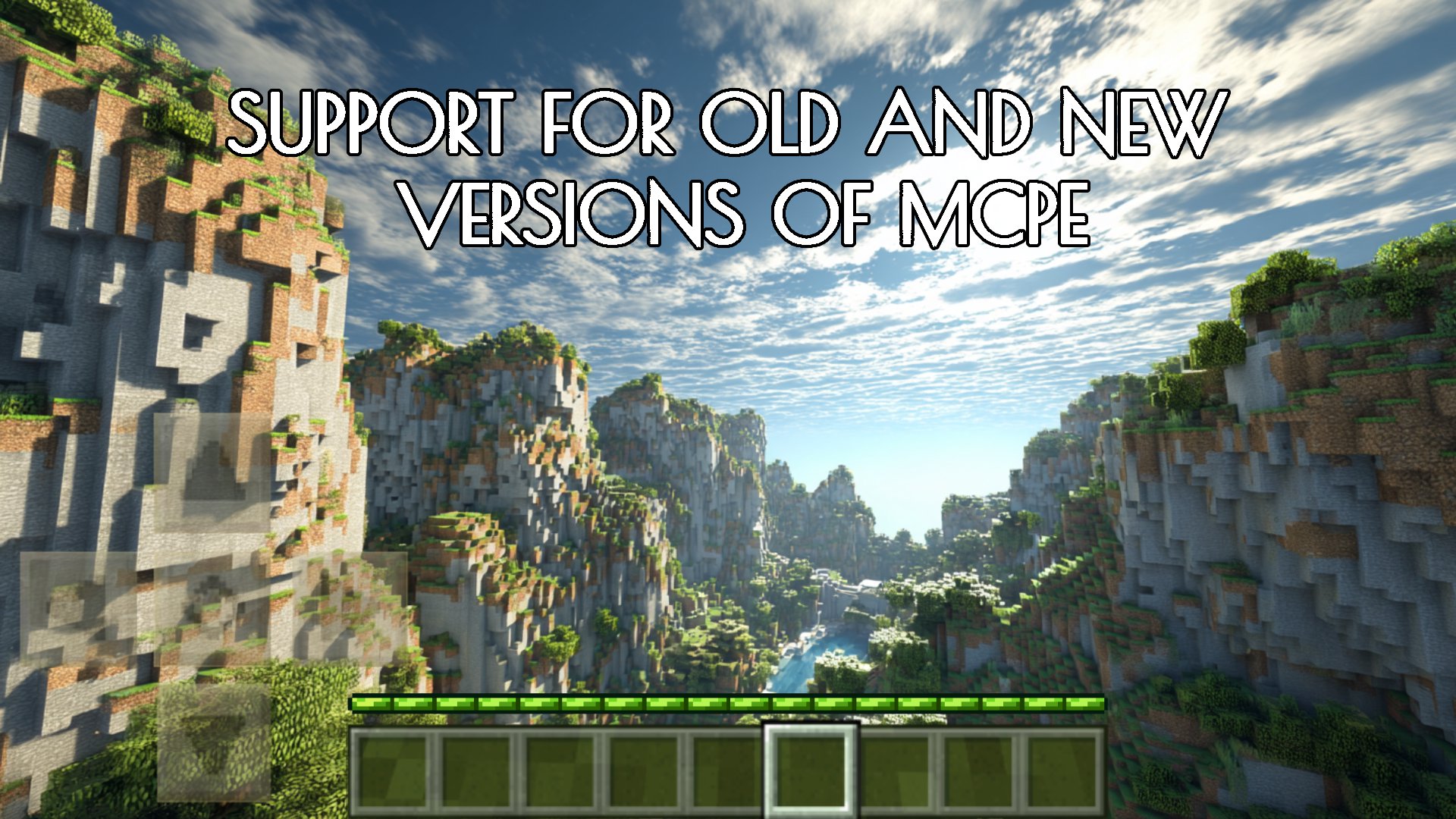
Try real water textures, realistic sun, moon, realistic sky and clouds by installing shaders for Minecraft Bedrock Edition:
✅ Hyrd Enhanced Graphics (Render Dragon)
By installing a texture pack for MCPE:
✅ Pure Vanilla RTX
- you will transfer vanilla textures to RTX, allowing you to enjoy the MCPE game with default textures enabled when RTX is on.
You'll probably want to adjust some aspects of your Mine craft world without performance lag by using Render Dragon. The shader mod will help with this:
✅ Simple Graphics / Render Dragon v1.0.0.
To find valuable resources, as well as make it easier to navigate the underground world of Minecraft, download the texture pack:
✅ X-RAY +
Texture pack:
✅ Mining loading bar
- changes the block breaking animation to a loading bar and just enhances your mining experience.
Realistic MCPE graphics and ultrarealistic textures in Minecraft PE are available to you after installing the shader mod:
✅ Ale Shader v1.2.
With download:
✅ Realism Shaders (Render Dragon)
- from the dynamic lighting and shadows, to the shimmering water and realistic skies, every aspect of your Mine craft world will feel more alive and immersive
✅ And many other shaders and textures for MCPE.
👍 A large selection of best shaders for MCPE and RTX texture Minecraft
👍 Ultra realistic RTX graphics
👍 One-click installation free shaders for MCPE
👍 All shaders are compatible with other mods and addons
👍 Frequent updates to the app with new mods and addons with shaders
👍 Many Minecraft shaders are compatible with multiplayer
👍 Frequent app updates with new mods and add-ons with shaders
The ultrarealistic world of MCPE features realistic RTX graphics and modern visual enhancements in shaders and textures for MCPE (BE), which are achieved through realistic lighting simulation, shadow and cloud effects, sun reflections, and ultra-realistic water animation with waves and reflections in the Minecraft world, taking the gaming experience to a whole new level.
Ready to experience Minecraft like never before with the best shaders for MCPE?
DISCLAIMER: This is an unofficial app for Minecraft PE. This app is not affiliated in any way with Mojang AB. All rights reserved. As per http://account.mojang.com/documents/brand_guidelines and https://www.minecraft.net/terms.
If you are the copyright holder and you have a claim against us, please contact us first: shondorbirch@gmail.com.
Preview
Tags
EntertainmentInformation
Developer
BirchApps
Latest Version
1.8.8
Last Updated
2026-03-14
Category
Entertainment
Available on
Google Play
Show More
How to play Shaders for Minecraft with GameLoop on PC
1. Download GameLoop from the official website, then run the exe file to install GameLoop
2. Open GameLoop and search for “Shaders for Minecraft” , find Shaders for Minecraft in the search results and click “Install”
3. Enjoy playing Shaders for Minecraft on GameLoop
Minimum requirements
OS
Windows 8.1 64-bit or Windows 10 64-bit
GPU
GTX 1050
CPU
i3-8300
Memory
8GB RAM
Storage
1GB available space
Recommended requirements
OS
Windows 8.1 64-bit or Windows 10 64-bit
GPU
GTX 1050
CPU
i3-9320
Memory
16GB RAM
Storage
1GB available space